
Audio video systems · 55 practical guides
When the system gets
in the way of the event.
Start with the problem people hear, see or struggle to operate. Find the checks, decisions and project questions that lead to a more dependable room.
Explore the guides ↓
From the symptom to the next decision
Find your room.
Find your question.
55 guides across 11 topics
Stage, audio & video
Audio systems
Speech clarity, microphones, coverage and networked sound.
Service overview & FAQ ↗
Loud but Unclear: Planning Audio for a Reverberant Room
A practical sequence for separating microphone pickup, speaker coverage, background noise and room reflections before replacing an audio system.
Why Remote Callers Hear Themselves: AEC and Audio Routing
Distinguish acoustic echo, duplicate meeting endpoints and incorrect reference routing before changing conferencing microphones.
Wireless Microphone Dropouts: What to Check Before Buying Antennas
Separate radio loss from audio-chain faults and plan a repeatable occupied-room test for wireless microphones.
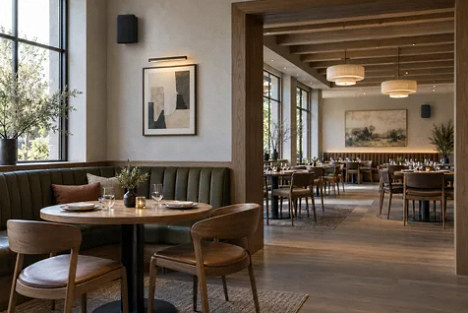
Too Loud Here, Too Quiet There: Planning Audio Zones
How to define useful zones, evaluate loudspeaker coverage and keep restaurant or venue music manageable for staff.
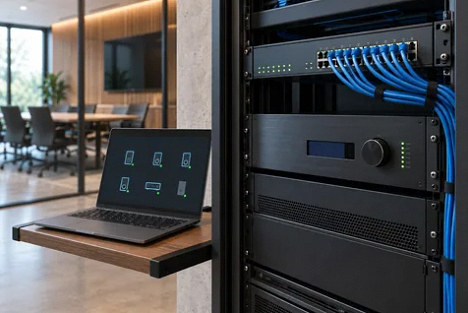
Dante Audio Still Plays, but Devices Disappear: A Diagnostic Plan
Separate network discovery, device control and audio transport when a working sound system becomes difficult to manage.
Stage, audio & video
Video & LED walls
Readable images, reliable signal paths and camera-ready displays.
Service overview & FAQ ↗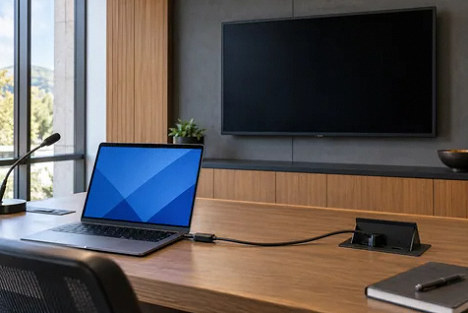
The Laptop Detects the Display, but the Screen Stays Black
A structured way to separate source-format, cable-path and content-protection problems in installed HDMI systems.
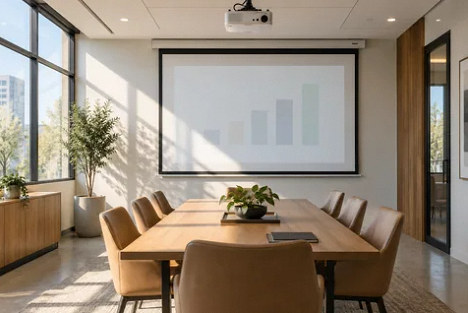
Washed-Out Projection: Evaluate the Room Before Replacing the Projector
Compare ambient light, screen geometry, content and viewing positions before choosing a projector, screen or direct-view display.
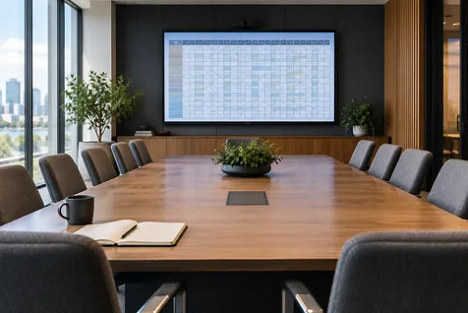
Why a Large Display Can Still Make Shared Text Unreadable
Plan display size around content detail, active image area and the farthest viewer instead of diagonal size alone.
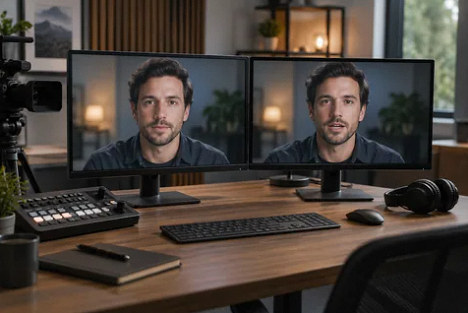
Lip Sync Works on One Output but Fails on Another
How to map recording, room-screen and remote-call paths before adjusting audio delay.
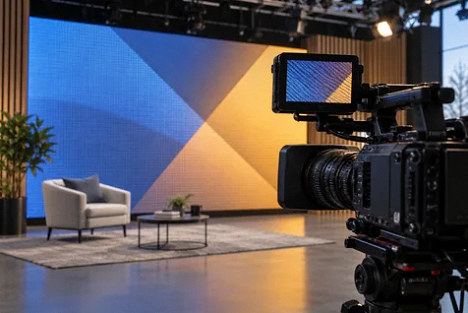
LED Walls on Camera: Separate Moiré from Flicker and Scan Lines
Plan camera, lens, subject position and LED processing tests before accepting a wall for recorded presentations.
Stage, audio & video
Stage & architectural lighting
Faces, cameras, dimming and dependable lighting control.
Service overview & FAQ ↗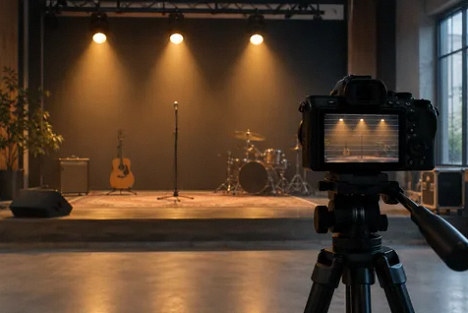
Stage Lighting Looks Fine in Person but Flickers on Camera
A commissioning plan for LED fixtures, dimming levels and the cameras used for recording or streaming.
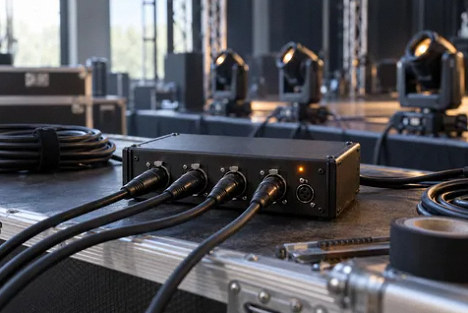
Random DMX Flicker: Isolate the Control Path Before Replacing Fixtures
A structured investigation of intermittent lighting commands, cable topology, fixture modes and controller changes.
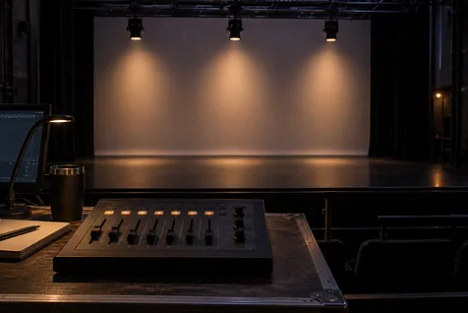
LED Fades That Jump or Pop On: What a Better Curve Can and Cannot Fix
Separate cue programming, fixture resolution and driver performance before accepting low-level LED dimming.
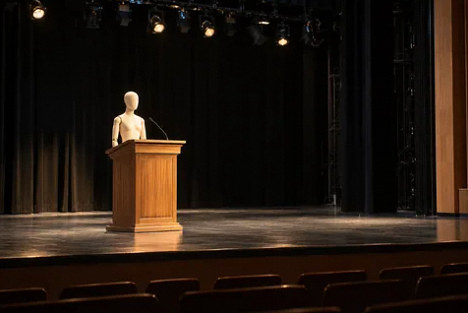
Bright Stage, Dark Faces: Fix the Lighting Position Problem First
Plan usable front-light coverage for speakers and performers before adding effects fixtures or more overhead brightness.
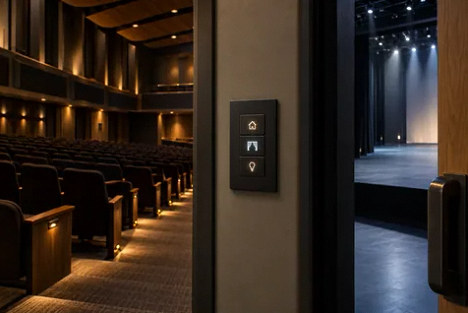
One Interface for House and Stage Lights: Define Priorities First
Plan architectural and theatrical lighting control without losing everyday operation or creating conflicting commands.
Stage, audio & video
Rigging & trusses
Documented loads, access, inspections and safe operating plans.
Service overview & FAQ ↗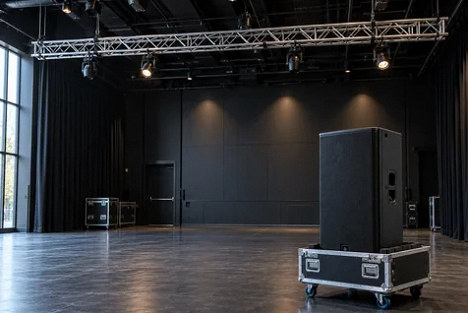
Can an Existing Lighting Truss Carry New Speakers or an LED Wall?
How to prepare a useful rigging review when a new speaker or video wall changes the loads on an existing lighting truss.
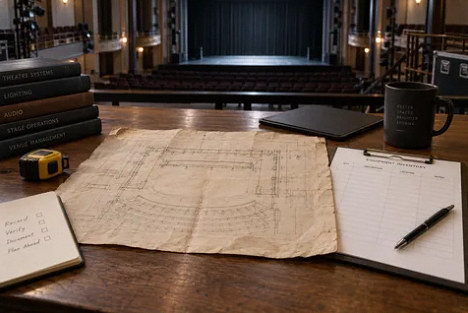
Inherited a Theater Rig Without Drawings? Rebuild the Record Before Adding Loads
A practical owner checklist for an existing rigging system with missing labels, manuals, drawings or inspection history.
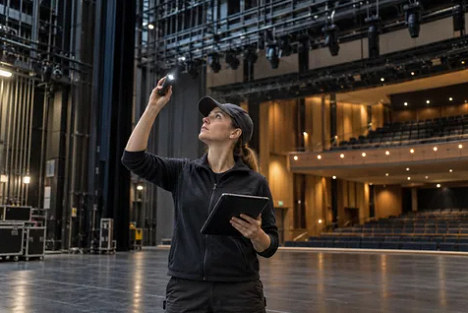
A Rigging Inspection Is Only Useful If the Findings Get Closed
How venue managers can define rigging inspection scope, distinguish routine observations from professional inspection and track corrective work.
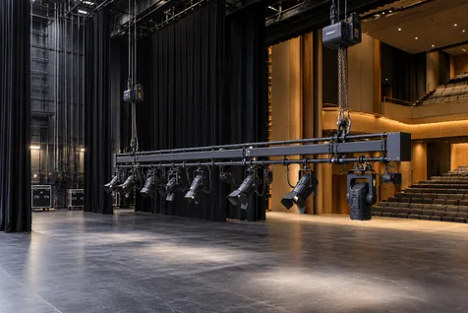
When Motorized Rigging Solves an Access Problem, and What It Adds to Operations
Compare fixed, manual and motorized rigging around maintenance access, production needs, operator training and lifecycle responsibilities.
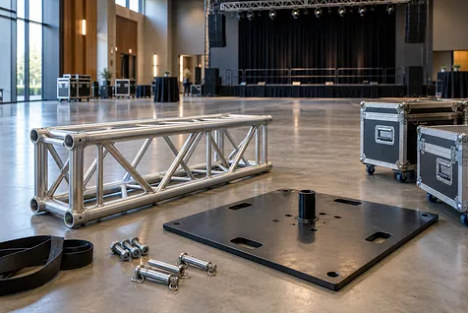
Freestanding Truss Towers: Why a Baseplate Is Not a Stability Plan
What venue owners should request before allowing temporary lighting towers, including configuration drawings, stability review and change control.
Stage, audio & video
Stage power
Capacity, distribution, fault reports and event coordination.
Service overview & FAQ ↗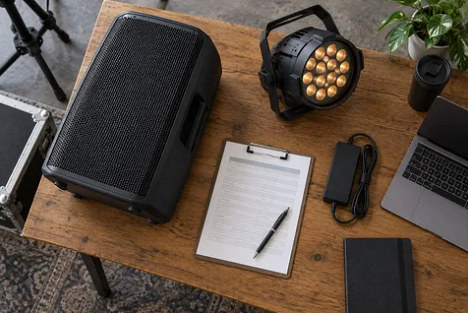
Stage Power Planning: Why Speaker Watts Do Not Tell You the Electrical Load
Build an equipment and event-use schedule that an electrical designer can use without confusing audio output ratings with input power.
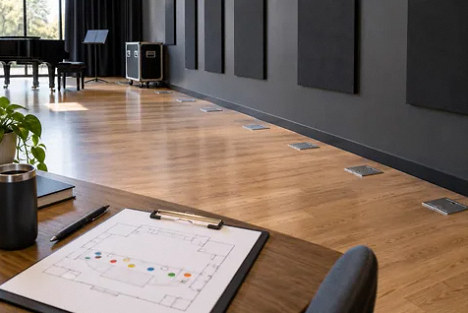
Ten Stage Outlets May Still Be One Circuit: Verify the Map Before an Upgrade
How to commission an outlet and circuit survey that supports stage planning, rental advances and targeted power improvements.
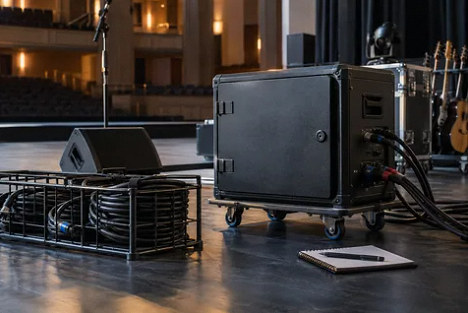
When One Fault Silences the Whole Stage: Scope the Investigation Before Resetting Again
What owners should document after a stage-power interruption and how to separate immediate response, fault investigation and future resilience.
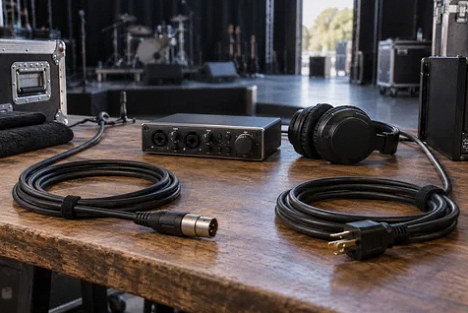
Audio Hum on Stage: What to Investigate Before Requesting New Electrical Circuits
Distinguish an audio signal-path problem from an electrical installation issue while preserving protective grounding and a useful investigation scope.
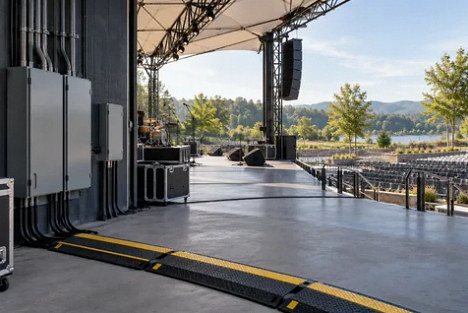
Outdoor Stage Power: A Permanent Feed Does Not Finish the Event Plan
Clarify the boundary between a building electrical supply and temporary event distribution, weather decisions and equipment acceptance.
Stage, audio & video
Controls & integration
Predictable controls, supported networks and a complete handoff.
Service overview & FAQ ↗
When the AV Touch Panel Confuses Staff: Design Around Tasks
Turn a technically capable control panel into a usable room workflow with clear states, feedback and appropriate access.
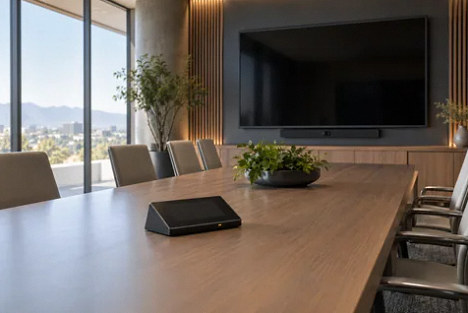
The Display Turns Off but Will Not Wake: Verify Control Compatibility
Evaluate standby behavior, control interfaces and status feedback before declaring existing displays compatible with a new system.
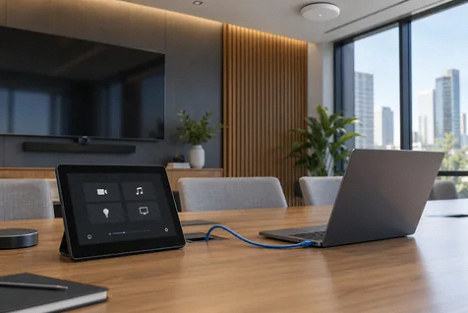
AV Controls Work on a Cable but Not on Wi-Fi: The IT Handoff
Document the required communication path between a tablet and control processor without flattening the network or guessing port rules.
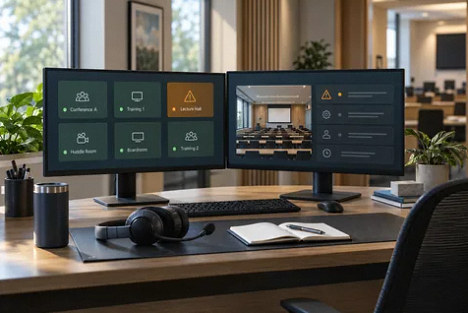
AV Monitoring That Helps: Define Faults, Ownership and Response
Turn an equipment dashboard into a practical support process by distinguishing online status from usable room functions.
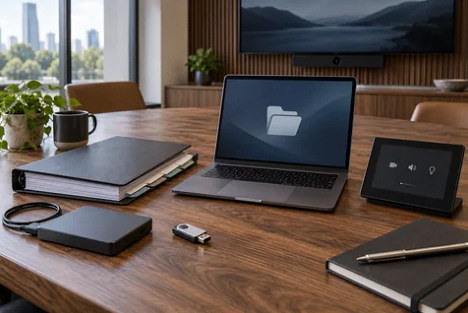
AV Handoff: The Files and Access Needed to Maintain the System
Distinguish installed programs, editable source, configuration backups and restore evidence before accepting a completed integration.
Venue types
Houses of worship
Speech, music, streaming and volunteer operation.
Service overview & FAQ ↗
Clear Worship Speech Starts With the Service Run Sheet
Build a speech plan for lectern readers, moving clergy and congregation responses before approving a sanctuary sound upgrade.
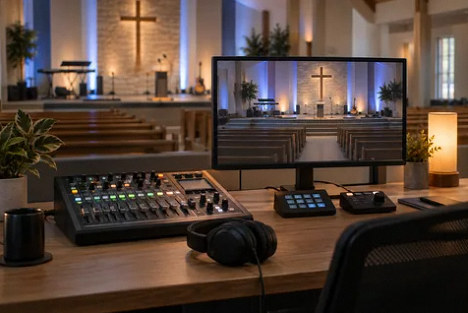
A Church Livestream Mix a Small Volunteer Team Can Maintain
Choose a sustainable room-to-stream audio workflow with separate listening checks, clear mute behavior and realistic staffing.
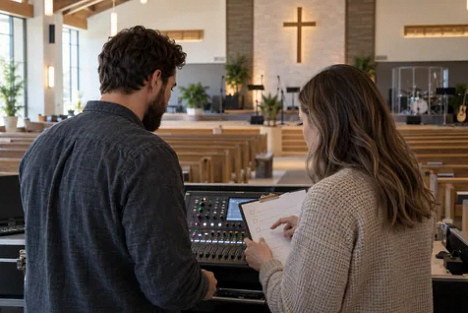
Build a Church Sound Rotation That Does Not Depend on One Volunteer
Create role-based training, protected service starting points and practical recovery exercises for rotating church AV volunteers.

Why a Choir That Sounds Good in the Church Can Sound Uneven Online
Plan choir placement, microphone roles and listening checks around the broadcast audience without overcomplicating volunteer operation.
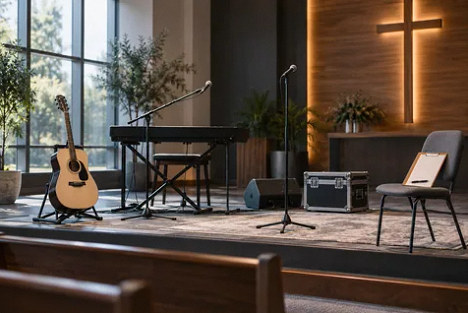
A Stage Change Agreement for Guest Musicians and Church Volunteers
Prevent last-minute instruments, amplifiers and guest requests from breaking the church room mix and livestream.
Venue types
Theaters & concert halls
Audience coverage, accessibility and production changeovers.
Service overview & FAQ ↗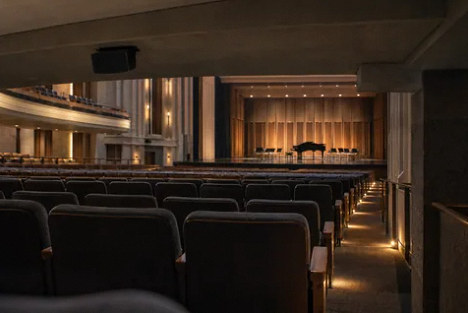
Why the Back Rows Sound Dull: Diagnose Theater Coverage Before Buying Bigger Speakers
An owner guide to under-balcony coverage, mix-position bias and acceptance checks across the audience rather than at one convenient seat.
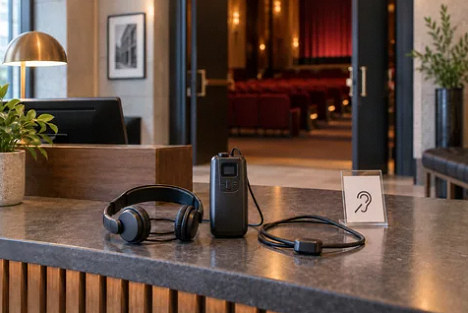
Assistive Listening That Patrons Can Actually Use: Test the Whole Visit
Plan receiver availability, hearing-aid compatibility, source audio, coverage and front-of-house support before selecting an assistive-listening system.
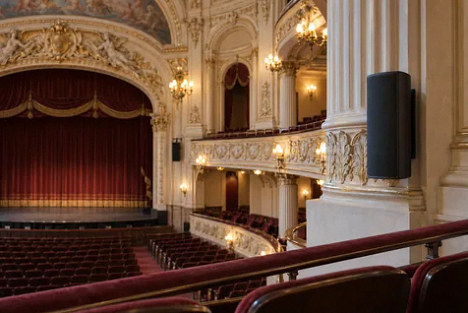
Modern AV in a Historic Theater: Resolve Routes, Sightlines and Access Before Hardware
Coordinate contemporary theater systems with significant interiors, practical cable routes, audience sightlines and maintainable equipment positions.
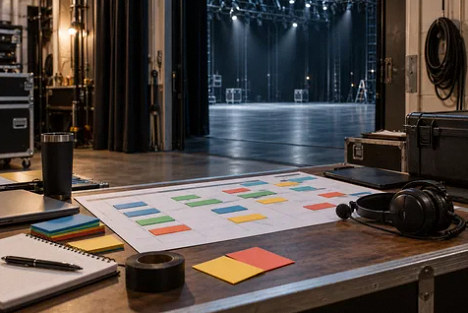
Fit a Theater AV Upgrade Between Productions Without Sacrificing Commissioning
Plan discovery, preparation, cutover, integrated testing and staff rehearsal around a real production calendar with a defined fallback decision.
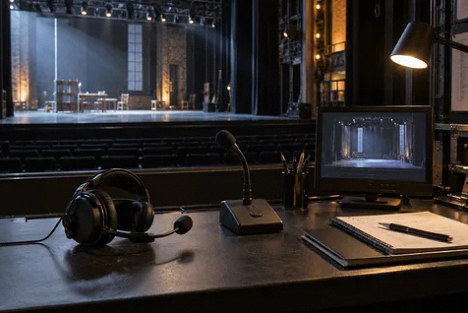
Keep Show Calls Out of the Lobby: Separate Theater Intercom, Paging and Program Audio
Define who hears each theater audio path, how calls interrupt program sound and how staff verify routing before doors and after the show.
Venue types
Conference centers
Hybrid meetings, divisible rooms and guest equipment.
Service overview & FAQ ↗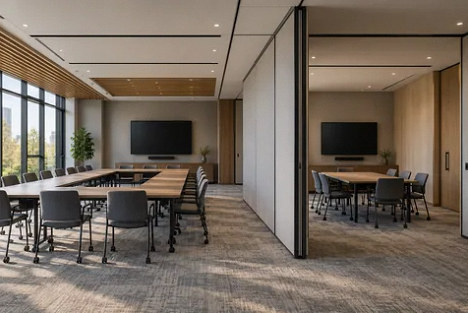
Divisible Conference Rooms Need a Turnover Procedure
Coordinate partition position, room booking, microphones and meeting ownership when a ballroom changes between one event and two.
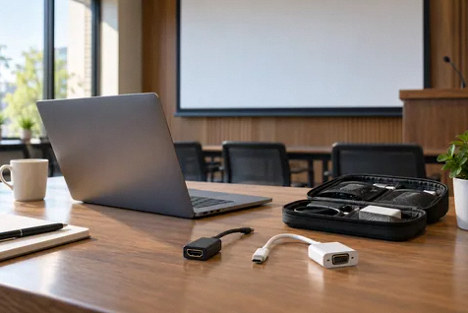
Guest Laptop AV: What to Check Before the Presenter Walks In
Build a conference-center arrival workflow that distinguishes slide sharing from laptop-hosted meetings and tests actual guest devices.
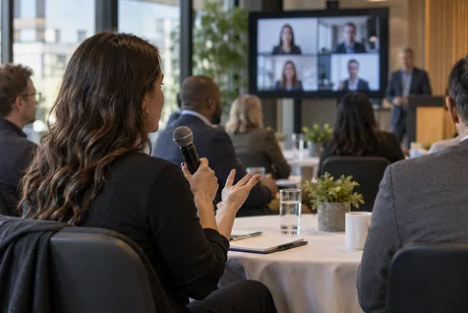
Make Audience Questions Audible to Remote Conference Attendees
Choose and rehearse a Q&A method for round tables, seated audiences and hybrid events before buying another room camera.
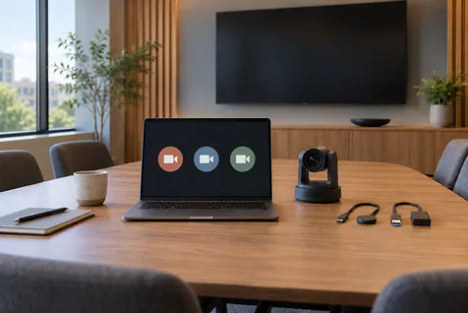
What “Supports Teams, Zoom and Meet” Should Mean in a Venue Booking
Translate platform compatibility into a verified list of guest-join, content, camera and meeting-control capabilities.
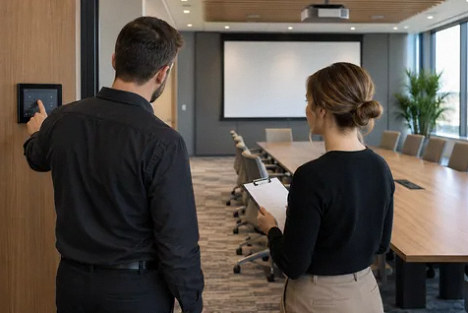
Train Conference Staff With a Room Handover Rehearsal
Turn a new conference-room installation into a supportable daily service with role boundaries and guest-like practice.
Venue types
Schools & universities
Consistent classrooms, shared spaces and staff support.
Service overview & FAQ ↗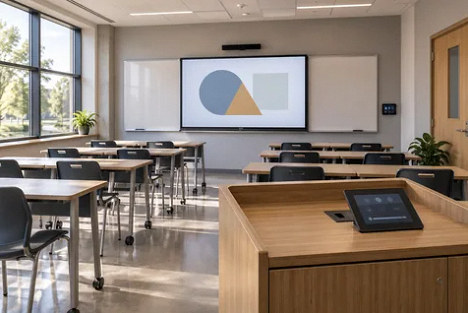
Standardize the Classroom Workflow Before the Equipment List
Create a campus AV standard that supports familiar teaching actions while allowing different rooms to meet different needs.

Classroom Microphones: Amplifying the Teacher Is Not the Same as a Hybrid Class
Define who must hear whom before adding ceiling microphones or conferencing equipment to a teaching room.
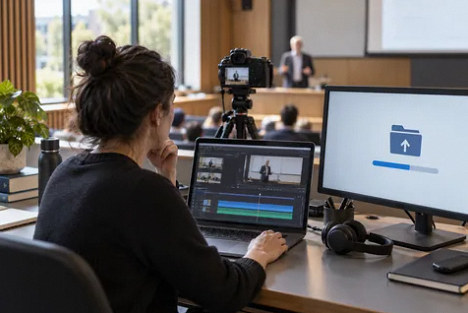
Lecture Capture Needs a Publishing Owner, Not Just a Record Button
Plan the complete recording path from classroom sources to the right course audience, with verified status and institutional ownership.
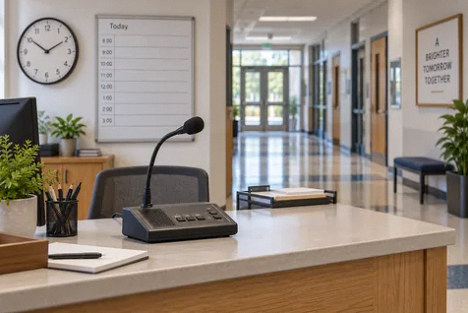
Replacing School Paging Without Losing the School-Day Workflow
Inventory bells, classroom calls, zoning and existing notification interfaces before replacing an aging school public-address system.
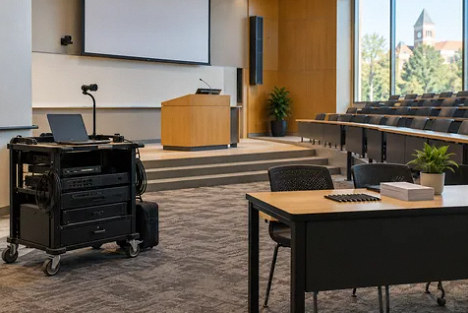
When Classroom AV Support Becomes Event Production
Create a campus event intake and staffing model that protects teaching support while making event requirements explicit.
Venue types
Bars, restaurants & clubs
Audio zones, displays and operation during business hours.
Service overview & FAQ ↗
Restaurant Music Presets: Staff Handoffs and Patio Closing
Build clear lunch, evening and closing routines for restaurant music, with defined staff permissions, approved sources and a practical patio handoff.
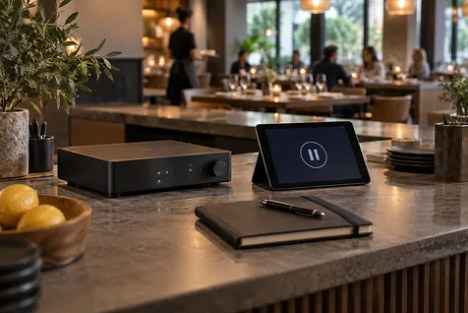
Restaurant Music Keeps Stopping: Build a Useful Fault Record Before Replacing Speakers
Separate source, network, zone and control symptoms so restaurant AV and IT teams can resolve playback interruptions.
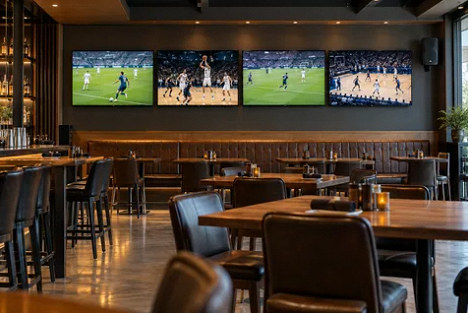
Sports Bar Screens Need a Source Assignment Plan
Plan independent games, screen groups and the audible featured program before selecting a video distribution system.
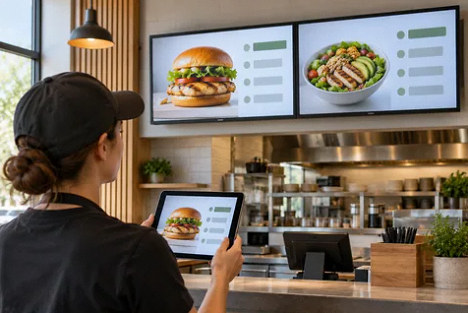
Digital Menu Screens: Who Verifies the Update Actually Appeared?
Build a restaurant signage workflow with content ownership, scheduling, player confirmation and a usable stale-menu fallback.
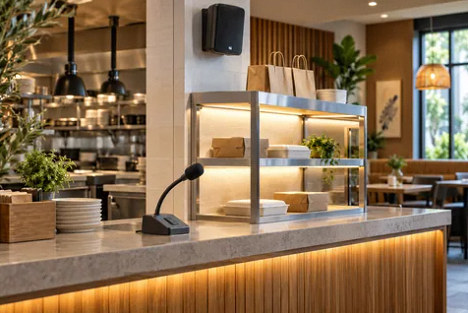
Order Announcements That Staff Can Use Without Disrupting the Restaurant
Plan pickup paging, music interruption, destination zones and microphone ownership around a counter-service restaurant’s workflow.
No guides match that search.
Try a shorter phrase, or return to all topics.
