
Home Automation
One voice command, the house obeys.
Alexa, Google Home, Apple HomeKit and Samsung SmartThings — installed, paired, voice-trained and commissioned with routines that actually fire when you walk through the door. Matter-certified where supported so the system survives ecosystem swaps.
What This Is
Devices that talk to each other, not just to your phone.
Buying a smart bulb or a smart plug is easy. Getting it to fire as part of a "Goodbye" routine that also locks the door, arms the camera, sets the thermostat back, and turns off every other light — that is the integration layer most homeowners give up on. We do that integration as a service.
Matter, released for general availability in October 2022, made cross-ecosystem device sharing real. We spec Matter-certified gear where the product line supports it so the system you build today still works if you switch from iPhone to Android, or add Alexa later. For older products and Z-Wave / Zigbee gear, we bridge through the right hub.
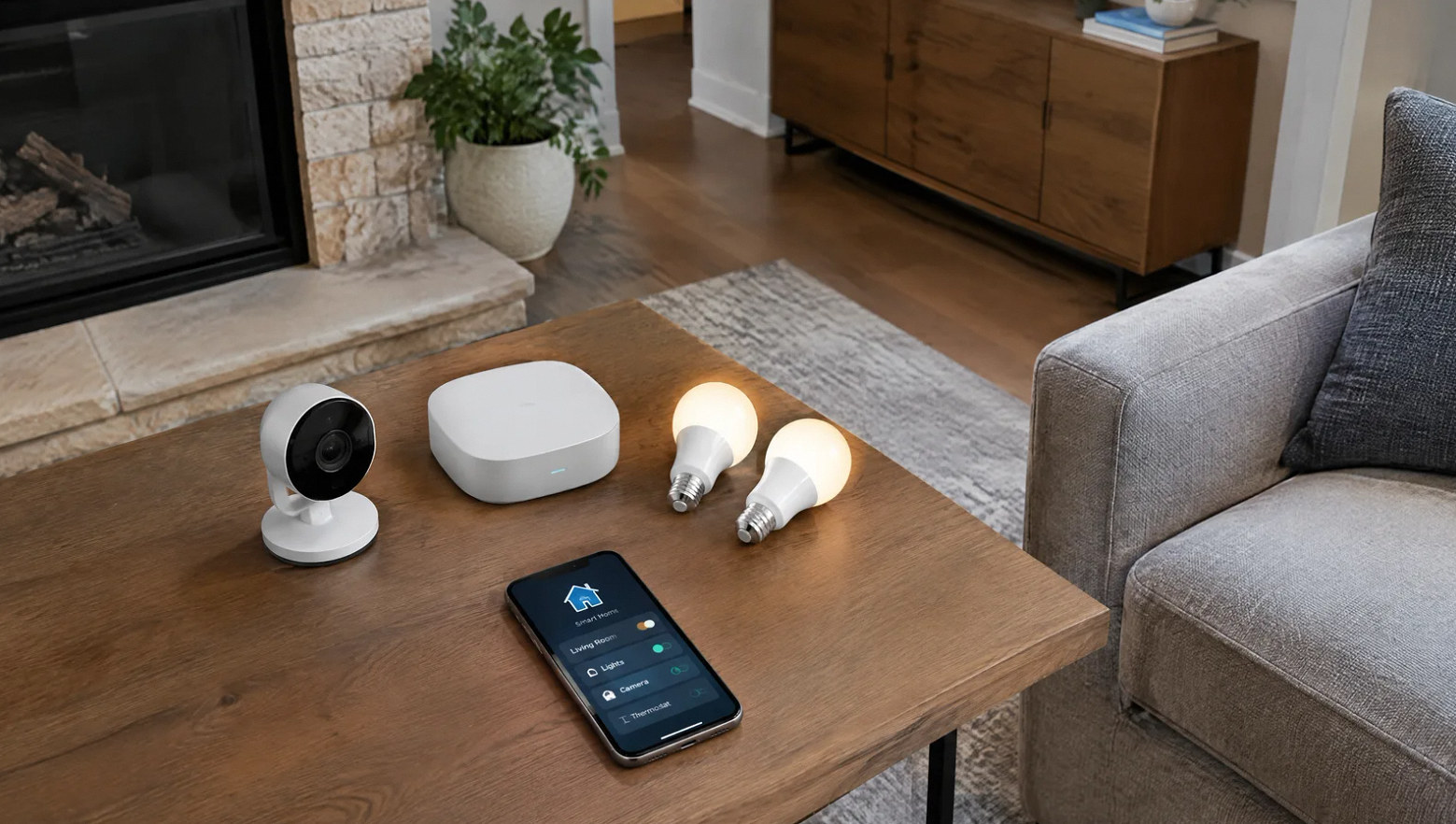
One app surface, every device — across vendors.
Scope
What is included in a home-automation install.
Hub setup, device pairing, ecosystem programming, and the household cheat sheet — single bid.
Hub + Ecosystem Setup
Choose Alexa / Google Home / Apple HomeKit / Samsung SmartThings (or layered combo). Hub placement, Wi-Fi pairing, voice training, family member accounts.
Matter & Thread Integration
Where supported — Matter-certified gear paired natively to all ecosystems. Thread border routers (HomePod mini / Apple TV 4K / Echo / Nest Hub) placed for coverage.
Routines & Scenes
Welcome, Goodbye, Sleep, Vacation, Movie, plus your custom ones. Triggered by time, occupancy, voice, geofence, or button press.
Voice & Touch Control
Voice across all main living spaces. Wall-mounted touch panels (Echo Hub, Nest Hub Max, Lutron Pico keypads) where voice is impractical.
Local-First Critical Paths
Security, locks, and basic lighting designed to work without internet — local Wi-Fi or hub processing where the product supports it.
Documentation & Turnover
Plain-language room-by-room cheat sheet for the household: which devices do what, how to add a new device, who to call when something stops working.
Hubs We Install
Pick a hub family — we commission all of them.
No religious wars about ecosystem. We have built systems on Alexa, Google, HomeKit, SmartThings, and Home Assistant. Most Bay Area households end up with one primary and one secondary (e.g., HomeKit at the iPhone-family level + Alexa for the kids' rooms) — both supported.
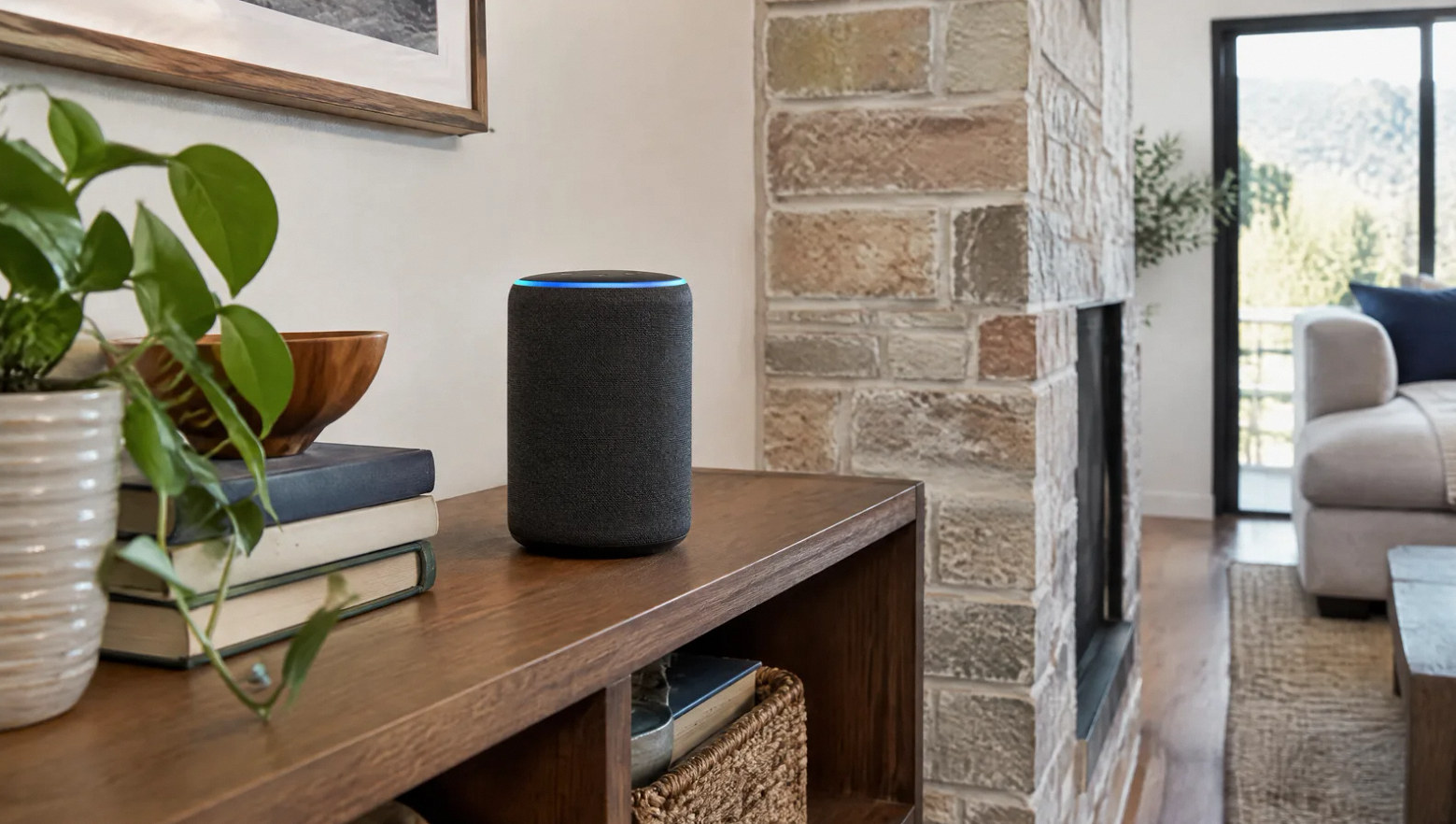
Amazon Echo / Echo Show
Hub + voice + Zigbee on select models
Google Nest Hub / Hub Max
Hub + voice + visual dashboard
Apple HomePod / HomePod mini
HomeKit hub + Thread border router
Apple TV 4K
HomeKit hub + Thread border router
Samsung SmartThings Station
Matter / Zigbee / Z-Wave hub
Home Assistant Green / Yellow
Self-hosted, local-only, max flexibility
FAQ
Home automation questions, straight answers.
Ready to pick a system?
Walk us through the house.
On-site walk-through. Ecosystem recommendation, gear list and fixed quote within 3 business days.
Frequently asked project questions
Work through the difficult decisions.
Explore the causes, choices and practical next steps behind common project questions.
Why do automated lights turn off when I am still in the room?
Compare the sensor history with the shutoff time. PIR sensors can miss quiet activity; mmWave can detect smaller motion but also react to moving objects or unsuitable placement. Test actual seated positions, coverage and interference, then agree on a vacancy delay or manual hold. If the sensor still reports occupied, investigate a competing command separately.
Read the full guide: Why Presence Lighting Turns Off While Someone Is Still in the Room ↗Why do smart lights undo my manual settings?
Check whether another controller, schedule, adaptive-lighting feature or automatic action sends a later command. Review activity and pause one suspected source at a time. Define how long a manual choice takes priority and coordinate that policy across platforms. If the change follows power loss, also check the device’s power-on setting.
Read the full guide: Smart Lights Change Back by Themselves: Find the Competing Routine ↗Can home automation work normally for guests and house sitters?
Yes, when ordinary controls remain accessible and guest mode changes the relevant occupancy assumptions. Test away routines with guests still inside, and manage temporary access permissions separately.
Read the full guide: A Smart Home Guests Can Use Without an App ↗Why does a routine fail after the automation hub restarts?
A restart can interrupt pending work. After a power loss, devices may also return in their configured power-on state and reconnect at different times. For example, a pending Home Assistant trigger wait configured with “for” resets on restart or automation reload. Define supported deadline and recovery behavior, verify each device’s power-on setting, and maintain a restorable backup. Test a controlled restart and any UPS shutdown arrangement separately.
Read the full guide: Why a Home Automation Stops Working After a Restart ↗Contact Us
Request A Consultation
Local Services
We're in your city.
Choose your city and tell us what you need. We'll plan the project around your location.
Choose your city to include it with your project details.
Or call us to discuss your project:
(650) 550-0819Request received
Thank you. Your request has been received.
