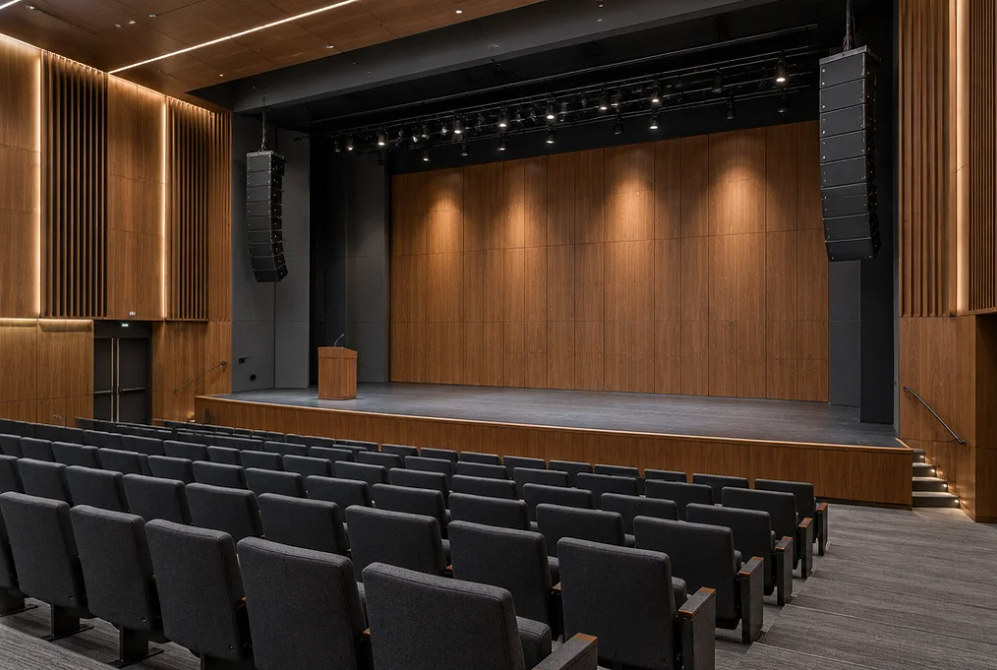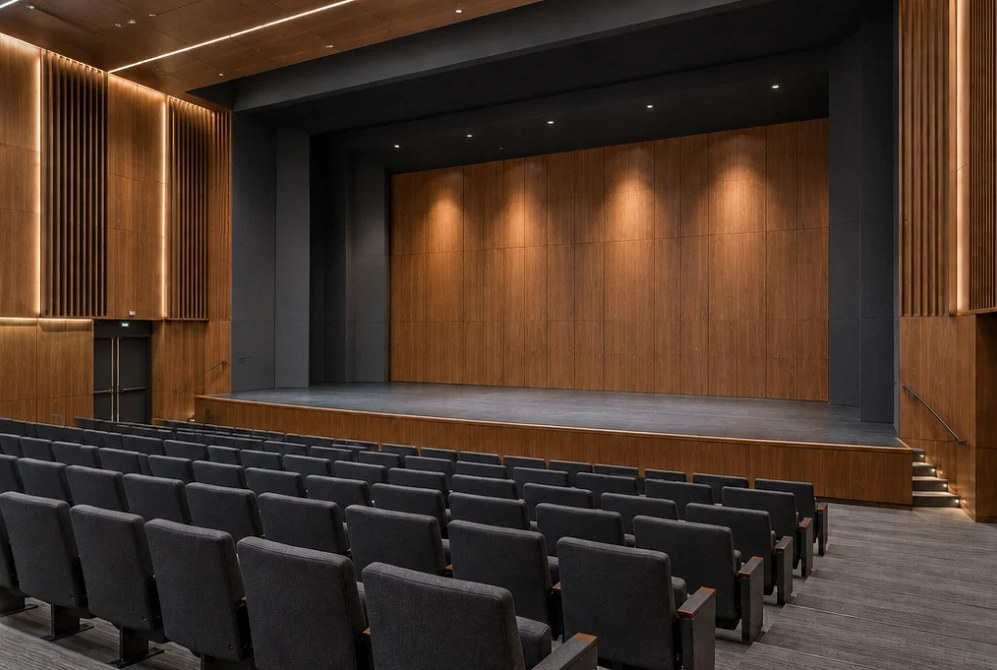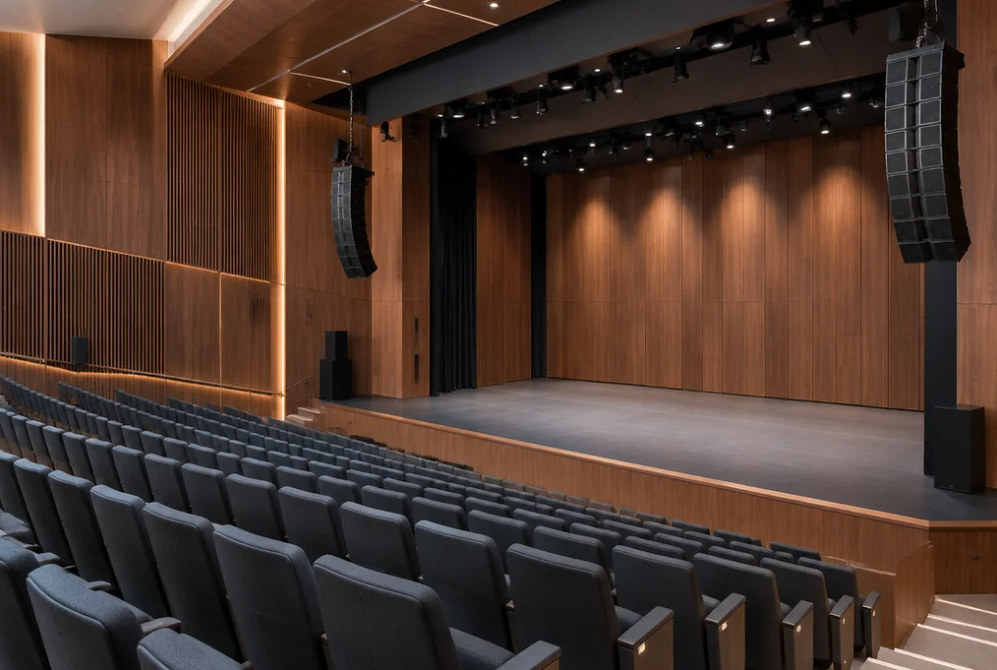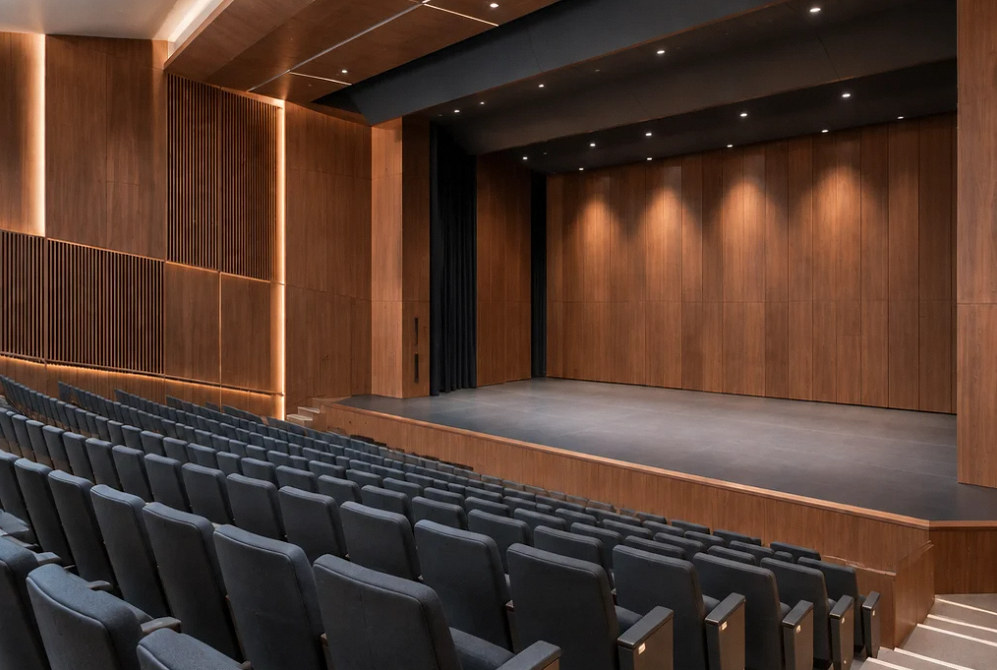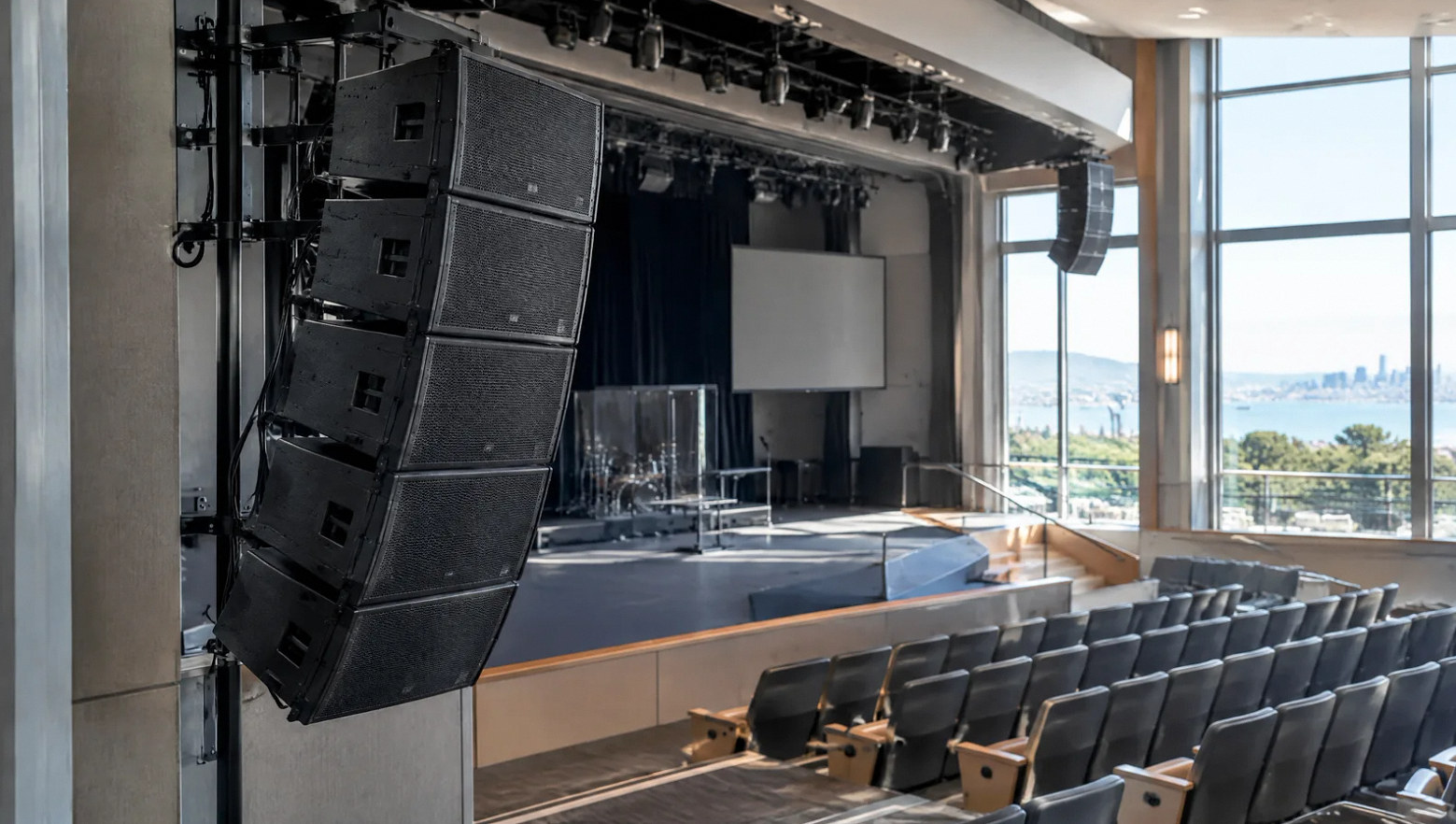
Professional venue audio system — illustrative

AV systems · Audio

Sound system installation built around the room.

Plan clear speech, useful music coverage and practical controls for the people running your venue.

Planning the system

Start with the audience and the room acoustics.

A commercial audio installation starts with the activities the room needs to support. Speech, live music and background audio place different demands on microphone placement, speaker coverage and operator control.

Review the room shape, reflective surfaces and existing equipment before choosing more speakers. The right scope may combine acoustic treatment, revised placement, signal processing and a simpler operating workflow.
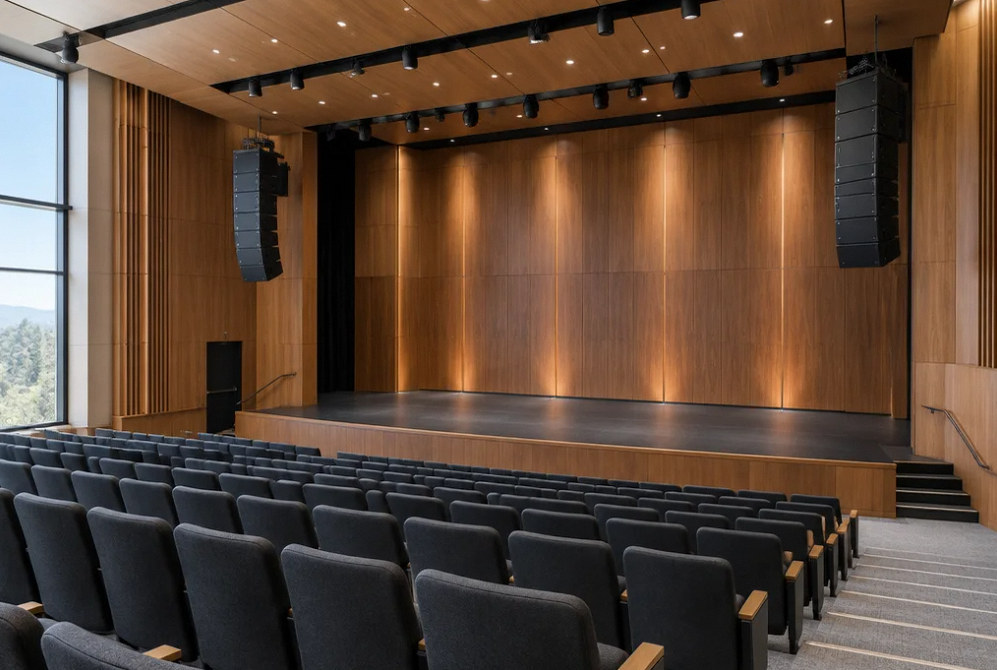
Modern audio setting — design concept — illustrative service image

Installation concept.

Scope of work

Build the complete audio path.

Audience coverage

Define the listening areas and expected uses, then review speaker positions, coverage and mounting with the room layout.

Microphones and inputs

Map presenters, performers and playback sources. Coordinate microphone types and any wireless-system planning around actual events.

Mixing and processing

Plan the mixer and digital signal processing, or DSP, around routing, room zones and the adjustments operators need.

Stage monitoring

Separate what performers need to hear from the audience mix. Confirm monitor locations and the intended operator workflow.

Cabling and network

Coordinate cable routes, equipment racks and any networked-audio requirements with the venue's IT and electrical teams.

Tuning and handoff

Include system checks, agreed settings, signal documentation and operator practice in the installation scope.

Every seat hears the same show. — illustrative service image

Make everyday operation part of the design.

A useful handoff includes a source list, zone map and agreed starting presets, so staff can prepare the room without rebuilding the mix each time.

Confirm who may adjust processing, how settings are backed up and who is responsible for ongoing support.

FAQ

Questions before choosing a sound system.

Speakers and placement can improve coverage, but they do not remove the room's reflections. Assess the acoustics alongside the equipment so the project addresses the cause of poor speech clarity.

Read the detailed guide: Loud but Unclear: Planning Audio for a Reverberant Room →

Review model numbers, condition, inputs and outputs, and the intended new uses. A reuse plan should identify what remains compatible and which limitations the retained equipment creates.

It is useful when the project needs flexible routing or distributed input and output locations. It also introduces network requirements. Choose it around the venue's workflow and IT support rather than as a default feature.

List the event types and operating levels, then review microphones, speaker coverage, mixing and room response together. A system used for both meetings and performances needs an operating plan for each.

Agree the signal-flow diagram, labels, starting presets, settings backup and operator training. Include a practical run-through using the microphones and playback sources the venue actually uses.

A remote voice can play through the room speakers, enter the room microphones and return to the caller. Acoustic echo cancellation uses a reference signal to reduce that return. Duplicate meeting connections, incorrect routing or unsuitable levels can create similar symptoms. Test with one controlled remote endpoint, document each speaker and microphone path, and check the processor manufacturer’s reference guidance. The room sounding normal does not prove that the outgoing call audio is correct.

Read the detailed guide: Why Remote Callers Hear Themselves: AEC and Audio Routing →

Record the affected channel, location, event time, receiver radio indication and whether its audio meter also changes. Test the system in a controlled setting, then verify the complete coordinated inventory under realistic conditions. Antenna position, cable faults, frequency conflicts and problems elsewhere in the audio chain can sound similar. A stronger antenna is not an automatic fix. Keep a rehearsed backup microphone path while a qualified technician isolates the failure.

Read the detailed guide: Wireless Microphone Dropouts: What to Check Before Buying Antennas →

Plan zones from the required listening areas and the actual speaker circuits. Compare near, middle and edge listening positions; a volume control cannot repair poor coverage within a zone. Have the designer identify speaker types, amplifier channels, distributed-system tap settings where applicable, and any wiring shared between areas. Verify each area alone and with adjacent areas active. Daily operating presets should use the capabilities that this physical design can actually provide.

Read the detailed guide: Too Loud Here, Too Quiet There: Planning Audio Zones →

No. Existing audio routes may continue while discovery or device control is impaired. Record whether sound actually stopped, which applications lost visibility and which network connection the control computer used. Check interface selection, addressing, cabling and the installed switch configuration against current manufacturer guidance. Preserve logs before a planned restart when possible. Network changes should be coordinated with IT and verified for both audio continuity and the ability to find and control devices.

Read the detailed guide: Dante Audio Still Plays, but Devices Disappear: A Diagnostic Plan →

Explore all 5 audio systems guides →

Plan your project

Tell us about the room and what people need to hear.

Share the room layout, event types, existing equipment and the listening problems you want to resolve.

Equipment references

Audio equipment to explore.
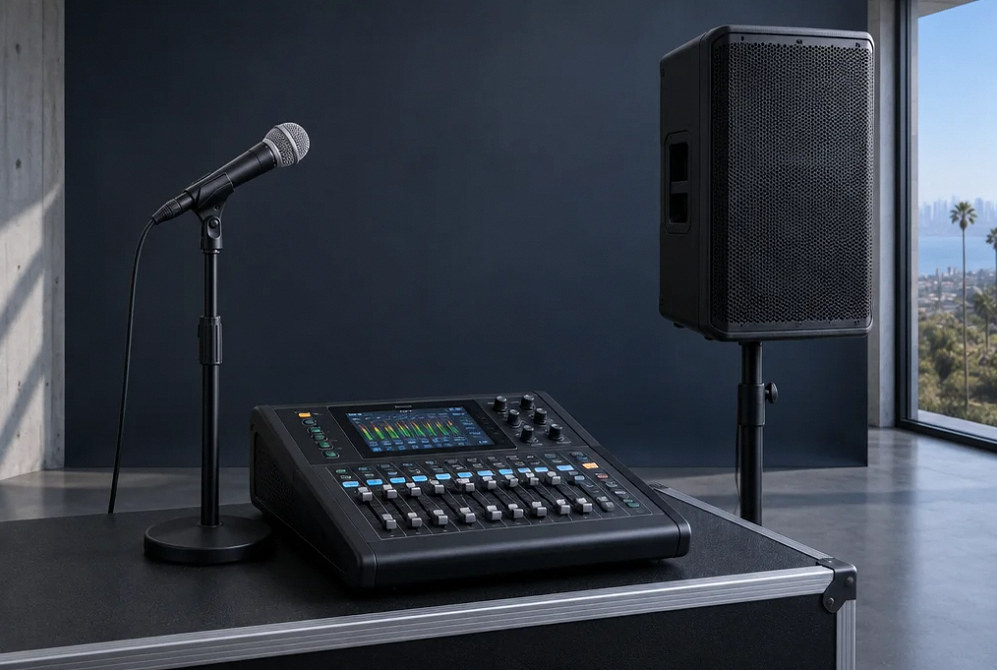
Microphones, mixing and loudspeaker choices should work together around coverage, room acoustics and operator needs.

Manufacturer examples for project planning. Brand references do not indicate a dealer or certification relationship. Equipment compatibility and availability are confirmed during selection.

Contact Us

Request A Consultation

Local Services

We're in your city.

Choose your city and tell us what you need. We'll plan the project around your location.

Choose your city to include it with your project details.

Or call us to discuss your project:

(650) 550-0819

Send your project details to YKCA.

Project: Sound system installation built around the room.

Request received

Thank you. Your request has been received.

×

Contact Us

For More Info!