
AV by venue · Education
Education AV built around teaching and campus operation.
Coordinate classroom presentation, lecture capture and shared-space audio with the teachers, facilities staff and IT team who use and maintain them.
Planning the system
Give different teaching spaces the right system.
Classroom AV installation should start with the teaching workflow: presenting from a laptop, sharing document-camera content or connecting remote participants. A gym or auditorium needs a different review of speech coverage, room acoustics and event operation.
Standardize the parts of the experience that help teachers move between rooms, while keeping the equipment and coverage appropriate to each space. Coordinate network access, account ownership and maintenance with campus IT.
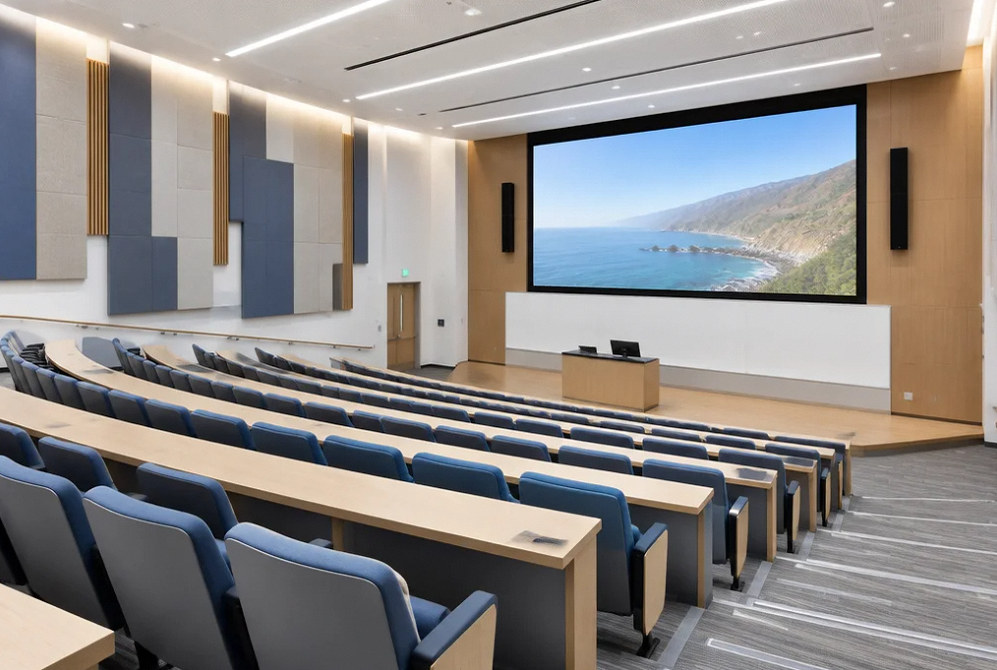
Installation concept.
Scope of work
Coordinate the learning space and its support team.
Classroom presentation
Define instructor connection points, display content and routine operation before selecting the room equipment.
Lecture capture
Plan camera coverage, audio feeds and recording responsibilities with the institution's teaching and privacy workflows.
Gym and multipurpose audio
Review reverberation, seating and microphone use so announcements and events guide the sound-system scope.
Auditorium systems
Coordinate performance audio, lighting and stage infrastructure with the room's program and technical operators.
Campus interfaces
Identify the IT, paging and specialist-system boundaries. Keep ordinary AV functions distinct from any required emergency-notification design.
Training and documentation
Provide agreed room instructions, equipment records and support responsibilities in a format useful to teachers and campus staff.
Project concepts
See the possibilities for your space
Drag the divider to compare before and after, or open a comparison for a closer look.
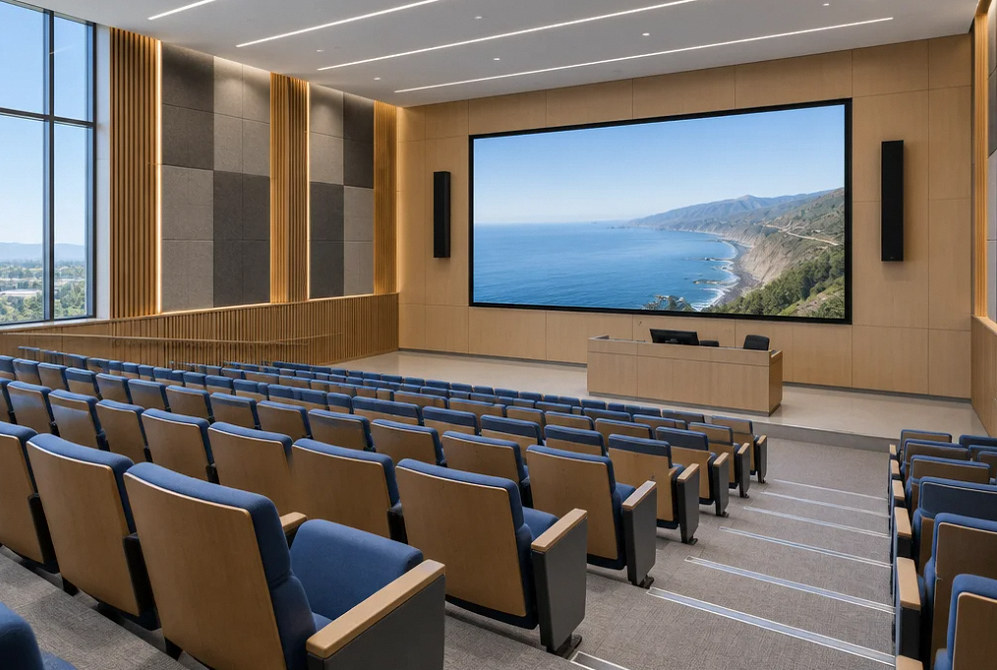
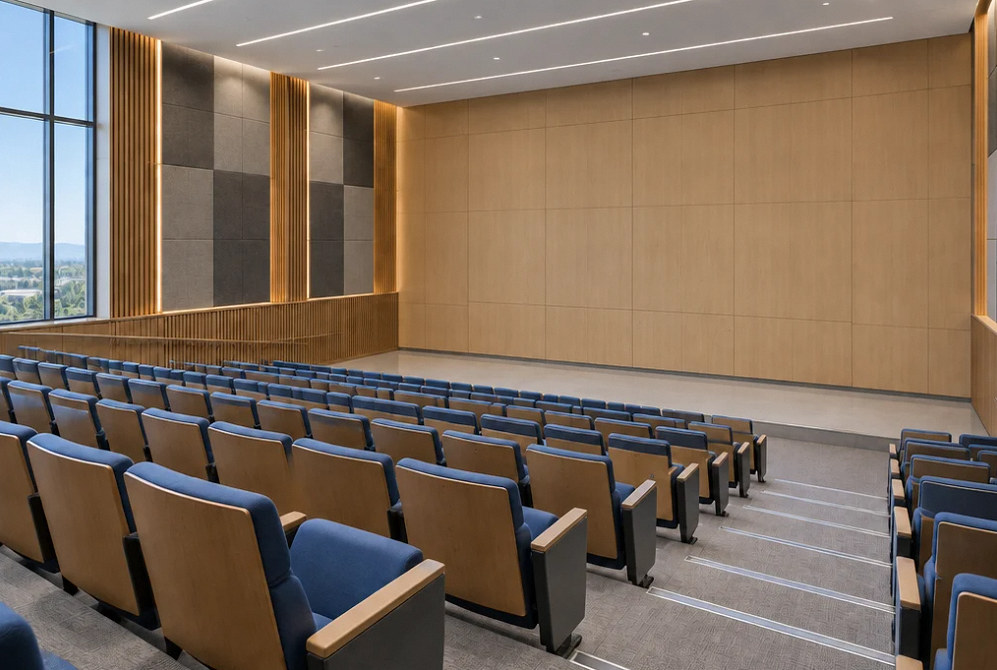
Drag to compare
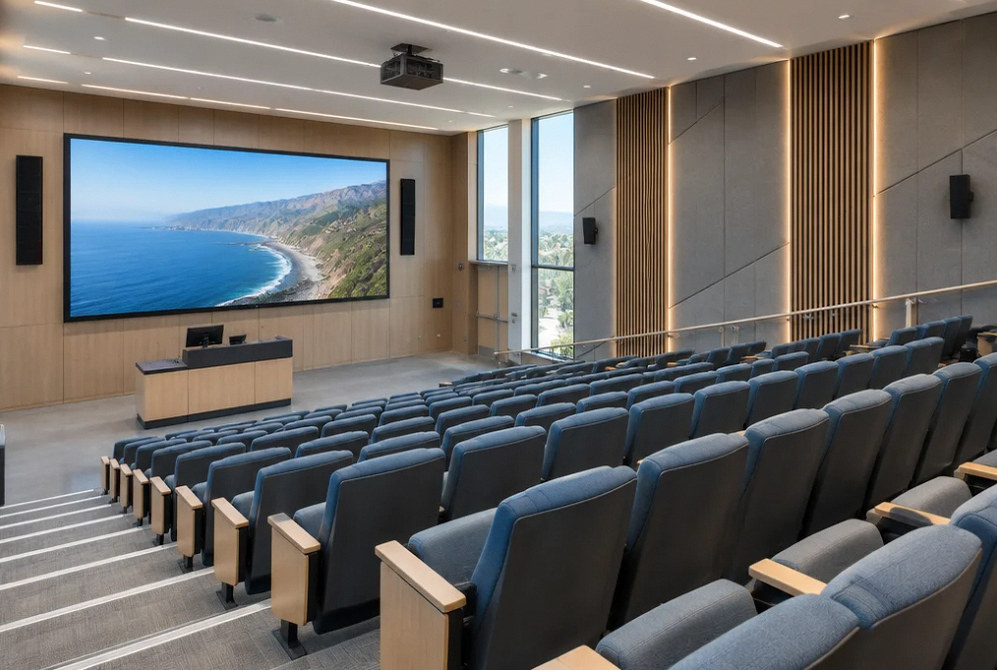
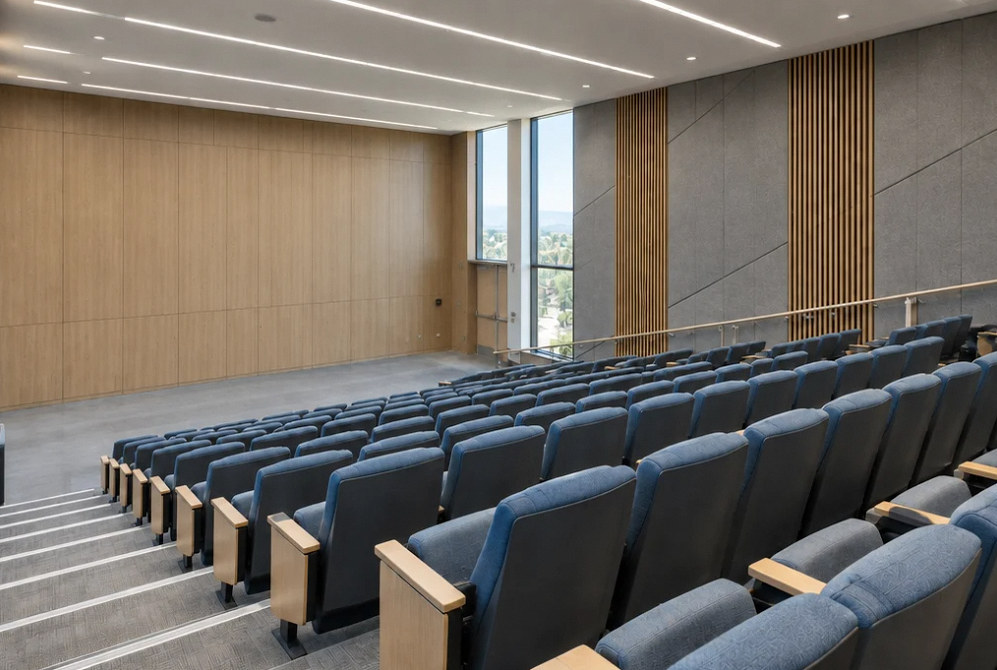
Drag to compare
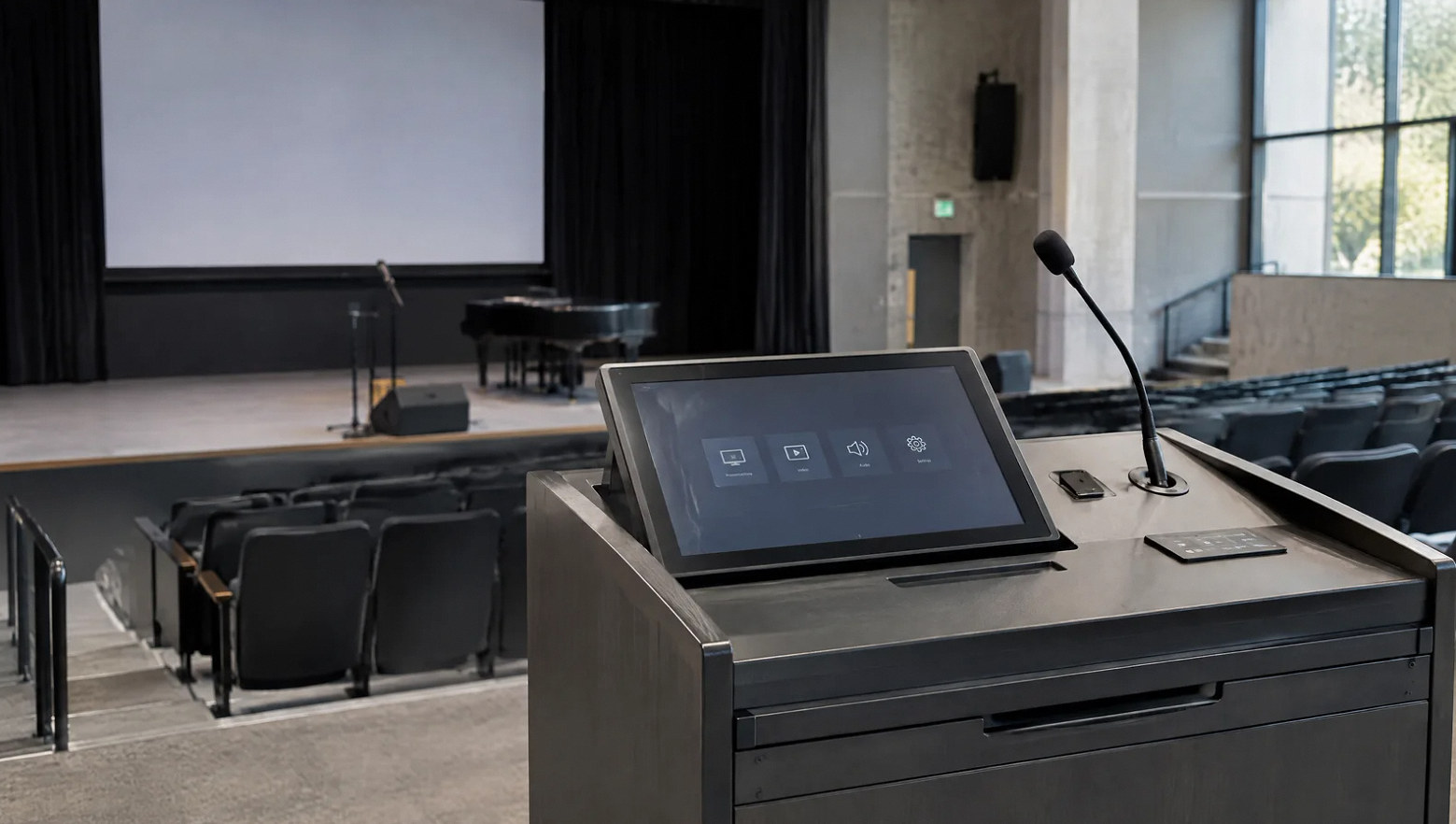
Make a substitute instructor's first use part of the test.
Check whether a new user can connect the expected source, hear the content and return the room to its starting state with the provided instructions.
Include the campus support team's needs: consistent labels, account ownership and an accessible record of the installed configuration.
FAQ
Education AV questions for the project team.
Read the detailed guide: Standardize the Classroom Workflow Before the Equipment List →
Read the detailed guide: Replacing School Paging Without Losing the School-Day Workflow →
Read the detailed guide: Lecture Capture Needs a Publishing Owner, Not Just a Record Button →
Read the detailed guide: When Classroom AV Support Becomes Event Production →
Plan your project
Tell us about the learning spaces and daily use.
Share the room types, teaching workflows, existing equipment and the campus team's support requirements.
Equipment references
Equipment for learning spaces.
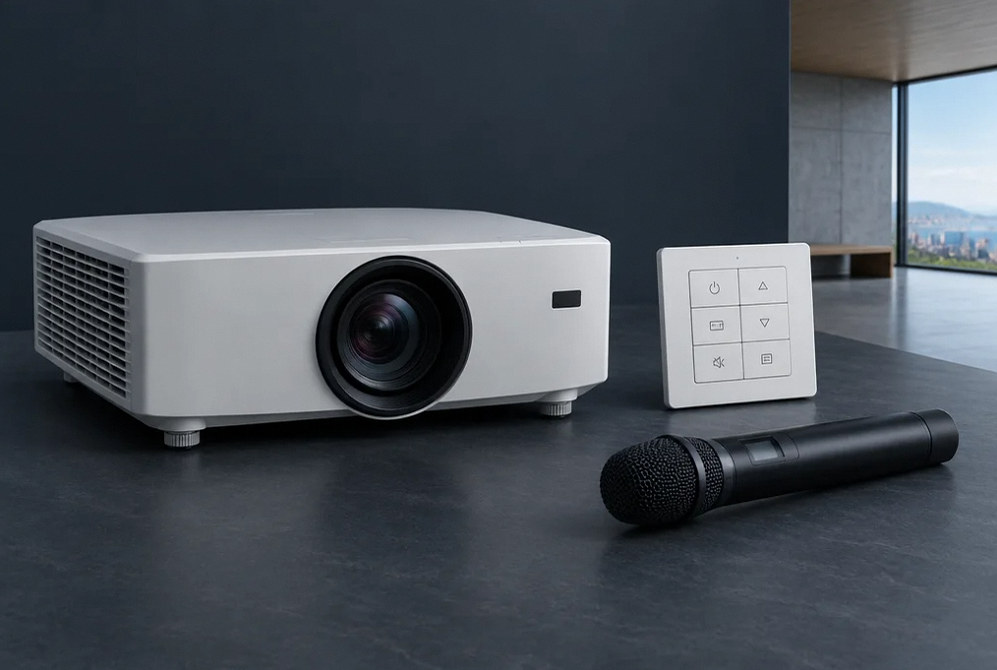
Manufacturer examples for project planning. Brand references do not indicate a dealer or certification relationship. Equipment compatibility and availability are confirmed during selection.
Contact Us
Request A Consultation
Local Services
We're in your city.
Choose your city and tell us what you need. We'll plan the project around your location.
Choose your city to include it with your project details.
Or call us to discuss your project:
(650) 550-0819Request received
Thank you. Your request has been received.
