
AV systems · Control and integration
Room controls organized around what people need to do.
Bring audio, video and lighting operation into a clear workflow, with the right controls for staff and a defined handoff for the technical team.
Planning the system
Write the room's operating sequence first.
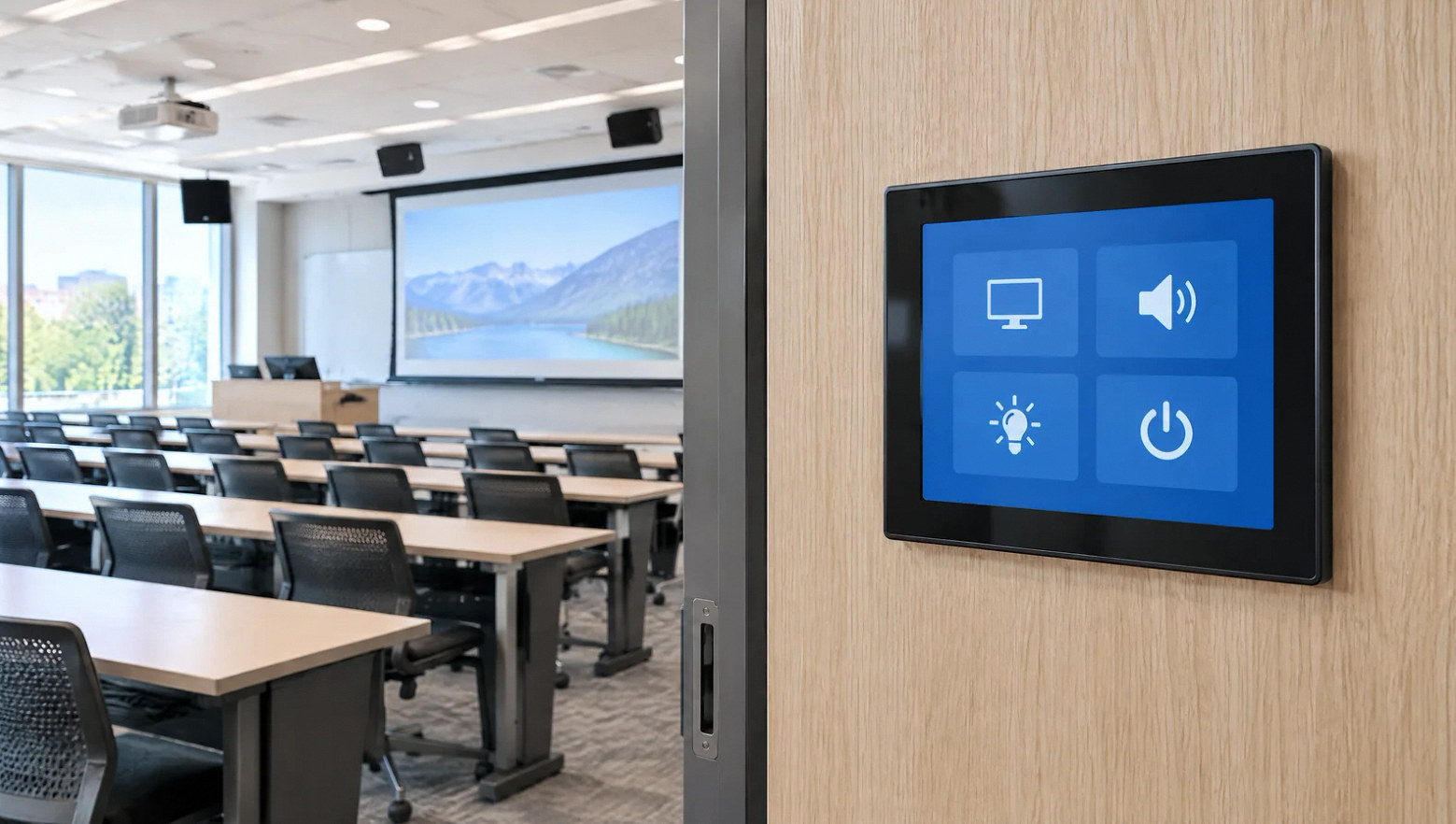
AV control system integration is more than placing a touch panel on the wall. Define how people start a meeting or event, select sources, adjust levels and shut the room down. Then identify which equipment can support that behavior.
Existing devices may have different control interfaces, software dependencies or access permissions. Resolve those details with IT and the equipment owners before promising a unified interface.
Scope of work
Turn room tasks into a coherent control system.
Operator workflows
List the common room tasks and the people who perform them. Separate everyday controls from technical adjustments.
Equipment interfaces
Review the devices, supported control methods and settings access that the proposed sequence requires.
Audio and video routing
Map sources to speakers, displays and any recording or remote destinations. Define which routes users may change.
Touch panels and presets
Develop a clear interface and useful room presets around the agreed workflow rather than exposing every device setting.
IT coordination
Assign network connectivity, account access and security responsibilities. Identify required software or recurring services.
Testing and handoff
Run realistic room scenarios, save the agreed configuration and document support, backup and change responsibilities.
Project concepts
See the possibilities for your space
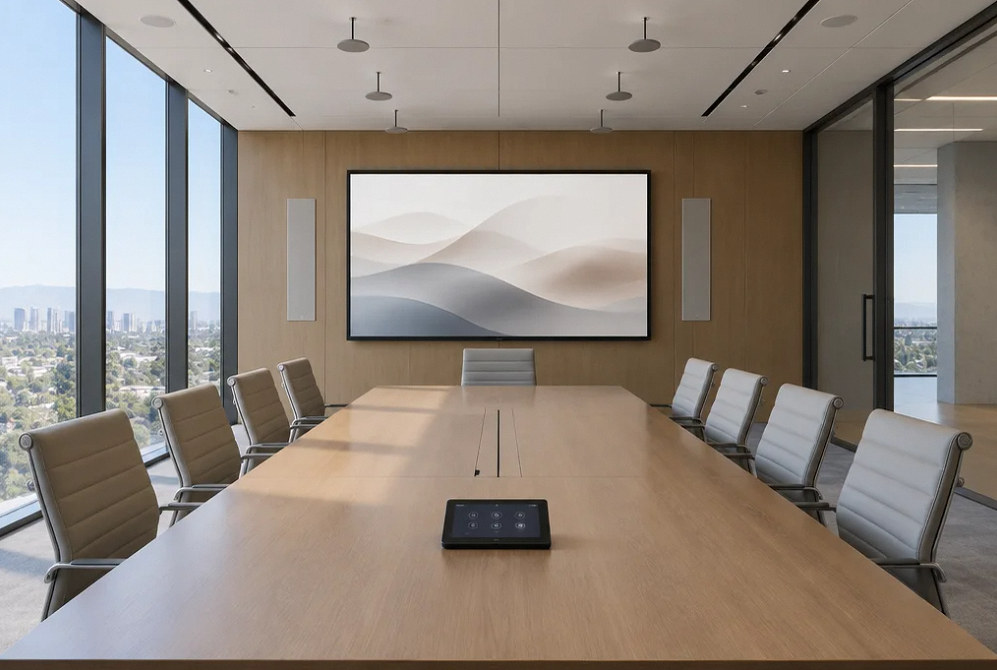
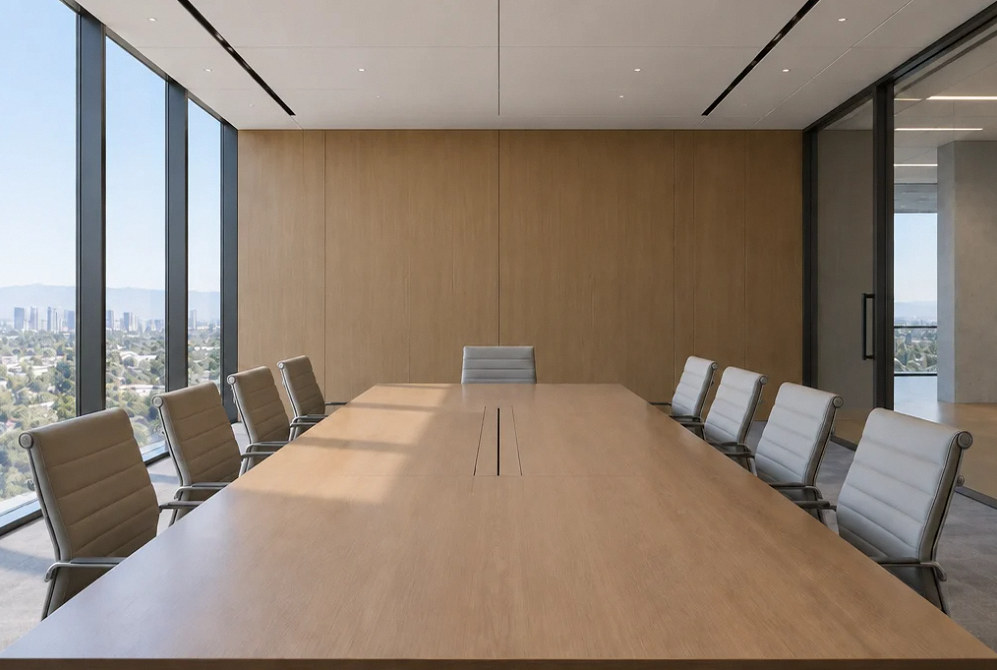
Drag the divider to compare before and after, or open a comparison for a closer look.
Drag to compare
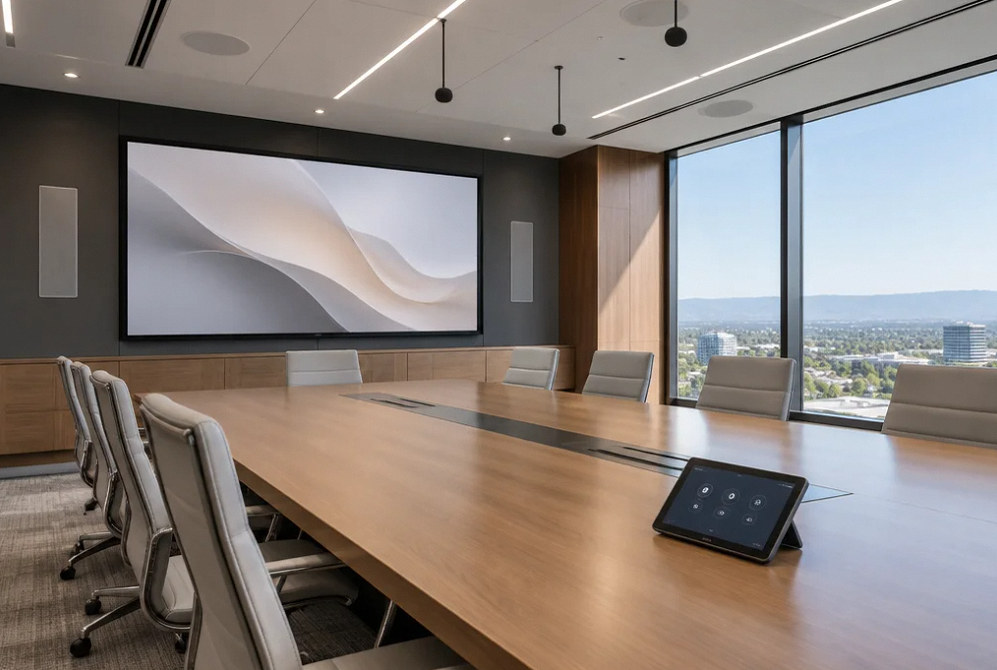
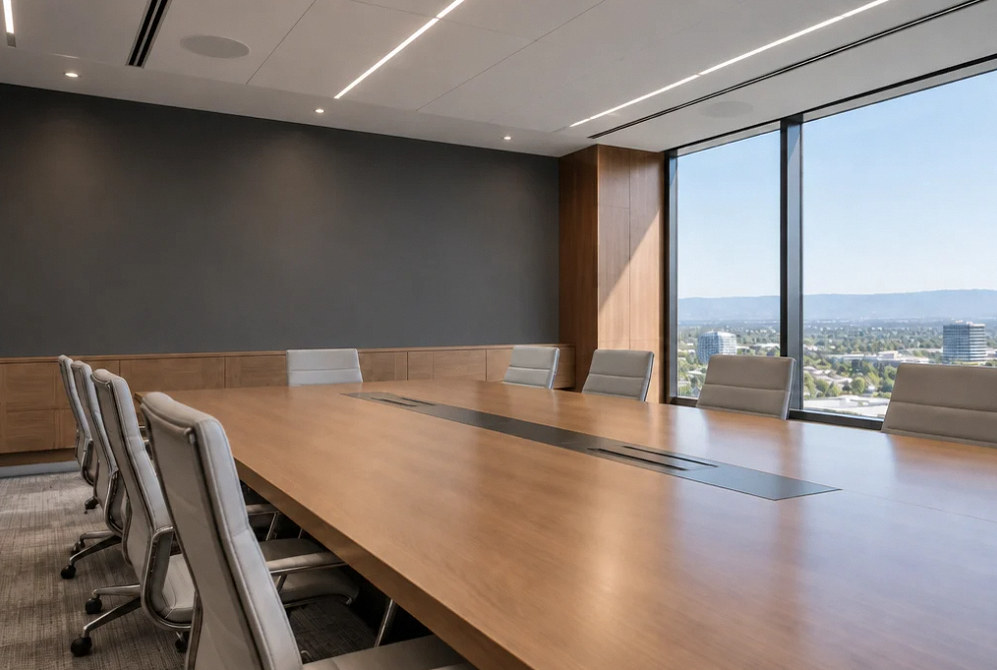
Drag to compare
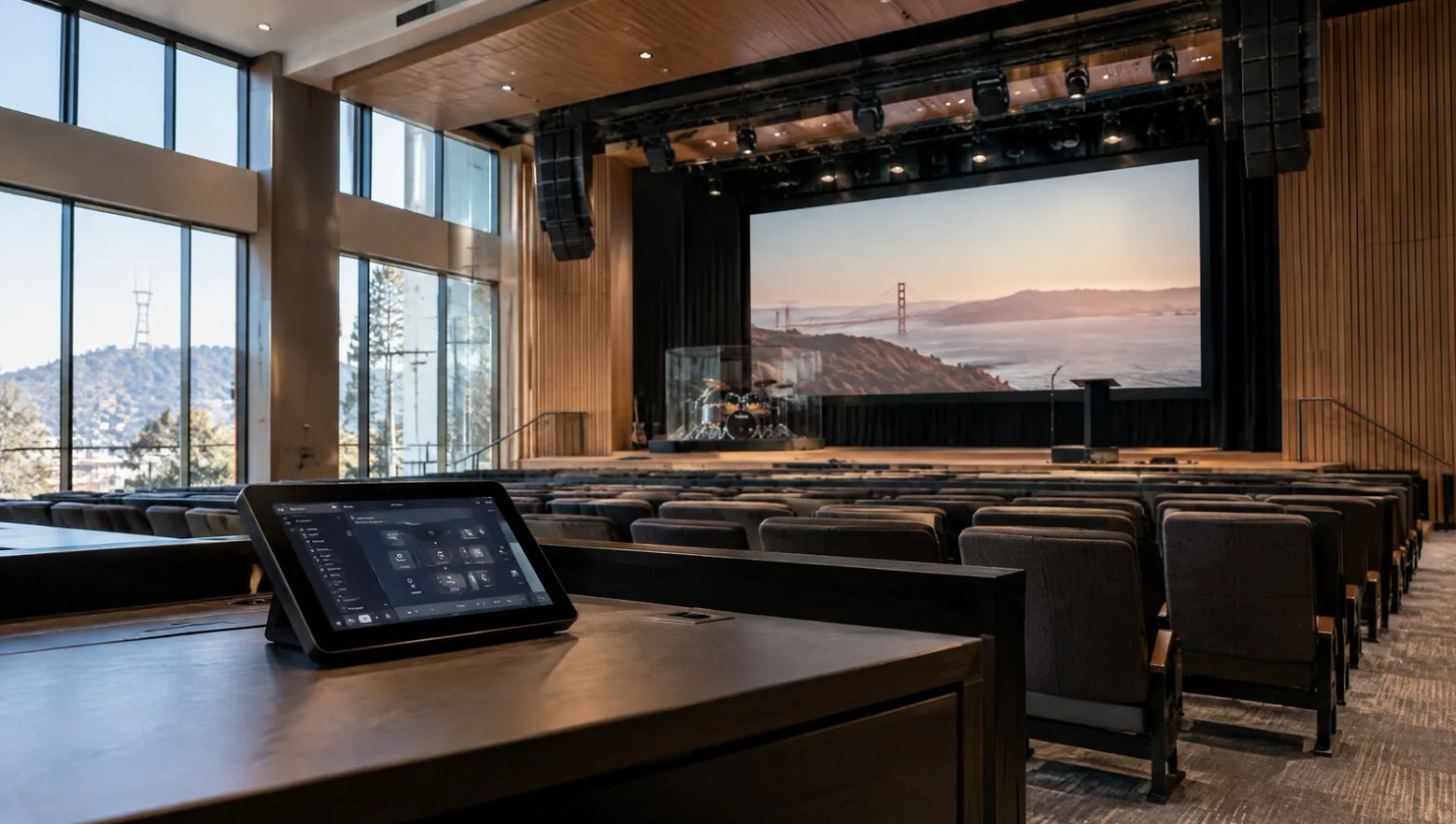
A simple screen still needs a complete handoff.
Agree who owns configuration files, which credentials the owner receives and how future changes are requested. Those decisions matter when equipment is replaced or staff changes.
Training should follow real tasks: starting the room, choosing a source, adjusting an approved setting and recovering from a common user mistake.
FAQ
Questions before combining the controls.
Read the detailed guide: The Display Turns Off but Will Not Wake: Verify Control Compatibility →
Read the detailed guide: When the AV Touch Panel Confuses Staff: Design Around Tasks →
Read the detailed guide: AV Controls Work on a Cable but Not on Wi-Fi: The IT Handoff →
Read the detailed guide: AV Monitoring That Helps: Define Faults, Ownership and Response →
Read the detailed guide: AV Handoff: The Files and Access Needed to Maintain the System →
Plan your project
Describe the room tasks you want to simplify.
Share the equipment list, current control problems and the users who need to run the space.
Equipment references
Control platforms to explore.
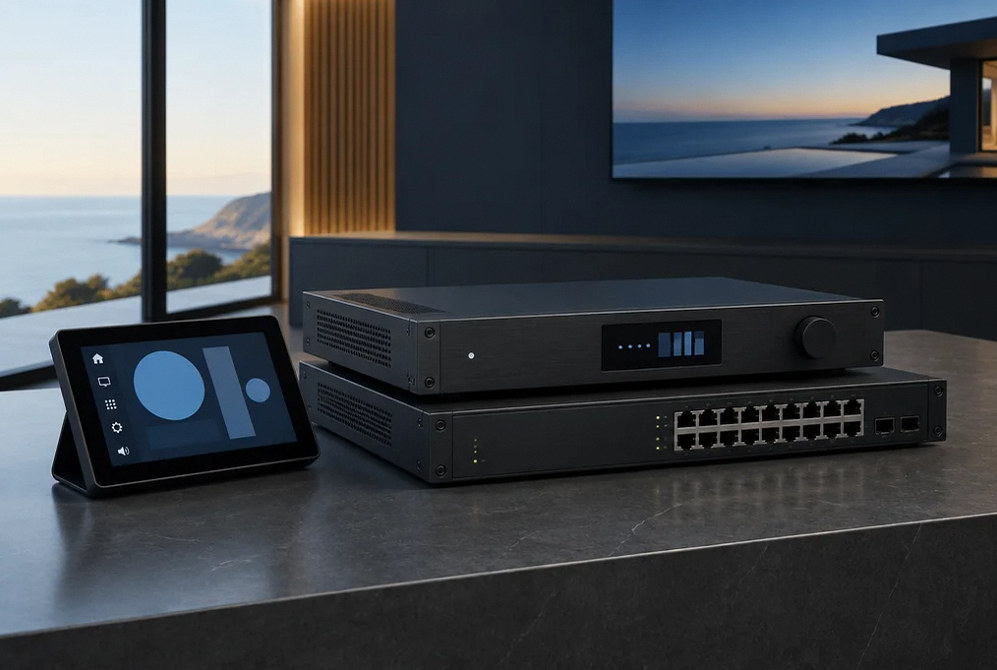
Manufacturer examples for project planning. Brand references do not indicate a dealer or certification relationship. Equipment compatibility and availability are confirmed during selection.
Contact Us
Request A Consultation
Local Services
We're in your city.
Choose your city and tell us what you need. We'll plan the project around your location.
Choose your city to include it with your project details.
Or call us to discuss your project:
(650) 550-0819Request received
Thank you. Your request has been received.
