
Houses of worship · Practical guide
Build a Church Sound Rotation That Does Not Depend on One Volunteer
Create role-based training, protected service starting points and practical recovery exercises for rotating church AV volunteers.
YKCA Journal · 6 min read · Updated October 3, 2026
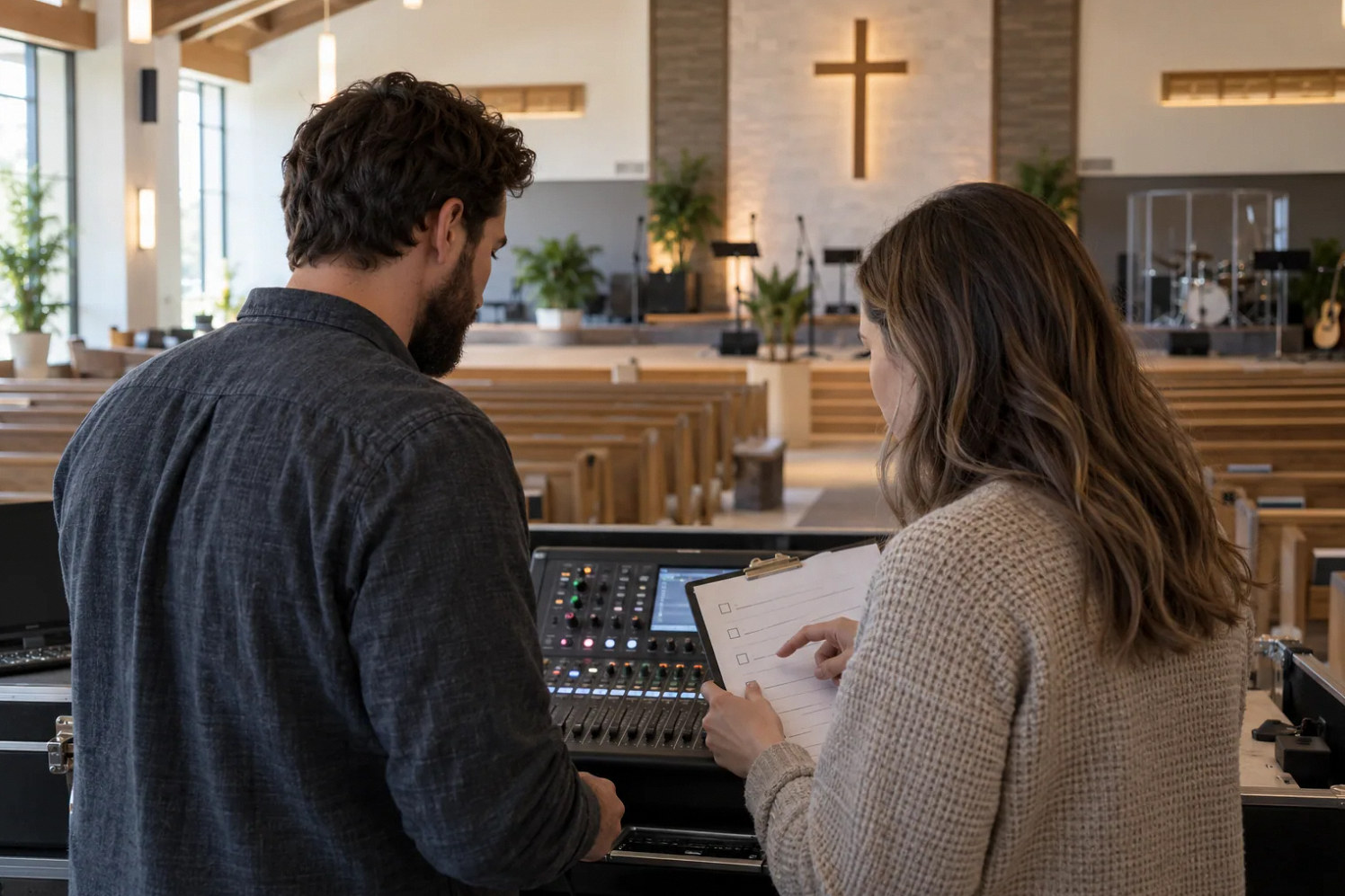
Start here
Train substitutes to recover a service, not memorize a console tour.
Start with responsibilities instead of equipment buttons
A volunteer can understand every visible fader and still be unsure who checks the stream, changes a headset battery or closes the microphones after the service. Write those responsibilities first. Divide tasks into routine operation, supervised adjustment and configuration work. Give each task a named owner and a substitute. This creates a usable rotation rather than an informal expectation that the most experienced person will always be present.
Ask new volunteers to describe the intended audience for each output: sanctuary, musicians, stream and overflow. They do not need to become system designers, but they need to recognize which audience they are changing. Use the actual names on the console and room controls in every training sheet.
Protect a useful starting point
A service scene is a saved collection of settings; it is not automatically a backup of the complete installation. The Qu-SB documentation distinguishes scene memories from show archives and describes recall filters. Those distinctions are specific to the product, but the operating lesson applies broadly: identify what a recovery action restores and what it leaves untouched.
Have the responsible technician prepare the baseline and explain any protected settings. Volunteers should know the difference between recalling the approved service setup and resetting the device to factory defaults. A recovery instruction that simply says “reset the board” is too ambiguous. Date the approved configuration and preserve a separate recovery copy using the supported storage procedure.
Reference: Allen & Heath: Qu-SB Getting Started Guide
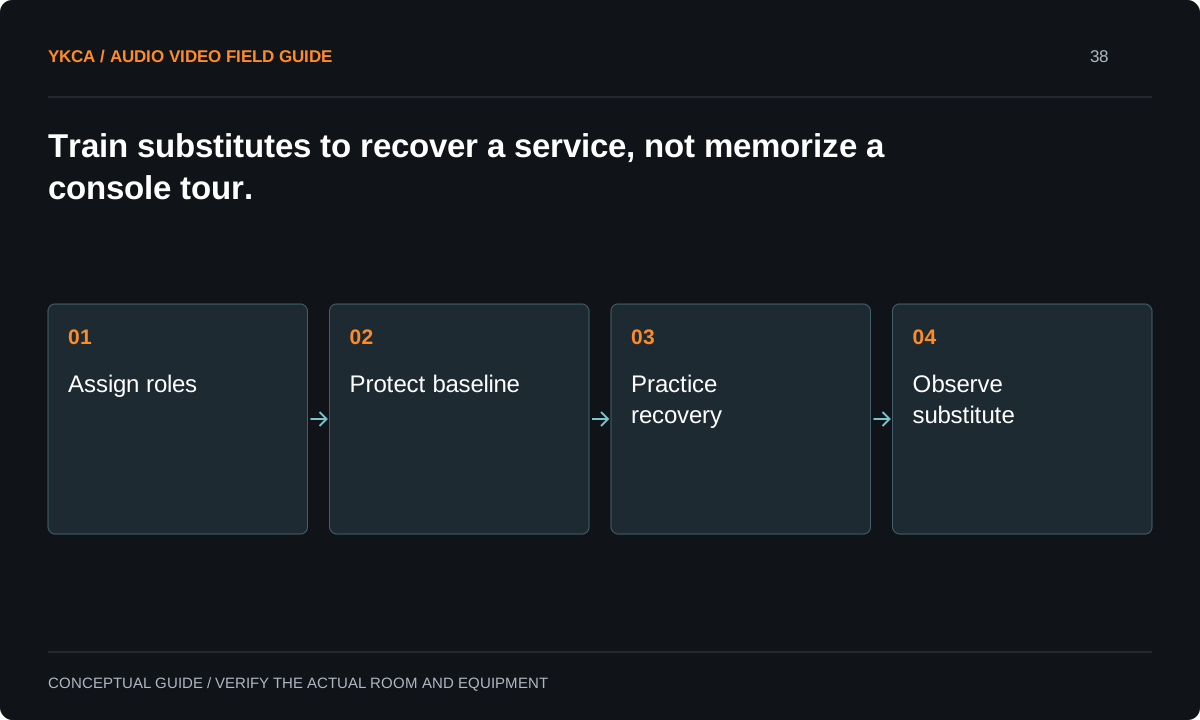
- Assign roles
- Protect baseline
- Practice recovery
- Observe substitute
Expose controls that match the assigned role
Some systems allow role permissions or a simplified control layer. The classic Qu family, for example, documents several user profiles and restrictions on routing or mix access. This can reduce accidental changes, but only if the volunteer still has the controls needed to perform the service. Test permissions from the volunteer login, not only from an administrator’s account.
A speech-only operator may need microphones, playback and room level. A music operator may also need monitor adjustments and a stream-check function. Do not give every volunteer the same interface merely because it is easier to configure. Conversely, do not hide a necessary mute behind an administrator password during a live service.
Reference: Allen & Heath: Qu Mixer Reference Guide, issue 10
Teach three recovery exercises
A training exercise can include a muted lectern channel, a playback computer using the wrong output and a volunteer accidentally selecting a monitor mix instead of the room mix. The trainee should identify the affected audience, inspect the approved controls and either restore service or use the fallback. Simulate these conditions quietly during rehearsal with a technician supervising.
The point is to teach a decision sequence: observe, identify the active destination, make one reversible change and verify the result. Do not train volunteers to move several settings until sound returns. That approach hides the cause and can create a second problem in an output nobody is monitoring.
Measure readiness by an observed service rehearsal
A console demonstration is useful orientation, but it is not evidence that someone can operate independently. Let a substitute run the sequence from arrival through shutdown while the trainer watches without intervening. Include a guest speaker and the transition into the streamed portion. Record where the instructions were unclear and revise the document before asking the trainee to memorize exceptions.
Use a short readiness record based on actions completed, not a subjective label such as “technical person.” Some volunteers may be ready for spoken events before they are ready for a full band. That is a valid role assignment. Publish the rotation with those limits visible to whoever schedules services.
Keep a small change log for the church sound system setup that the rotation can read before arrival. Describe changes in operational language: a new microphone name, a different stream-check device or a revised shutdown action. Include who approved the change and which rehearsal verified it. Do not ask every volunteer to interpret software release notes. If a change affects an action used during service, schedule a short practical briefing before that volunteer works alone. This approach also gives experienced volunteers a place to report a useful improvement without modifying the baseline informally and surprising the next person on the rotation.
Use a rotation record that distinguishes a trained substitute from someone who has only watched a service. Let the substitute run the agreed speech and music transitions while the regular operator observes. Name who can restore the baseline, who can approve a stage change, and who is called when a fault exceeds the volunteer's role. Keep the technical backup and editable files with the system maintainer; a volunteer's saved scene is an operating starting point, not the recovery archive.
Keep the rotation maintainable
Store current operating sheets where the team can find them and remove obsolete copies from the console area. Keep configuration backups under organizational control, with access available to the designated backup administrator. Review changes after equipment replacement or a new service format. A volunteer’s personal tablet or memory should not be the only recovery path.
After each rehearsal, ask for one confusing step and one task that depended on an undocumented workaround. Fix those issues before adding features. Acceptance is practical: a scheduled substitute completes the agreed service, recognizes when help is needed and leaves the system ready for the next team. That is a stronger result than a long training attendance list.
Compare the next steps
A decision table for this problem
| Situation | Operating decision | Evidence to check |
|---|---|---|
| Speech-only event | Assign a limited operating role | Lectern, playback and shutdown demonstrated |
| Full band plus stream | Assign separate monitoring responsibility | Each audience has a named checker |
| Accidental routing change | Use approved escalation path | Operator knows which settings are protected |
| Experienced volunteer absent | Schedule an observed substitute rehearsal | No undocumented dependency blocks startup |
| Equipment replacement | Revise baseline and operating sheet | Old recovery instructions removed |
Use this in the room
Your working checklist
Common questions
Should volunteers have administrator access?
Only when their responsibilities require it and they are trained for the consequences. Routine operation and system configuration can use different permissions where the equipment supports them.
How long should training take?
Base completion on demonstrated tasks rather than a promised number of hours. A speech service and a multichannel music service require different skills and rehearsal conditions.
Does one saved scene prevent mistakes?
No. It provides a starting point only within its documented scope. Microphone placement, physical connections, downstream streaming settings and operator judgment still matter.
Read the original guidance
Sources and discussion context
Research used primary documents and, where full text was unavailable, indexed excerpts from official sources. A citation does not mean the complete document was accessible. Product behavior depends on the actual model, configuration and documentation. Confirm the requirements for your venue before changing the installation.
Reader problems behind this guide
These Reddit discussions helped identify the practical question. They are individual experiences, not technical authority or a measure of how common the problem is. Examples and diagrams illustrate planning decisions; they are not records of completed YKCA projects or installation drawings.
- Why is this sub full of church audio people?
Participants describe rotating volunteers facing complex music, monitoring and livestream responsibilities with limited support.
Research access: search excerpt with post text; not independently opened.
Keep the whole system in view
