
AV systems · Video
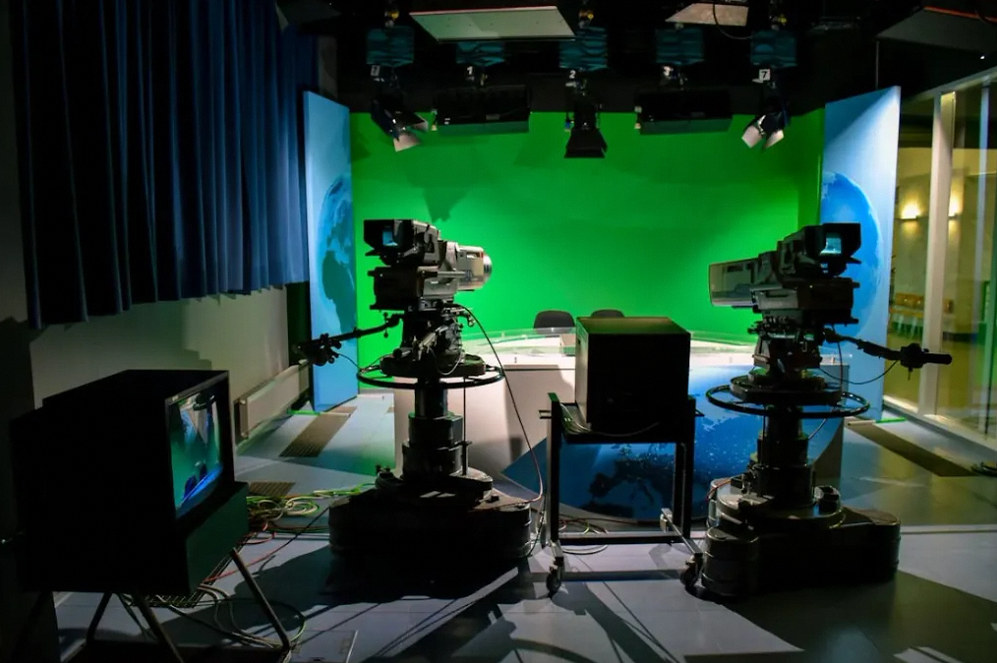
Video systems for the audience in the room and online.
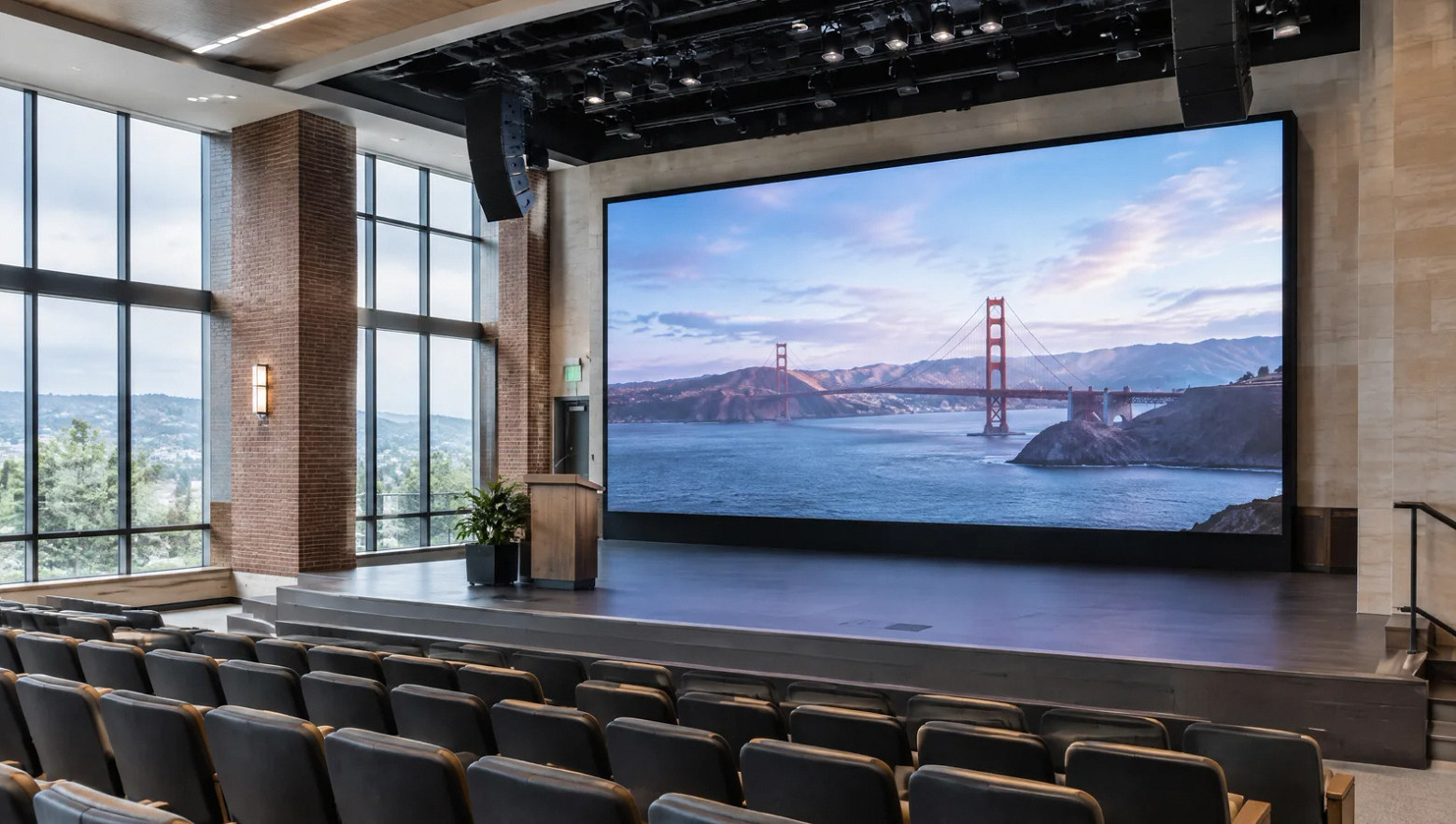
Compare displays, projection and LED walls around the content people need to see, their viewing positions and the room's lighting.
Planning the system
Choose the image system after defining the viewing task.
A presentation with small text, a live camera image and a lobby message do not require the same display. Review viewing distance, seating, ambient light and content before selecting the screen size or technology.
An LED video wall installation also needs coordinated mounting, power, processing and service access. For streaming, define the camera views, audio feed and operator position as part of the system rather than treating the stream as a cable added later.
Scope of work
Connect the source, screen and operator.
Viewing and content review
Identify the smallest text, audience positions and lighting conditions that the display must support.
Display selection
Compare direct-view displays, projection and LED walls against the room, content, mounting and maintenance requirements.
Sources and switching
Map laptops, cameras and media players to the destinations they must reach. Define source changes and connection points.
Cameras and streaming
Coordinate camera locations, framing, audio feed and recording or streaming responsibilities with the production workflow.
Infrastructure
Review mounting, power, cabling, cooling and equipment access with the construction and IT teams.
Setup and operation
Check the agreed sources and content, document the routing and practice the start-up, switching and shutdown sequence.
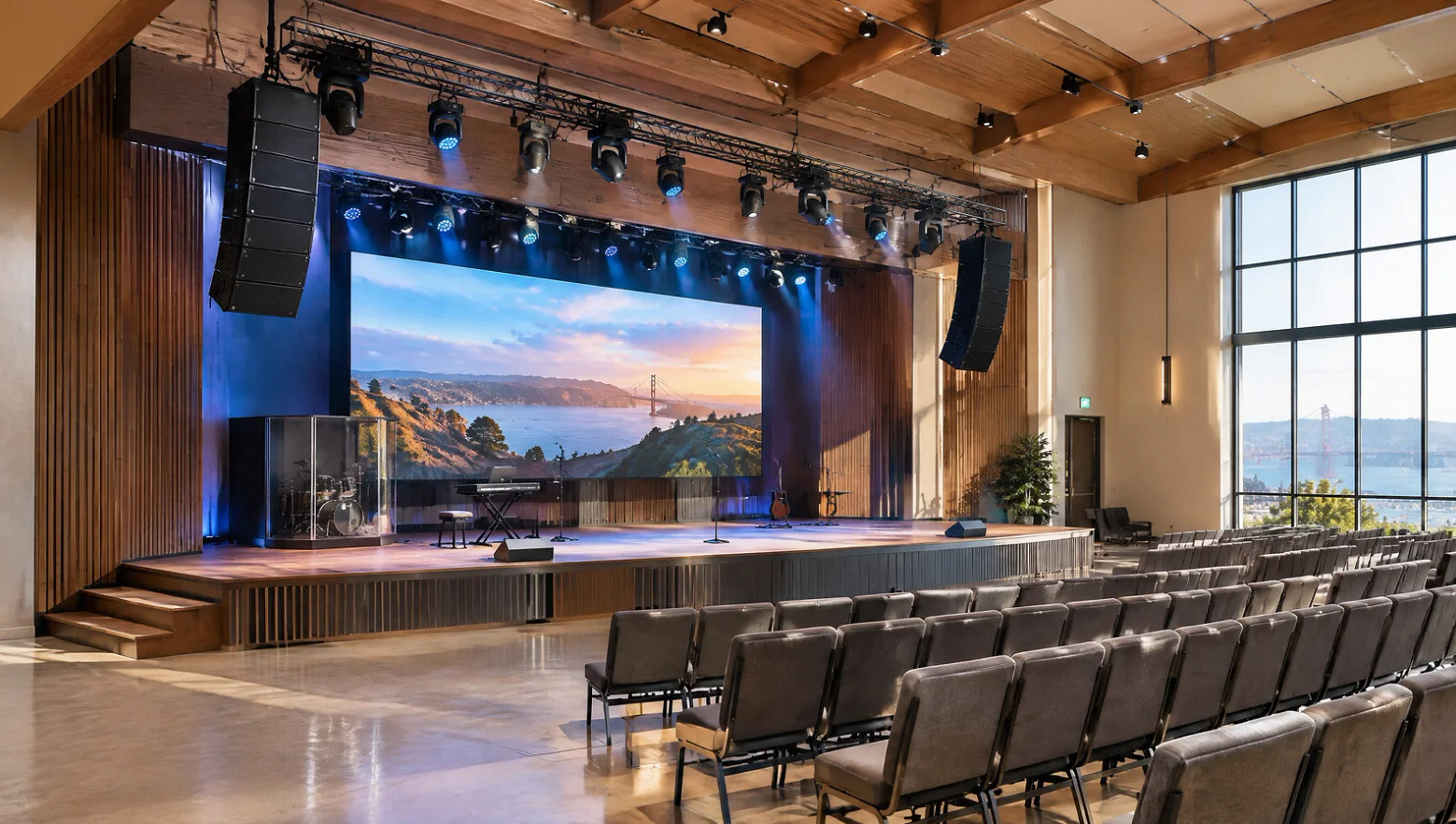
A display can look right on a floor plan while leaving no practical way to service the equipment. Resolve mounting depth, cable access and replacement access before the wall or ceiling is finished.
Plan the maintenance access behind the image.
For hybrid events, confirm who manages content, cameras and the stream, including any platform accounts or recurring services.
Discuss Your ProjectFAQ
Questions before specifying screens and cameras.
Read the detailed guide: Washed-Out Projection: Evaluate the Room Before Replacing the Projector →
Read the detailed guide: Why a Large Display Can Still Make Shared Text Unreadable →
Read the detailed guide: The Laptop Detects the Display, but the Screen Stays Black →
Read the detailed guide: Lip Sync Works on One Output but Fails on Another →
Read the detailed guide: LED Walls on Camera: Separate Moiré from Flicker and Scan Lines →
Project concepts
See the possibilities for your space
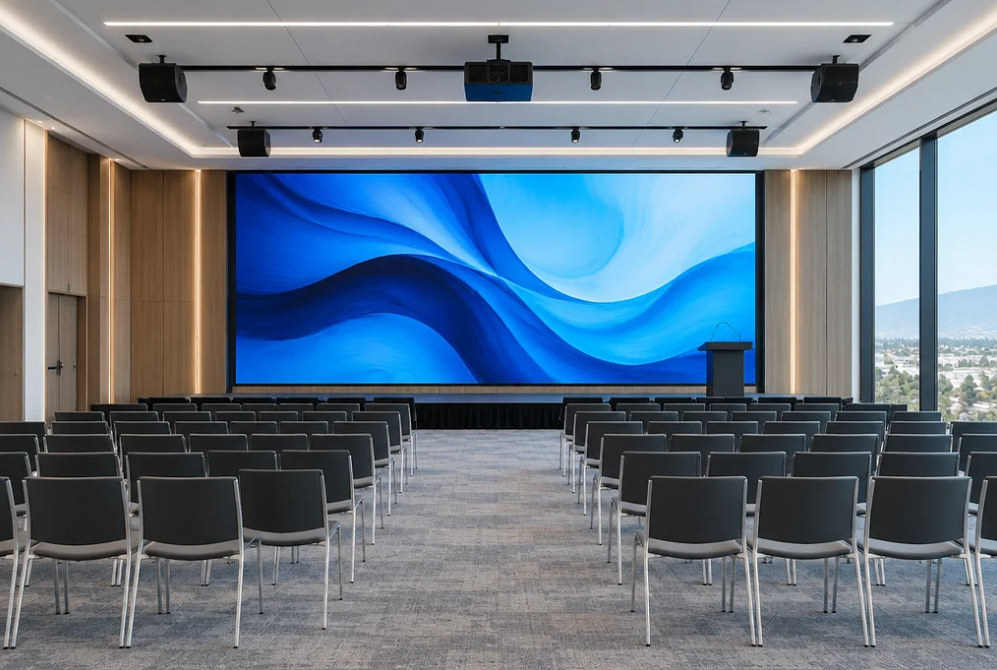
Drag the divider to compare before and after, or open a comparison for a closer look.
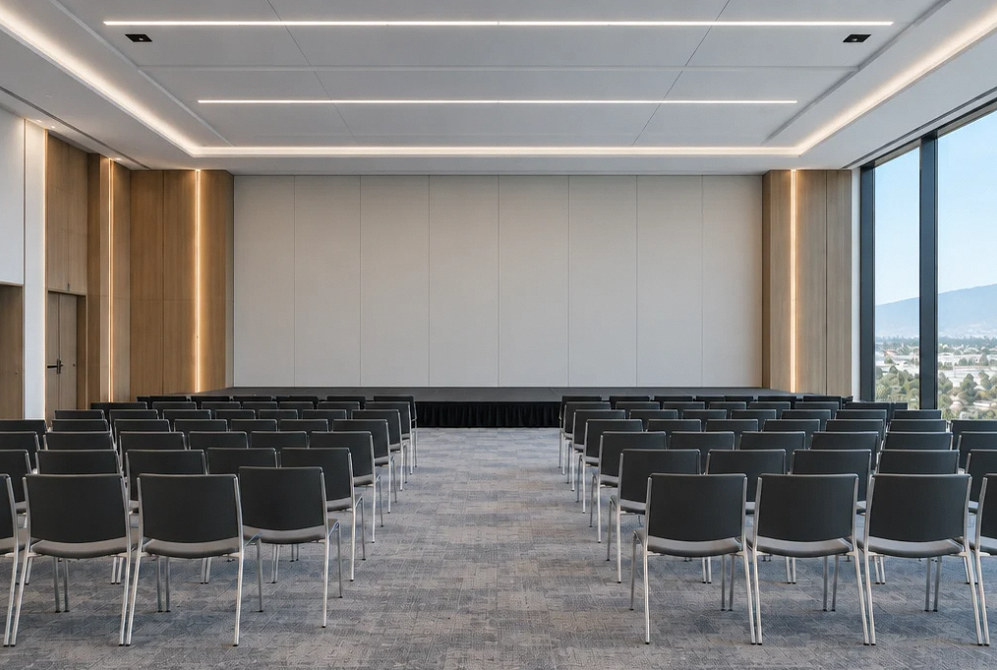
Drag to compare
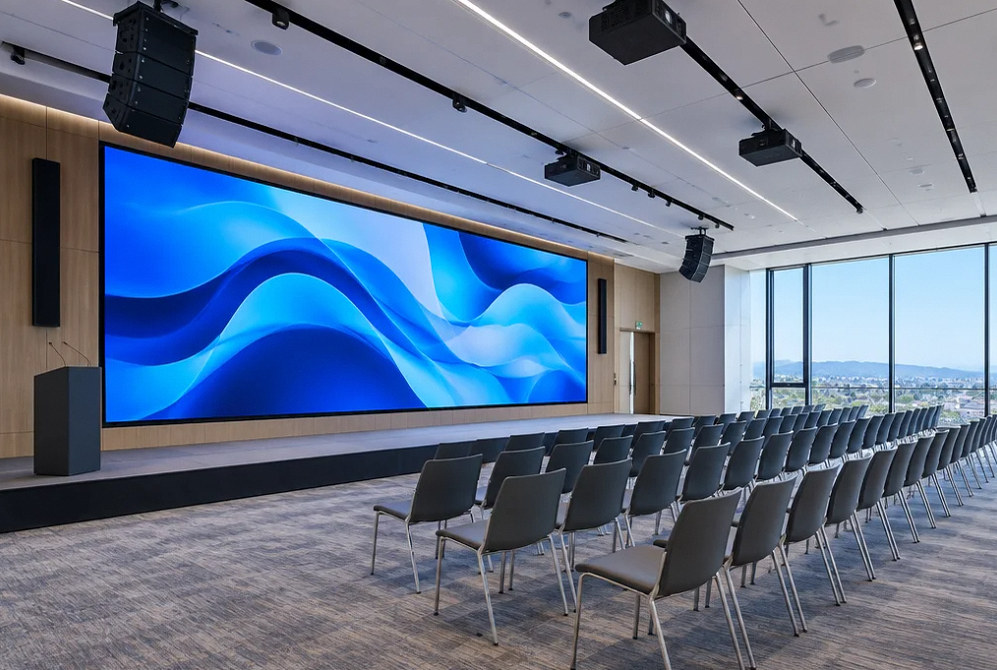
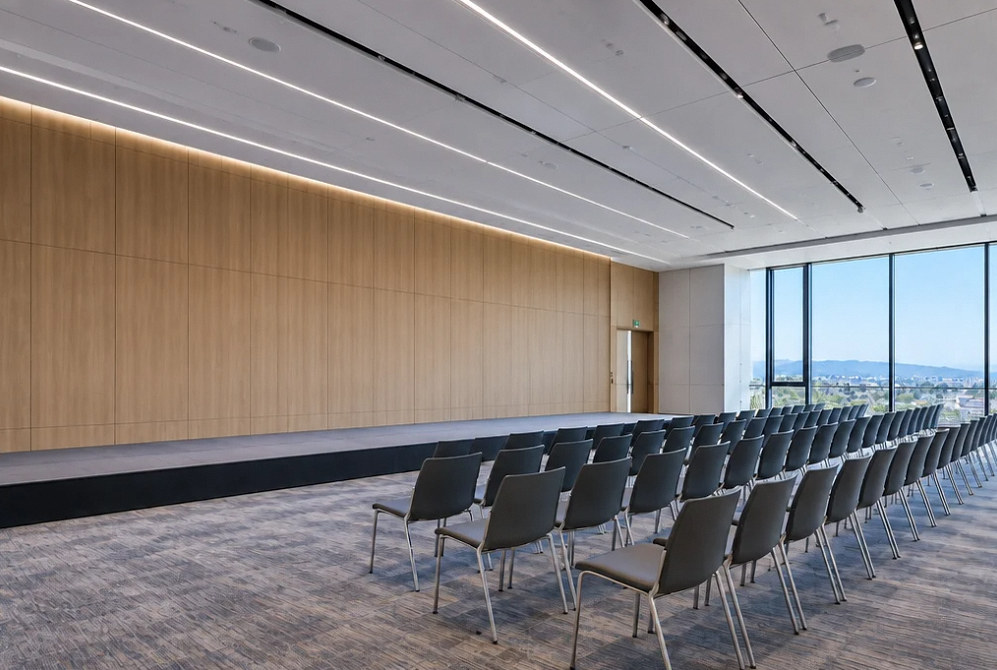
Drag to compare
Plan your project
Show us the content and the viewing positions.
Tell us about the room, display locations and whether the audience is in person, remote or both.
Equipment references
Video equipment to explore.
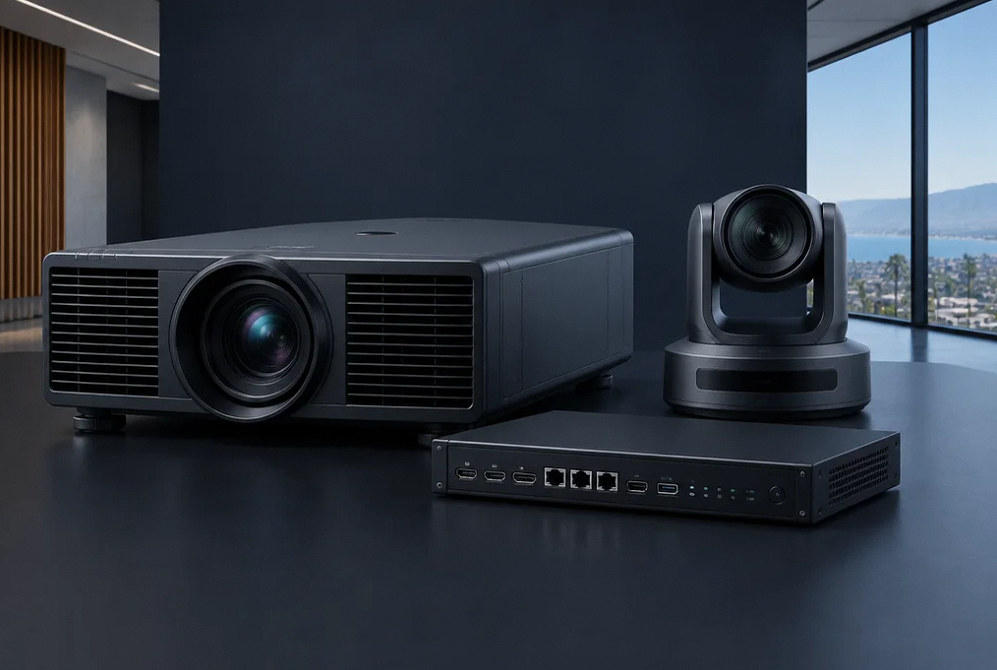
Manufacturer examples for project planning. Brand references do not indicate a dealer or certification relationship. Equipment compatibility and availability are confirmed during selection.
Contact Us
Request A Consultation
Local Services
We're in your city.
Choose your city and tell us what you need. We'll plan the project around your location.
Choose your city to include it with your project details.
Or call us to discuss your project:
(650) 550-0819Request received
Thank you. Your request has been received.
