
Schools & universities · Practical guide
Lecture Capture Needs a Publishing Owner, Not Just a Record Button
Plan the complete recording path from classroom sources to the right course audience, with verified status and institutional ownership.
YKCA Journal · 5 min read · Updated October 3, 2026
Start here
Test the student’s access to the finished recording.
Draw the path beyond the classroom
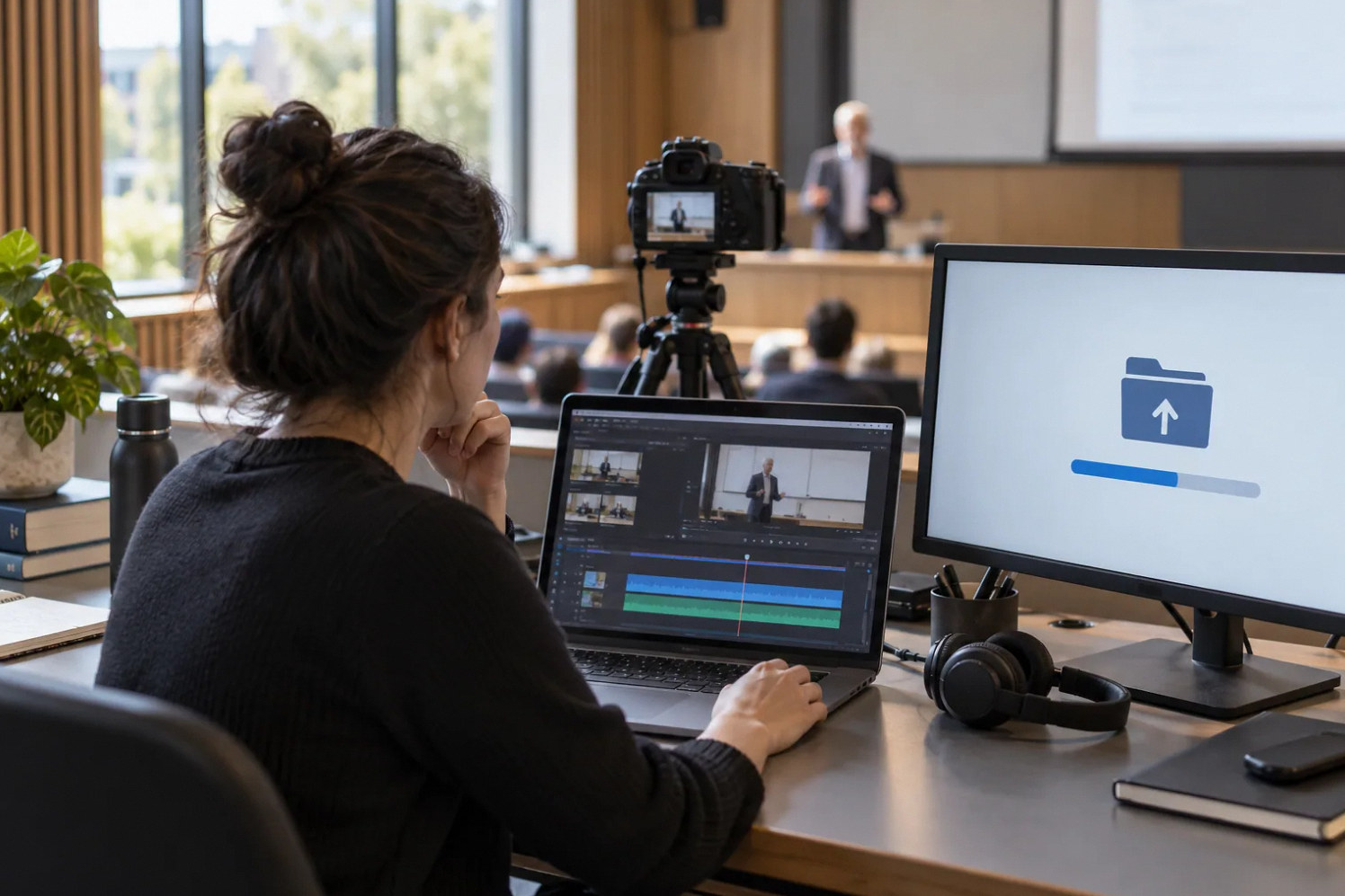
A record light confirms only part of a lecture capture workflow. The useful result is a complete recording, processed and available to the correct course audience. Map the stages: source selection, capture, upload or transfer, processing, course placement, permissions and retention. Give every transition an owner and a visible success or failure indication.
Start with the instructional purpose. A reusable faculty lecture, a student presentation and a live hybrid discussion can have different access and approval needs. Do not make those policy decisions implicitly through a device default. The AV team should document the available controls while the institution decides who may record and publish each type of content.
Choose managed ownership and recovery access
Avoid making a single employee’s personal account the only route to recordings or administration. Identify the institution’s approved account model, authorized administrators and recovery process. Coordinate with IT and the learning-management team before connecting the capture device. Do not put passwords or private access links in printed classroom instructions.
Extron’s SMP material documents recording controls, status indicators and integration with content platforms for specific products. Those functions can support an institutional workflow, but they do not determine who owns the resulting files. Require the deployment plan to name that owner and explain what happens when an instructor changes departments or leaves.
Reference: Extron: SMP Streaming Media Processors
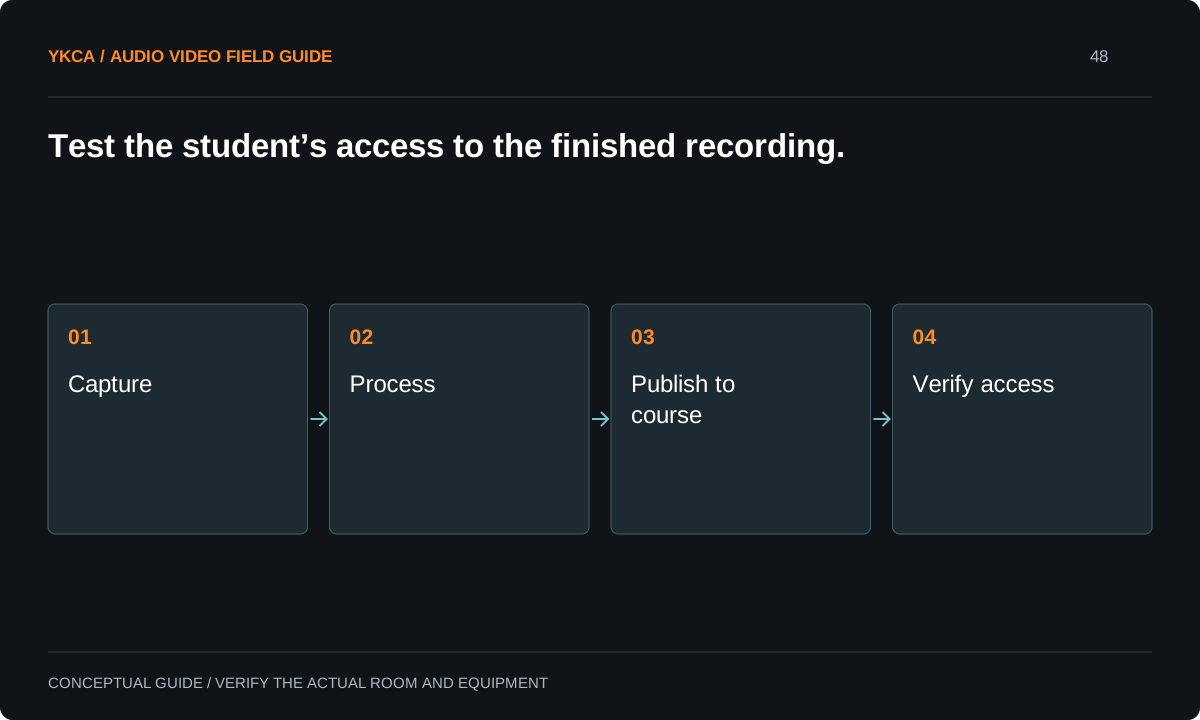
- Capture
- Process
- Publish to course
- Verify access
Resolve privacy and access questions before recording students
The U.S. Department of Education explains that photos and videos can be education records when they are directly related to a student and maintained by an institution or a party acting for it, with context-specific considerations. That does not mean every classroom image has the same legal status. The institution should review its intended recording uses and applicable policies.
Translate the approved policy into practical controls: who starts recording, what indication participants see, who can publish, which course receives the file and how access changes at term end. Keep accessibility and any required captioning workflow with the instructional owners as well. The installer should not invent permission rules because a platform offers a convenient default.
Reference: U.S. Department of Education: Photos and videos under FERPA
Test the student view and the wrong-user view
For example, an instructor records a short authorized test lesson using slides, speech and a document camera. The system processes it into the designated test course. An intended student account opens the file and checks the content. A separate account without course authorization verifies that access behaves according to the institution’s policy.
Also confirm what the instructor sees while recording and after upload. If processing fails or the destination is unavailable, the responsible team should know where the temporary copy remains and how to recover it. Do not use actual student records or sensitive class discussion to test a newly configured publication chain.
Specify the failure and retention workflow
A capture system can fail through storage exhaustion, network interruption, account changes or a scheduling error. Identify which conditions generate alerts and who reads them. Decide how long an unsuccessful upload remains locally and who can retry it through supported procedures. Avoid making instructors discover a failed semester archive only when students report missing lessons.
Retention is a policy and storage decision, not merely the largest disk the project can buy. Document the authorized schedule, deletion responsibility and treatment of copies in different systems. If the platform integration creates multiple versions, explain which is the authoritative course copy and how corrections are propagated.
Commercial audio video installation for lecture capture should also account for a wrong destination. Simulate a test recording assigned to the wrong test course, then have authorized staff demonstrate how they restrict access and correct the publication. Keep the exercise separate from real student content. Record whether correcting the course entry changes every copy or leaves another accessible file behind. The point is to understand the institution's supported recovery process before a genuine mistake occurs. Include the person responsible for notifying affected instructional owners under institutional policy. Technical deletion or moving a link alone may not resolve every copy or access path.
Accept the entire lifecycle
Handoff should include the source map, recording-status behavior, destination rules, account ownership, support contacts and approved retention procedure. Give faculty a brief operating guide while keeping administrative details with authorized staff. Demonstrate ordinary start and stop, a completed publication, correct access and the agreed failure recovery.
The acceptance record should name which course workflow was tested and which integrations remain unverified. A successful recording on the classroom device does not close the full project. The useful finish line is that an intended student can open the right lesson, unauthorized access is controlled as specified, and staff can manage the recording after the original instructor is unavailable.
Compare the next steps
A decision table for this problem
| Situation | Operating decision | Evidence to check |
|---|---|---|
| Faculty lecture | Apply approved course publication workflow | Intended students can view finished lesson |
| Student presentation | Review applicable institutional policy | Authorized recording and access rules documented |
| Upload fails | Assign alert and retry owner | Recoverable copy location is known |
| Instructor leaves | Use managed account and recovery procedure | Institution retains authorized administration |
| Term ends | Apply retention and access policy | Copies and course permissions handled consistently |
Use this in the room
Your working checklist
Common questions
Does a recording indicator prove students can watch the lecture?
No. Transfer, processing, course placement and permissions can still fail. Verify the finished recording from the intended student’s perspective.
Are all classroom videos education records?
The federal guidance describes context-specific criteria. Have the institution evaluate its intended recordings rather than treating every classroom image as legally identical.
Can the instructor’s personal account own the system?
That creates an avoidable continuity dependency. Use the institution’s approved account model and document authorized administration, recovery and the destination of recordings.
Read the original guidance
Sources and discussion context
Research used primary documents and, where full text was unavailable, indexed excerpts from official sources. A citation does not mean the complete document was accessible. Product behavior depends on the actual model, configuration and documentation. Confirm the requirements for your venue before changing the installation.
Reader problems behind this guide
These Reddit discussions helped identify the practical question. They are individual experiences, not technical authority or a measure of how common the problem is. Examples and diagrams illustrate planning decisions; they are not records of completed YKCA projects or installation drawings.
- Lecture Capture in Higher Ed
Higher-education staff compared appliances, conferencing recordings and content-platform integrations, including automated transfer questions.
Research access: search excerpt with post text; not independently opened.
Keep the whole system in view
