
AV by venue · Houses of worship
Worship AV for clear speech, music and volunteer operation.
Coordinate the sanctuary sound, screens and stream around the service format and the people operating the system each week.
Planning the system
Plan the sanctuary and the stream as related audiences.
Church sound system installation begins with speech clarity and the room's acoustic behavior. A sermon, choir and amplified worship team may need different input, monitoring and mixing arrangements.
A remote audience also needs a deliberate camera and audio workflow. The sanctuary mix alone may not provide a balanced stream, so include the online audience and volunteer roles in the design brief.
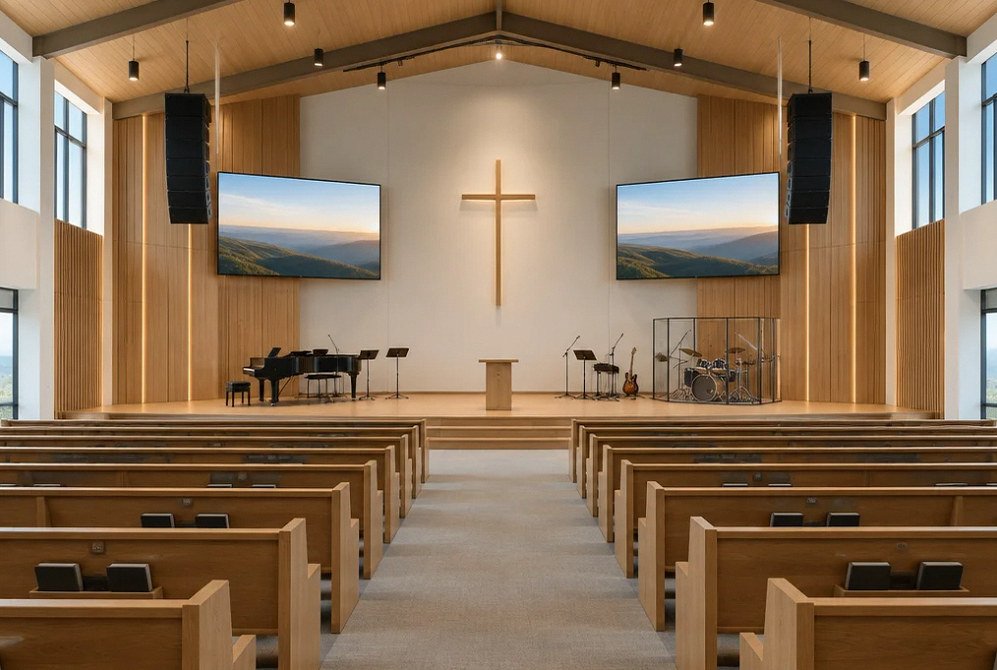
Installation concept.
Scope of work
Coordinate the service from platform to remote audience.
Speech clarity
Review seating, reflective surfaces and presenter locations before choosing speaker coverage and microphone arrangements.
Music and monitoring
Map instruments, vocal inputs and performer monitoring to the worship format and available operators.
Lyrics and presentation
Coordinate screen positions and content legibility with sanctuary sightlines and available room light.
Cameras and streaming
Define camera views, switching and a suitable audio feed, then assign streaming-platform operation and accounts.
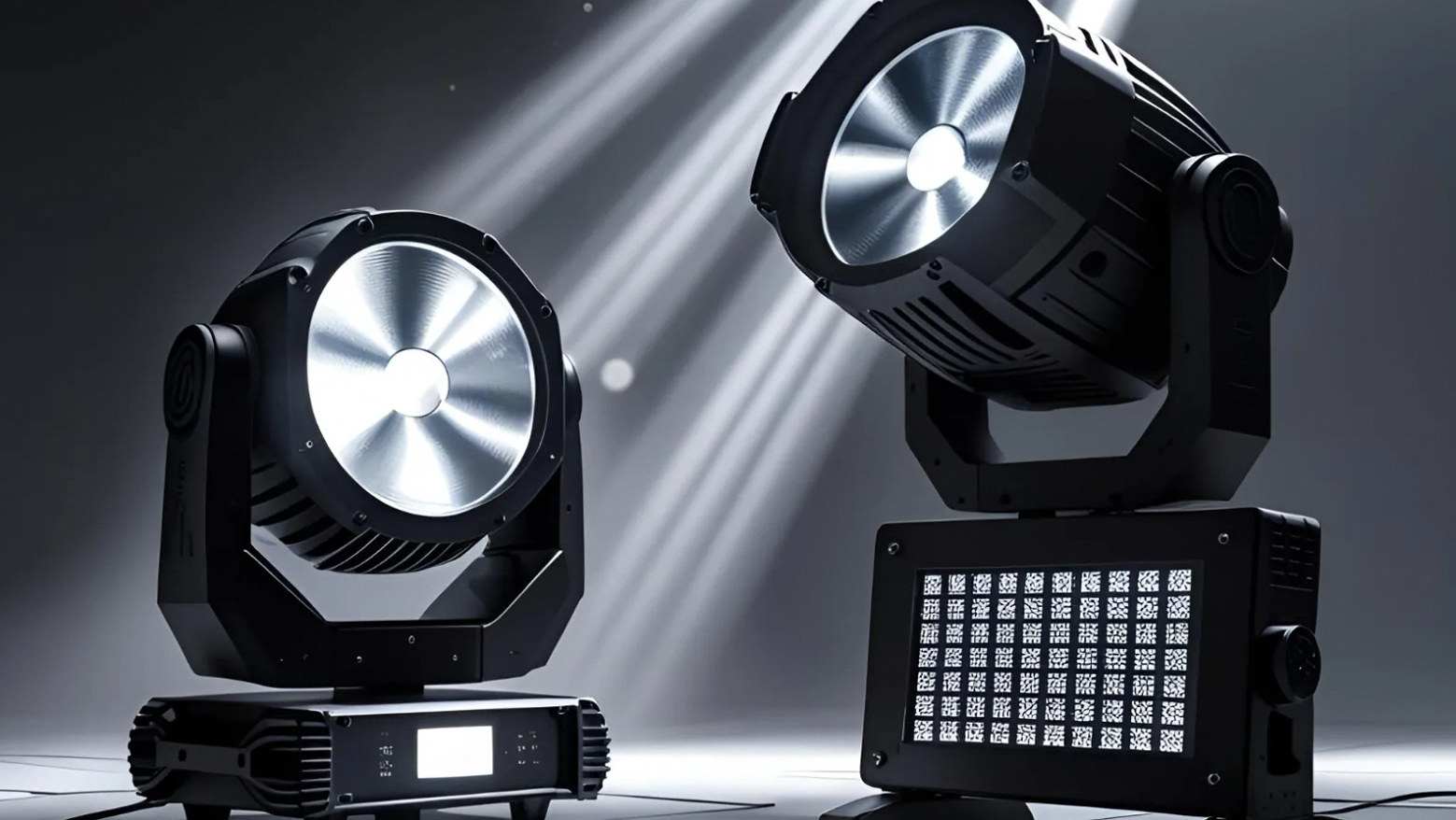
Lighting for people and cameras
Review presenter lighting and camera needs alongside the sanctuary atmosphere and existing fixtures.
Volunteer workflow
Create agreed starting settings and practice the weekly sequence with the people who will operate the system.
Project concepts
See the possibilities for your space
Drag the divider to compare before and after, or open a comparison for a closer look.
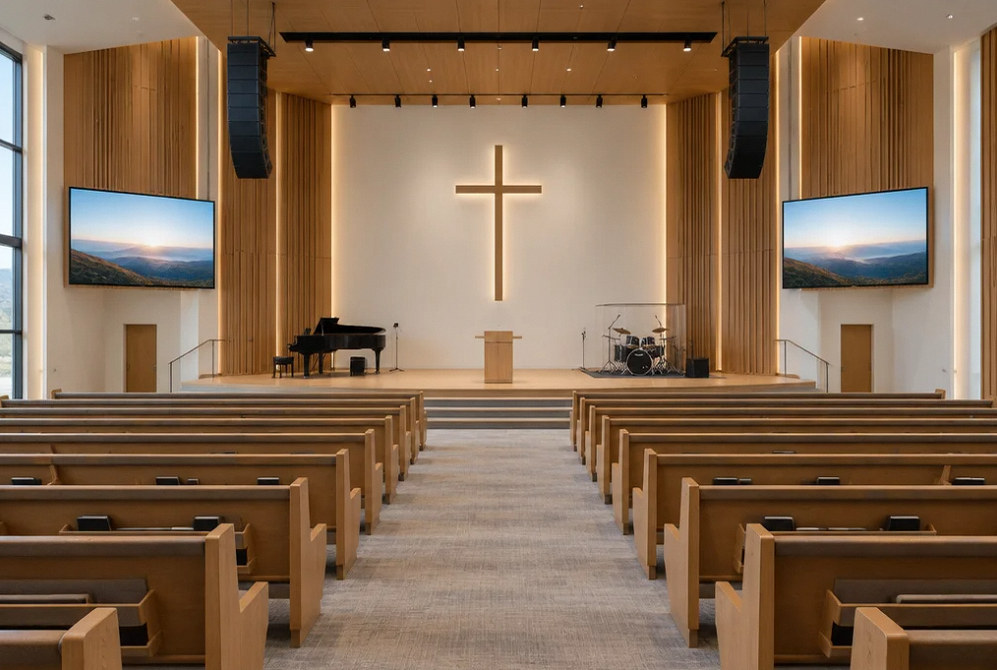
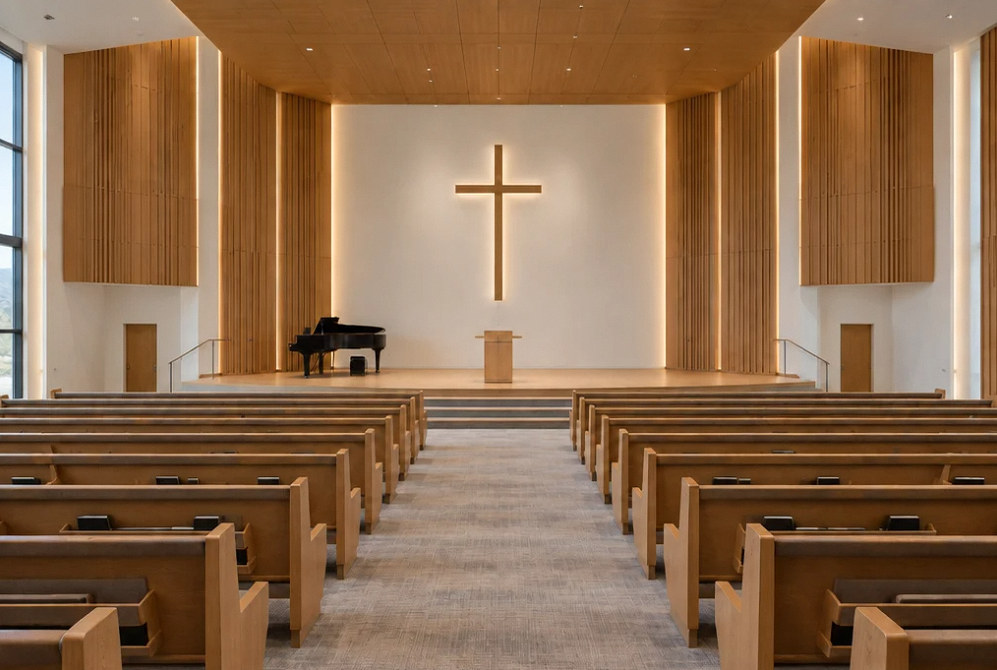
Drag to compare
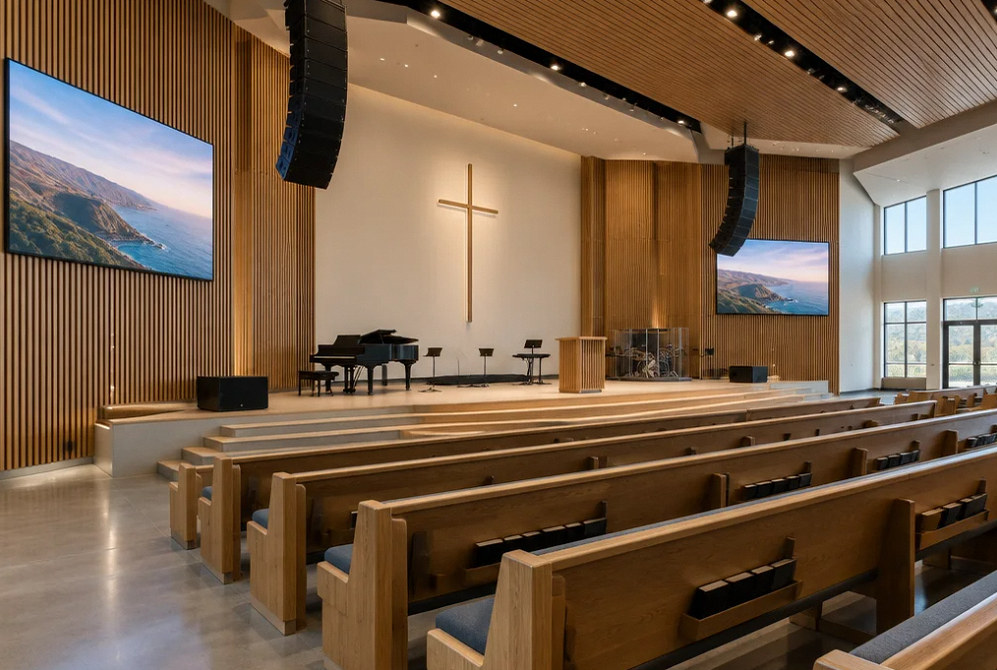
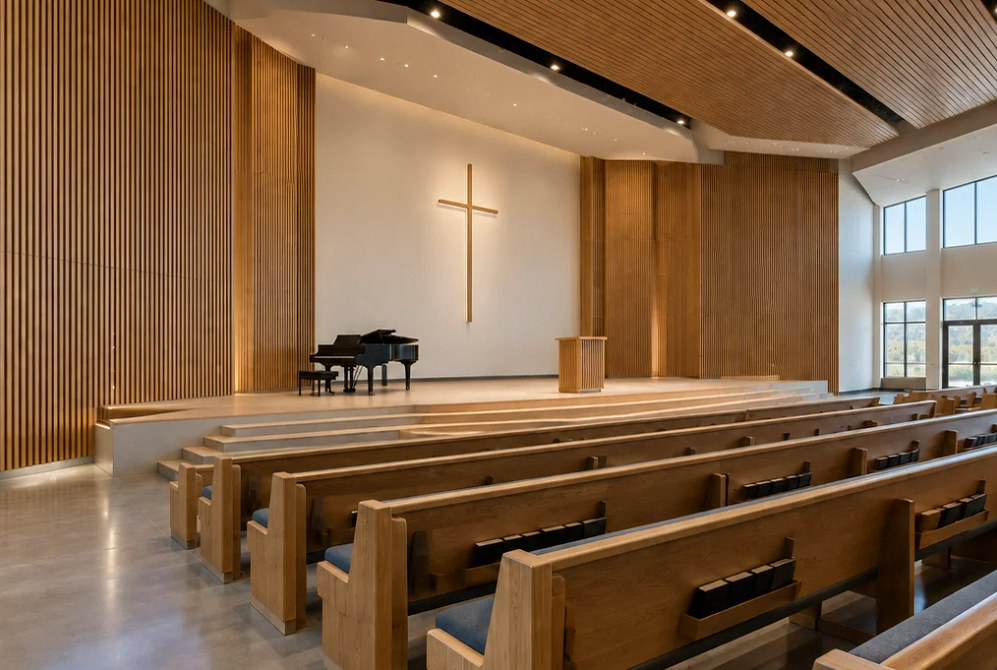
Drag to compare
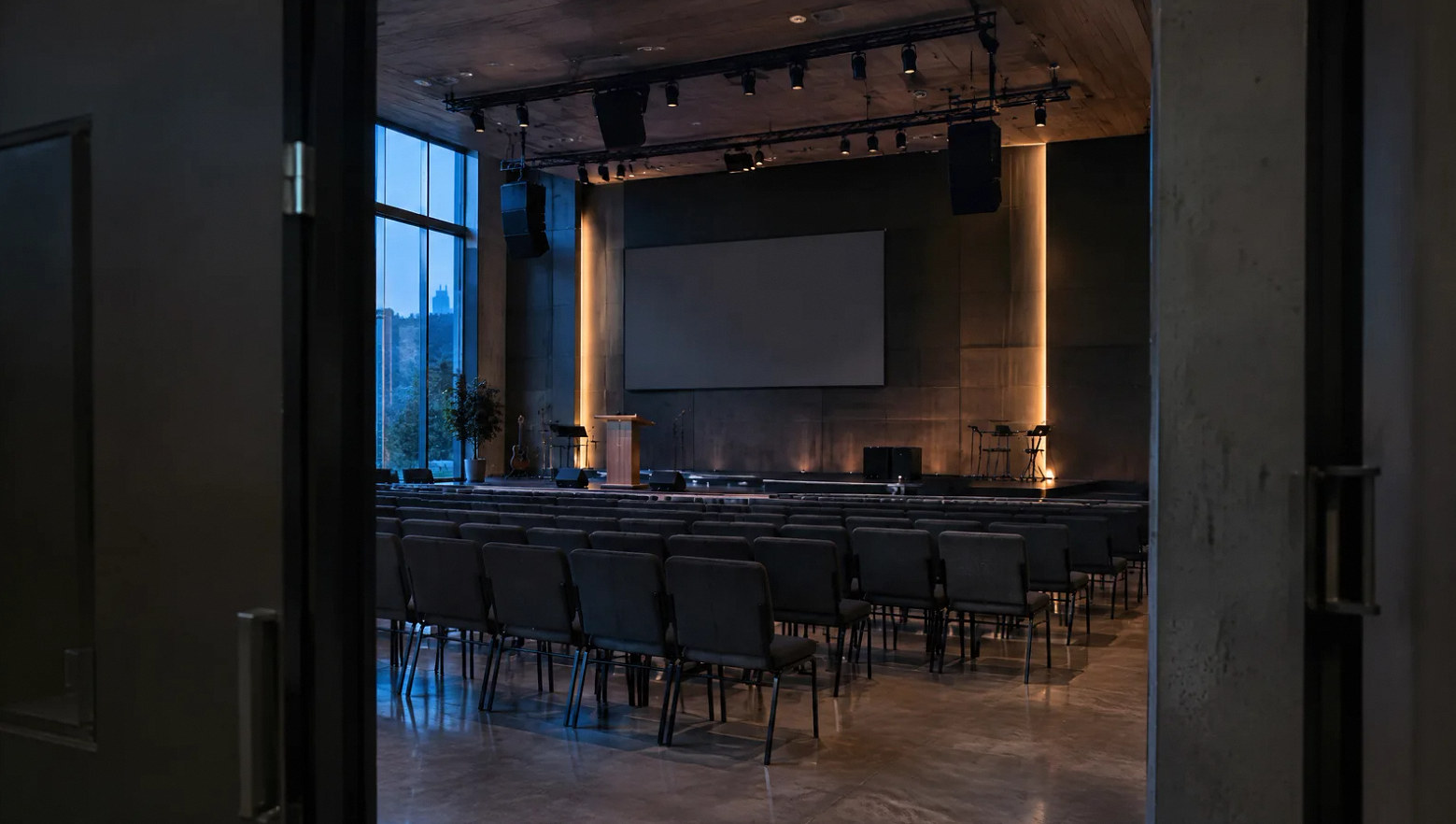
Make the weekly service the starting test.
Use the actual microphones, presentation sources and volunteer roles during the handoff. A rehearsal of the service sequence exposes gaps that a demonstration of individual devices can miss.
FAQ
Worship AV questions for the planning team.
Read the detailed guide: A Church Livestream Mix a Small Volunteer Team Can Maintain →
Read the detailed guide: Build a Church Sound Rotation That Does Not Depend on One Volunteer →
Read the detailed guide: Clear Worship Speech Starts With the Service Run Sheet →
Read the detailed guide: Why a Choir That Sounds Good in the Church Can Sound Uneven Online →
Read the detailed guide: A Stage Change Agreement for Guest Musicians and Church Volunteers →
Plan your project
Tell us about the sanctuary and the service format.
Share the seating layout, music and presentation needs, streaming goals and volunteer operating roles.
Equipment references
Equipment for the sanctuary and the stream.
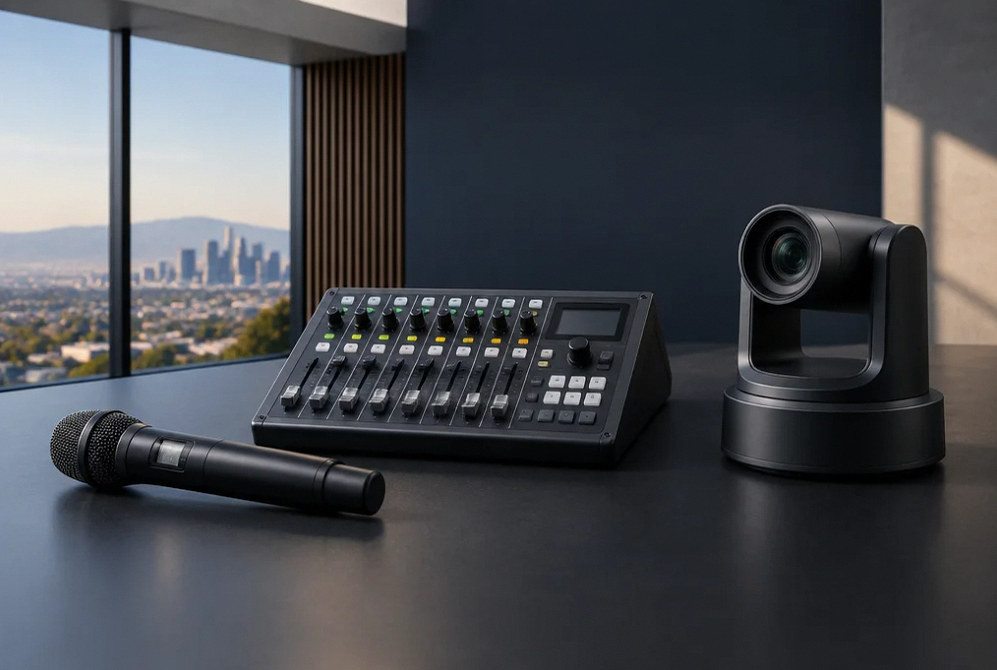
Manufacturer examples for project planning. Brand references do not indicate a dealer or certification relationship. Equipment compatibility and availability are confirmed during selection.
Contact Us
Request A Consultation
Local Services
We're in your city.
Choose your city and tell us what you need. We'll plan the project around your location.
Choose your city to include it with your project details.
Or call us to discuss your project:
(650) 550-0819Request received
Thank you. Your request has been received.
