
AV by venue · Conference centers
Conference AV that follows the room configuration.
Coordinate presentation, speech and hybrid meeting systems for rooms that combine, divide and host different users throughout the day.
Planning the system
A room divider changes more than the floor plan.
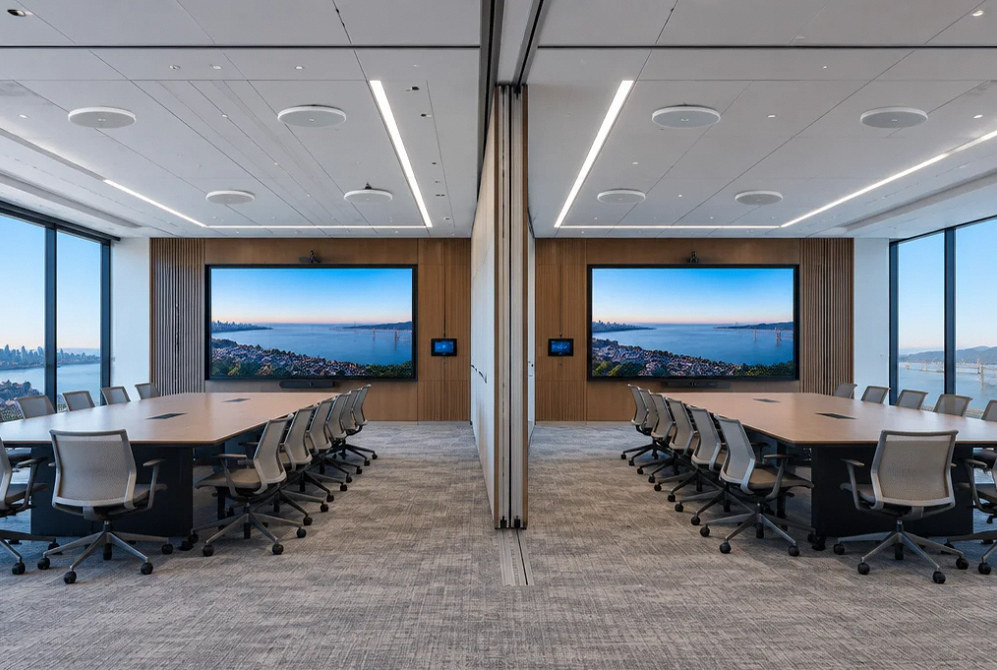
Conference room AV installation needs an operating plan for every intended room configuration. When rooms combine, the microphones, speakers, sources and displays may need different routing than they do in independent sessions.
Define the presenter's connection options and the remote participant's experience as well. A facility team needs clear room modes and predictable handoff steps between events, with IT responsibilities settled before commissioning.
Scope of work
Plan each room mode and each audience.
Combine and divide modes
Map the room configurations and the sources, microphones and displays that belong to each mode.
Speech and conferencing audio
Review presenter and participant positions, microphone coverage and the audio paths used by remote attendees.
Displays and presentation
Coordinate screen positions, content legibility and presenter connections with seating and room configurations.
Hybrid platform workflow
Identify the intended meeting platform, room equipment and guest-device approach with IT and the facility team.
Staff controls
Create practical room-mode and source-selection controls with a clear reset or changeover sequence.
Scenario testing
Test separate and combined rooms, a local presentation and a hybrid meeting before the operating handoff.
Project concepts
See the possibilities for your space
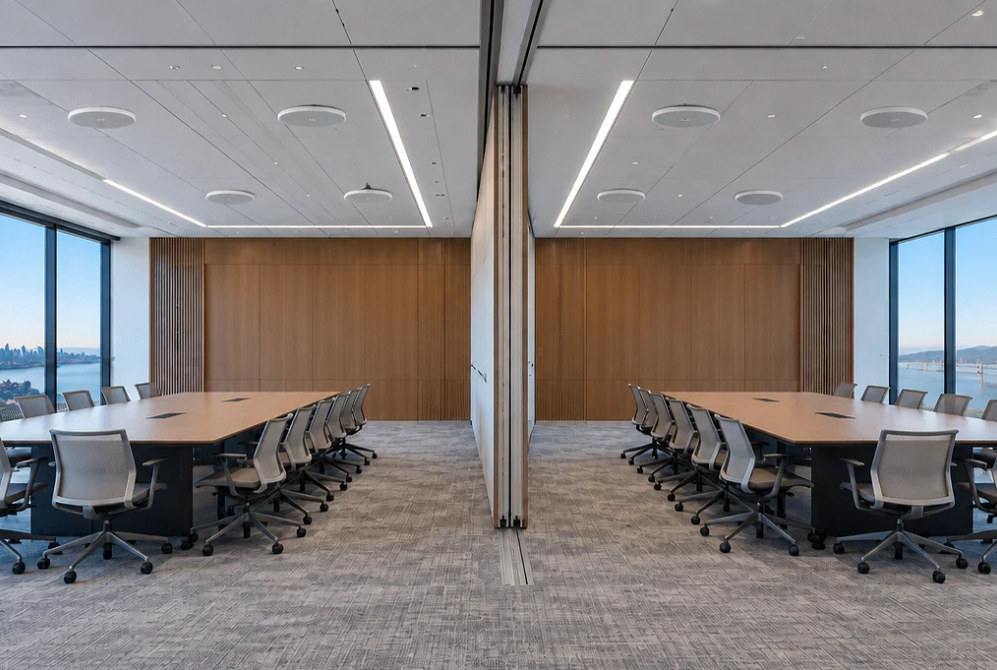
Drag the divider to compare before and after, or open a comparison for a closer look.
Drag to compare
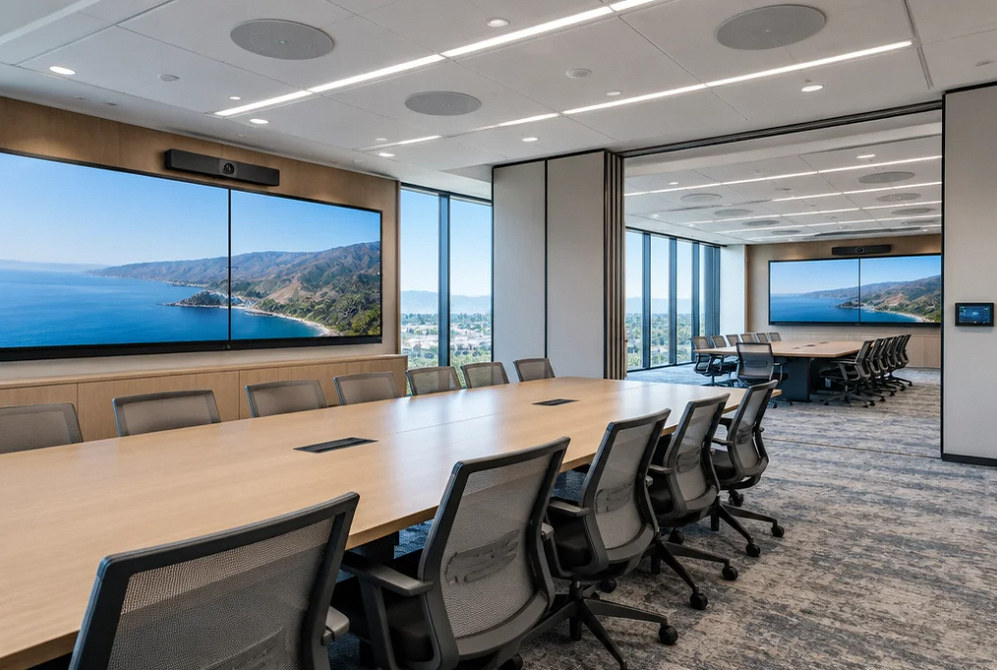
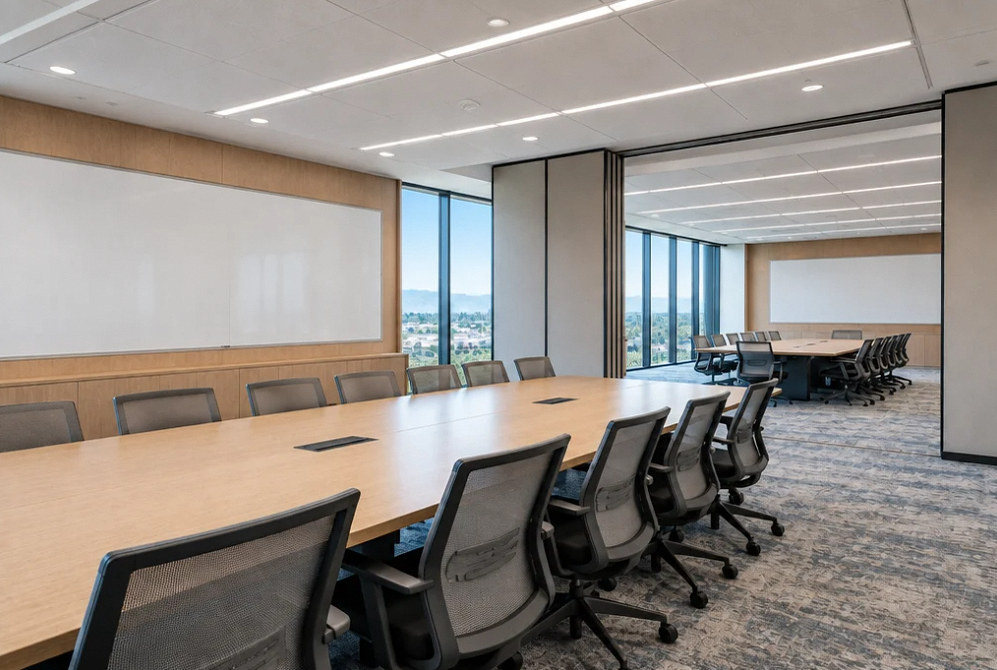
Drag to compare
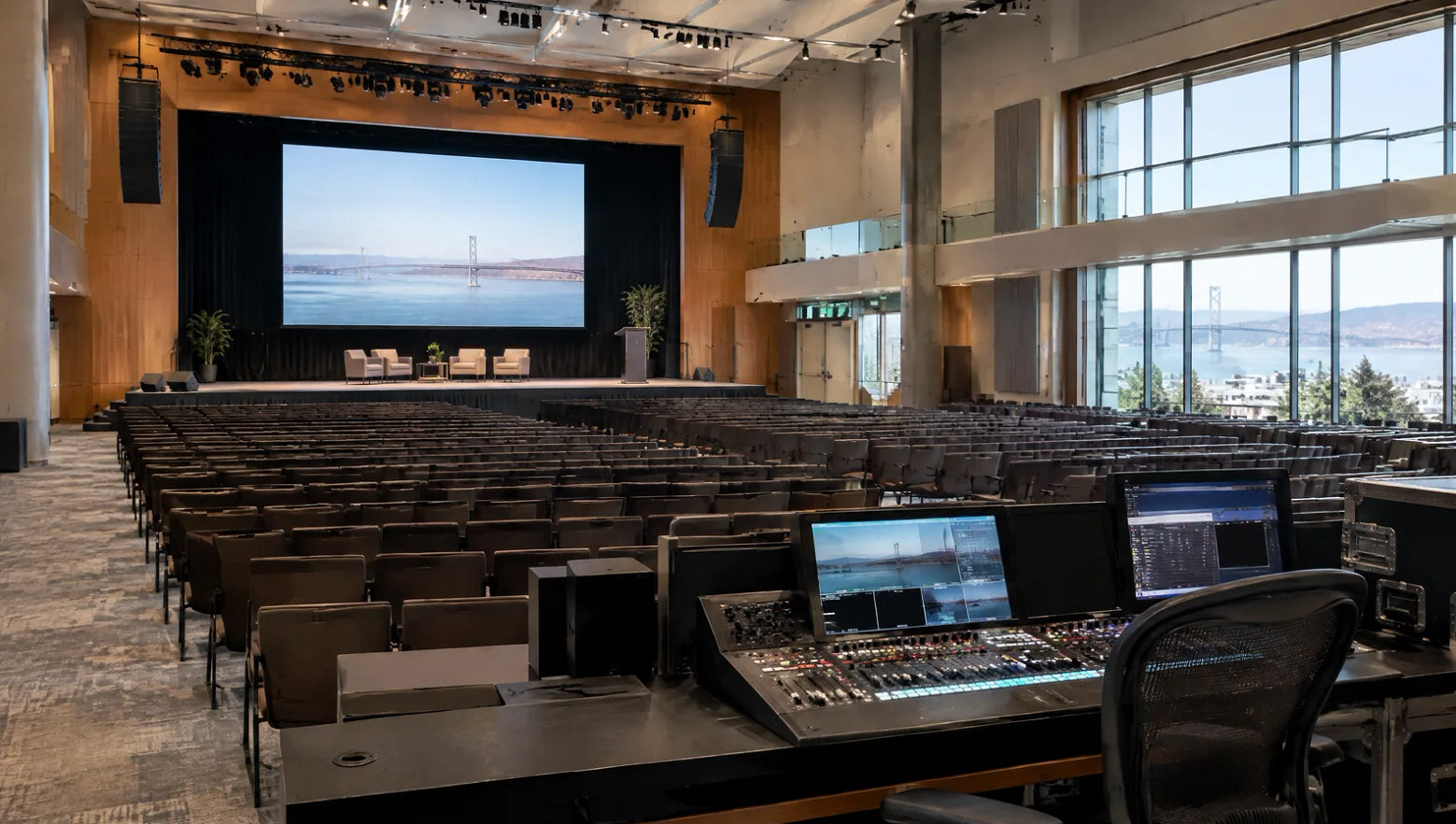
Test the room changeover, not just the equipment.
A useful acceptance session follows an event ending, the room configuration changing and a new presenter connecting. Confirm which settings should reset and which the facility team retains.
Document account, software and network ownership alongside the user instructions.
FAQ
Conference AV questions for facilities and IT.
Read the detailed guide: Divisible Conference Rooms Need a Turnover Procedure →
Read the detailed guide: Guest Laptop AV: What to Check Before the Presenter Walks In →
Read the detailed guide: What “Supports Teams, Zoom and Meet” Should Mean in a Venue Booking →
Read the detailed guide: Train Conference Staff With a Room Handover Rehearsal →
Read the detailed guide: Make Audience Questions Audible to Remote Conference Attendees →
Related Services
Explore the systems behind the room.
Plan your project
Bring the room configurations and meeting workflows.
Share the room plans, partition arrangements, expected event types and the conferencing platforms your team uses.
Equipment references
Equipment for meeting and event rooms.
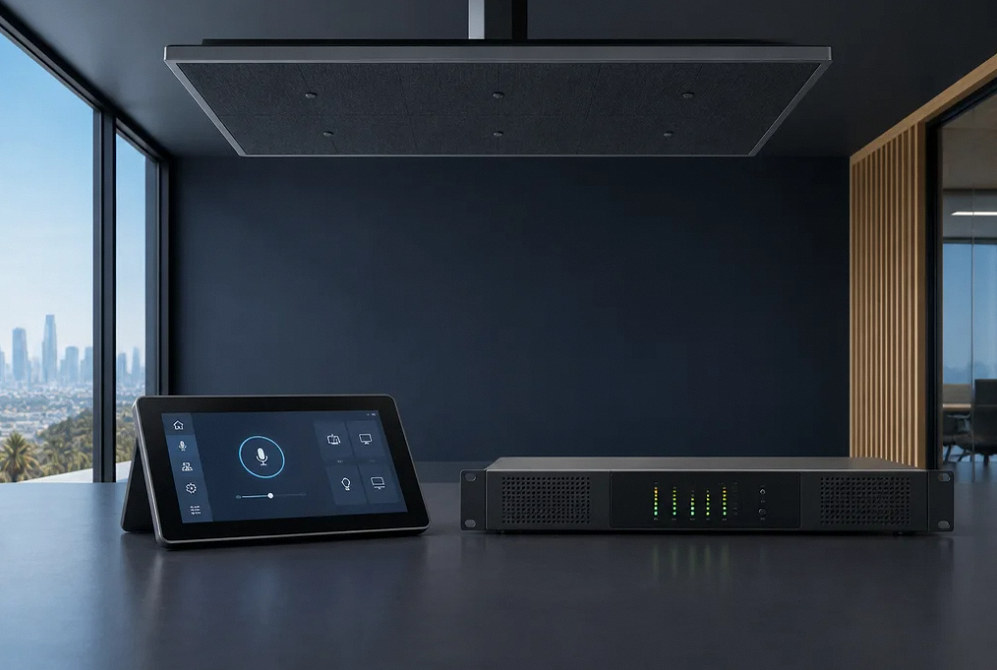
Manufacturer examples for project planning. Brand references do not indicate a dealer or certification relationship. Equipment compatibility and availability are confirmed during selection.
Contact Us
Request A Consultation
Local Services
We're in your city.
Choose your city and tell us what you need. We'll plan the project around your location.
Choose your city to include it with your project details.
Or call us to discuss your project:
(650) 550-0819Request received
Thank you. Your request has been received.
