
Bars, restaurants & clubs · Practical guide
Sports Bar Screens Need a Source Assignment Plan
Plan independent games, screen groups and the audible featured program before selecting a video distribution system.
YKCA Journal · 6 min read · Updated October 3, 2026
Start here
Count simultaneous programs, then define who controls each source.
Count programs rather than screens
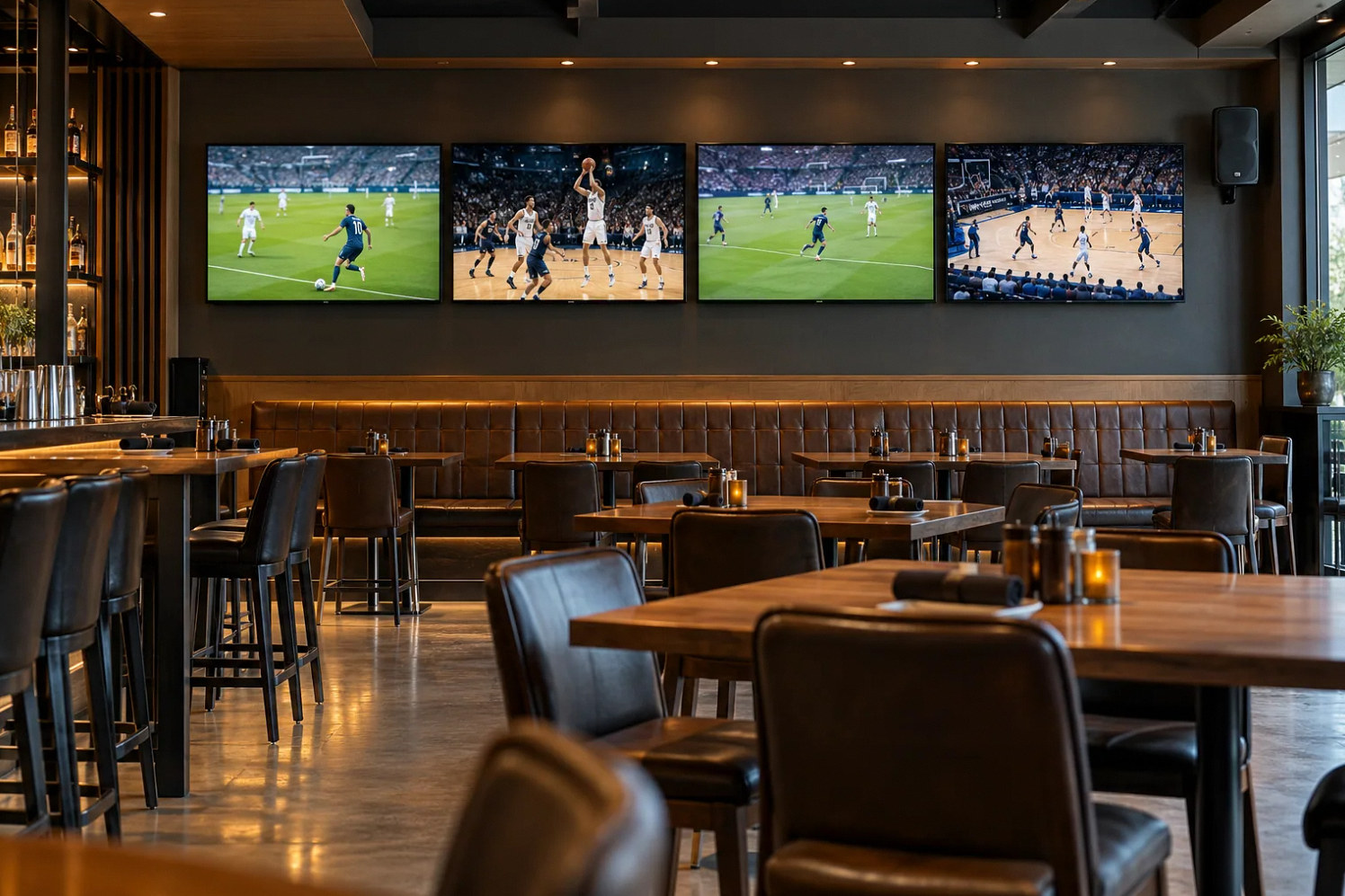
A bar may have twelve screens but need only three simultaneous games, or it may need more independent programs during a tournament. Start with the event schedule and guest experience. List the maximum simultaneous programs, which screens should group together and whether any display must switch independently. That is the requirement a distribution proposal must meet.
A source is the device or feed supplying a program. Sending one source to several screens does not create several independently selectable programs. Confirm the venue’s authorized commercial service and account arrangements with its providers. The AV design should use approved feeds rather than assume that a consumer app or one subscription covers every intended public use.
Define screen groups in staff language
Name displays by location: bar left, dining rear or patio center, rather than an unlabeled output number. Build a small venue map that matches the control interface. Then define common groups, such as “all bar screens” or “featured game.” Staff should be able to understand the destination before selecting a source.
Extron’s DXP matrix documentation illustrates independent routing between multiple inputs and outputs and separate audio extraction on specified hardware. A matrix is a device that connects selected sources to selected destinations. That capability is useful only when the installed system has enough inputs, outputs and a control design that reflects the venue’s operating plan.
Reference: Extron DXP HD 4K PLUS matrix switchers
- Count programs
- Map screen groups
- Assign featured audio
- Rehearse changes
Give the featured audio a separate rule
Multiple visible games do not mean multiple programs should be audible in the same guest area. Decide which audio follows the featured game and which areas retain background music or a different source. Make the control explicit so changing one screen does not unexpectedly change the whole restaurant’s sound.
A zone processor such as the documented AtlasIED AZM4 can support defined source and zone behavior, depending on configuration. Ask the designer to show how television audio enters the audio system and how staff choose the featured program. Detailed synchronization faults deserve technical diagnosis, but the operating brief should first establish which program is supposed to be heard.
Reference: AtlasIED: Atmosphere AZM4
Rehearse a busy game change
For example, two sources carry different games, and the final minutes of a third event become the featured program. Staff select the approved third source, route it to the main bar group and assign its audio to the bar speakers. Dining remains on music, while a single requested screen continues the earlier game.
Run this sequence before the busy event using noncritical test content. Confirm that changing a channel on one source affects every screen using that source, and show staff how to see those assignments. This prevents an operator from unknowingly interrupting another group of guests while trying to satisfy a local request.
Plan the daily and failure routines
Opening should confirm source availability, intended screen groups, audio selection and staff control access. Closing should restore the agreed next-day state and end any temporary account sessions through the authorized process. Assign responsibility for provider outages and account issues separately from equipment faults. A blank screen does not always belong to the same support team.
Keep a reduced-capability plan for a failed source or controller. State which programs remain available and who decides their screen allocation. A venue may continue with fewer independent games, but that is an operating compromise rather than full system recovery. Record the incident so the provider can investigate after service.
Include guest requests that conflict with the featured-event plan. A server should know whether they can change an individual screen, request a manager change or only select approved presets. Write those permissions in service language and test them from ordinary staff access. If a source is shared, the interface or procedure should make that consequence visible before the channel changes. Keep a venue map at the service station for employees unfamiliar with display names. During a tournament, update the planned program assignments before opening rather than relying on improvised changes as requests accumulate. That small operating step can matter as much as the switching hardware.
Compare the featured audio with the visible action on nearby screens. Different receivers or streaming services can show the same game at different times, even though the program title matches. If the bar speakers follow one source while an adjacent screen follows another, guests may hear a score before seeing it. Identify which screens must share the featured source and which can remain independent; verify the arrangement during the staff rehearsal.
Accept simultaneous operation
Do not test each display only one at a time. Demonstrate the maximum intended simultaneous programs, mixed screen groups and the featured audio selection. Have a shift manager perform common changes without technician prompts. Confirm that location labels, on-screen status and the printed map agree. Include a restart and return to the daily baseline.
The handoff should contain the source inventory, display map, ordinary presets, account ownership and support boundaries. Record any display or source combinations that remain unverified. Commercial audio and video systems become manageable when staff can predict the consequence of a selection, not merely when every screen can display an image during installation.
Compare the next steps
A decision table for this problem
| Situation | Operating decision | Evidence to check |
|---|---|---|
| Several screens share one game | Route one source to the intended group | Staff understand shared channel changes |
| Guests request independent games | Provide enough authorized sources | Simultaneous program requirement tested |
| Featured game audio changes | Select the defined audio source and zone | Other guest areas remain as intended |
| One source fails | Use reduced-capability allocation plan | Manager knows which programs remain available |
| Opening or restart | Restore approved daily assignments | Screen map and actual sources agree |
Use this in the room
Your working checklist
Common questions
Can a splitter provide different games on each screen?
A basic splitter distributes the same input. Independent programs require appropriate sources and routing, or another explicitly designed and authorized architecture.
Should television audio follow every screen change?
Only where that behavior is intended. Most venues need a clear featured-audio rule so a local display request does not unexpectedly alter the whole bar.
How many receivers do we need?
Determine simultaneous independent programs and the provider-approved source architecture first. Display count alone is not enough to size the source requirement.
Read the original guidance
Sources and discussion context
Research used primary documents and, where full text was unavailable, indexed excerpts from official sources. A citation does not mean the complete document was accessible. Product behavior depends on the actual model, configuration and documentation. Confirm the requirements for your venue before changing the installation.
Reader problems behind this guide
These Reddit discussions helped identify the practical question. They are individual experiences, not technical authority or a measure of how common the problem is. Examples and diagrams illustrate planning decisions; they are not records of completed YKCA projects or installation drawings.
- I know we’re doing it wrong, but what does the right way look like for broadcast TV on a hospitality campus?
A hospitality IT director described recurring trouble managing broadcast television across many displays and buildings.
Research access: search excerpt with post text; not independently opened.
Keep the whole system in view
