
Bars, restaurants & clubs · Practical guide
Restaurant Music Keeps Stopping: Build a Useful Fault Record Before Replacing Speakers
Separate source, network, zone and control symptoms so restaurant AV and IT teams can resolve playback interruptions.
YKCA Journal · 5 min read · Updated October 3, 2026
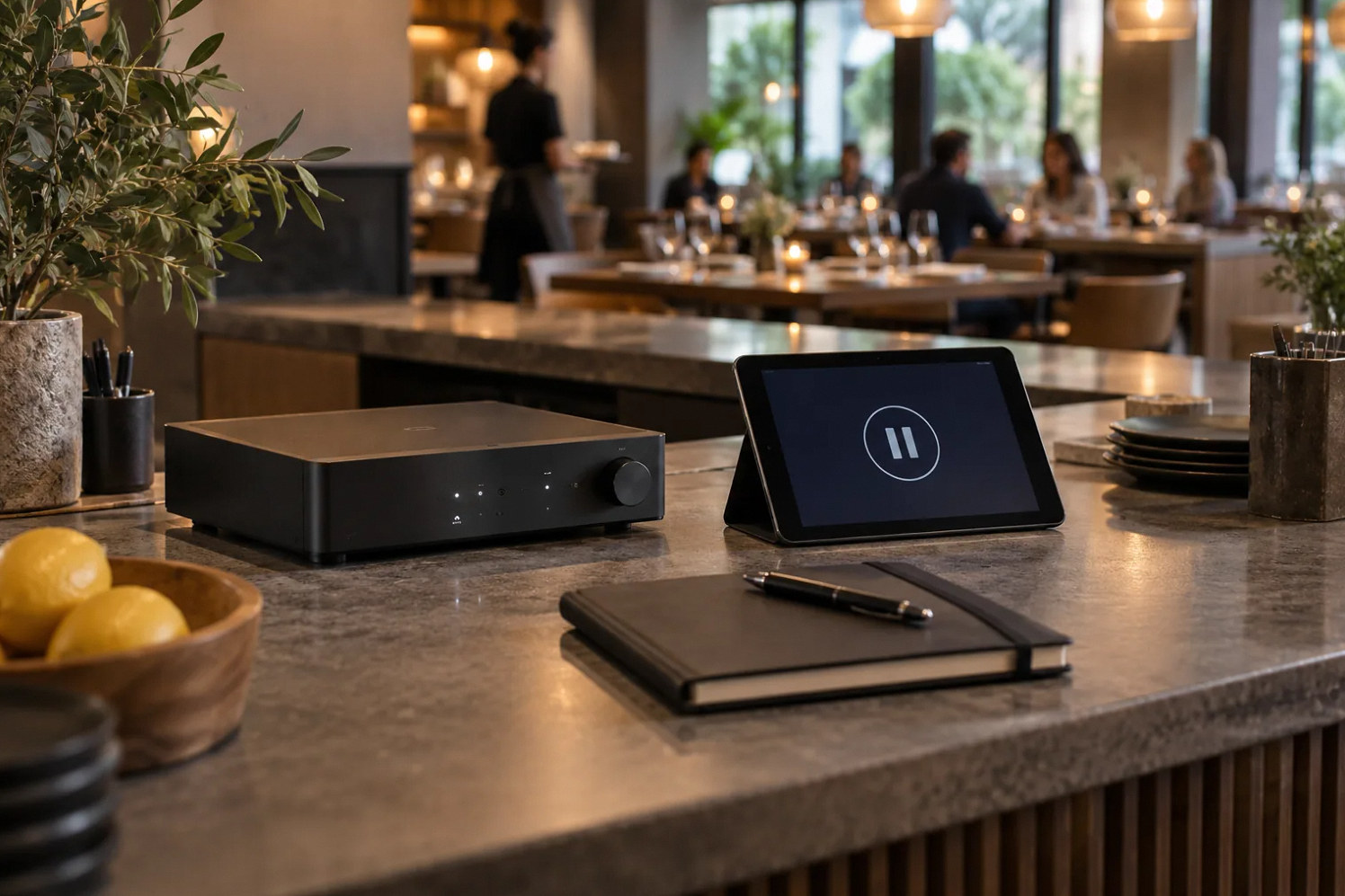
Start here
Record which part failed while the symptom is still visible.
Describe the failure without naming the cause
“The speakers are bad” is a conclusion; “the patio and dining music stopped at the same time while the app lost both rooms” is a useful observation. Ask shift staff to record time, affected areas, source, control-app state and whether recovery occurred without intervention. A short consistent record is more valuable than several unsupported theories.
Check the failure path before authorizing a replacement. Keep source, network, player, amplifier and loudspeaker possibilities open until the evidence narrows them.
Separate all-venue failures from one-zone failures
If every area stops together, inspect the shared source and distribution dependencies. If only one area fails, compare that zone’s connection, player and output path with the others. If products disappear from the control app, note that separately from an app that remains responsive while audio is silent. Those distinctions help AV and IT investigate the same event.
Sonos documentation identifies wireless interference as one possible cause of dropouts or missing products. Its system-requirements page also defines supported network conditions. Apply those documents only to relevant Sonos configurations. Other brands and wired systems need their own guidance; a familiar symptom does not justify copying settings between unrelated installations.
Reference: Sonos: Reduce wireless interference · Sonos system requirements
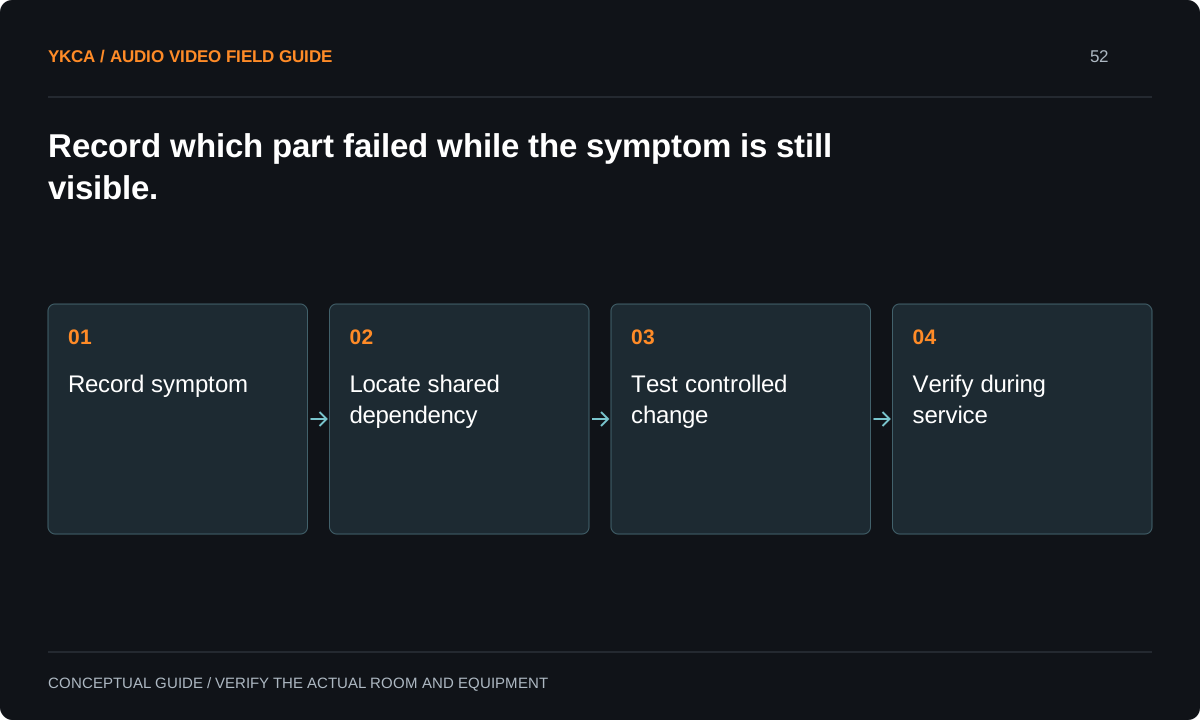
- Record symptom
- Locate shared dependency
- Test controlled change
- Verify during service
Protect business operations during diagnosis
Restaurant networks may also serve payment terminals, ordering, reservations and staff devices. Do not have floor staff reboot shared infrastructure or change wireless settings during service just to see whether music returns. Assign the business network owner and AV provider a maintenance window and a controlled test plan.
List which components can be restarted safely through an approved procedure and which require IT coordination. Preserve the incident information before changing anything. A sequence of unrecorded restarts may restore music temporarily while removing the evidence needed to understand the failure. The venue needs both a short-term operating fallback and a durable repair path.
Compare sources through a controlled test
For example, the same zone is tested with its ordinary streaming source and an approved alternate source during a closed period. The technician observes whether the interruption follows the source, affects device discovery or remains confined to the output path. Each change is recorded and reversed as appropriate before the next test.
The alternate source must be compatible with the system and authorized for the intended use. This is a diagnostic comparison, not an instruction to bypass account or music-use requirements. Keep the test duration and room conditions in the record. A brief successful check cannot rule out a fault that appears only under busy-service conditions.
Decide repair versus replacement from operating needs
Restaurant sound system installation may be justified when the existing architecture cannot provide the required zones, controls or reliability under its supported conditions. But replacing functioning loudspeakers may leave a failing source or network dependency untouched. Ask each proposal to identify the observed failure and explain which part of the proposed work addresses it.
Compare the full support model: who maintains the source account, who manages connectivity, which components need regular updates and how staff operate the fallback. Avoid a proposal that promises reliability solely from a different brand. Require a repeatable verification plan and a clear statement of the conditions that were actually tested.
Ask staff to record what did not fail as well as what stopped. If televisions continued playing, the control tablet stayed online or one area kept music, those observations narrow the shared dependencies. Avoid treating a different device's successful internet connection as proof that the entire AV network is healthy; it is only one piece of evidence. Give the incident sheet simple checkboxes and a free-text note so a busy manager can complete it quickly. Review a small set of comparable incidents with both support teams before authorizing a major replacement. Consistent observations are more useful than a long list of unrelated troubleshooting attempts.
Close the incident with a shared record
AV and IT should leave one agreed record of the symptom, tests, changes and remaining uncertainty. Give staff a concise recovery procedure that fits their role. If the cause remains intermittent, retain a defined observation period and a specific trigger for renewed investigation instead of declaring the issue solved after one quiet afternoon.
Acceptance should include the intended source, all affected zones and representative operating conditions. Record whether the original failure could be reproduced and whether it recurred after the change. Handoff is complete when the restaurant knows what changed, who owns each dependency and what evidence to collect if the music stops again.
Compare the next steps
A decision table for this problem
| Situation | Operating decision | Evidence to check |
|---|---|---|
| Every zone stops | Inspect shared dependencies | Time, source and control state recorded |
| One zone stops | Compare local path with working zones | Affected device and output identified |
| Products disappear from app | Review supported network behavior | AV and IT inspect the same incident |
| Music returns after reboot | Retain uncertainty and observe | Recovery is not treated as root-cause proof |
| Replacement is proposed | Tie scope to observed failure | Verification plan addresses original symptom |
Use this in the room
Your working checklist
Common questions
Does a dropout prove Wi-Fi interference?
No. It is one possible cause in relevant wireless systems. Source, account, player, network and output failures can produce similar symptoms.
Should we wire every device immediately?
Have the network and AV teams review the manufacturer-supported design first. A cabling change should be planned and tested, especially on a shared business network.
When can we call the repair successful?
After the agreed verification under representative conditions, with the original symptom and test limits recorded. A temporary recovery alone does not establish the underlying cause.
Read the original guidance
Sources and discussion context
Research used primary documents and, where full text was unavailable, indexed excerpts from official sources. A citation does not mean the complete document was accessible. Product behavior depends on the actual model, configuration and documentation. Confirm the requirements for your venue before changing the installation.
Reader problems behind this guide
These Reddit discussions helped identify the practical question. They are individual experiences, not technical authority or a measure of how common the problem is. Examples and diagrams illustrate planning decisions; they are not records of completed YKCA projects or installation drawings.
- New Restaurant, New Sound System help
A restaurant manager sought replacement speakers after random dropouts and later identified the network as a suspected factor.
Research access: search excerpt with post text; not independently opened.
Keep the whole system in view
