
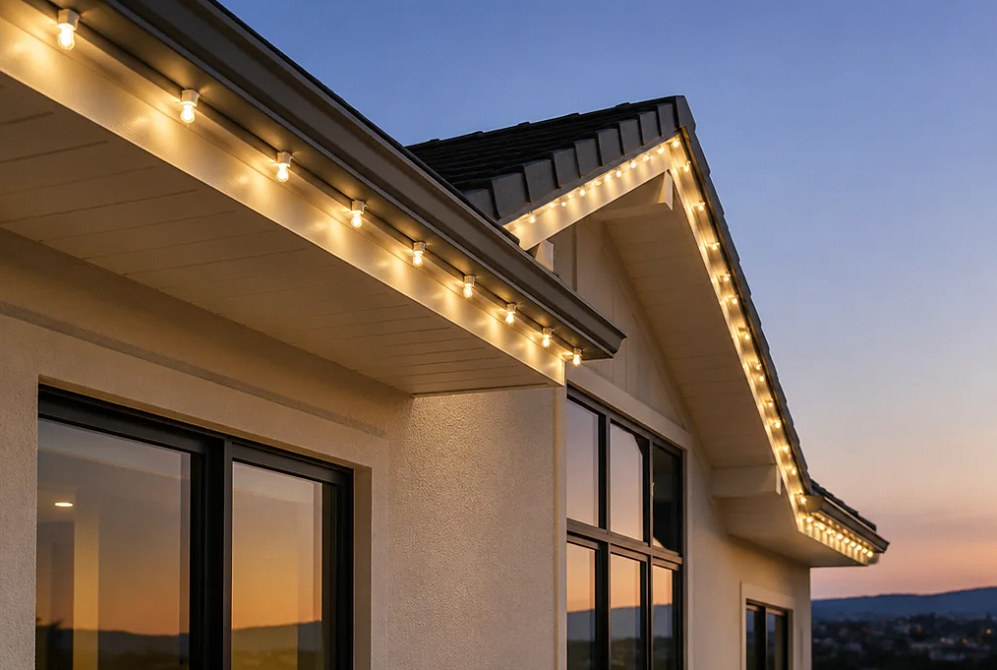
Holiday Lighting · Warranty & Maintenance
Holiday Lighting Maintenance Repairs, Takedown & Storage Planning
Plan what happens after the lights go up. Clarify service requests, equipment and labor coverage, seasonal removal and storage so the display has a documented plan through the end of the season.
Design concept
Seasonal Lighting Service & Care
Know who handles a dark section and what happens in January.
Holiday lighting maintenance starts with a record of the installation: which equipment was used, who owns it, where the controls are and which areas each circuit or lighting zone serves. Those details make an outage report more useful and help avoid confusion when the season ends.
For a service request, describe whether one bulb, one section or the entire display has stopped working. Note whether the issue followed rain, a schedule change or other work on the property. Share photos from the ground and the system model if known. Existing installations need a review of condition and compatibility before repair scope and parts availability can be confirmed.
Warranty coverage is determined by the applicable written terms. Equipment coverage from a manufacturer and installation-labor coverage are separate questions. Removal, off-site storage, replacement materials and next-season installation also need explicit agreement. This page explains what to settle; it does not create a blanket warranty or make those services automatic.
Planning a new display? Review residential packages, commercial displays or the service needs of permanent LED lighting.
Send with a Service Request
- Installation address and system model
- The affected area or display zone
- When the issue started and what changed
- Ground-level photos and any app message
- Original scope or warranty documents, if available
Project Scope
Separate repair, coverage and end-of-season work.
Each has its own scope. Confirm the requested service and applicable terms before work is authorized.
Outage Assessment
Identify the affected lights and operating conditions. Power, controls, connections and the lighting equipment may require different kinds of troubleshooting.
Compatible Replacement
Confirm the original product and suitable replacement components. A different bulb, section or controller may not match the existing color or connections.
Coverage Review
Check the product documents and installation agreement. Establish which party handles the claim and whether diagnosis, labor or materials are covered.
Seasonal Takedown
Agree on the removal window and access requirements. Record any damaged or missing equipment before lights are packed and responsibility changes hands.
Storage Handoff
Confirm the storage location, container ownership and inventory. Off-site storage and future reinstall must be specifically agreed, not inferred from a takedown service.
Project concepts
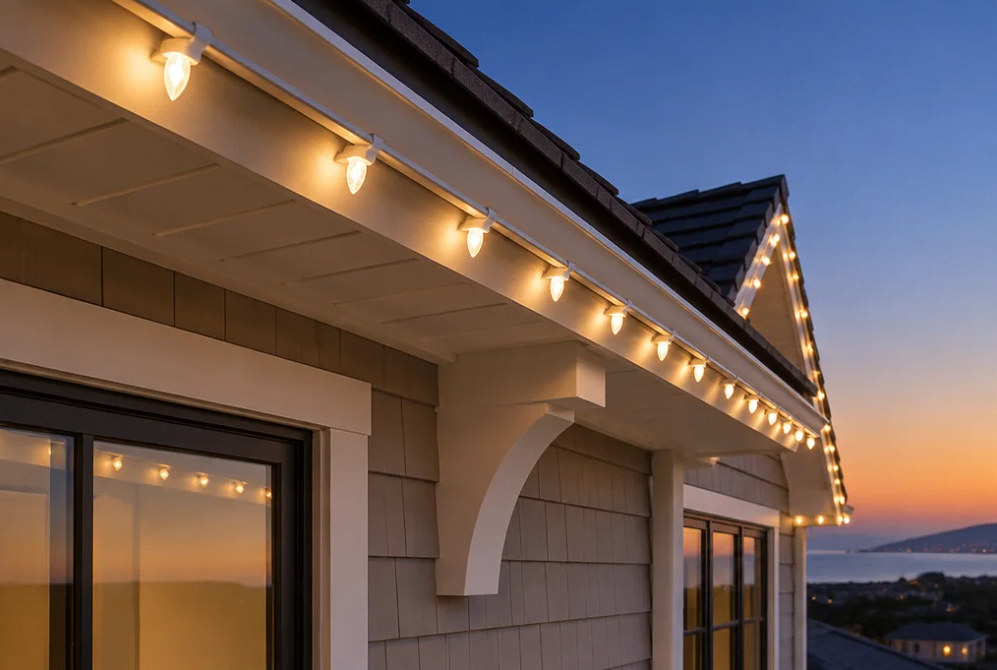
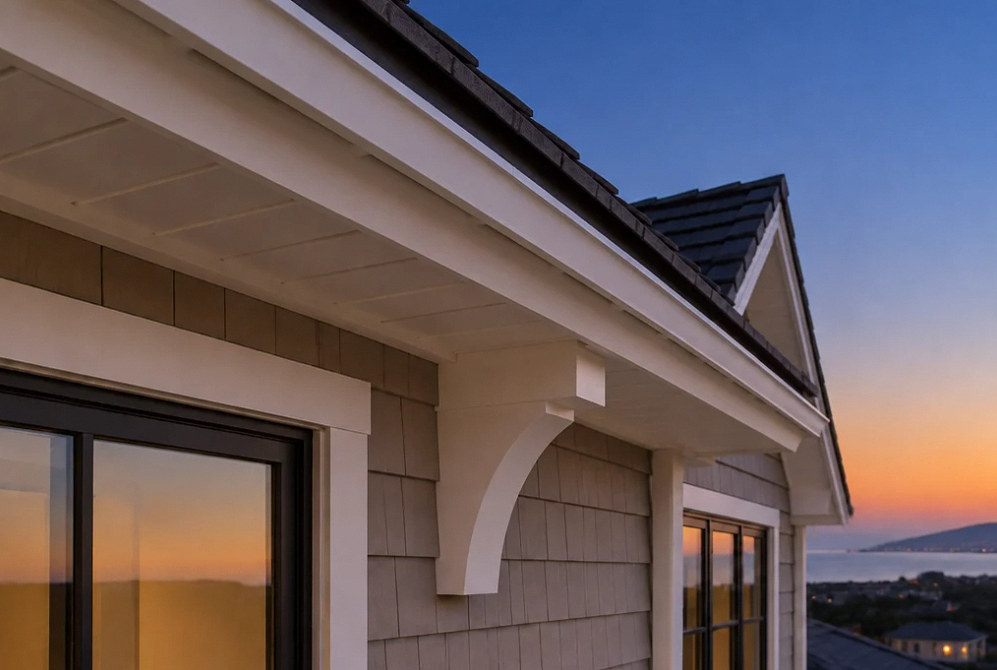
See the possibilities for your space
Drag the divider to compare before and after, or open a comparison for a closer look.
Drag to compare
How It Works
A clear path from service request to closeout.
Useful records help the service visit address the actual issue and leave the next steps clear.
Report the Symptom
Describe the affected area and send photos from a safe ground-level location. Do not climb onto the roof or open electrical equipment to investigate.
Confirm the Service Scope
Review the installation details, applicable coverage and access. Agree on diagnostic work, proposed repairs and any charges before proceeding.
Document the Outcome
Record what was repaired or replaced, any remaining issues and the operating settings. Keep the service record with the equipment documents.
Prepare for the Next Season
At removal, label items by location and note anything needing replacement. Recheck the plan before reinstalling after roof, gutter or landscape changes.
Before the Season Ends
Make the next handoff straightforward.
The important details are ownership, condition and responsibility, not just a date on the calendar.
Equipment Ownership
Identify whether the lights are customer-owned, purchased with the installation or provided under another arrangement. Ownership determines what is returned at removal.
A Location-Based Inventory
Label equipment by roofline, tree or display zone. Pair the labels with a layout photo so the next installer can understand the intended placement.
Condition Before Packing
CPSC advises checking lights for damaged sockets, wiring and connections. Record unsuitable items rather than mixing them unnoticed into the next season's equipment.
Storage Requirements
Follow the product's storage instructions and agree on the actual storage location. Confirm who can access the equipment and who is responsible during storage.
Permanent System Records
Keep controller and app information with the installation documents. Manufacturer support resources can help identify the correct procedure for the selected system.
Future Reinstallation
A previous layout is a useful starting point, not a standing booking. Confirm equipment condition, access, scope and dates again for the next season.
FAQ
Repair, warranty and takedown questions.
Safety and product references: CPSC holiday decoration safety tips · Trimlight troubleshooting resources · JellyFish Lighting support resources. Reviewed October 3, 2026.
Request Seasonal Service
Tell us what needs attention and where it is installed.
Share the affected area, system details, photos and any existing service documents. YKCA can review the repair or removal scope and the next available scheduling options.
Frequently asked project questions
Work through the difficult decisions.
Explore the causes, choices and practical next steps behind common project questions.
What should I include in a holiday-light repair request?
Identify the affected zone, symptom, timing, recent weather or site changes and any visible damage. Send safe ground-level photos and the installation reference. Do not open electrical equipment, handle wet connections or recreate the fault to collect evidence.
Read the full guide: A Holiday-Light Outage: What to Send the Service Provider Before the Visit ↗How should the holiday-light removal window be coordinated with other property work?
Give both contractors the first date that roofing, painting or other work needs the area clear. Confirm a removal appointment before that work, including which clips, cords or permanent hardware must come off, access arrangements and the equipment destination. Agree on a weather or access contingency and do not treat a broad seasonal window as a guaranteed date.
Read the full guide: Holiday-Light Removal: Set the Window Before the Weather and Calendar Collide ↗- A Holiday-Light Outage: What to Send the Service Provider Before the Visit
- Holiday-Light Warranties: Separate Product Replacement from Labor and Access
- Holiday-Light Storage: Keep Ownership, Condition and Location Traceable
- Holiday-Light Removal: Set the Window Before the Weather and Calendar Collide
- Permanent Outdoor LED Replacement Parts: Plan Around the Exact Product Generation
Contact Us
Request A Consultation
Local Services
We're in your city.
Choose your city and tell us what you need. We'll plan the project around your location.
Choose your city to include it with your project details.
Or call us to discuss your project:
(650) 550-0819Request received
Thank you. Your request has been received.
