
Conference centers · Practical guide
Divisible Conference Rooms Need a Turnover Procedure
Coordinate partition position, room booking, microphones and meeting ownership when a ballroom changes between one event and two.
YKCA Journal · 5 min read · Updated October 3, 2026
Start here
Change the booking and AV state together.
Define the states the venue actually sells
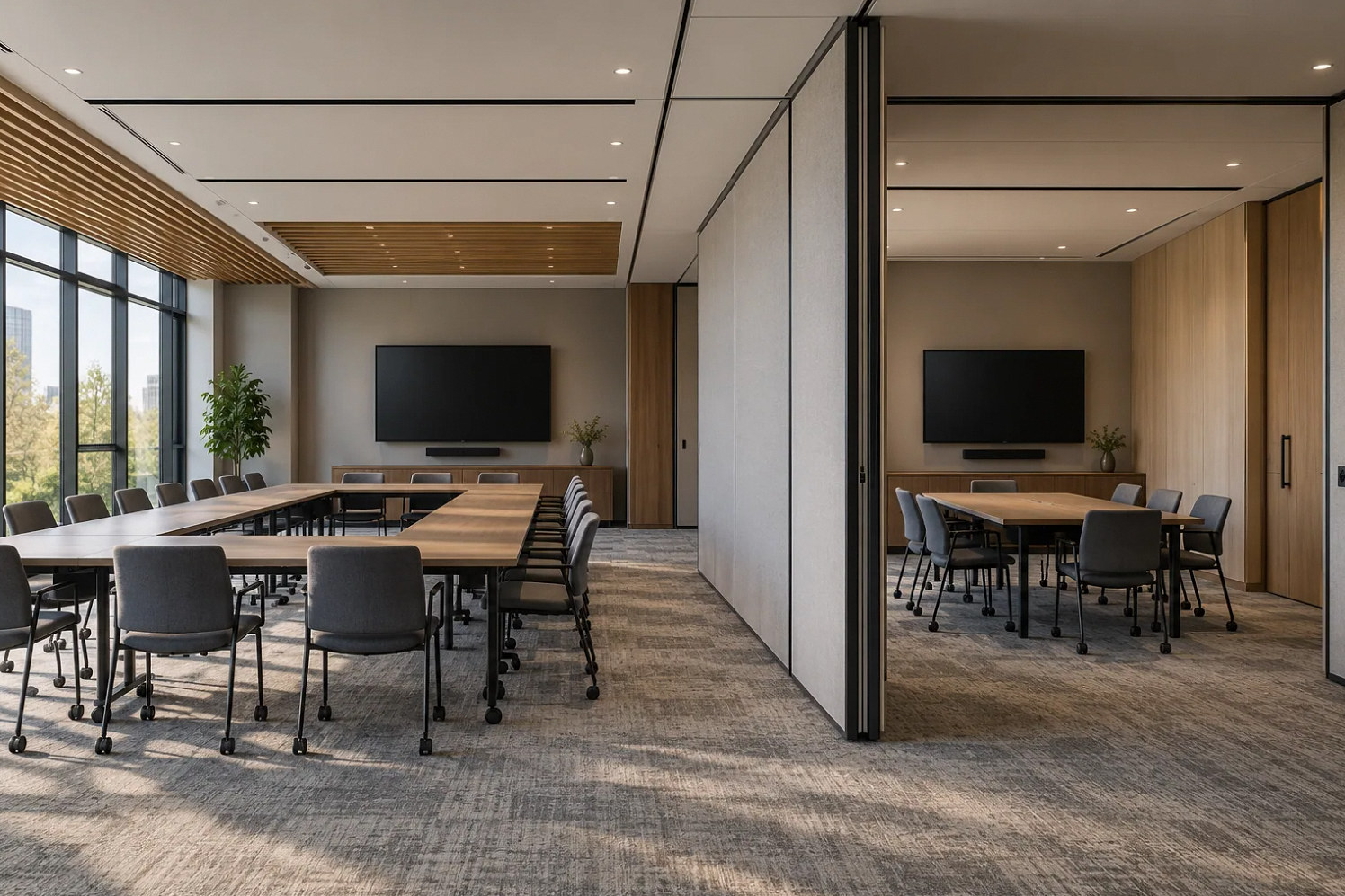
A movable partition changes more than the size of the room. It changes which audience should hear each microphone, which presenter controls a display and which meeting account hosts remote attendees. Start with the configurations the venue books: Room A, Room B and A+B, or the actual combinations for a larger suite. Give each state a name that appears identically on the booking sheet and control interface.
Write the expected behavior for every state before discussing equipment. Include lectern positions, portable microphones, overflow displays and any recording destination. If an event uses only one half while the partition remains open, document that as a separate approved scenario or explain why staff should not offer it.
Choose how a room change is authorized
Biamp documents both control-panel commands and partition-switch inputs for combining rooms. A sensor can report a physical condition, while a staff command can reflect an intended event setup. Either approach requires a defined response when the two disagree. Decide whether changing the partition during an active meeting should immediately alter audio or require an operator confirmation.
That decision affects the attendee experience and should be agreed with operations. A cleaning crew moving a wall should not unexpectedly merge two active sessions. Have the designer show the proposed transition behavior, including what users see while the change is in progress and how staff recognize a fault.
Reference: Biamp: How to combine and separate rooms
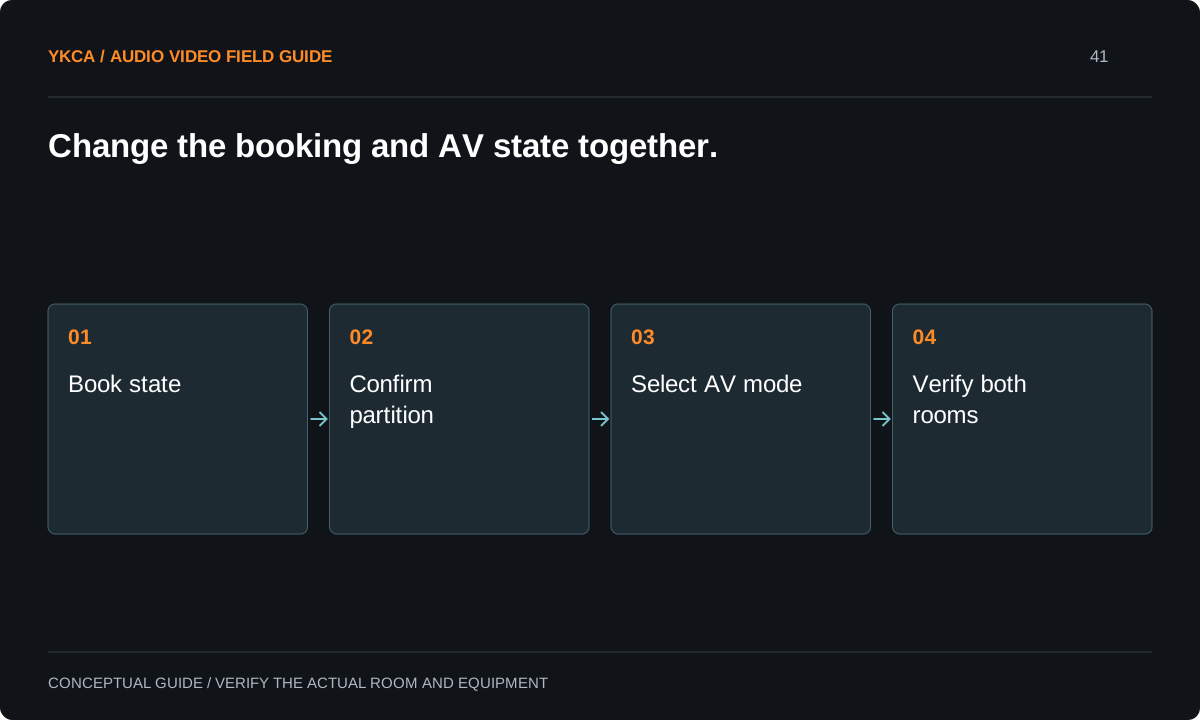
- Book state
- Confirm partition
- Select AV mode
- Verify both rooms
Specify independence before testing combination
Separate-room operation should be tested with both rooms active. Use two different test presentations and clearly distinguishable spoken checks. Verify that a microphone, source selection or level command in A does not affect B unless the operating specification explicitly requires it. Confirm each remote meeting receives only the intended room. Test the reverse direction as well.
Biamp Tesira documentation shows that logical partitions can separate processing while sharing selected signals. That capability supports a design approach; it does not prove that your installation has been programmed correctly. Keep the expected source and destination list as an acceptance document and record every unintended cross-route that needs correction.
Reference: Biamp: Partitions in Tesira
Rehearse an actual event turnover
For example, a morning plenary uses A+B, followed by two independent workshops. Staff end the plenary call, stop any authorized recording, close the partition and select the separate-room state. Each workshop host then confirms its own display, microphone and meeting connection. A floor supervisor checks both rooms before releasing them to attendees.
The sequence may differ at your venue, but it should be rehearsed with the actual staff and furniture arrangement. Time the work to inform scheduling rather than promise an arbitrary instant changeover. If portable microphones must be moved or receivers reassigned, those steps belong in the turnover window.
Test the failure path and status indication
Ask what happens if a partition switch sticks, a control panel is unavailable or a room restarts in its previous mode. The fallback should be a documented staff action, not an undocumented programming trick. Where supported, the interface should display the active configuration clearly enough that the operator can compare it with the physical room.
A mode label is not proof of successful routing. Include a quick audible and visual confirmation in the turnover checklist. If a fault occurs during an event, the venue needs a limited safe operating state and an escalation contact. Do not ask front-desk staff to alter processing files to recover a booking.
Commercial audio and video systems in divisible spaces also need a rule for booking conflicts. If one client requests a combined-room rehearsal while another still occupies one half, the AV mode must follow the authorized room allocation. Do not leave that decision to whoever reaches a control panel first. Add the room-state owner to the event sheet and give staff a way to confirm permission before changing modes. During acceptance, simulate a request made at the wrong time and verify that staff know how to defer it. The result protects continuity for the current event without requiring the operator to interpret conflicting sales promises.
Hand over a room-state record
Keep a one-page diagram for every sellable room configuration, with the associated source routing and meeting ownership. Include the partition sequence, ordinary reset procedure, test material and contacts for support. Train sales and booking staff on any limitations so they do not promise independent sessions the installed system cannot support.
Acceptance should include consecutive combined and separate bookings, simultaneous use of both halves and the agreed failure exercise. Save the results with the system documentation. When furniture, partitions or conferencing platforms change, review these states again. The venue is ready when its team can deliver the booked configuration consistently, not simply when a combined-room demo works.
Compare the next steps
A decision table for this problem
| Situation | Operating decision | Evidence to check |
|---|---|---|
| A+B plenary | One agreed meeting and source owner | Both seating areas receive intended program |
| A and B workshops | Independent sources and calls | Simultaneous cross-route test passes |
| Partition moves during a session | Follow defined transition policy | No unexpected automatic session merge |
| Sensor and room disagree | Use documented staff fallback | Visible mode plus audible confirmation |
| Next booking arrives | Complete turnover before room release | Host checks display, microphone and call |
Use this in the room
Your working checklist
Common questions
Does a wall sensor make room combining automatic?
It can trigger supported control behavior, but the design still needs transition rules, fault handling and verification. A sensor alone does not establish correct audio or meeting ownership.
Can staff leave two meeting calls active when combining?
Only if the design explicitly supports that workflow. Otherwise agree on which call ends and which connection becomes the combined-room host before changing modes.
How much turnover time should we reserve?
Measure a rehearsal with the actual partition, furniture, portable equipment and staff. Use that result to set the booking interval and repeat it after substantial changes.
Read the original guidance
Sources and discussion context
Research used primary documents and, where full text was unavailable, indexed excerpts from official sources. A citation does not mean the complete document was accessible. Product behavior depends on the actual model, configuration and documentation. Confirm the requirements for your venue before changing the installation.
Reader problems behind this guide
These Reddit discussions helped identify the practical question. They are individual experiences, not technical authority or a measure of how common the problem is. Examples and diagrams illustrate planning decisions; they are not records of completed YKCA projects or installation drawings.
- Conference Room A/V Setup
A nonprofit needed one large meeting room to become two independent spaces, including separate microphone behavior.
Research access: search excerpt with post text; not independently opened.
Keep the whole system in view
