
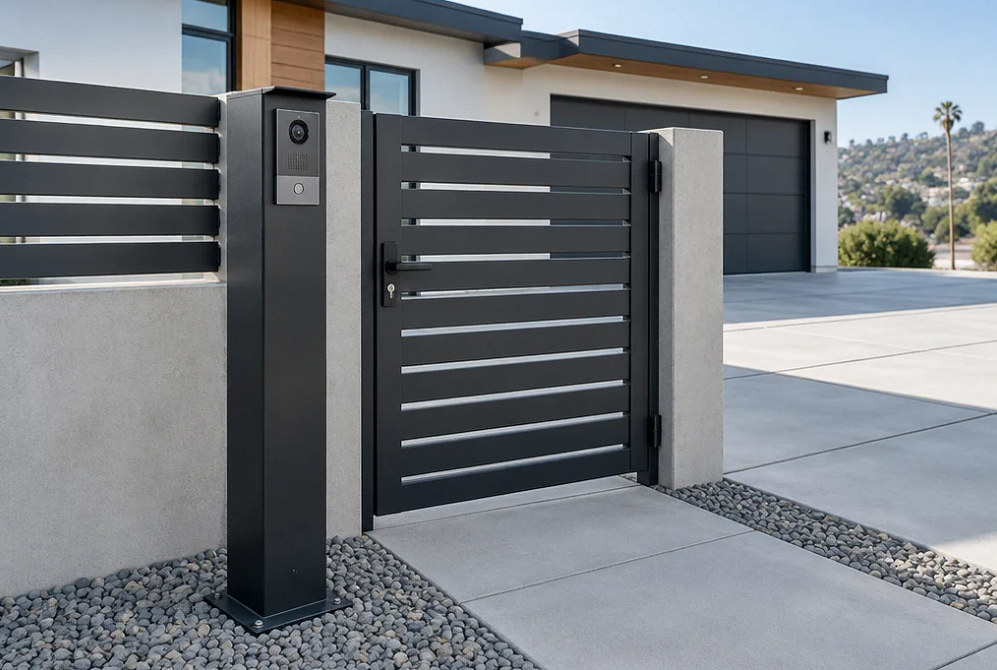
Intercoms & Gates
Visitor Entry That Works from the Street to the Door
A visitor-entry system needs a clear call path, a reliable release command and the right gate or door interface. YKCA helps plan intercom equipment, power and communications alongside the property’s access and safety requirements.
What & Why
A successful call and a safe gate movement are separate checks.
Begin with who answers visitors and where: a household phone, a staffed desk or several residents. Then define which opening is released, how deliveries are handled and what happens if the usual responder is unavailable.
For a powered gate, the operator, gate condition and entrapment protection require their own assessment. The intercom must not bypass the gate’s protective functions. Coordinate operator or mechanical work with the responsible gate professional and use the selected manufacturer’s current requirements.
Start with the site and its users
Entry points
Pedestrian door, driveway gate or multiple openings
Call routing
Reception, resident phones, indoor stations or an app
Existing gate
Operator model, known faults and service history
Connectivity
Power, cable routes, network or cellular availability
Project Scope
Define the equipment and how it will be used.
The installation plan should cover the physical work, system configuration and a usable handoff to the property team.
Visitor workflow
Map arrival, call, response and release for visitors and deliveries. Include after-hours and unanswered-call arrangements.
Intercom selection
Choose audio or video and verify the supported answering devices, accounts and recurring service requirements.
Power and communications
Review distance, exposed routes, available power and the required network or cellular connection.
Door or gate interface
Coordinate the intended release command with the existing controller and hardware. Keep the intercom boundary distinct from operator repairs.
Gate safety coordination
Identify the professional responsible for gate condition and required entrapment protection. Never treat a bypass of a safety input as a service solution.
End-to-end testing
Check call routing, audio, video and authorized release. Document normal use, failure response and support responsibilities.
Project concepts
See the possibilities for your space
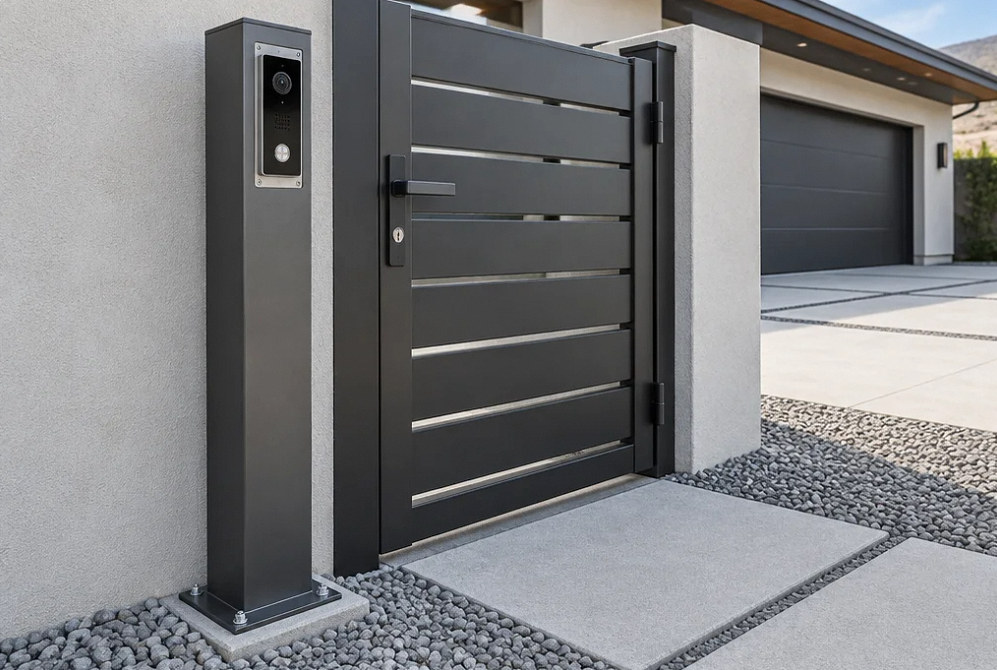
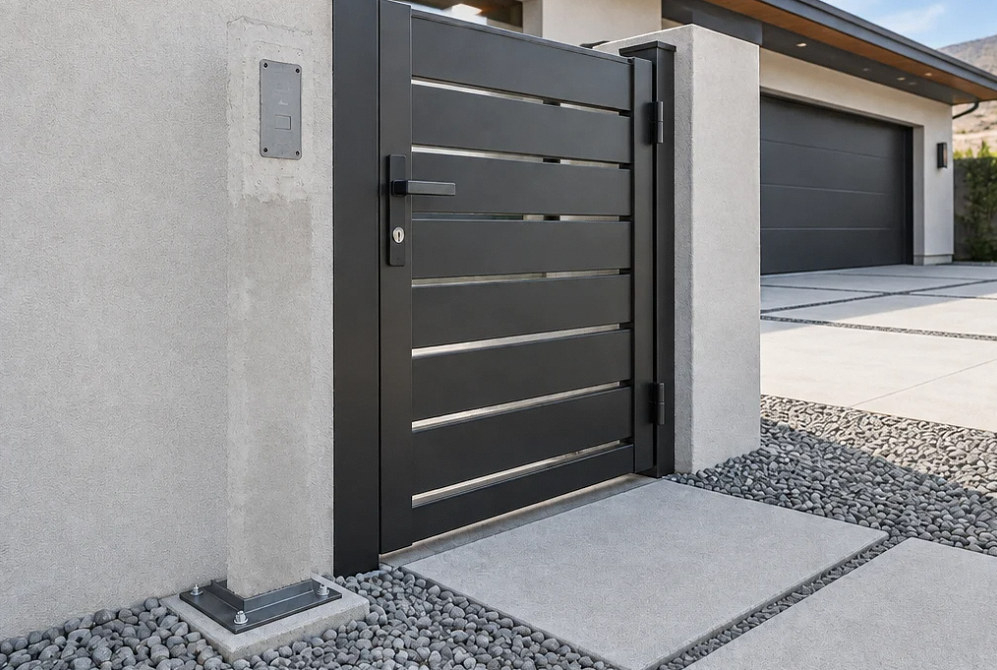
Drag the divider to compare before and after, or open a comparison for a closer look.
Drag to compare
Before You Choose
Decisions to make before choosing the entry station.
Resolve these decisions before equipment is ordered and routes are installed.
| Decision | What to document |
|---|---|
| One home or multiple users | How calls are routed and who maintains the directory. |
| Wired, network or cellular | Available infrastructure and ongoing service requirements. |
| Door release or powered gate | The compatible interface and the separate hardware or operator scope. |
| Power or connection loss | The agreed access arrangement and supported failure behavior. |
Estimate Planning
What changes the project scope and cost?
Compare proposals using the same locations, equipment and operating requirements.
- Entry-station location, mounting and weather exposure
- Distance and access for power and communication routes
- Resident directory, answering stations and software service
- Gate or door interface, separately required repairs and testing
FAQ
Intercoms & Gates: questions before installation.
Can the intercom use the existing gate operator?
Provide the operator model and current controls. The interface and intended behavior must be verified. An existing gate fault needs its own diagnosis before a new intercom is treated as the solution.
Is wireless always simpler than running a cable?
Wireless can reduce data cabling, but the station and radio endpoints still need power and a reliable link. Compare the surveyed radio path with a supported copper or fiber route and cellular service. Standard copper Ethernet normally allows 100 meters for the entire channel, including cords; longer routes need a specifically supported design.
Can visitors call more than one resident or staff member?
Choose equipment and a subscription, if required, that support the intended directory and call routing. Establish who can update users and revoke access when occupancy changes.
Can you bypass a gate sensor that keeps stopping it?
Do not bypass a stopping sensor. Have a qualified gate professional identify the fault and verify every relevant entrapment zone, direction and device against the exact operator’s UL 325 installation instructions. Two devices are not a universal complete design for every gate.
Does the intercom estimate include replacing the gate?
Only when that work is expressly included. Separate intercom, communications and electrical work from gate fabrication, mechanical repairs and operator replacement so responsibilities are clear.
Related technology services
Technical references · reviewed October 3, 2026
Your Next Step
Plan your intercoms & gates system.
Share the locations, existing equipment and the people who will use and manage the system. We can define the installation and handoff.
