
Audio systems · Practical guide
Dante Audio Still Plays, but Devices Disappear: A Diagnostic Plan
Separate network discovery, device control and audio transport when a working sound system becomes difficult to manage.
YKCA Journal · 6 min read · Updated October 3, 2026
Start here
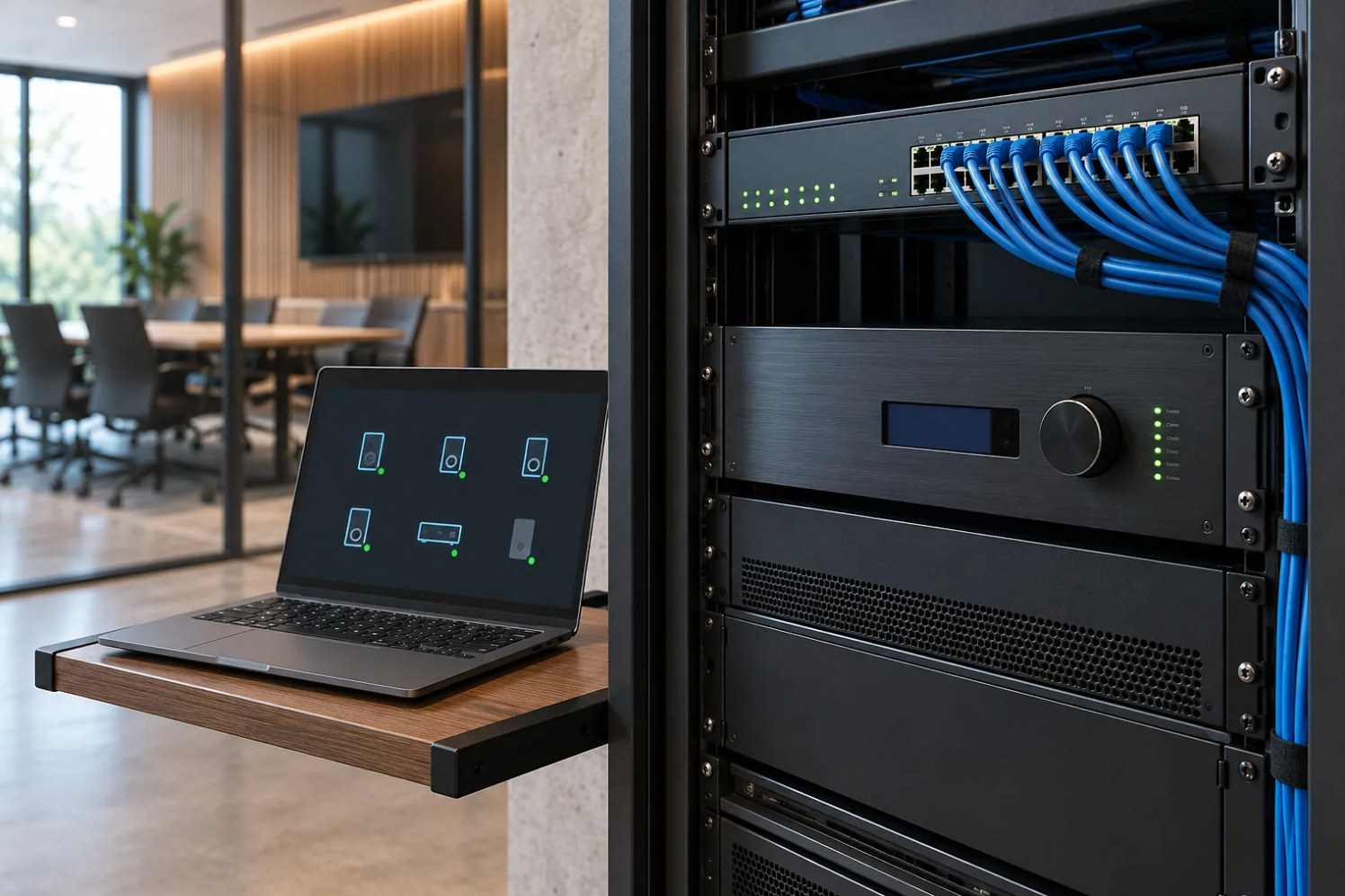
Continuing audio does not prove that discovery and control are healthy.
Separate three questions before restarting anything
Can listeners still hear the intended audio? Can the control application discover the devices? Can it successfully change a permitted setting on them? These questions describe different parts of a networked system. Repeated restarts temporarily changed the condition without explaining it. During a real event, protect continuity and follow the agreed support procedure. During a maintenance window, record the failed state before intervention. A screen capture, timestamp and list of affected devices may preserve the information a network specialist needs.
Check the management computer’s connection
Audinate documents network-interface selection and IP addressing as important Dante Controller troubleshooting checks. A computer with more than one network connection may be observing the wrong interface. A change from a wired connection to Wi-Fi, a docking station replacement or a new adapter can alter the test conditions. Document the actual selected interface and address rather than assuming the laptop is connected correctly because it can browse the internet. Use a known authorized connection for comparison. Some managed deployments have additional domain or routing requirements; a simple standalone-network assumption must not override the documented design of an enterprise installation.
Reference: Audinate: Troubleshooting Switch Configuration and Cabling · Audinate: Troubleshooting Dante IP Address Configuration
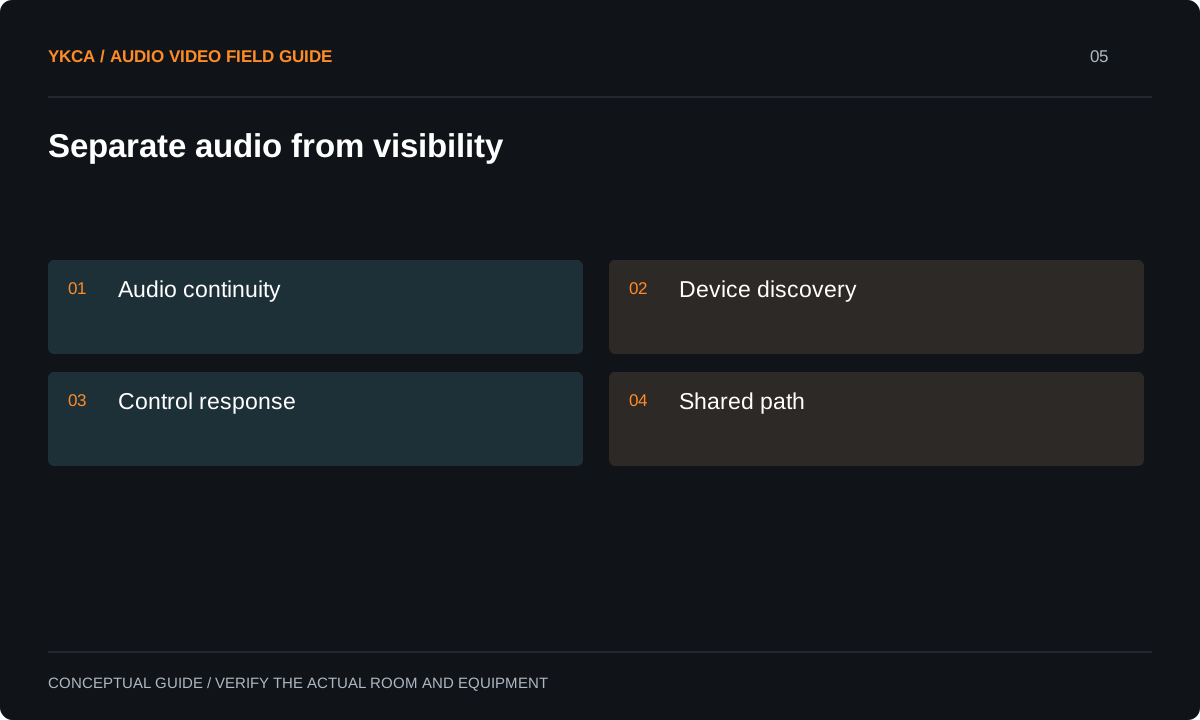
- Audio continuity
- Device discovery
- Control response
- Shared path
Review the physical and configured path
Audinate also identifies cabling, device power, switch configuration and VLAN settings as potential contributors to missing or intermittent devices. A virtual local area network, or VLAN, is a logical separation within network infrastructure. Its presence is neither proof of a problem nor a reason to remove separation. Give IT the topology, device inventory, affected switch ports and failure time. Review the manufacturer’s requirements for the installed products and software. Do not copy forum advice to change several multicast, clocking and security settings at once. That can produce a temporary improvement while leaving both the cause and the rollback unclear.
Ask IT specifically about Internet Group Management Protocol (IGMP) snooping, which limits multicast traffic to interested ports, and the querier that maintains group membership. Audinate documents problems when snooping and querier behavior are not coordinated. Have the network designer verify the active querier for the Dante network, the switches' multicast filtering, and the discovery traffic required by the installed Dante management mode. Energy Efficient Ethernet settings also need checking against Audinate's switch guidance. Do not disable security or multicast controls indiscriminately: record one authorized change, its expected result and its rollback.
Reference: Audinate: Troubleshooting Switch Configuration and Cabling · Audinate: Troubleshooting Dante IP Address Configuration · Audinate: Well-Intentioned Mishaps with IGMP Snooping · Audinate: Nothing Shows Up
Build a comparison matrix
Suppose audio remains audible, the control computer loses every amplifier, but a second authorized wired computer still sees them. That result narrows attention toward the first computer and its path. If both computers lose the same devices while unrelated devices remain visible, investigate the shared portion of the affected path. If sound also stops, record that as a separate symptom rather than retroactively assuming every earlier incident included an audio dropout. One comparison should change one meaningful condition so the result can support the next decision.
Test recovery and persistence
After a documented correction, verify discovery, permitted control and audio continuity together. Run the system for a period relevant to the original failure pattern and observe the normal opening, closing and restart sequences. An intermittent fault that appeared after hours is not resolved by a two-minute demonstration. Keep network and device logs with aligned times where the installed tools support them. Confirm that the approved operator controls remain usable after a management computer is disconnected. If redundancy is specified, test its documented behavior under an agreed procedure; the word redundant on a drawing does not itself prove the recovery path.
Compare how long devices remain visible after restart with the original failure interval. Record whether all devices disappear together, only one switch branch is affected, or only one control computer loses visibility. An apparent recovery immediately after reboot may end when network membership or address state changes later. Continue the observation through the previously failing interval and an agreed normal operating cycle before closing the issue. The source discussion did not establish one confirmed root cause, so the network checks above are diagnostic possibilities, not a promised repair.
Hand off shared responsibility clearly
A maintainable networked-audio system needs both AV and IT records. Retain device names, port assignments, addressing policy, configuration versions and the contact responsible for each layer. Keep credentials in the organization’s approved secure system, not in a public rack drawing. Explain which observations front-line staff should report and which actions require a maintenance window. Avoid making routine recovery depend on an undocumented technician laptop. The owner should know whether ongoing monitoring is included, who receives alerts and what happens when a network change is planned. That operational agreement is as important as the initial subscription matrix.
A useful fault timeline includes the last successful control action, the first failed action, whether audio continued, and the time of any recovery. Add scheduled network activity only when IT confirms it; do not infer a cause merely because two events happened near each other. If a maintenance change is proposed, record the exact setting, reason, expected observation and rollback before applying it. Afterward, keep both the successful result and any remaining symptom. This turns troubleshooting into a sequence another technician can follow. It also prevents an intermittent discovery problem from being misreported as a complete audio outage, which can send the investigation toward a different and unnecessary redesign. Name both the network owner and the professional audio system installer in that record so either team can reproduce the agreed checks.
Compare the next steps
A decision table for this problem
| Audio | Discovery | Control | Investigation focus |
|---|---|---|---|
| Working | Missing on one computer | Unavailable there | Computer interface and path |
| Working | Missing on all computers | Unavailable | Shared discovery/control path |
| Stopped | Devices visible | Available | Subscriptions, clocking and audio path |
| Intermittent | Intermittent | Intermittent | Correlated device and switch logs |
| Working after restart | Temporarily restored | Temporarily restored | Original failure conditions still need testing |
Use this in the room
Your working checklist
Common questions
Is internet access required for every audio route?
Do not infer that from the Dante name. Requirements depend on the installed products and management services. Document local audio and any internet-dependent functions separately.
Should we disable network security to test?
Use an authorized diagnostic plan with IT. Broadly removing protections is not a substitute for identifying the specific required communication path.
Does a restart count as a fix?
It can restore service, but it does not explain an intermittent fault. Record the recovery and continue diagnosis against the original failure conditions.
Read the original guidance
Sources and discussion context
Research used primary documents and, where full text was unavailable, indexed excerpts from official sources. A citation does not mean the complete document was accessible. Product behavior depends on the actual model, configuration and documentation. Confirm the requirements for your venue before changing the installation.
- Audinate: Troubleshooting Switch Configuration and Cabling↗
- Audinate: Troubleshooting Dante IP Address Configuration↗
- Audinate: Well-Intentioned Mishaps with IGMP Snooping↗
- Audinate: Nothing Shows Up↗
Reader problems behind this guide
These Reddit discussions helped identify the practical question. They are individual experiences, not technical authority or a measure of how common the problem is. Examples and diagrams illustrate planning decisions; they are not records of completed YKCA projects or installation drawings.
- Weird Network Issue!
Amplifiers disappeared from control applications while established Dante audio continued.
Research access: opened post.
Keep the whole system in view
