
Commercial · Low voltage and structured cabling
Low Voltage & Structured Cabling, From the outlet to the equipment room.
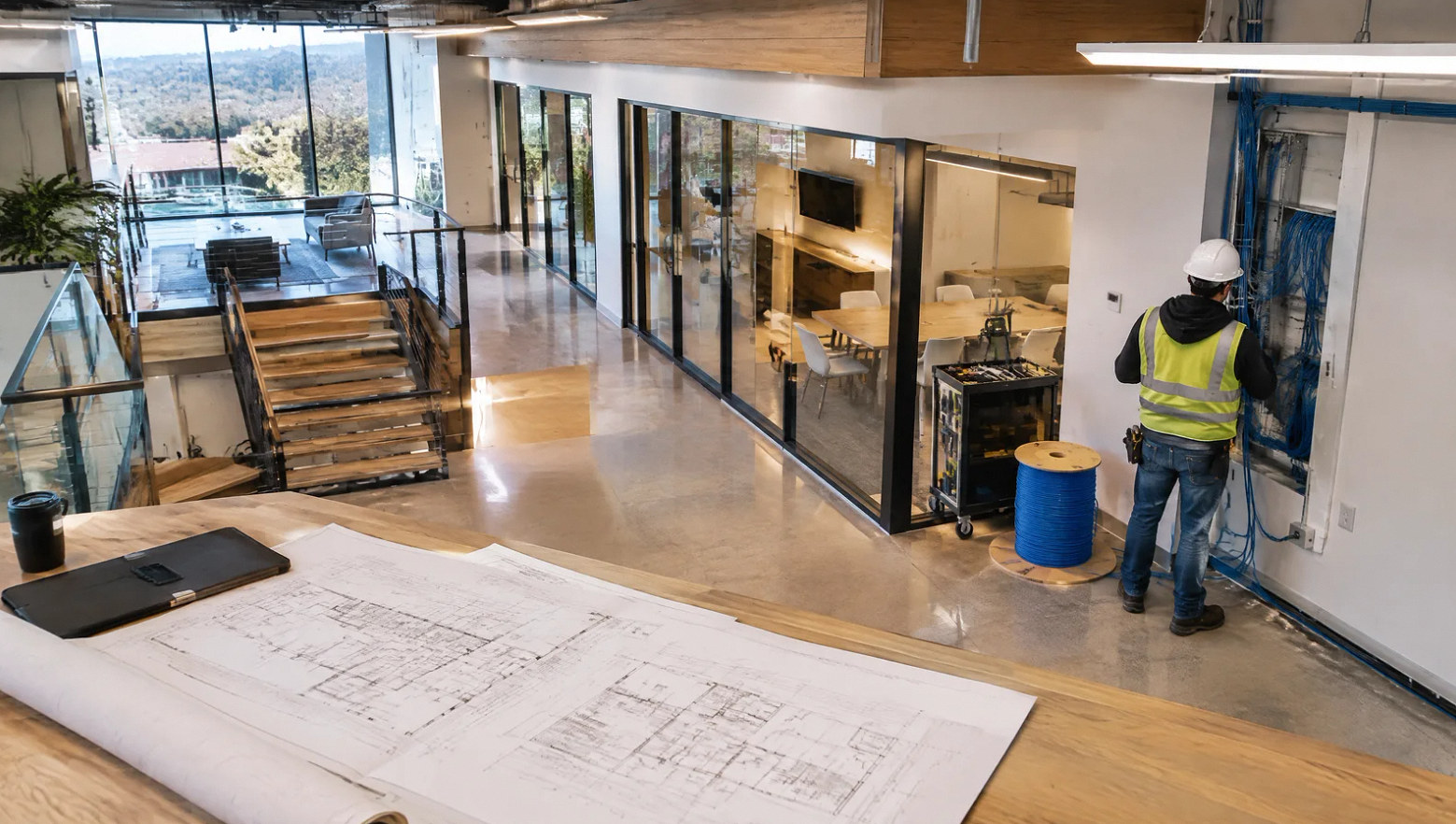
Plan data cabling around workstations, wireless access points, cameras and shared equipment. Give the IT team a clear map of each outlet, cable and patch-panel port.
Project planning
Start with the device locations and the IT requirements, then define the cable pathways and handoff.
The starting point
A cable count is only the beginning.
Structured cabling installation connects the building layout to the network plan. Decide where users and devices need connections, how cables reach them and where they terminate. Furniture changes, inaccessible ceilings and an overcrowded cabinet can alter the scope as much as the number of outlets.
Separate the physical cable plant from network configuration. Confirm who supplies switches, wireless equipment and cameras, who configures them, and what tests the IT team needs before accepting the installed cabling.
Scope of work
Build an organized cable plant.
Map endpoints
Locate workstation outlets, access points, printers, cameras and other approved devices. Coordinate locations with furniture, ceilings and security plans.
Choose pathways
Review access, supports, sleeves and room entries. Identify shared routes and construction interfaces before the ceilings or walls close.
Define cable performance
Choose cable and connectivity around the required application, route and environment. Confirm the testing specification with IT before installation.
Organize terminations
Plan patch-panel positions, rack space and cable management. Leave the agreed access for equipment installation and future maintenance.
Label and test
Match outlet labels to panel ports and records. Define whether the job requires continuity verification, application qualification or standards certification.
Coordinate the cutover
Identify who patches devices, configures network equipment and approves the transition. Keep operational testing distinct from the physical cabling handoff.
Project concepts
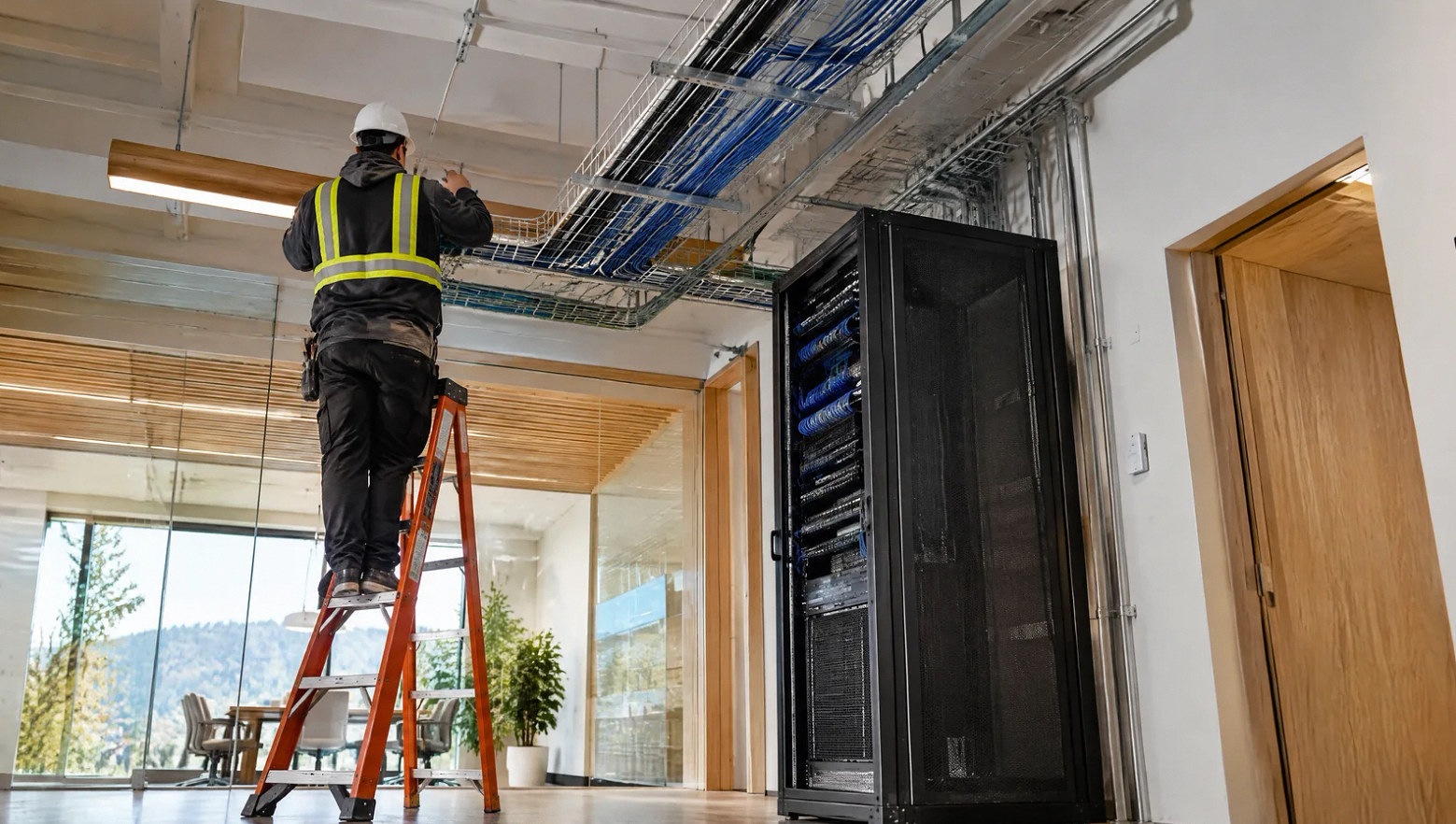
Explore the installation possibilities
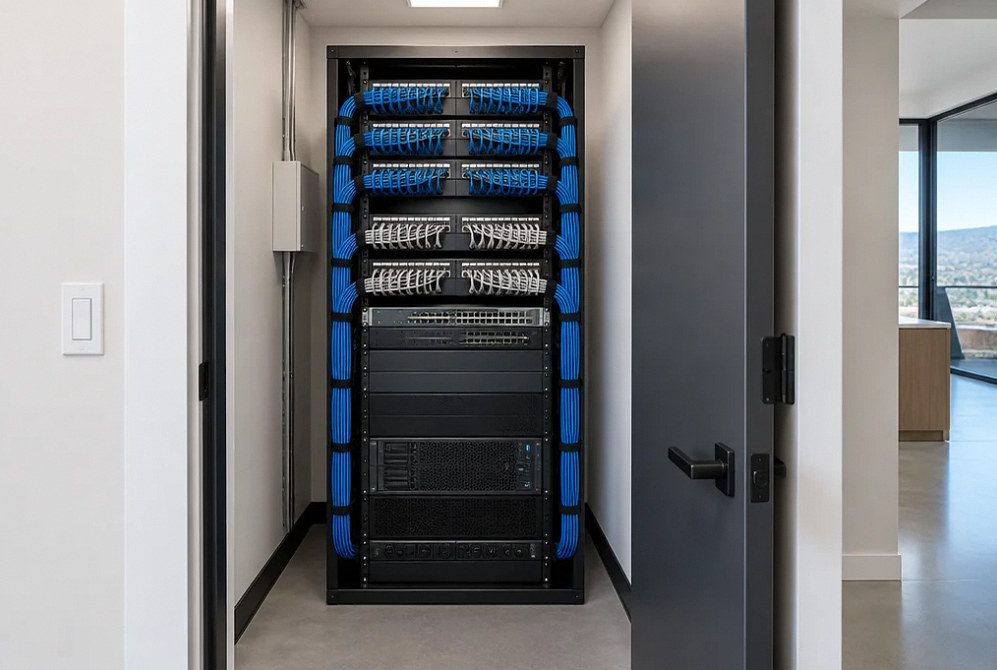
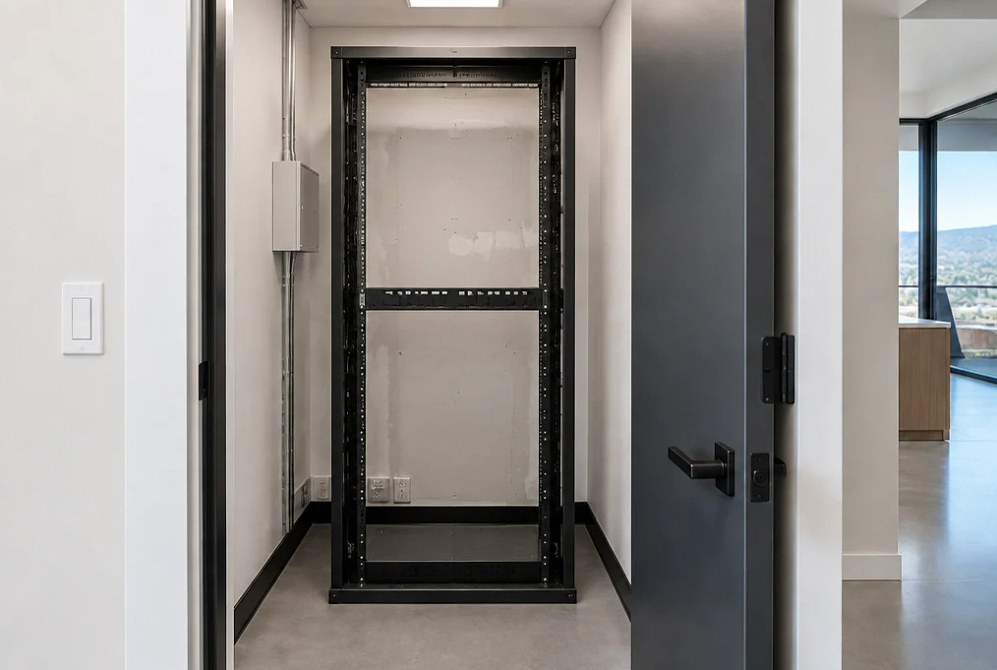
Drag the divider to compare before and after, or open a comparison for a closer look.
Drag to compare
Project handoff
Give IT a traceable handoff.
Agree the naming and documentation before cable labels are printed.
Outlet schedule
Map each labeled outlet to its location and patch-panel port.
Test records
Provide the type of results specified for the installed links.
Rack layout
Record patch-panel positions and the agreed equipment-space allocation.
Route information
Document the pathways and handoff points included in the installation scope.
Project scenarios
Match the cabling project to the building change.
A few relocated outlets, a new suite and a closet reorganization need different preparation.
Moves and additions
Extend the existing network
Identify before changing
Trace existing outlets and available ports before adding new connections. Confirm whether the present cable plant supports the intended devices and testing requirements.
New fit-out
Install the cable plant
Coordinate before ceilings close
A new suite allows pathways and outlet positions to be coordinated with the electrical and furniture plans. Finalize the device schedule before rough-in.
Equipment room
Rework racks and panels
Plan the cutover
A cabinet cleanup can affect live users. Agree port identification, outage windows and the IT team's reconnection responsibilities before disconnecting equipment.
Internet service, switch configuration, security-system programming and specialist life-safety systems require explicit assignment; they are not implied by a cable installation.
FAQ
Questions for the cabling and IT teams.
Plan your project
Bring the floor plan and the IT requirements.
Tell us the number and location of connections, the equipment-room location and whether the space is occupied. Include the required cable test and labeling standard.
Contact Us
Request A Consultation
Local Services
We're in your city.
Choose your city and tell us what you need. We'll plan the project around your location.
Choose your city to include it with your project details.
Or call us to discuss your project:
(650) 550-0819Request received
Thank you. Your request has been received.
