
AV by venue · Commercial venues
Commercial venue AV designed for daily operation.
Coordinate background music, screens and digital signage with the way staff run the venue and guests use each area.
Planning the system
Different areas need different sound and content.
A dining room, bar, lobby and patio may need separate audio levels or sources. Commercial audio installation should follow those zones and their operating schedules rather than treating the entire venue as one listening area.
Screens and signage also need an operating plan. Define who changes the content, which sources go to which displays and how staff return the system to its everyday state after an event.
Scope of work
Make the guest experience manageable for staff.
Audio zones
Map the areas that need independent source or level control, including spaces with different operating hours.
Screens and source routing
Coordinate display positions and source distribution with sightlines, room use and staff operation.
Digital signage
Define players, display locations and the content-management handoff. Identify who owns accounts and creates or schedules content.
Event and DJ connections
Plan agreed guest-source connections and operating limits without leaving everyday settings exposed to casual changes.
Equipment placement
Review mounting, service access and environmental suitability with the room layout and equipment documentation.
Staff controls
Create simple routine controls, useful presets and a handoff procedure for opening, events and closing.
Project concepts
See the possibilities for your space
Drag the divider to compare before and after, or open a comparison for a closer look.
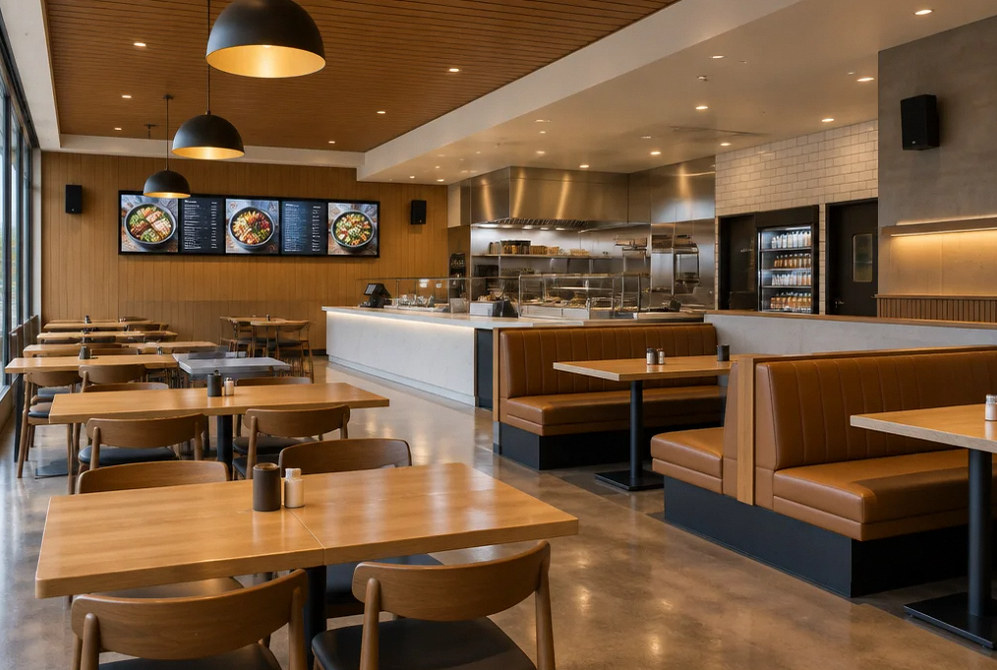
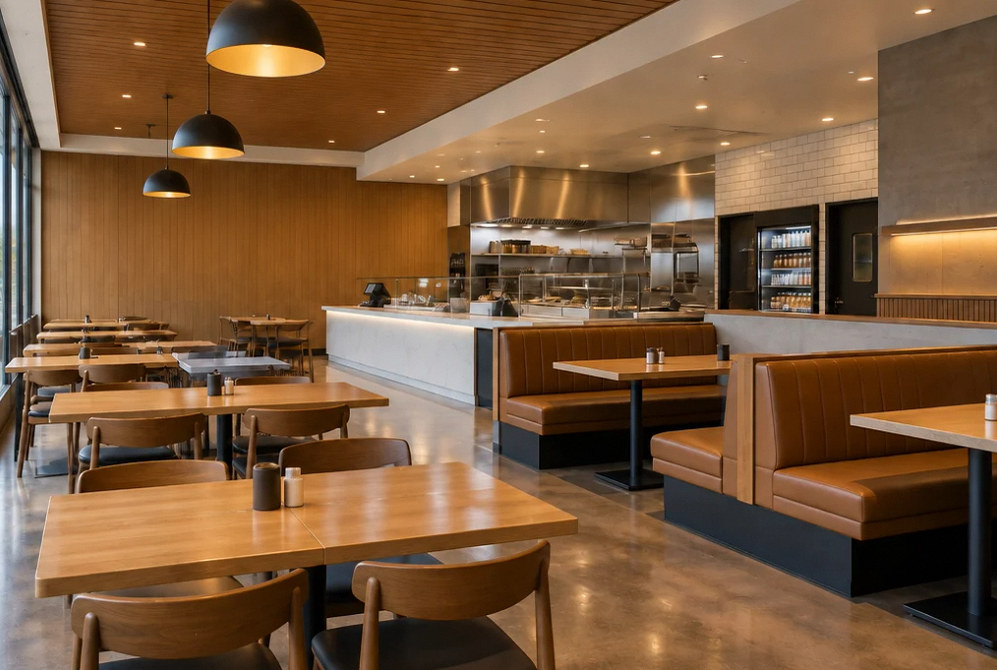
Drag to compare
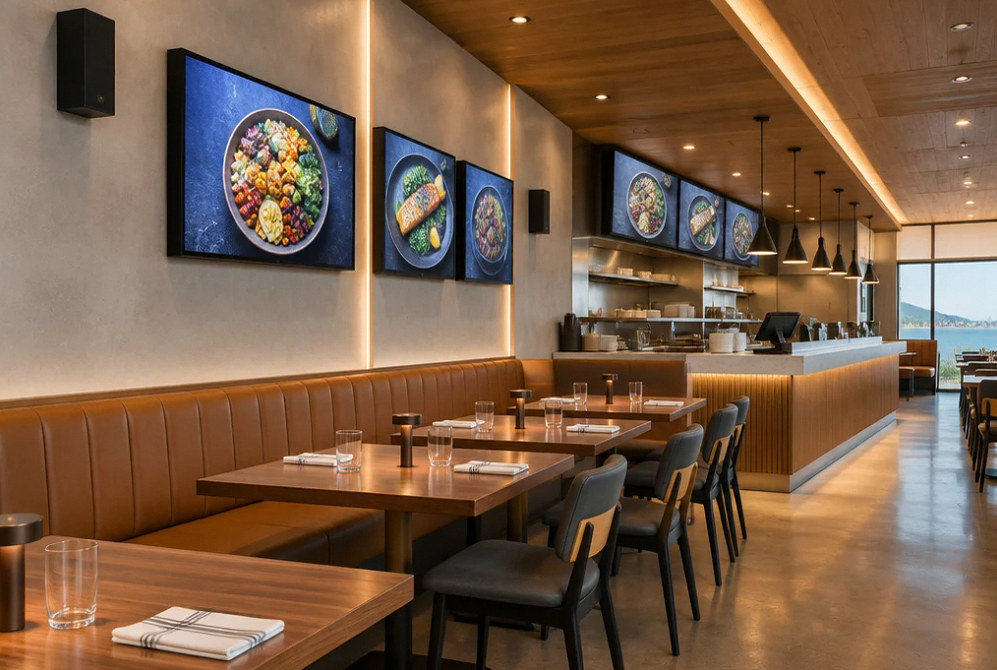
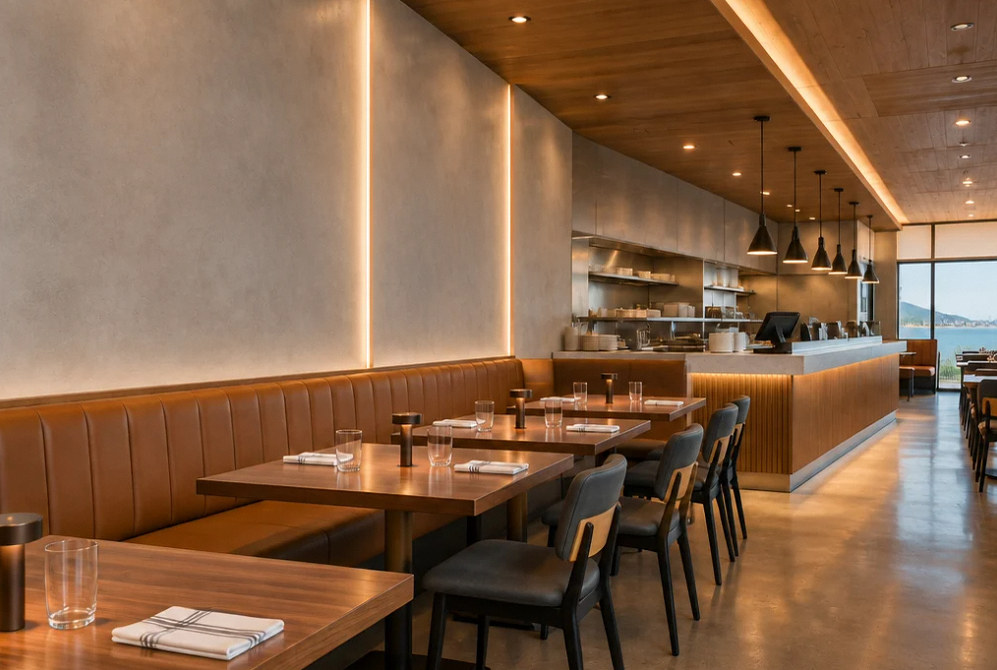
Drag to compare
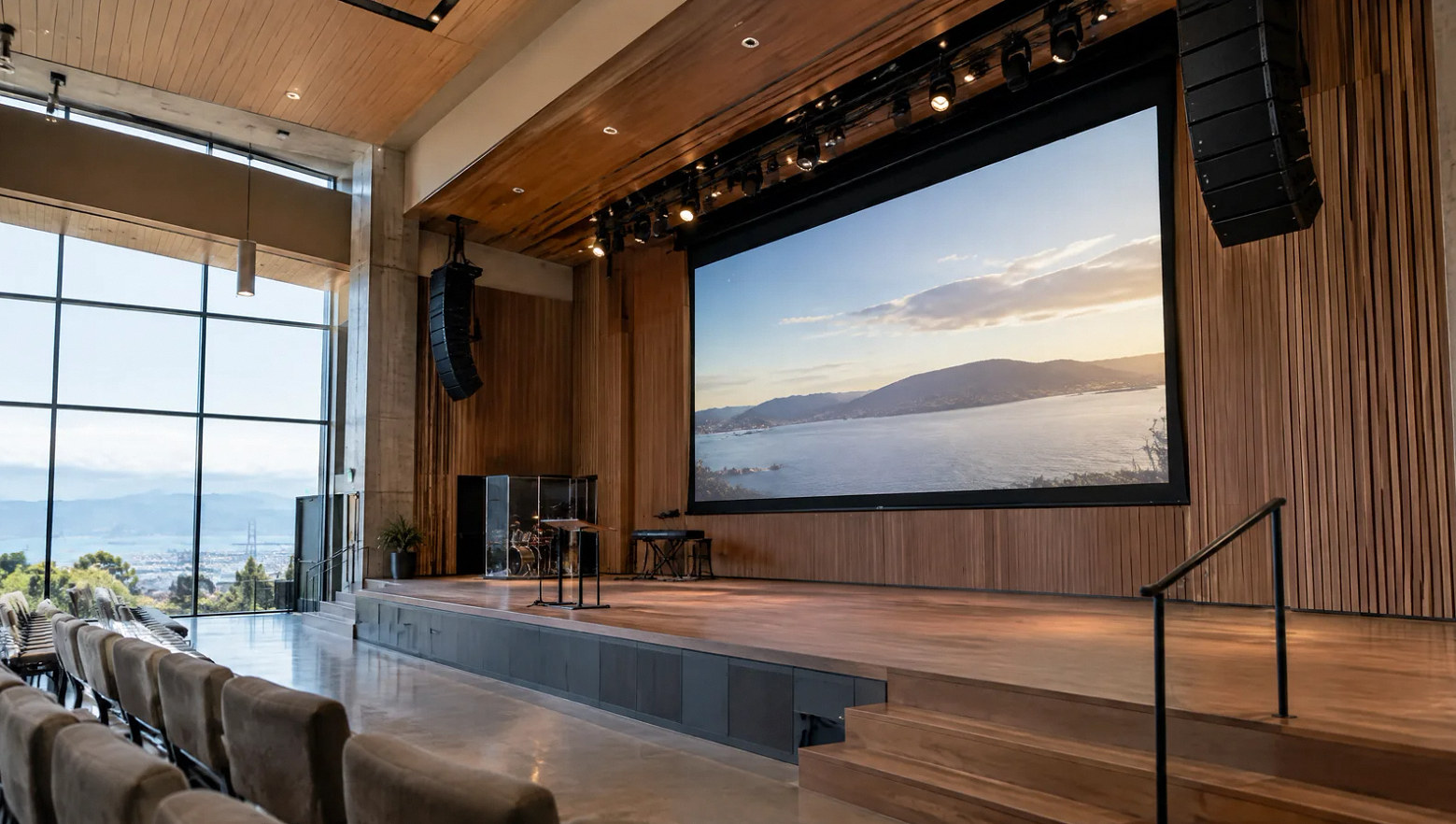
Keep content and system operation under clear ownership.
Equipment installation does not settle who supplies music, broadcast content or signage updates. Identify the venue's content services and responsible accounts before configuration.
Practice the daily workflow with staff, including source changes and recovery to the normal operating state.
FAQ
Commercial venue AV questions before installation.
Read the detailed guide: Restaurant Music Presets: Staff Handoffs and Patio Closing →
Read the detailed guide: Sports Bar Screens Need a Source Assignment Plan →
Read the detailed guide: Digital Menu Screens: Who Verifies the Update Actually Appeared? →
Read the detailed guide: Order Announcements That Staff Can Use Without Disrupting the Restaurant →
Explore Related Services
The systems behind every great venue.
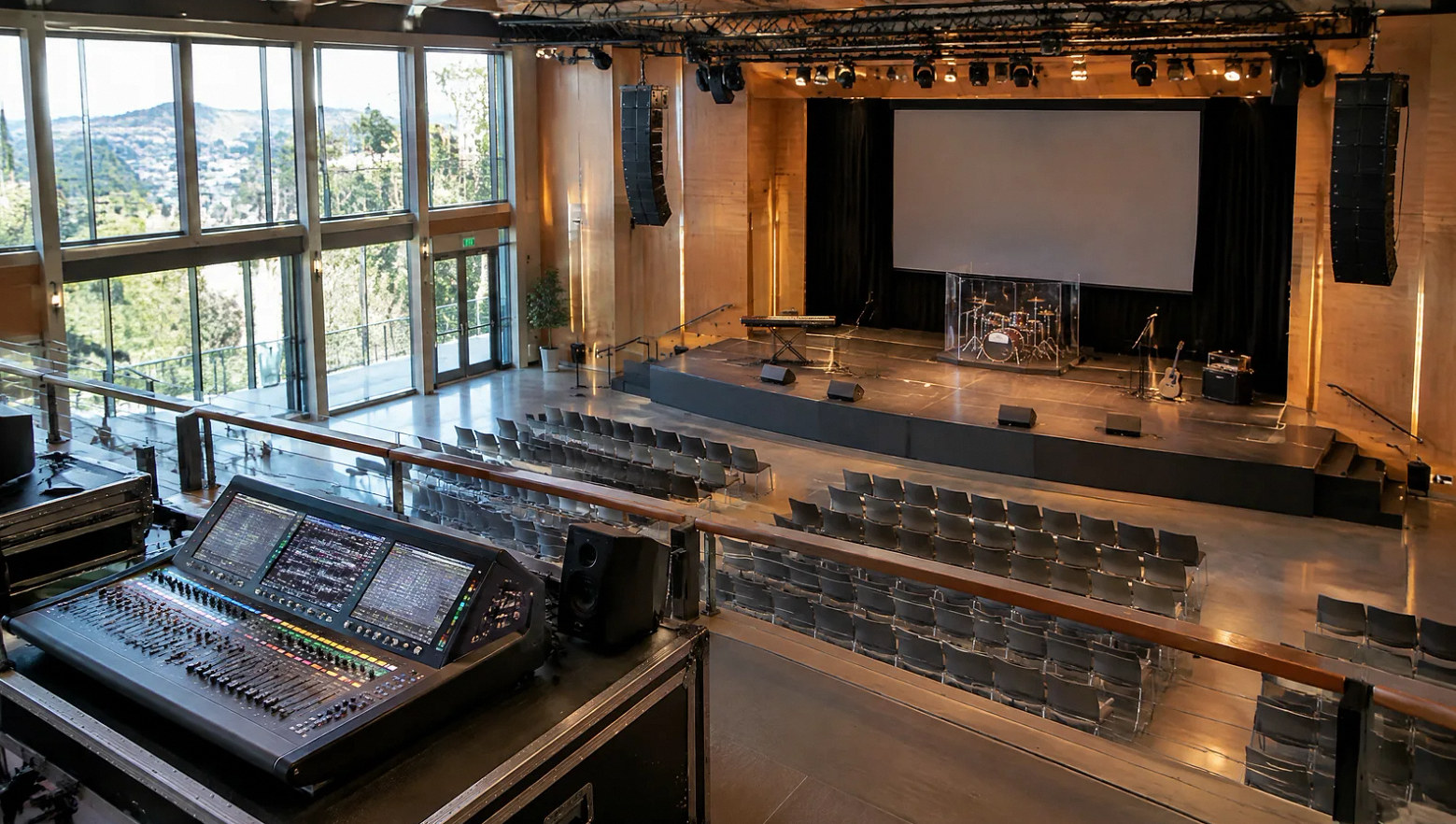
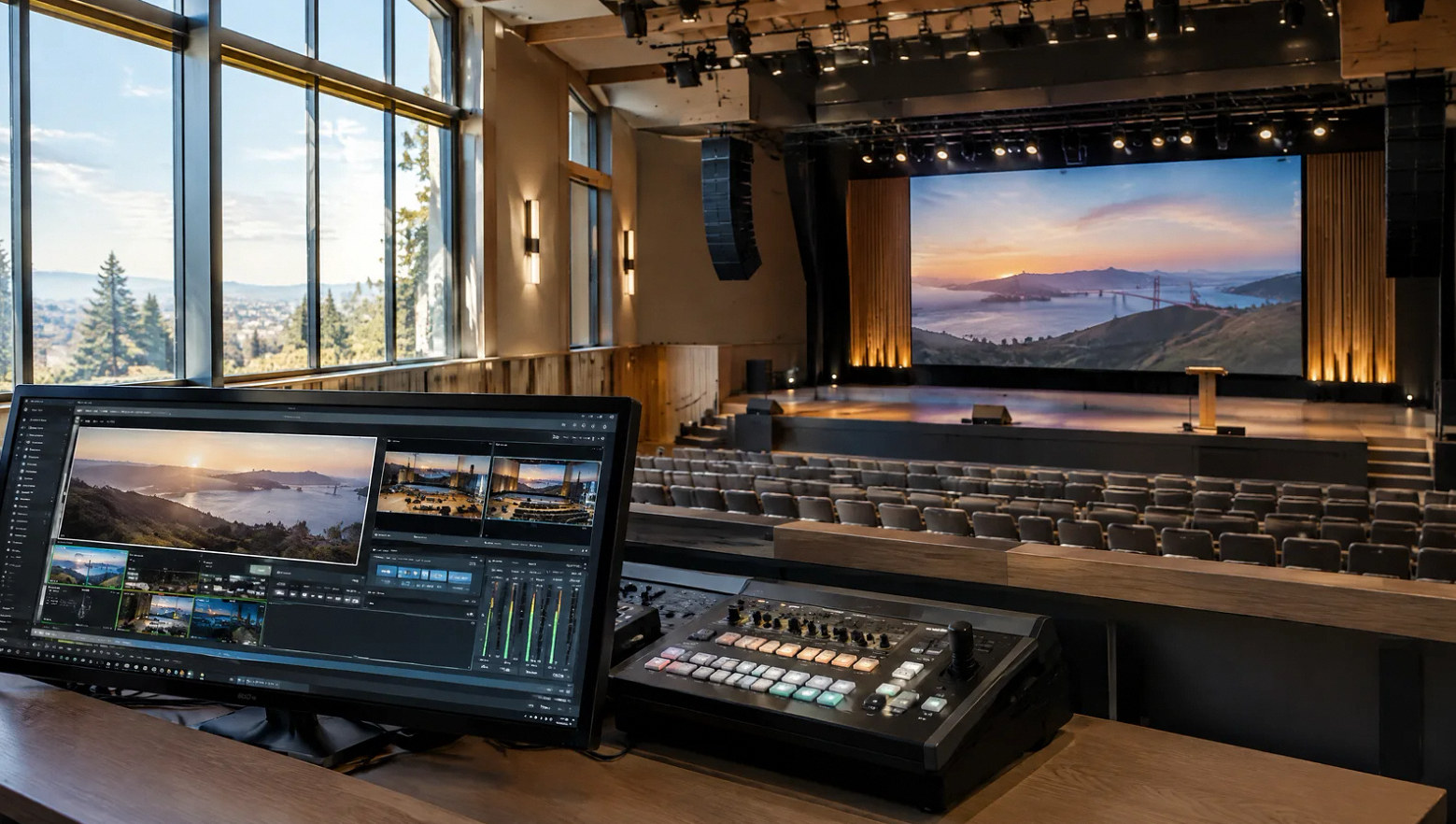
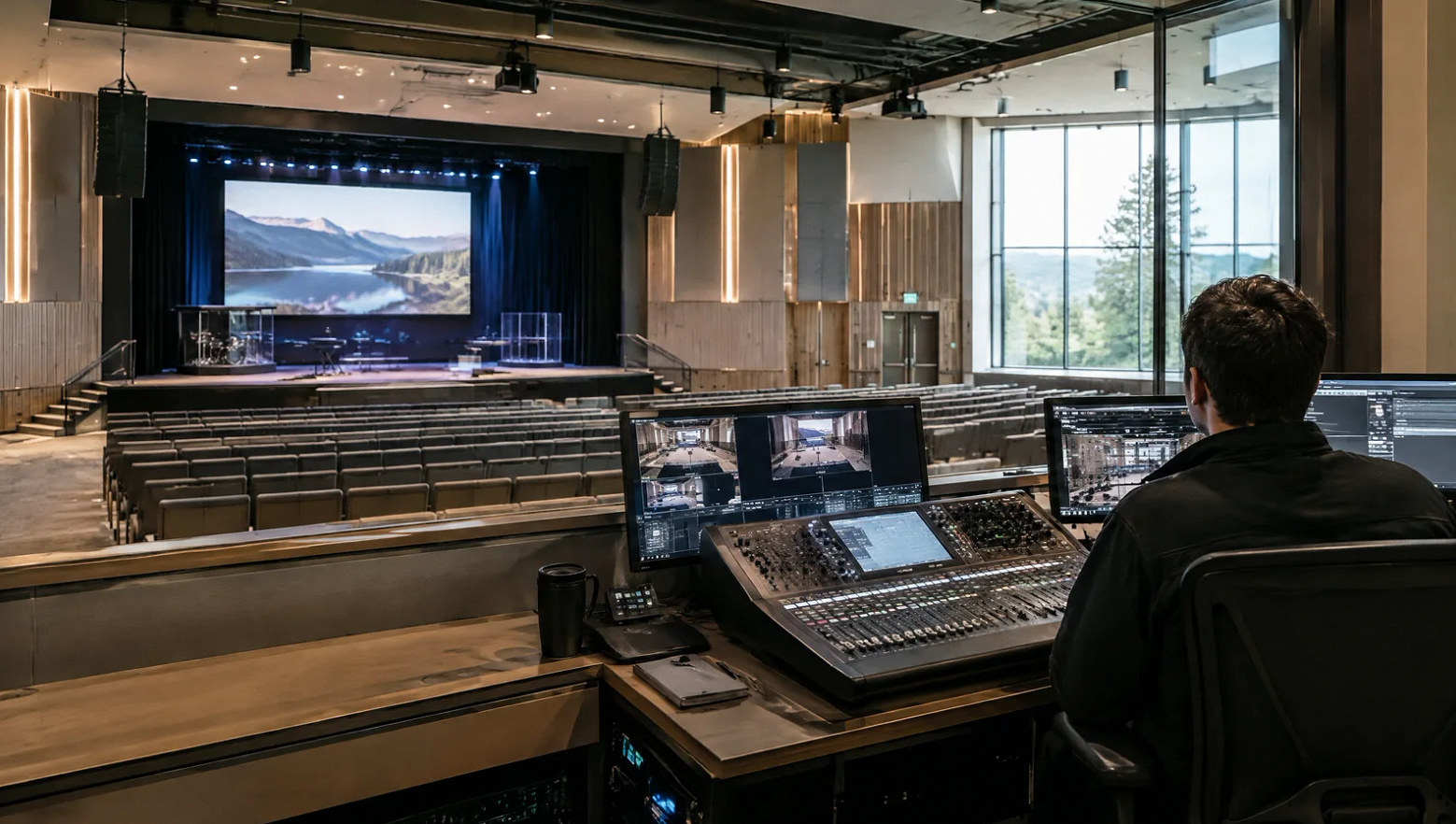
Plan your project
Tell us how the venue runs from opening to closing.
Share the floor plan, audio zones, screen locations and the content or event sources you want to use.
Equipment references
Equipment for everyday venue operation.
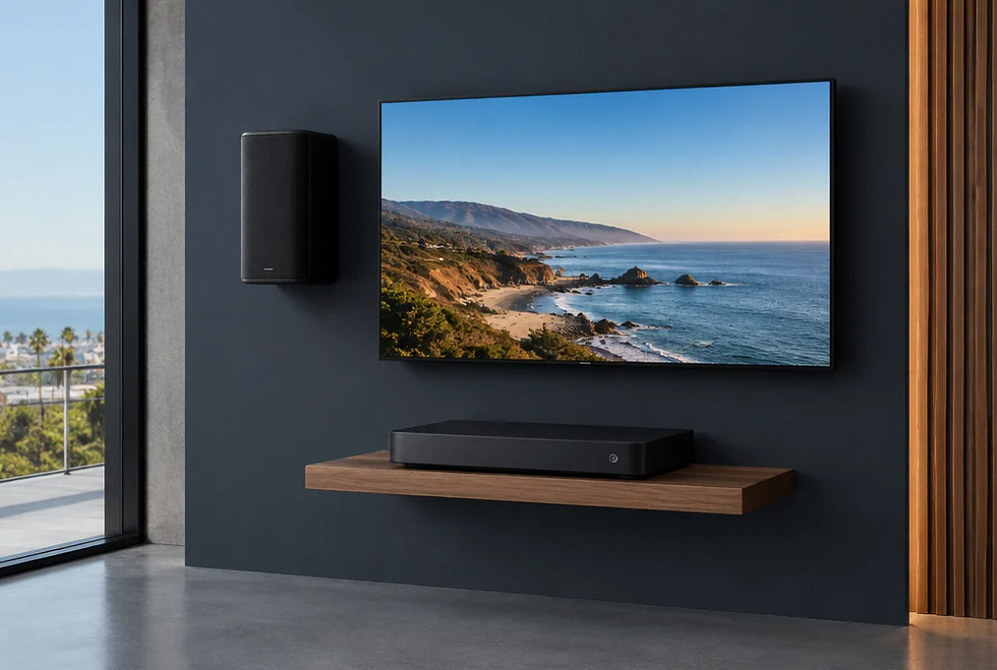
Manufacturer examples for project planning. Brand references do not indicate a dealer or certification relationship. Equipment compatibility and availability are confirmed during selection.
Contact Us
Request A Consultation
Local Services
We're in your city.
Choose your city and tell us what you need. We'll plan the project around your location.
Choose your city to include it with your project details.
Or call us to discuss your project:
(650) 550-0819Request received
Thank you. Your request has been received.
