
Smart Thermostats
The wall thermostat finally pulling its weight.
Nest, Ecobee, Honeywell, Sensi — installed by a C-10 crew that diagnoses the C-wire situation before swapping hardware, runs heat / cool / fan test cycles before turnover.
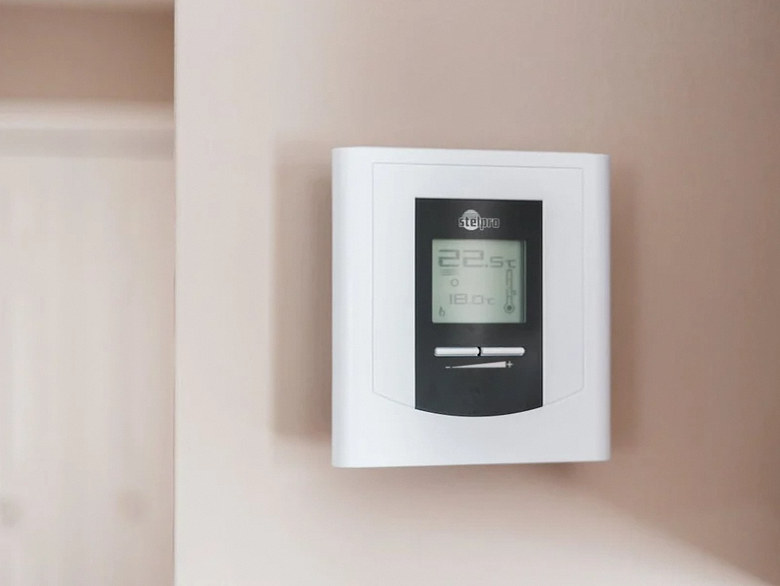
What This Is
More than a fancy round dial.
A smart thermostat can help manage comfort and heating or cooling schedules. Energy use and bill effects depend on the HVAC equipment, thermostat configuration, rate plan and household use. Verify the selected model’s compatibility with the household automations.
Power problems, incorrect HVAC configuration and unexpected schedules can all affect comfort. Confirm compatibility, power and control settings, then test the system’s operation. Check current incentive eligibility and participation terms separately; an installation does not establish that a payment is due.
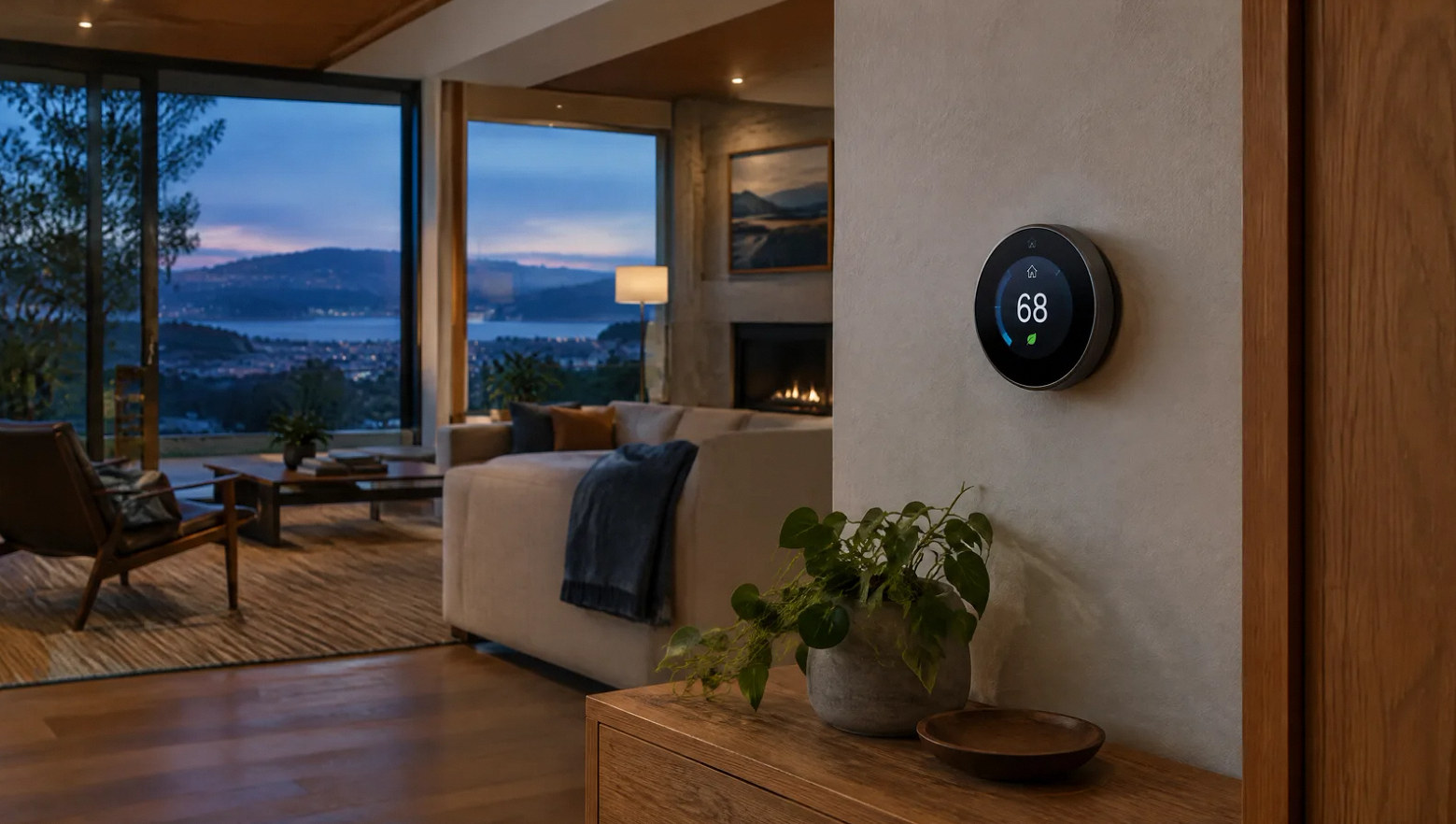
Thermostat as one device in a routine, not a standalone gadget.
Scope
What is included in a thermostat install.
Define compatibility review, installation, test cycles and ecosystem pairing in the proposal. Check incentive terms separately.
HVAC Compatibility Check
We read the existing thermostat wiring and HVAC system data plate before recommending hardware. Single-stage / 2-stage / heat pump / dual-fuel / variable-speed scenarios all need different specs.
C-Wire Diagnosis
Test for working C-wire at the thermostat. If absent, pull a real C-wire from the air handler, or install a Venstar Add-A-Wire or Ecobee PEK adapter as appropriate.
Thermostat Install
Mount, wire, configure for the specific HVAC system, run heat / cool / fan test cycles before turnover. Wall-patch and paint coordination if backplate footprint changes.
Room Sensor Placement
Ecobee SmartSensor placement in master bedroom, home office, etc. so the thermostat averages over actual occupied spaces, not just the hallway.
Ecosystem Pairing
Pair the thermostat with the platforms its exact model supports, then test the routines you need before turnover.
Incentive Eligibility
Check current program eligibility and terms before budgeting an incentive. Confirm who must enroll, submit documentation and meet any ongoing participation requirements.
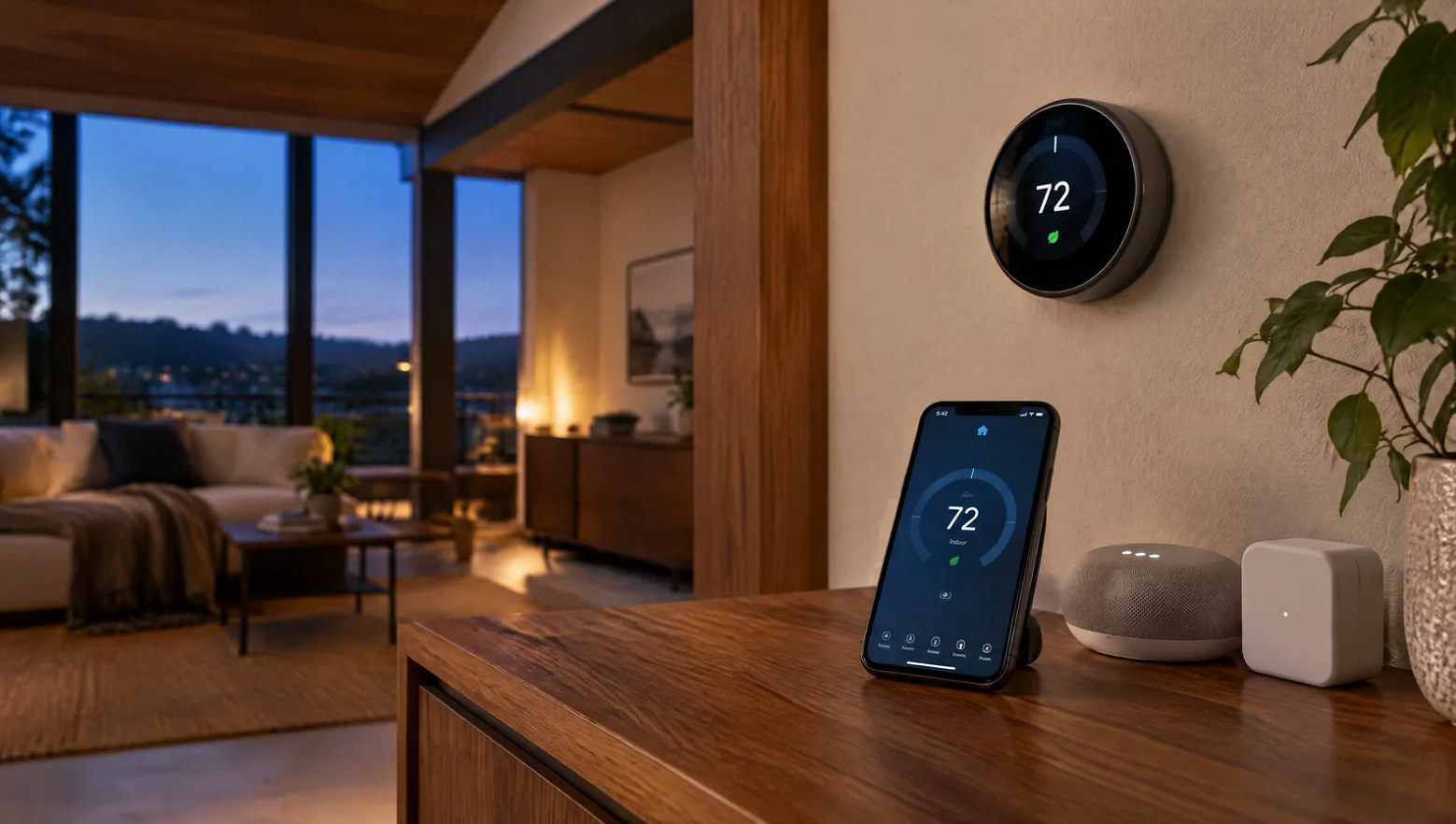
Models We Install
Nest, Ecobee, Honeywell, Sensi — picked per HVAC, not per shelf appeal.
The right model depends on HVAC compatibility, available power wiring and sensor needs. Sensi Touch and Touch 2 require a C-wire. A remote sensor changes the temperature reference; it does not create a separate HVAC zone.
Google Nest Learning Thermostat (4th Gen)
Learning schedule; includes a Nest Temperature Sensor. Verify HVAC and smart-home compatibility.
Google Nest Thermostat
Mirrored display; verify current HVAC and smart-home compatibility for the selected model.
Ecobee SmartThermostat Premium
Includes 1 room sensor, voice + air quality monitor
Ecobee SmartThermostat Enhanced
Compare its sensors, accessories and integrations with the current Premium model.
Honeywell Lyric T9 / T10 Pro
Check sensor support and existing HVAC-zone compatibility for the exact model.
Sensi Touch 2
Requires a C-wire; verify HVAC and integration compatibility for the exact model.
FAQ
Thermostat questions, straight answers.
Ready to swap the thermostat?
Walk us through the HVAC.
On-site walk-through. Compatibility check, C-wire status, model recommendation, fixed quote within 3 business days.
Frequently asked project questions
Work through the difficult decisions.
Explore the causes, choices and practical next steps behind common project questions.
Will adding a C wire always fix short cycling?
No. It may address a thermostat power issue, but repeated equipment starts can also involve configuration or HVAC faults. Compare the thermostat’s request and power state with what the equipment actually does.
Read the full guide: Short Cycling After a Smart Thermostat Change: Do Not Assume the C Wire Is the Whole Answer ↗Will an extra thermostat sensor fix an uneven room temperature?
It can change which temperature guides the system, but it does not create independent zoning. Verify sensor participation and assess the effect on other rooms; persistent imbalance may require HVAC or building improvements.
Read the full guide: Can a Smart Thermostat Sensor Fix a Bedroom That Is Always Too Hot or Cold? ↗Why did my electric bill rise after a smart thermostat was installed?
Possible contributors include auxiliary-heat staging, recovery schedules, wiring or equipment problems, weather, and rate changes. Review actual usage and runtime by mode before changing equipment thresholds.
Read the full guide: A Higher Bill After a Smart Thermostat: Investigate Auxiliary Heat Before Changing Limits ↗Why does my smart thermostat change the temperature by itself?
A schedule, learning feature, occupancy rule, hold expiration, energy program, or another integration may change the target. Check setpoint history and the active control mode before treating it as an HVAC fault.
Read the full guide: A Smart Thermostat Keeps Changing the Temperature: Find the Setting That Owns the Setpoint ↗- A Smart Thermostat Keeps Going Offline: Check Power Before Wi-Fi
- Short Cycling After a Smart Thermostat Change: Do Not Assume the C Wire Is the Whole Answer
- Can a Smart Thermostat Sensor Fix a Bedroom That Is Always Too Hot or Cold?
- A Higher Bill After a Smart Thermostat: Investigate Auxiliary Heat Before Changing Limits
- A Smart Thermostat Keeps Changing the Temperature: Find the Setting That Owns the Setpoint
Contact Us
Request A Consultation
Local Services
We're in your city.
Choose your city and tell us what you need. We'll plan the project around your location.
Choose your city to include it with your project details.
Or call us to discuss your project:
(650) 550-0819Request received
Thank you. Your request has been received.
