
Conference centers · Practical guide
Make Audience Questions Audible to Remote Conference Attendees
Choose and rehearse a Q&A method for round tables, seated audiences and hybrid events before buying another room camera.
YKCA Journal · 5 min read · Updated October 3, 2026
Start here
Design the question handoff as carefully as the presentation.
Define how the discussion should work
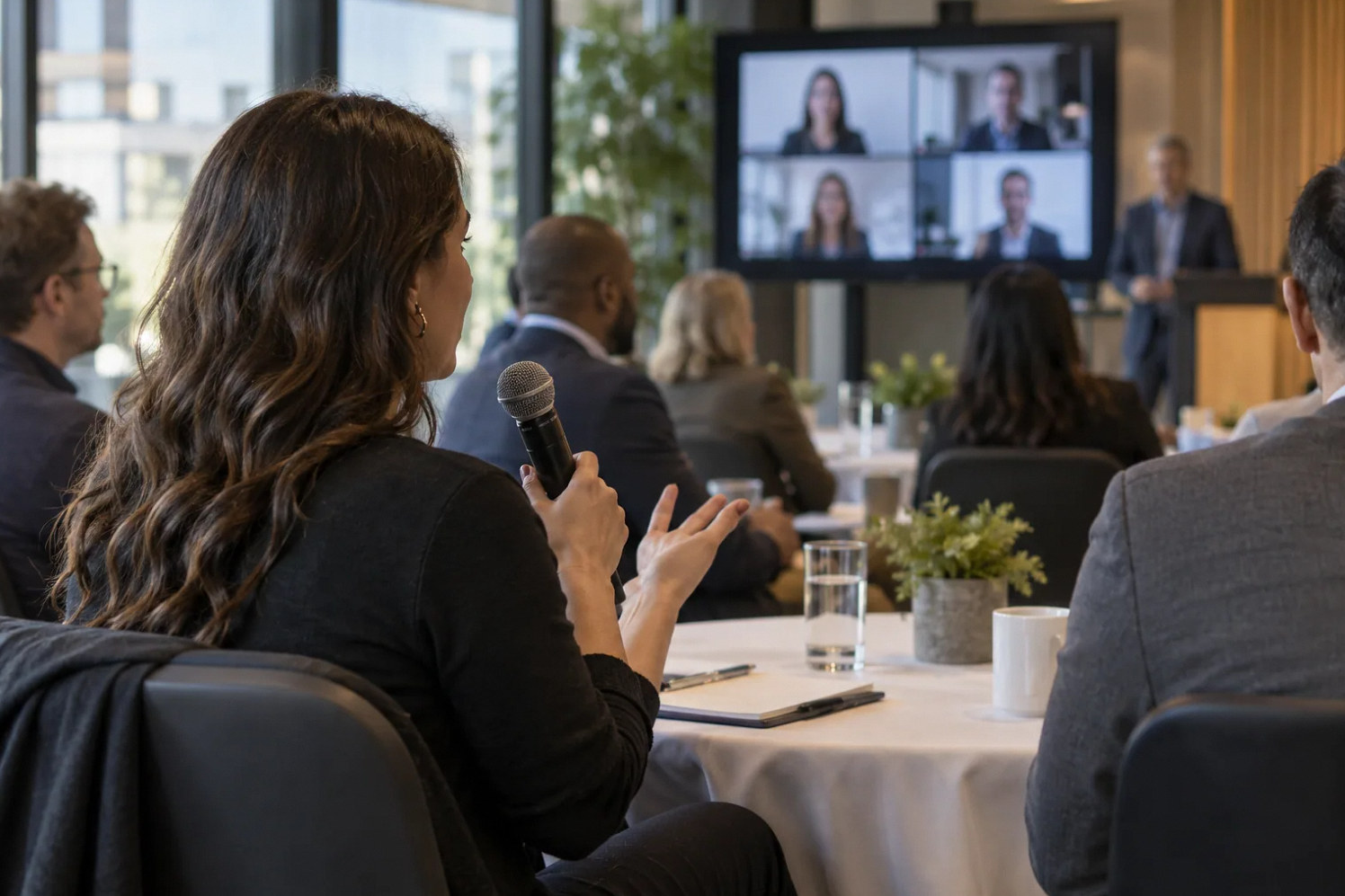
A presentation can sound acceptable while the discussion fails for remote attendees. The presenter is near a microphone, but questions come from different tables, sometimes with several people speaking at once. Decide whether the event needs spontaneous conversation, moderated questions or a formal panel. That choice affects microphone strategy, staffing and expectations.
Put the Q&A method in the event brief. Include mobility and accessibility needs, the seating layout, how remote attendees request a turn and whether discussion will be recorded. Do not assume that a camera capable of seeing the room can also deliver clear speech from every seat. Video framing and microphone pickup are separate acceptance checks.
Choose a microphone handoff people will follow
Shure’s meetings guide describes a dedicated audience microphone, either at a question station or carried by a moderator, as an effective approach. A fixed station makes turns clear but may not suit every attendee. A roaming microphone preserves seated participation but requires staff and a brief pause before each question. Choose based on the event, not only available inventory.
A designed array or distributed pickup system may support freer conversation, but it must be assessed for the room and routing. Ask for a demonstration from the intended seats with normal speaking voices. A specification listing pickup distance is not a substitute for understanding actual questions over the remote connection.
Reference: Shure: educational publications, including meetings and conferences audio guide
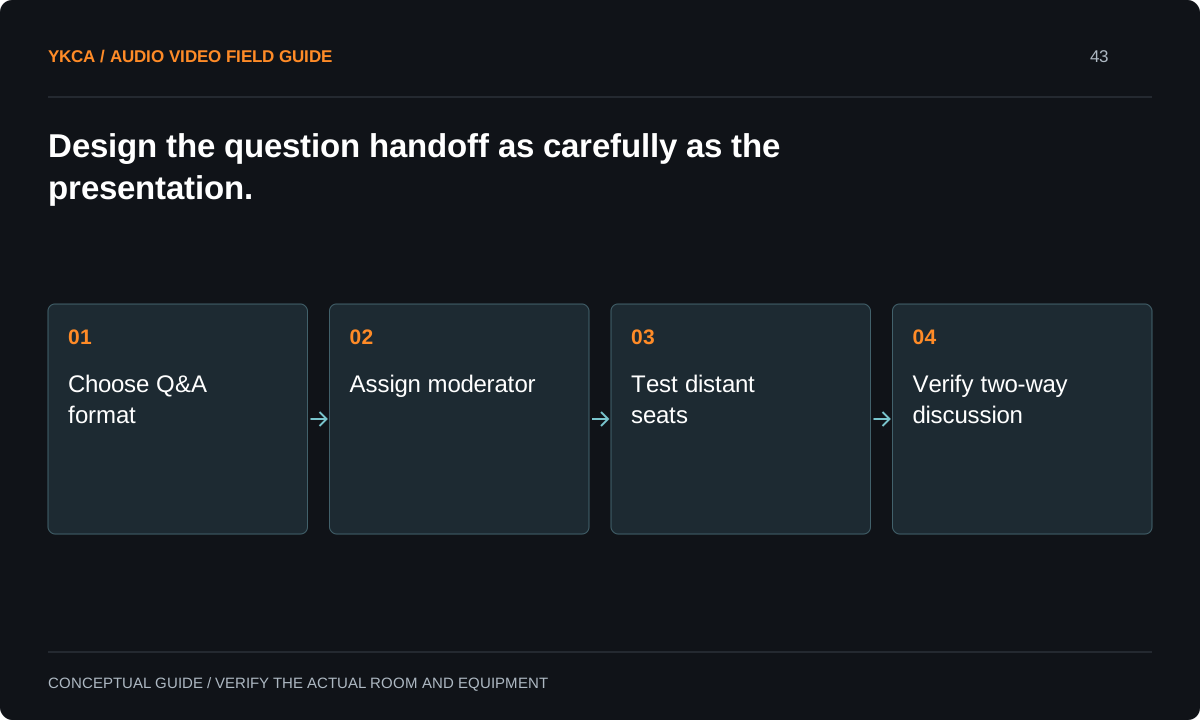
- Choose Q&A format
- Assign moderator
- Test distant seats
- Verify two-way discussion
Give the moderator an audio responsibility
The moderator should ask people to wait for the microphone, stop overlapping contributions and repeat an unamplified question when necessary. This is an event role, not an extra duty silently assigned to the AV operator. Let the moderator practice with the handheld or station before the audience arrives. Agree on who carries the microphone and how it returns to a ready position.
For remote questions, identify who watches the queue and how the remote participant is introduced to the room. The operator must know when the floor changes from an audience microphone to the remote caller. That explicit handoff makes the session easier to follow and reduces rushed adjustments.
Test the complete conversation from the far end
For example, a conference uses six round tables and a roaming microphone. During rehearsal, one person at each table asks a sentence-length question while another participant listens remotely. The moderator then invites a remote question, followed by a presenter answer. Staff verify that each step reaches the intended audience without requiring everyone to shout.
Microsoft’s room-planning guidance treats the meeting space and its deployment needs as part of the solution. Apply that principle to the complete conversation rather than a quick device check. Include the event’s actual platform, playback method and seating configuration. Record troublesome locations and determine whether the solution is operational, acoustic or equipment-related.
Reference: Microsoft: Plan for Teams Rooms
Plan portable systems around setup effort
A portable system is not automatically simple because it fits into cases. Someone must place microphones, connect the room output, verify the call, manage batteries and restore the rented space. List those tasks with the person responsible and the time available. If the venue changes, repeat the relevant checks instead of treating the previous event as certification.
For infrequent high-stakes events, compare the complete support requirement of owned equipment with an appropriately staffed rental proposal. This is an operating decision, not a blanket recommendation to buy or rent. Include transport, rehearsal access, replacement equipment and a clear escalation route in the comparison.
A commercial audio installation for audience discussion should include the organizer's preferred handling of overlapping speech. A panel moderator may invite one question at a time, while a training workshop may need short exchanges around tables. Write that distinction into the event plan before selecting the pickup approach. Rehearse a deliberate interruption and ask the remote listener which speaker remains understandable. If the format cannot support simultaneous conversation, tell the organizer and establish a clear turn-taking cue. The resulting limitation is operationally useful; simply describing the system as a room microphone leaves participants expecting a form of discussion it may not deliver.
Accept questions, answers and recovery
The acceptance sequence should include quiet audience speech, a remote participant, a presenter response and a failed handoff. For the failure exercise, the moderator repeats the question into a working microphone or directs the audience to the agreed alternate method. Confirm that recording, if authorized, captures both sides of the discussion.
Leave the event team a seating-aware Q&A plan, microphone ownership list and a short preflight checklist. Explain any seats or formats that remain unsupported. The room is ready for a moderated session when the moderator and operator can deliver that session together, rather than when a microphone merely produces sound at the rack.
Compare the next steps
A decision table for this problem
| Situation | Operating decision | Evidence to check |
|---|---|---|
| Questions from round tables | Assign roaming-microphone coverage | Remote listener hears normal speech at every table |
| Formal audience questions | Provide a suitable question station | Accessible route and turn-taking are agreed |
| Free-form discussion | Evaluate designed pickup and moderation | Cross-talk and distant voices tested |
| Remote participant asks a question | Assign queue and floor ownership | Room hears the caller and response |
| Microphone handoff fails | Moderator repeats through working input | Discussion continues with an understood fallback |
Use this in the room
Your working checklist
Common questions
Will a second camera solve weak audience questions?
No. It may improve what remote attendees see, but speech pickup requires a suitable microphone path and an operating method people follow.
Can the presenter repeat every question?
That can be a fallback or an agreed simple format. It becomes limiting for long exchanges, multiple speakers or events where participants need to speak directly.
Do we need microphones at every table?
Not necessarily. Compare a moderated handheld or station with a designed distributed system against the event’s participation needs, staffing and room conditions.
Read the original guidance
Sources and discussion context
Research used primary documents and, where full text was unavailable, indexed excerpts from official sources. A citation does not mean the complete document was accessible. Product behavior depends on the actual model, configuration and documentation. Confirm the requirements for your venue before changing the installation.
- Shure: educational publications, including meetings and conferences audio guide↗
- Microsoft: Plan for Teams Rooms↗
Reader problems behind this guide
These Reddit discussions helped identify the practical question. They are individual experiences, not technical authority or a measure of how common the problem is. Examples and diagrams illustrate planning decisions; they are not records of completed YKCA projects or installation drawings.
- Advice needed: Portable AV setup for 50-person Hybrid Conference
A portable hybrid conference at round tables received complaints about questions asked from seats.
Research access: search excerpt with post text; not independently opened.
Keep the whole system in view
