
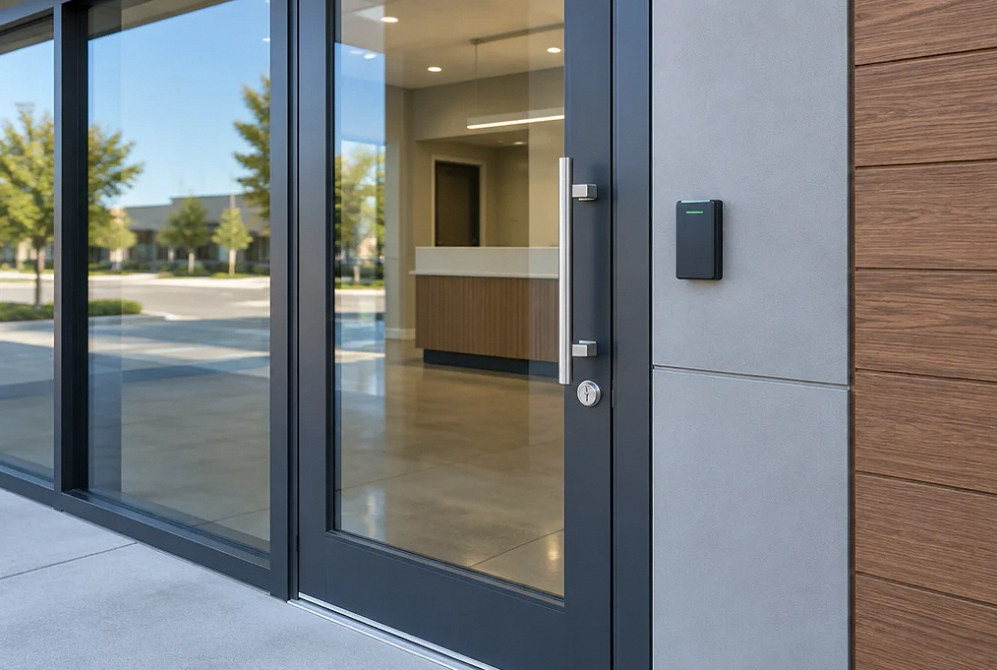
Access Control Installation
Door Access Control That Fits How the Property Operates
A reader on the wall is only one part of an access system. YKCA helps plan readers, controllers, cabling and integrations around the doors, users and access rules that the property actually needs.
What & Why
Start with the door schedule and access policy.
List which doors need control, who uses them and how entry changes after hours. A main entrance, shared office, storage room and staff-only door may require different hardware and operating behavior.
The access plan must also account for how people leave and what happens during loss of power or a relevant emergency signal. Coordinate door hardware, fire and life-safety requirements with the responsible professionals and reviewing authority. Selecting an electronic lock is not a substitute for that review.
Start with the site and its users
Doors
Location, construction, existing hardware and use
Users
Employees, residents, visitors and service providers
Credentials
Cards, fobs, mobile credentials or existing system
Management
Who grants access and removes it when roles change
Project Scope
Define the equipment and how it will be used.
The installation plan should cover the physical work, system configuration and a usable handoff to the property team.
Door and hardware survey
Review each opening and identify hardware work, alignment or other conditions that must be resolved before electronic access is added.
Reader and credential plan
Choose the credential approach and compatible reader/controller system. Identify any existing credentials that must continue to work.
Controller, power and cabling
Plan controller placement, power, network needs and cable routes. Identify protected locations for equipment and connections.
Entry and exit behavior
Document the intended operation for normal use, power loss and applicable emergency conditions. Coordinate required releases and door hardware.
Permissions and administration
Create a clear role and schedule structure. Identify the owner of administrator accounts, user changes and access-event records.
Testing and handoff
Test the agreed door functions, give the property team documented procedures and record the installed equipment and configuration.
Project concepts
See the possibilities for your space
Drag the divider to compare before and after, or open a comparison for a closer look.
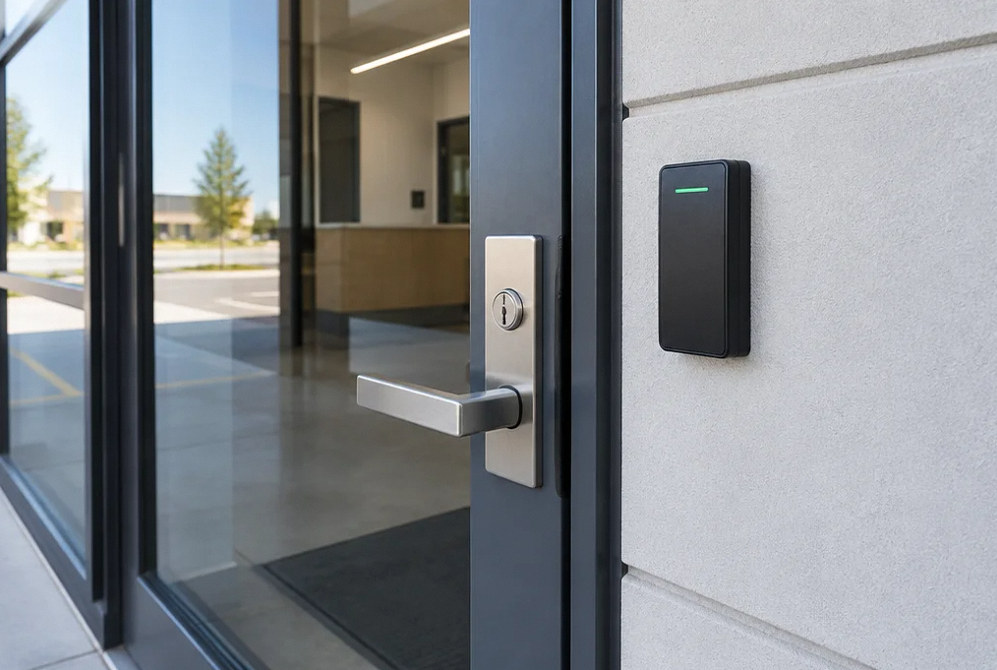
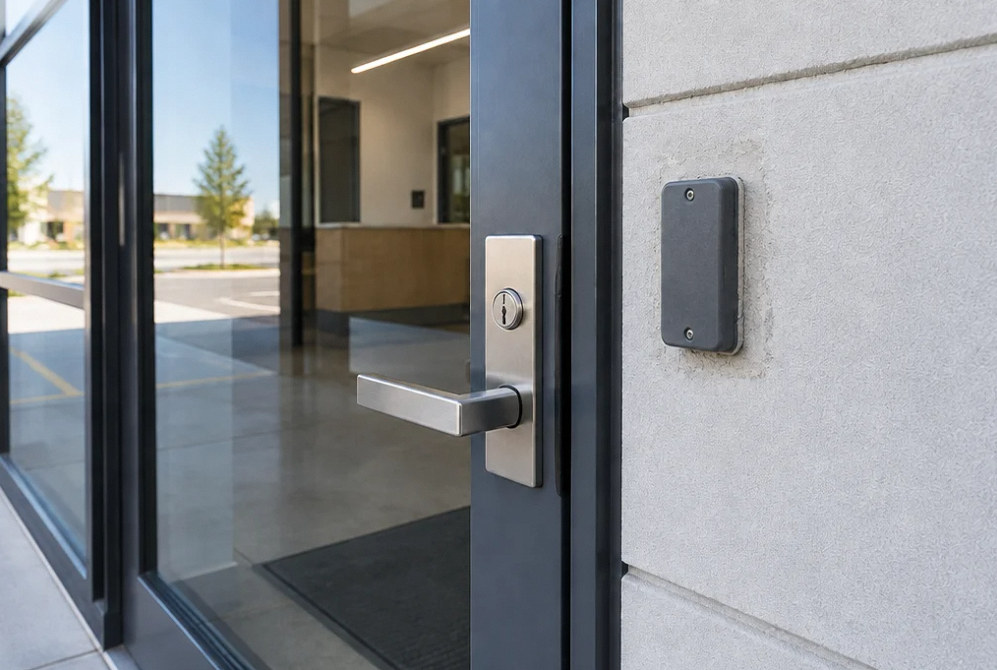
Drag to compare
Before You Choose
Access choices should match a real operating need.
Resolve these decisions before equipment is ordered and routes are installed.
| Decision | What to document |
|---|---|
| Cards or fobs | How credentials are issued, replaced and revoked. |
| Mobile credentials | Supported phones, account requirements and ongoing licensing costs. |
| Existing-system expansion | Verified controller, reader, credential and software compatibility. |
| Power-loss behavior | The reviewed hardware arrangement and method of safe exit. |
Estimate Planning
What changes the project scope and cost?
Compare proposals using the same locations, equipment and operating requirements.
- Number and type of doors, including any required hardware work
- Readers, controllers, credentials and software licensing
- Power, network and concealed cable routes
- Integration, testing, training and ongoing administration needs
FAQ
Access Control Installation: questions before installation.
Can the existing locks and doors stay?
That requires a survey. Door condition, hardware, frame construction and the intended operation affect what can be reused. Separate door repairs and locksmith work from the low-voltage scope.
Can I add a door to our existing access system?
Provide the controller, reader and software information. Compatibility must be checked across the system, including licenses and available capacity; matching a reader’s appearance is not enough.
What happens when the power goes out?
The selected lock, supplies and required exit function determine the result. Fail-safe hardware unlocks on loss of its power; fail-secure hardware can retain entry security while suitable mechanical hardware still allows free exit. California requirements depend on the specific opening and locking arrangement. Document and professionally verify power loss, required alarm releases, backup operation and restoration.
Who should own the administrator account?
The property should designate an authorized administrator and a recovery process. Document access roles and hand over the required accounts through a secure method; avoid relying on an individual installer’s personal account.
Does access control replace the fire or building-code review?
No. Coordinate the complete opening and its required life-safety functions with the responsible design team and authority. An electronic access component does not establish that the overall door arrangement is compliant.
Related technology services
Technical references · reviewed October 3, 2026
Your Next Step
Plan your access control installation system.
Share the locations, existing equipment and the people who will use and manage the system. We can define the installation and handoff.
