
Schools & universities · Practical guide
Classroom Microphones: Amplifying the Teacher Is Not the Same as a Hybrid Class
Define who must hear whom before adding ceiling microphones or conferencing equipment to a teaching room.
YKCA Journal · 5 min read · Updated October 3, 2026
Start here
Map teacher, students and remote participants as separate listening paths.
Start with a who-hears-whom map
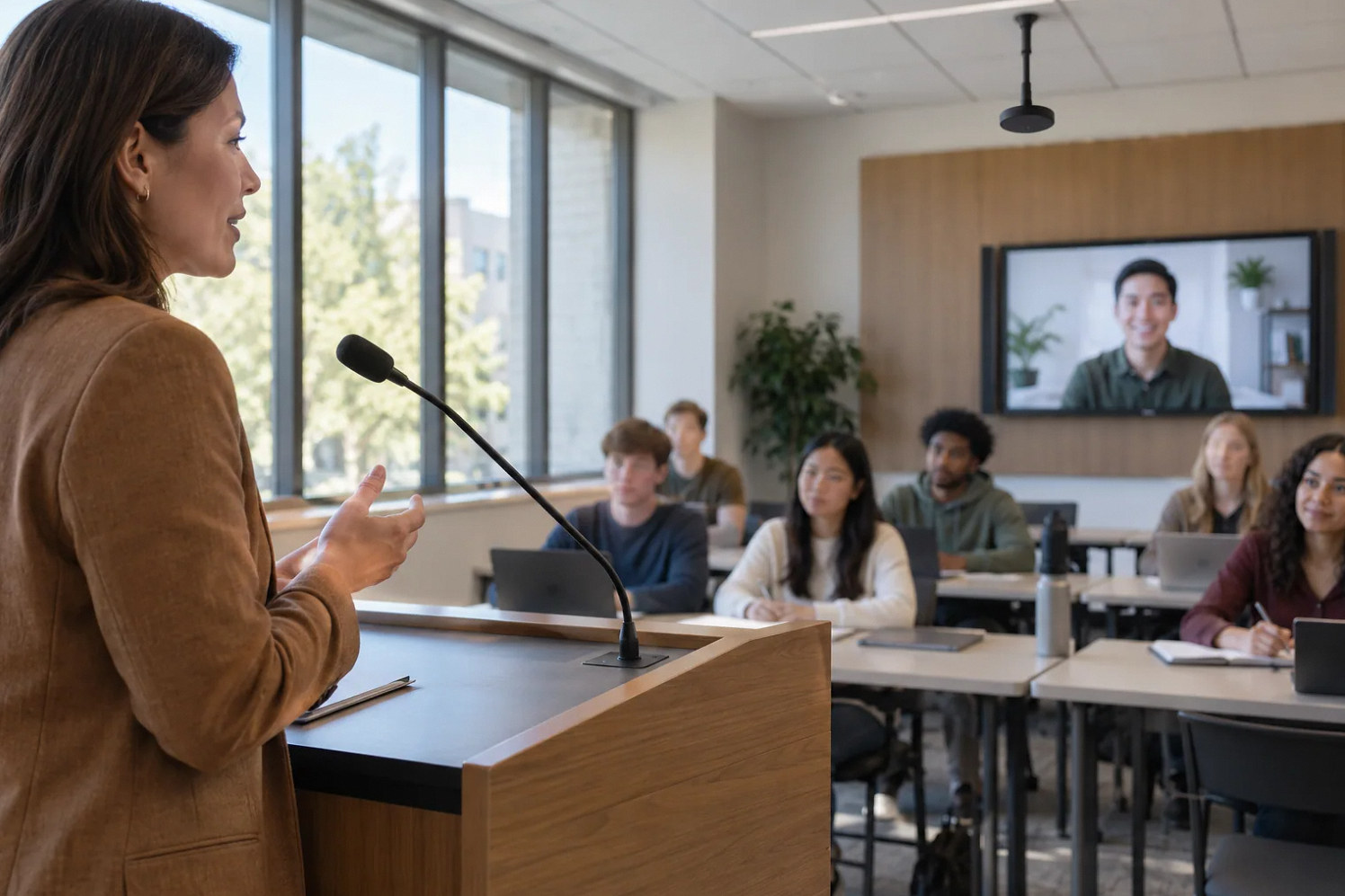
A classroom request often begins with a list of devices: two displays, several speakers and ceiling microphones. That list leaves the most important question unanswered. Does the teacher need local voice reinforcement, do remote students need to hear discussion, or must both groups converse? Draw the required paths between teacher, seated students, remote participants and any recording destination.
Mark which paths operate at the same time. Include program audio from the teaching computer and document camera demonstrations where relevant. This simple map helps prevent a local sound system from being mistaken for a complete conferencing solution. It also reveals whether the class needs a moderated discussion method rather than unrestricted room pickup.
Separate instructional modes
Define a local lesson, a recorded lecture and a live hybrid class as separate modes if the campus offers all three. The local lesson may require only teacher reinforcement and media playback. A recorded lecture needs an authorized capture path. A hybrid class adds remote speech, content sharing and interaction with people in the room.
Extron’s education material covers several instructional applications, while Shure’s conference guide discusses audience speech pickup. Use those sources to frame questions for the designer, not to infer that one arrangement fits every class. Ask the integrator to explain which mode each proposed microphone and control supports and what changes when the instructor switches modes.
Reference: Extron: AV System Designs for Education · Shure: educational publications, including meetings and conferences audio guide
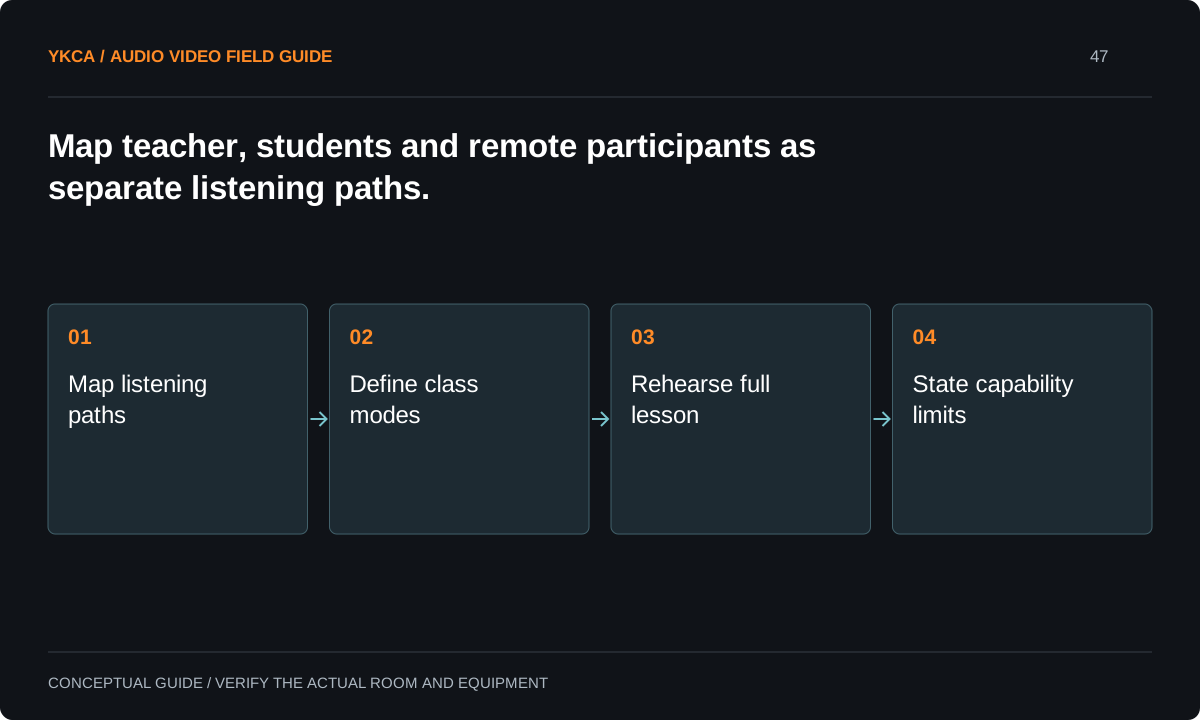
- Map listening paths
- Define class modes
- Rehearse full lesson
- State capability limits
Design around the teacher’s actual movement
Observe whether the teacher stays at a lectern, writes on several boards, moves between tables or demonstrates equipment. A microphone that performs well at one location may not support the whole lesson. Include comfort, charging, storage and who fits or retrieves a wearable microphone when that is part of the design.
Student participation needs its own method. An instructor can repeat questions for a simple lecture format, but that approach may not suit an active seminar. Discuss moderated handhelds, designated speaking locations or a designed room pickup system with the teaching team. Require a demonstration under the intended seating and speaking conditions.
Run a lesson rather than a microphone check
For example, a teacher introduces a topic, moves to a board, plays a short video, takes a question from the rear of the room and invites a remote student to respond. A remote reviewer notes whether every contribution and shared image is understandable. A local reviewer checks the room experience at the same time.
The test should reveal the transition rules: which microphone is active, which source is shared and who manages a remote question. Keep the content nonconfidential and use an authorized test session. If the class will be recorded, confirm the recording path separately; a successful live call does not prove that the correct media reaches the saved file.
Choose a scope the school can operate
A more complex hybrid classroom can introduce charging routines, software administration, additional microphones and support during lessons. Ask who performs those tasks and what happens when a teacher arrives without time for troubleshooting. Include the ordinary lesson-start routine in the design review rather than treating training as a final optional extra.
If funding or staffing cannot support every requested mode, phase the project around complete usable workflows. For example, a dependable local lesson and a clearly limited lecture capture arrangement may be a first phase. Do not label the room “fully hybrid” until the required two-way student interaction has been demonstrated.
Commercial audio and video systems also need a practical lesson fallback. If the remote connection fails, decide whether the teacher continues locally, pauses for support or uses an institution-approved alternate method. That is an instructional decision with technical consequences, not something the installer should guess. Put the chosen action in the instructor guide and test the transition using nonconfidential material. Confirm what happens to any recording already in progress and how students are told about the interruption. A clear fallback reduces the pressure to make unfamiliar system changes during class and gives support staff a known state from which to investigate.
Document capabilities for instructors and scheduling
Give instructors a concise mode guide with the actual control labels, microphone procedure and fallback. Give scheduling staff a capability statement that distinguishes local instruction, recording and hybrid participation. Keep technical routing and configuration records with the support team. The documents should agree on what the room can deliver.
Acceptance includes a representative lesson performed by an instructor, a remote student simulation and recovery from an ordinary user error. Record any unsupported seating or teaching positions. When the room layout or course format changes, review the relevant paths again. Classroom readiness is tied to instructional use, not merely the presence of microphones and screens.
Compare the next steps
A decision table for this problem
| Situation | Operating decision | Evidence to check |
|---|---|---|
| Teacher needs local reinforcement | Design local voice path | Speech is usable across intended seating |
| Lecture must be recorded | Add authorized capture workflow | Saved file contains required sources |
| Students ask questions remotely | Define two-way discussion method | Both audiences hear questions and answers |
| Teacher moves to several boards | Test movement and shared view | Voice and content remain available |
| Staffing cannot support all modes | Phase complete instructional workflows | Capability statement states current limits |
Use this in the room
Your working checklist
Common questions
Are ceiling microphones always needed?
No. Their usefulness depends on the teaching format, room and required listening paths. A local teacher microphone and a hybrid discussion system solve different problems.
Can a lecture recording replace live hybrid interaction?
It can support on-demand learning but does not provide live questions and responses. Define those as separate educational services with separate acceptance checks.
Should we start by selecting the mixer?
Start with instructional modes and who must hear whom. Equipment selection becomes meaningful once the simultaneous signal paths and operating responsibilities are defined.
Read the original guidance
Sources and discussion context
Research used primary documents and, where full text was unavailable, indexed excerpts from official sources. A citation does not mean the complete document was accessible. Product behavior depends on the actual model, configuration and documentation. Confirm the requirements for your venue before changing the installation.
- Extron: AV System Designs for Education↗
- Shure: educational publications, including meetings and conferences audio guide↗
Reader problems behind this guide
These Reddit discussions helped identify the practical question. They are individual experiences, not technical authority or a measure of how common the problem is. Examples and diagrams illustrate planning decisions; they are not records of completed YKCA projects or installation drawings.
- Need help with AV set up for classroom
A classroom request listed two displays, ceiling microphones and speakers without clearly distinguishing reinforcement from conferencing.
Research access: search excerpt with post text; not independently opened.
Keep the whole system in view
