
Networking & Wi-Fi Mesh
Wi-Fi that holds up on the call that matters.
Cat6 / Cat6A structured cabling, ceiling-mount access points with hardwired backhaul, switch closets with cable management, UPS for power events. UniFi, Eero, Orbi — installed the way each platform actually deserves.
What This Is
Wired backbone, Wi-Fi where it makes sense.
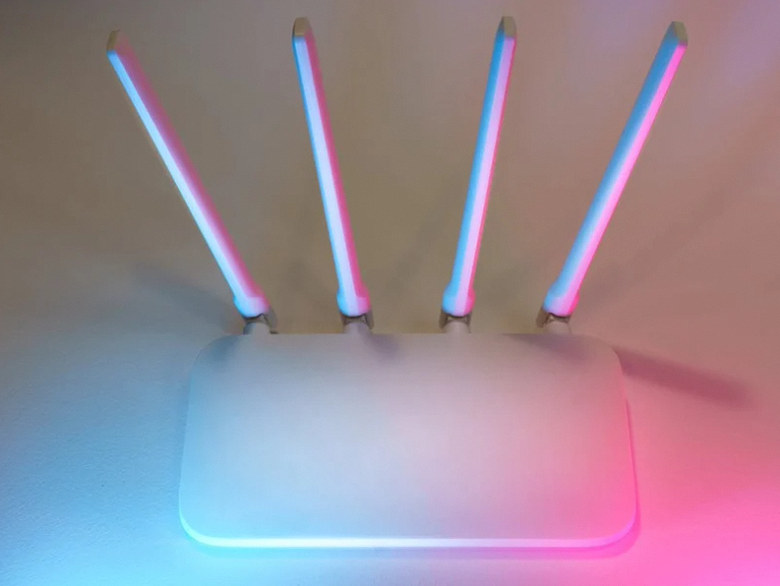
Every "the Wi-Fi is bad" call we get is one of three things: AP placed inside the wrong wall, mesh node wireless-backhauled across too much drywall, or 5 GHz radio fighting microwave-oven and baby-monitor noise. Real fix is structured cabling — pull Cat6A to the AP locations, hardwire-backhaul each AP, and let Wi-Fi do what it is actually good at (mobile devices, not 4K Plex streams).
Bay Area homes are unusually dense with smart-home devices, security cameras, video-call workstations, and PoE cameras — Wi-Fi-only architectures buckle under that load fast. We design wired-first, with mesh wireless for the gaps. Cat6A for new pulls, Cat6 for retrofits where 1 Gbps is the realistic ceiling.
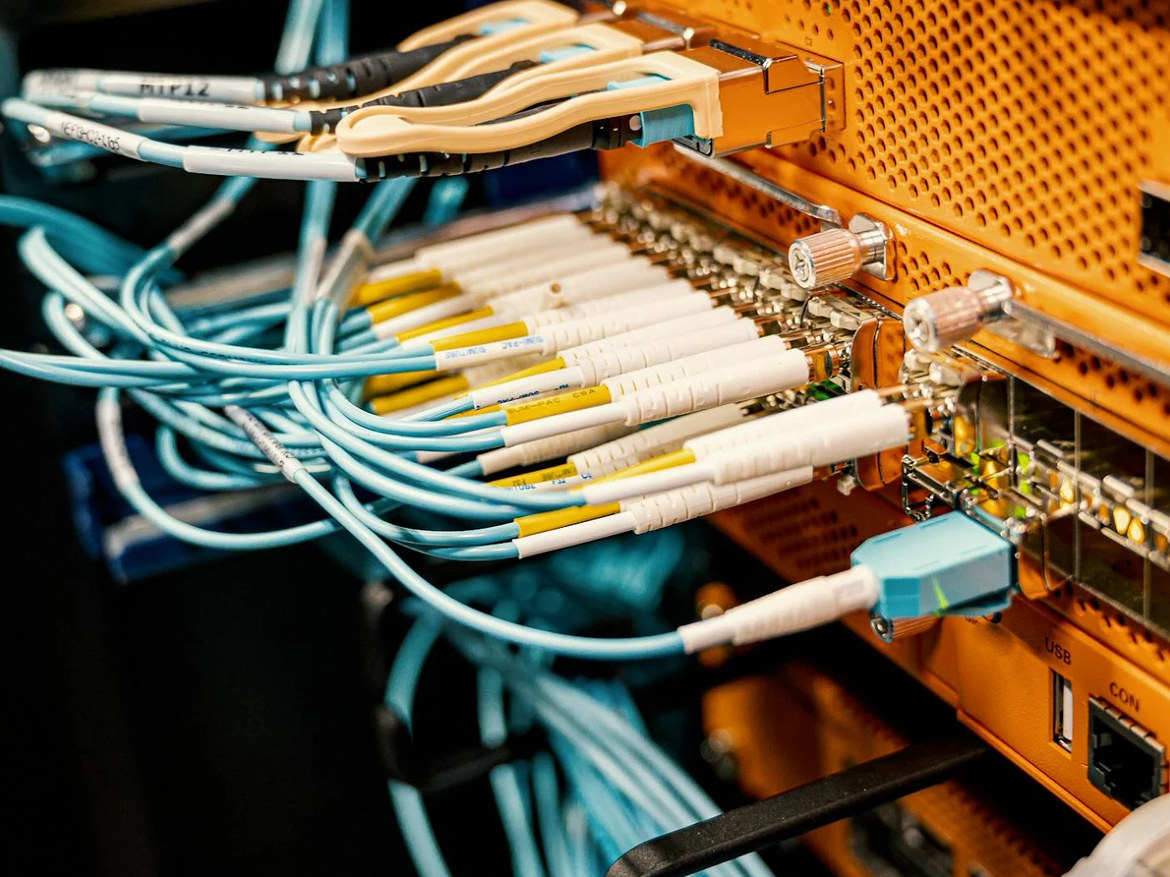
Terminated patch panel — the part the homeowner never sees.
Scope
What is included in a networking install.
Cabling, access points, switch closet, router, UPS and segmentation — single accountable contractor.
Cat6 / Cat6A Drops
Plenum or riser-rated cable pulled through wall, ceiling, attic and crawlspace. Outlet locations per use case map. Both ends terminated and tested with a cable certifier.
Access Point Placement
Site survey with Wi-Fi analyzer first. Ceiling-mount or wall-mount APs per Wi-Fi heatmap. Hardwired backhaul wherever practical.
Switch & Patch Panel
PoE-capable switch sized to drops + cameras + APs (typical: 16 or 24 port). 12-24 port patch panel. Cable management, port labels, switch port labels.
Router / Gateway
UniFi Dream Machine Pro, Eero Pro 6E / Max 7, Netgear Orbi Pro, or pfSense / OPNsense for self-hosted firewall. ISP modem coordination.
UPS + Power Resilience
CyberPower / APC UPS sized for 30-60 min of router + switch + NVR runtime. Outlet wiring at the rack, not relying on extension cords.
VLAN & Guest Segmentation
Optional but recommended for IoT-heavy households: separate VLAN for cameras / smart-home devices, isolated guest network, firewall rules between zones.
Equipment We Install
UniFi, Eero, Orbi — honestly compared.
UniFi for households that want dashboards and VLAN segmentation; Eero / Orbi for households that want phone-only setup. We will deploy whichever your priorities match — and tell you when the "easy" choice is the wrong one for the building.
UniFi Dream Machine Pro
Router + controller + 8-port switch in 1U
UniFi U6 / U7 Pro Access Points
Ceiling-mount, Wi-Fi 6 / 6E / 7
Eero Pro 6E / Eero Max 7
Tri-band / quad-band mesh, easy setup
Netgear Orbi RBKE963 / RBE973
Tri-band / quad-band high-power mesh
UniFi USW Pro 24 PoE
24-port managed PoE+ switch for racks
CyberPower / APC UPS 1500VA
Sine-wave UPS for sensitive electronics
FAQ
Networking questions, straight answers.
Ready to fix the Wi-Fi?
Site survey + scope visit.
On-site walk-through with Wi-Fi analyzer. Drop count, AP placement, switch sizing, fixed quote within 3 business days.
Frequently asked project questions
Work through the difficult decisions.
Explore the causes, choices and practical next steps behind common project questions.
Why will my phone not switch to the closest Wi-Fi access point?
Clients do not always choose the nearest radio. Review association history, coverage overlap, client support, and roaming settings; test movement with the affected phone rather than relying only on stationary speed tests.
Read the full guide: The Phone Stays on the Wrong Access Point: Diagnose Sticky Wi-Fi Roaming ↗Why do smart devices disappear on a separate IoT network?
Isolation or firewall policy may block discovery and local control even while internet access works. Map the required communication paths, configure supported exceptions narrowly, and test both function and separation.
Read the full guide: Smart Devices Disappear After Moving Them to an IoT Network ↗Does a connection near 100 Mbps mean I need Cat6A?
Not necessarily. Check negotiated link speed, active-port limits, patch cords, and terminations. A damaged or poorly terminated path can limit performance regardless of its printed cable category.
Read the full guide: A Wired Connection Is Stuck Near 100 Mbps: Check the Link Before Upgrading the Cable Category ↗Should I put my mesh system or ISP router into bridge mode?
Use bridge mode on the ISP gateway when the provider supports it and the mesh should handle routing. Mesh access-point or bridge mode is another option only where the product supports the required topology: Google Wifi and Nest Wifi bridge mode cannot retain multiple mesh points. Deliberate double NAT can remain if needed functions work. Check feature losses and retest local services after any change.
Read the full guide: Two Routers in One Home: When Double NAT Matters ↗- More Mesh Nodes Did Not Fix the Dead Zone: Check the Backhaul
- The Phone Stays on the Wrong Access Point: Diagnose Sticky Wi-Fi Roaming
- Smart Devices Disappear After Moving Them to an IoT Network
- A Wired Connection Is Stuck Near 100 Mbps: Check the Link Before Upgrading the Cable Category
- Two Routers in One Home: When Double NAT Matters
Contact Us
Request A Consultation
Local Services
We're in your city.
Choose your city and tell us what you need. We'll plan the project around your location.
Choose your city to include it with your project details.
Or call us to discuss your project:
(650) 550-0819Request received
Thank you. Your request has been received.
