
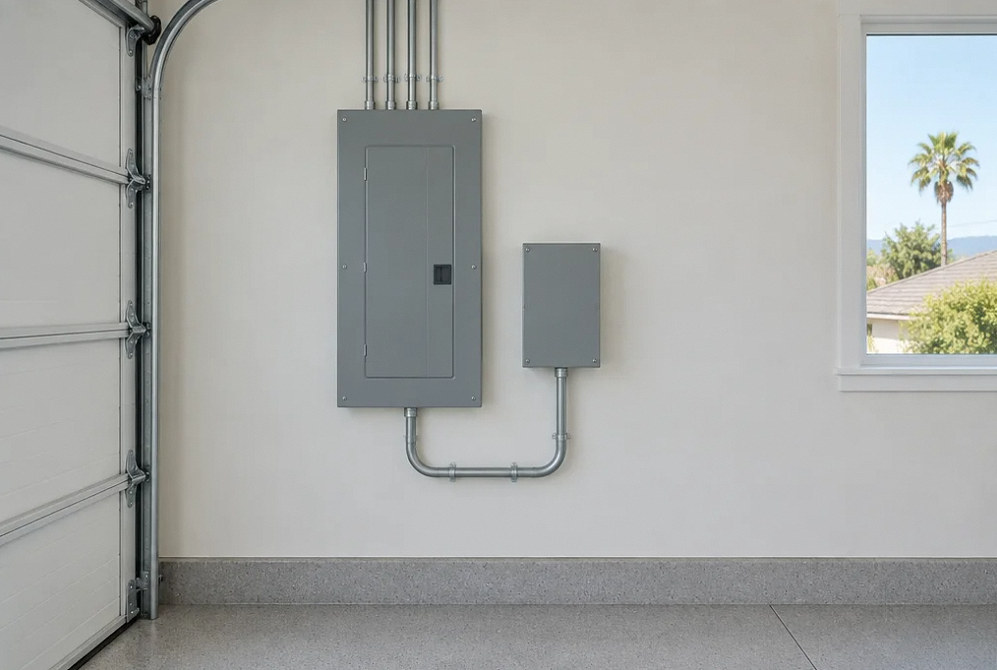
Whole-Home Surge Protection
Whole-Home Surge Protection, Matched to Your Electrical System
Appliances, computers and home controls can be exposed to brief voltage surges. YKCA can assess the service equipment and plan a suitable surge protective device, with a clear explanation of what it protects and what still needs separate attention.
What & Why
Protect against surges without overlooking other electrical problems.
A surge protective device, often called an SPD, limits brief voltage transients. Surges can originate outside the home or when equipment switches within it. The device must fit the electrical system and its intended installation location.
Surge protection does not provide backup power and is not a repair for a loose connection, persistent voltage problem or overloaded circuit. If the request starts with repeated appliance failures or flickering lights, describe the symptoms so the cause can be assessed.
Information for device selection
Existing equipment
Panel manufacturer, model information and service arrangement
Sensitive loads
HVAC controls, kitchen appliances, computers and AV systems
Observed problems
When damage or unusual operation occurred
Existing protection
Panel devices, plug-in protectors and their visible status
Project Scope
A surge protector is part of an installation.
Choose a scope that addresses the device, its connection and the owner's ability to recognize when attention is needed.
System and symptom review
Review the service arrangement and any reported electrical problems. Identify diagnostic work that is separate from installing surge protection.
Compatible device selection
Select the device type and ratings for the application. Check panel compatibility, installation instructions and any required breaker or mounting arrangement.
Connection and location
Evaluate the practical installation location and wiring route. The final connection must follow the selected device's instructions and applicable requirements.
Grounding and bonding review
Identify existing conditions that need attention as part of the proposed installation. A new protective device does not correct deficiencies elsewhere in the electrical system.
Additional equipment protection
Discuss appropriate point-of-use protection for sensitive electronics and any other connected pathways. Avoid assuming one device addresses every exposure.
Status and owner handoff
Record the device model and installation date. Explain the status indicator, inspection guidance and replacement instructions supplied by its manufacturer.
Project concepts
See the possibilities for your space
Drag the divider to compare before and after, or open a comparison for a closer look.
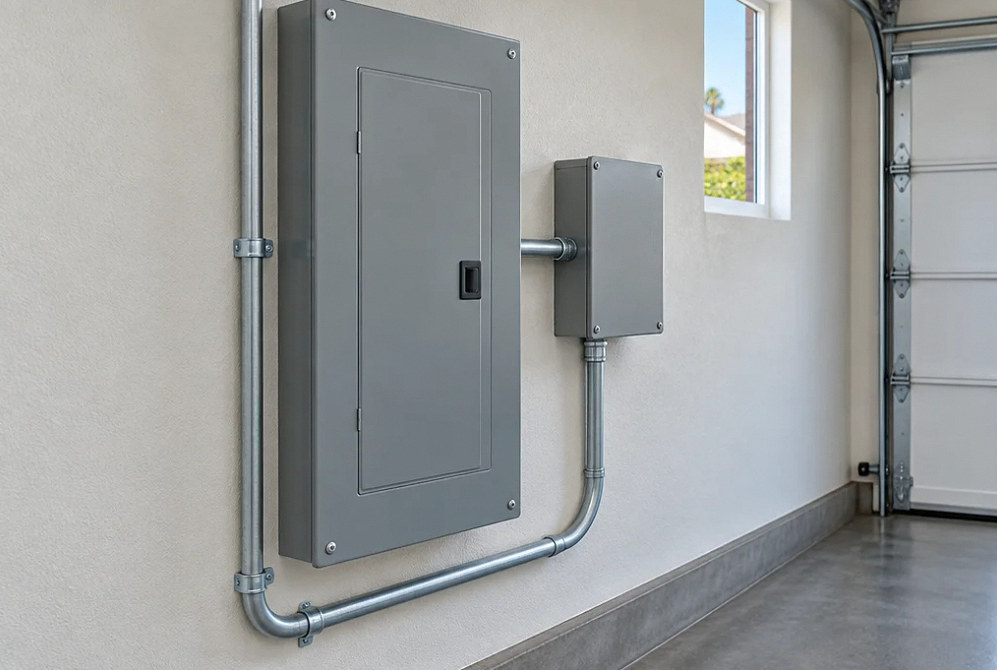
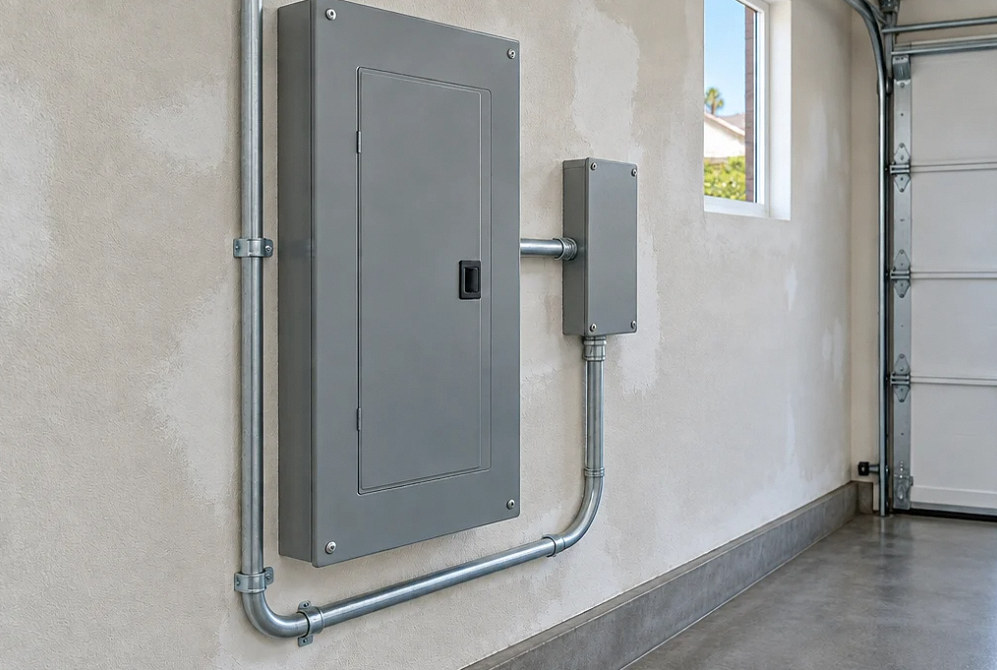
Drag to compare
Before You Choose
Three products with different jobs.
Choose each device for the problem it is intended to address. Similar-looking products do not necessarily provide the same protection.
| Device | Primary role |
|---|---|
| Panel or service surge protective device | Helps limit transient surges on the building's electrical distribution. |
| Point-of-use surge protector | Adds protection for connected equipment at the place it is used; an ordinary power strip may not include this function. |
| Uninterruptible power supply (UPS) | Provides temporary battery power to selected connected equipment. Features and available runtime depend on the model and load. |
Estimate Planning
What changes a whole-house surge protection estimate?
Ask for the exact device and installation scope. Comparing only the product's headline rating leaves important differences unresolved.
- Device type, ratings and manufacturer compatibility
- Available spaces, mounting location and required connection hardware
- Access and any electrical deficiencies discovered during assessment
- Additional protection for equipment or other incoming connections
FAQ
Surge protection questions, straight answers.
Is a whole-house surge protector the same as a power strip?
No. A panel or service device and a point-of-use protector serve different positions in the system. Some power strips only add outlets. Check whether the product is actually identified as a surge protective device.
Will surge protection keep the power on during an outage?
No. Backup power requires a suitable battery or other separately designed supply. A UPS may keep selected equipment operating temporarily, but its load and runtime limits must be considered.
Will it fix tripping breakers or flickering lights?
A surge protector does not repair a wiring, loading or supply fault. Lights becoming unusually bright in some rooms while others dim can indicate a loose or open neutral: report that urgently to the utility and a licensed electrician. Do not recreate the event or open electrical equipment. For smoke, arcing or fire, leave the hazardous area and call emergency services.
Can it prevent all lightning damage?
No. A panel SPD reduces exposure to specified transient events but does not cover every connected path or create a complete lightning-protection system. Review incoming power, coax, communications and outdoor cables with qualified specialists, including their coordinated grounding and bonding. No device guarantees protection from every lightning event.
How do I know when the device needs replacement?
Check the exact model’s indicator and maintenance instructions. An off or changed light may require inspection or replacement even while the house still has power. Keep the model and installation records, and use a qualified electrician for equipment access or replacement rather than assuming all devices share the same reset behavior.
Does the manufacturer's equipment coverage replace insurance?
No. Device replacement, connected-equipment reimbursement, installer labor and homeowner insurance are separate forms of coverage. Eaton’s March 2015 example policy makes connected-equipment coverage secondary to applicable insurance and other coverage; obtain the terms for your exact purchase. Keep the model, purchase and installation records, warranty version and claim instructions. A marketing dollar limit does not establish that a loss qualifies.
Related electrical services
Technical references · reviewed October 3, 2026
Your Next Step
Review the panel. Define the protection.
Share your panel information and the equipment or electrical symptoms that prompted the request. We can separate protection from any needed diagnostic work.
