
Conference centers · Practical guide
Train Conference Staff With a Room Handover Rehearsal
Turn a new conference-room installation into a supportable daily service with role boundaries and guest-like practice.
YKCA Journal · 6 min read · Updated October 3, 2026
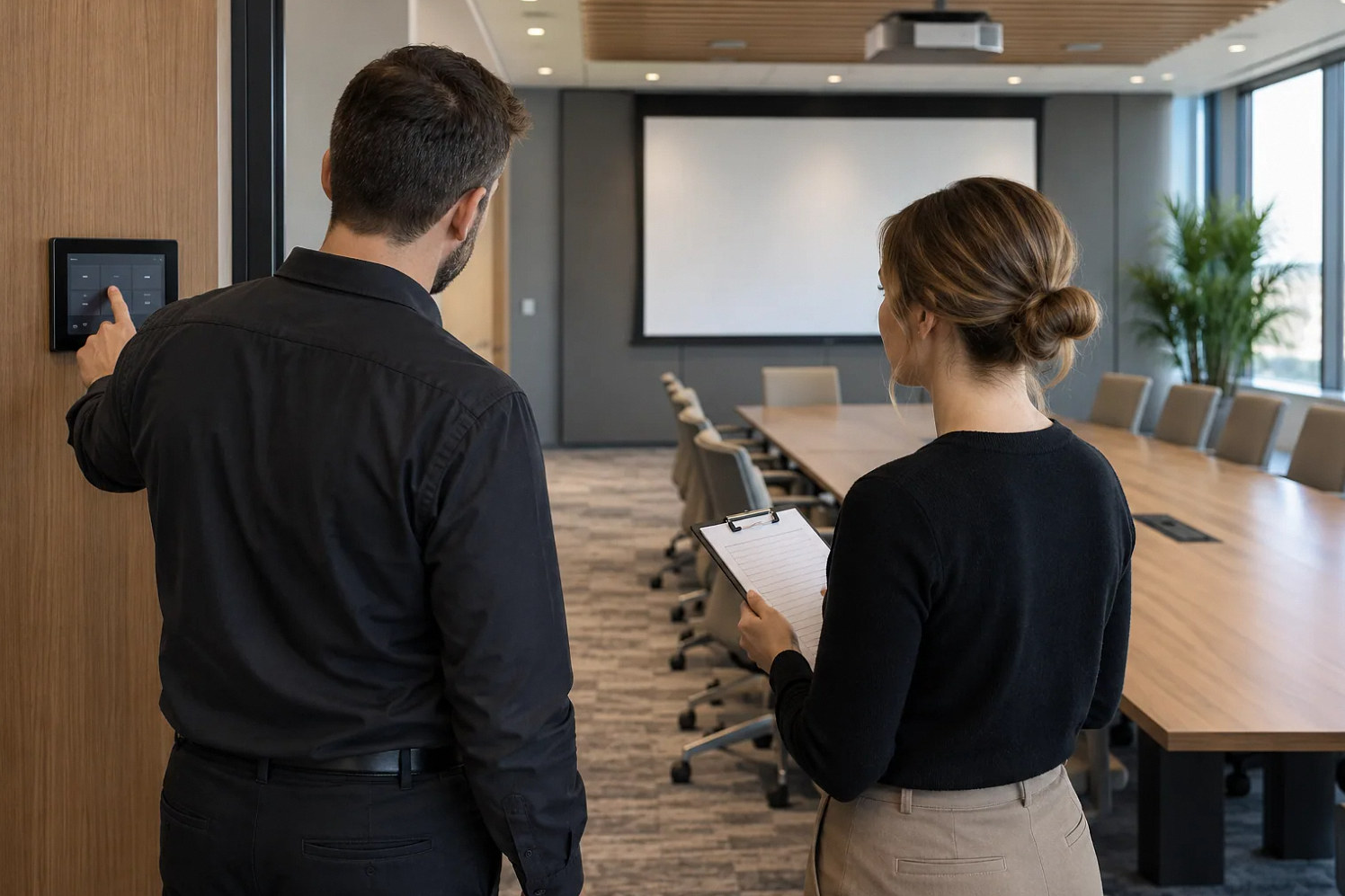
Start here
A staff member should prove the next booking can start.
Define the service boundary for each shift
A venue needs more than somebody who knows where the power button is. Decide what front-desk staff, event hosts, IT and the AV provider are expected to do. Routine setup, guest assistance, fault triage and configuration changes are different responsibilities. Write them into the room’s operating plan so that a busy shift does not discover the boundary during a client event.
Start from actual bookings. A local slide presentation, a divisible-room conference and a hybrid panel need different support. Mark which formats are self-service, which need setup assistance and which require an operator. Training should prepare staff for the services the venue offers, not imply that every employee becomes an AV engineer.
Make a room-specific operating sheet
Use the visible names of sources, controls and meeting devices. Include the expected idle screen, the room-mode indicator and where staff check whether sound reaches the remote participant. A generic manufacturer manual belongs in the technical archive; the daily sheet should guide a booking from arrival to handover in the actual room.
Extron’s interface guide emphasizes consistent layouts and labels across rooms. Apply that principle to the training material too. If the controller says “Guest Laptop,” do not call it “Input 3” on the desk card. Keep screenshots or diagrams current when the interface changes, and identify the document version staff should use.
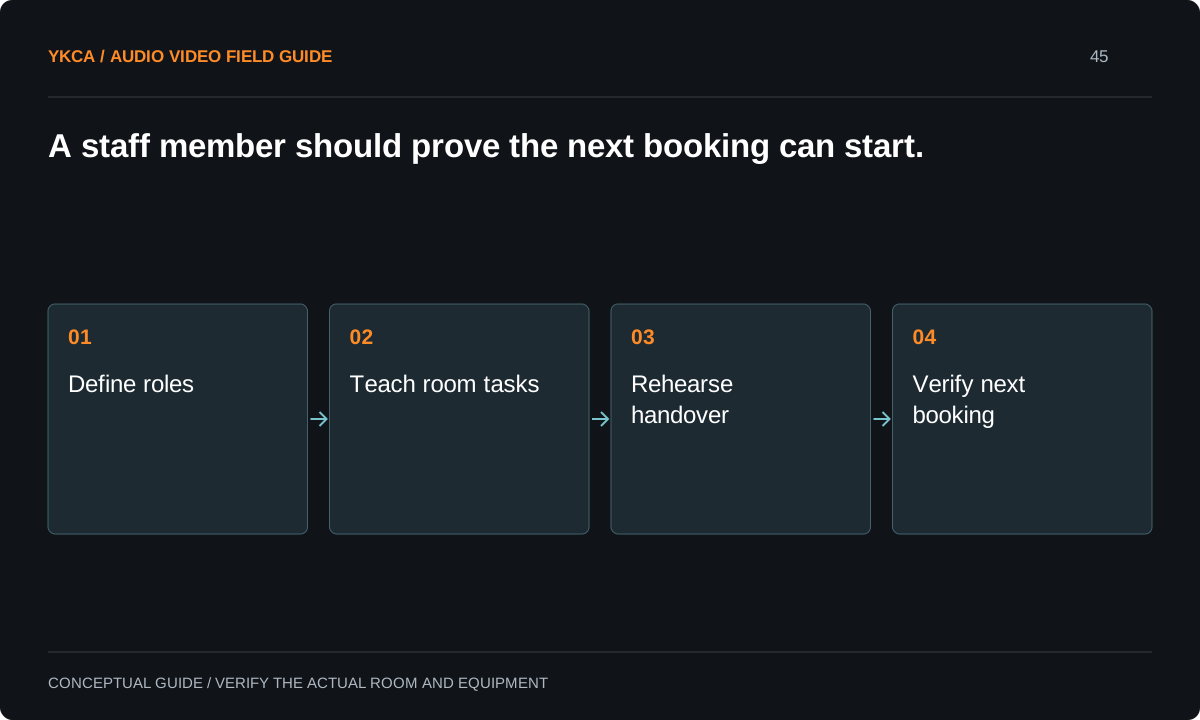
- Define roles
- Teach room tasks
- Rehearse handover
- Verify next booking
Practice triage without changing the installation
Teach staff to ask three questions: who cannot see or hear, which source is involved and what changed immediately before the problem. Then use the approved user controls and fallback. Staff should record the symptom and route persistent faults to the right owner rather than editing signal processing or repeatedly rebooting unrelated equipment.
Microsoft’s room-planning guidance includes deployment and management considerations, which is a useful reminder that support is part of the room project. Agree on what evidence the provider needs: room, time, mode, meeting platform, guest-device type and observed status. Do not collect client meeting content or credentials just to document a fault.
Reference: Microsoft: Plan for Teams Rooms
Use an observed shift-change scenario
For example, one staff member finishes a hybrid workshop and a substitute prepares the next local presentation. The substitute ends the call, confirms recording has stopped if it was used, restores the approved room state, connects a test laptop and verifies image and sound. The trainer watches without supplying undocumented shortcuts.
Include one ordinary fault, such as the wrong application audio device, and ask the trainee to use the operating sheet. The goal is not speed at any cost. It is a predictable recovery and correct escalation when the approved steps do not work. Revise the instructions where the trainee reasonably misinterprets them.
Make fallback and escalation concrete
A fallback should state what remains possible, what is lost and who can authorize that compromise. A local-only presentation is not an equivalent substitute for a hybrid board meeting. Staff need language they can use with the organizer and a technical contact who knows the room. Record support hours and response arrangements from the actual agreement.
Keep any venue spare devices and approved adapters ready, inventoried and tested. A fallback laptop that has not been updated or cannot access the required software may add another failure. Assign maintenance to an owner and schedule it outside bookings. Staff should not discover subscription or login problems during the client’s arrival test.
Commercial audio visual installation should include enough rehearsal access for the venue's actual shifts. If only the daytime manager attends training, the evening team still has an untested responsibility. Ask the provider to support a practical transfer of knowledge: one trained employee teaches a substitute from the current operating sheet, and the provider reviews any unresolved questions. Record the room formats each person can run independently. This is not a permanent staffing roster inside the equipment manual; it is an operational readiness record the venue can maintain. Use it when scheduling unusual events and when a room update changes tasks that staff previously knew.
Use the next booking as the handover test: the outgoing staff member closes the current event, and the incoming staff member prepares the next contracted room format from the operating sheet. Record the time actually observed and any task that required a technician, without turning one rehearsal into a guaranteed turnaround time. Put unresolved room-format restrictions into the booking process so sales staff do not promise an unsupported change between adjacent events.
Accept the room with the people who will run it
Require at least one representative booking rehearsal with regular staff and a substitute. Check startup, guest connection, normal transitions, fault handling and shutdown. Document what passed and what still depends on a technician. An unresolved task should become either a correction or a clearly stated support requirement, not disappear into a training attendance record.
Leave the venue with operating sheets, the current capability statement, contacts and a process for reporting changes. Review the material after the first real operating period and after significant updates. The practical handoff is complete when staff can prepare the next booking, recognize limits and preserve the room’s known working state.
Compare the next steps
A decision table for this problem
| Situation | Operating decision | Evidence to check |
|---|---|---|
| Routine slide booking | Front-desk setup procedure | Guest-like presentation test completes |
| Hybrid session | Named call and audio checker | Remote attendee confirms both directions |
| Unknown device failure | Document symptom and escalate | No unsupported configuration changes |
| Shift change | Run room-clearing and preflight sequence | Next operator identifies current state |
| Fallback required | Explain reduced capability to organizer | Authorized compromise is recorded |
Use this in the room
Your working checklist
Common questions
Do staff need formal AV certification?
Certification can help some roles, but daily readiness should be demonstrated through the venue’s actual tasks. Engineering responsibilities may require additional specialist training.
Should a technician stay for every event?
Match staffing to the booking’s complexity and consequences. Establish self-service, assisted and operated formats rather than making an untested promise for all events.
What should a support ticket contain?
Room, time, selected mode, affected source, platform and the audience that lost a function. Add status observations without sharing confidential meeting content or credentials.
Read the original guidance
Sources and discussion context
Research used primary documents and, where full text was unavailable, indexed excerpts from official sources. A citation does not mean the complete document was accessible. Product behavior depends on the actual model, configuration and documentation. Confirm the requirements for your venue before changing the installation.
Reader problems behind this guide
These Reddit discussions helped identify the practical question. They are individual experiences, not technical authority or a measure of how common the problem is. Examples and diagrams illustrate planning decisions; they are not records of completed YKCA projects or installation drawings.
- AV Certs and Understanding
An IT team inherited support for a renovated room with unfamiliar microphones, cameras, projectors and encoders.
Research access: search excerpt with post text; not independently opened.
Keep the whole system in view
