
Audio systems · Practical guide
Wireless Microphone Dropouts: What to Check Before Buying Antennas
Separate radio loss from audio-chain faults and plan a repeatable occupied-room test for wireless microphones.
YKCA Journal · 6 min read · Updated October 3, 2026
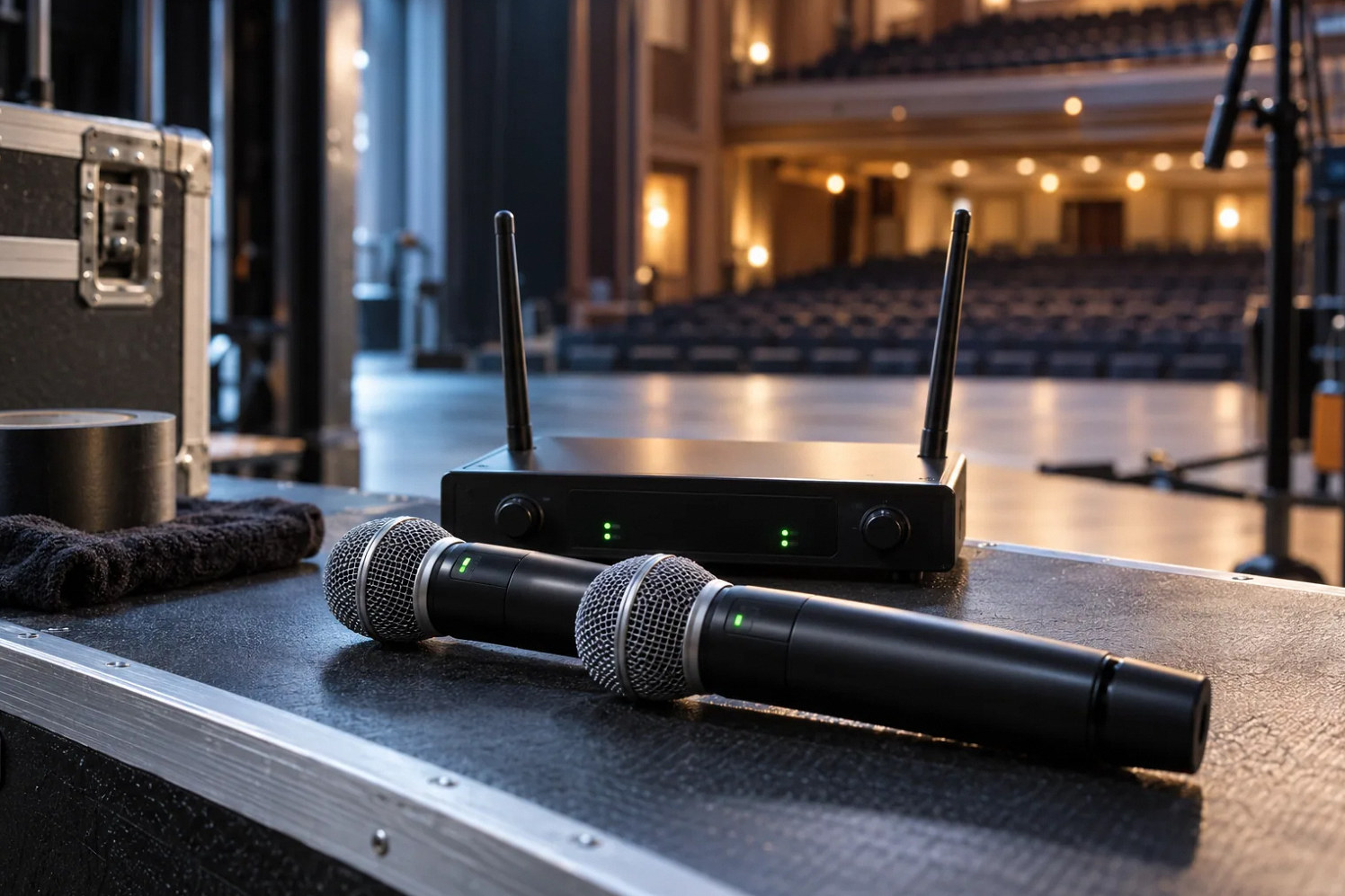
Start here
A dropout log and controlled comparison are more useful than guessing which antenna to buy.
Describe a dropout in observable terms
A wireless microphone going silent does not prove that its radio connection failed. The transmitter, microphone element, receiver, audio cable, processor or mixer can interrupt the same audible path. At the next controlled test, note the channel, speaker location, movement and receiver indications when silence occurs. A short event log is more useful than a general recollection that the handheld is unreliable. Do not ask a presenter to reproduce the fault during a critical event. Prepare an identified backup and arrange a test window.
Use receiver information to choose the next test
Shure’s troubleshooting guidance distinguishes radio-frequency problems from faults elsewhere in the signal chain and recommends isolating variables. Radio frequency, commonly shortened to RF, is the link between transmitter and receiving antenna. Compare its indication with the receiver’s audio indication and downstream meters. A strong displayed signal with missing audio warrants a different investigation from a radio signal that collapses in a particular location. Displays vary between systems, so use the manual for the installed receiver. Avoid treating one meter or a single momentary screenshot as conclusive evidence. Save available logs and record the exact hardware and firmware involved.
Reference: Shure: Troubleshooting Wireless Dropouts in 10 Simple Steps · Shure: Wireless Workbench Quick Start Guide
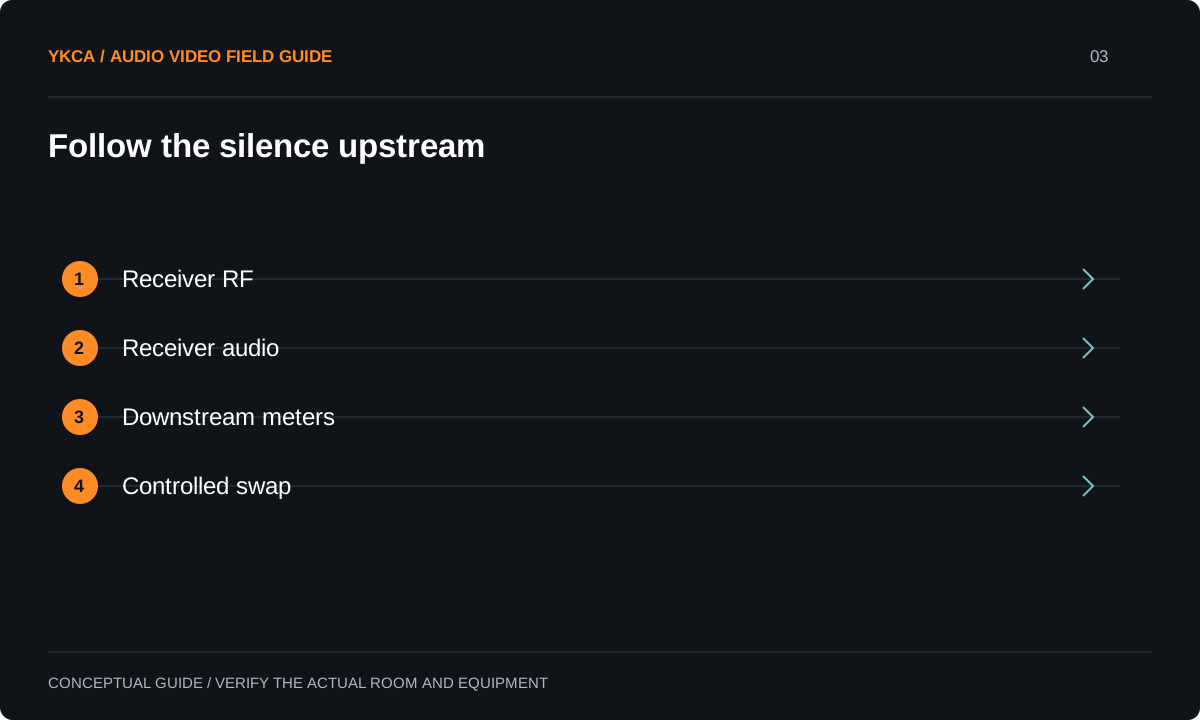
- Receiver RF
- Receiver audio
- Downstream meters
- Controlled swap
Review the entire wireless inventory
Frequency coordination considers the equipment operating together, including visiting wireless microphones and personal monitor systems. Shure Wireless Workbench documents an inventory, scan, calculation and deployment workflow for supported devices. That does not mean every venue needs that particular software, nor that a saved coordination remains valid forever. Have the responsible technician confirm supported bands, local operating requirements and the current inventory using authoritative guidance. Give rental providers the venue’s coordination contact in advance. A frequency plan that excludes equipment arriving on show day has an avoidable gap, even if each individual system passed its own bench test.
Check the actual tuning range before spending money on coordination or antennas. In the United States, wireless microphones may no longer operate in the 617–652 MHz and 663–698 MHz service bands; the FCC's final deadline was July 13, 2020. A used receiver that powers up and passes audio is not therefore lawful to use. Record the band code and operating frequency for every transmitter and receiver, including visiting equipment. Other portions of the spectrum have different licensing and operating conditions, so do not describe the entire 600 MHz range as either available or prohibited. A qualified coordinator should resolve those details from current FCC and equipment guidance.
Reference: Shure: Troubleshooting Wireless Dropouts in 10 Simple Steps · Shure: Wireless Workbench Quick Start Guide · FCC DA 17-709: wireless microphone 600 MHz transition
Compare movement and occupancy realistically
For example, a headset works while the room is empty but fails when the presenter turns near the aisle. Mark that location and reproduce the movement during a scheduled check. Inspect the approved antenna arrangement and compare a known-working compatible signal path one component at a time. Then retest with representative occupancy or obstructions agreed by the technician. This is a diagnostic sequence, not proof that the audience caused the fault. Do not move antennas onto improvised supports or modify cables casually. Safe mounting, suitable cable losses and the manufacturer’s distribution requirements belong in the installation review.
Distinguish a repair from a dependable event workflow
Once a likely fault is corrected, test the whole system with all expected channels active. Include the walking routes and operating positions that previously failed. Keep an incident record long enough to cover representative events, because a brief successful rehearsal cannot establish reliability under every radio environment. Rehearse the backup: who brings it, where it connects and how its level is set. A backup that requires searching for a cable while the audience waits is incomplete preparation. Acceptance should state the tested inventory and conditions, the remaining limitations and the support procedure when a new visiting system is introduced.
Hand over a system staff can maintain
Label microphones, receiver channels, chargers and approved spare components consistently. Give staff a battery or charging routine suited to the actual equipment and identify the visual indications they should report. Preserve the wireless inventory and coordination records with the commissioning package. Explain which settings are operational and which require technical review. Staff should not need to interpret spectrum plots to run an ordinary meeting, but they should know how to switch to the backup and whom to call. Review reliability after room layout changes, rack changes or new event equipment, because the installed environment is part of the system.
When requesting help from a professional audio system installer, send the incident pattern rather than a shopping list. A useful service brief identifies whether the same transmitter fails in several locations, whether different transmitters fail at one location, or whether failures affect several channels at the same time. Add the last known equipment or rack change and the available maintenance window. Keep a separate column for confirmed observations and untested explanations. For example, “audio stopped beside the lectern” is an observation; “the lectern blocks radio” remains a hypothesis until a controlled comparison supports it. This distinction gives a technician a better starting point and reduces the chance of purchasing a component that never addresses the actual failure.
Compare the next steps
A decision table for this problem
| Observation | Evidence to collect | Next controlled comparison |
|---|---|---|
| RF drops with silence | Receiver log and location | Antenna path and radio environment |
| RF present, audio absent | Receiver and downstream meters | Microphone and audio chain |
| Only one transmitter fails | Unit identifiers and batteries | Compatible known-working unit |
| Failure follows a walking route | Marked floor location | Position and obstruction comparison |
| Several channels fail together | Shared inventory and timestamp | Common distribution or interference |
Use this in the room
Your working checklist
Common questions
Does antenna switching mean a fault?
Not by itself. Diversity systems use more than one radio path; interpret their indicators using the receiver documentation and correlate them with an audible failure.
Will increasing transmitter power solve dropouts?
It is not a universal remedy. Compatibility, interference and antenna design must be evaluated, and allowed operating settings depend on the equipment and applicable requirements.
Is one successful soundcheck enough?
It confirms only that test. Include all intended equipment and realistic operating conditions, then retain a simple log for recurring symptoms.
Read the original guidance
Sources and discussion context
Research used primary documents and, where full text was unavailable, indexed excerpts from official sources. A citation does not mean the complete document was accessible. Product behavior depends on the actual model, configuration and documentation. Confirm the requirements for your venue before changing the installation.
- Shure: Troubleshooting Wireless Dropouts in 10 Simple Steps↗
- Shure: Wireless Workbench Quick Start Guide↗
- FCC DA 17-709: wireless microphone 600 MHz transition↗
Reader problems behind this guide
These Reddit discussions helped identify the practical question. They are individual experiences, not technical authority or a measure of how common the problem is. Examples and diagrams illustrate planning decisions; they are not records of completed YKCA projects or installation drawings.
- Shure Wireless Mic Issues
Venue microphone dropouts persisted despite frequency coordination and apparently adequate line of sight.
Research access: search excerpt only.
Keep the whole system in view
