
CCTV & NVR Systems
Security Camera Recording Planned Around the View You Need
A camera count does not tell you whether a system will show a useful event. YKCA helps plan camera positions, network video recording, cabling and owner access around the property’s entrances, activity and recording requirements.
What & Why
Define the scene before selecting the camera.
For each view, state what the system needs to show: someone approaching a door, activity at a loading area or movement across a parking space. Distance, lighting and obstructions affect that choice. Review day and night conditions instead of choosing solely by a megapixel number.
A network video recorder, or NVR, stores video from compatible network cameras. Storage planning depends on camera settings, scene activity, recording schedule and the requested retention period. Test actual playback and export as part of the handoff; a live image alone does not verify recording.
Start with the site and its users
Views
Entrances, parking, loading areas and interior locations
Lighting
Daylight changes, reflections and night conditions
Recording
Continuous or event-based recording and desired retention
Access
Who can view, administer and export recordings
Project Scope
Define the equipment and how it will be used.
The installation plan should cover the physical work, system configuration and a usable handoff to the property team.
Coverage plan
List each view and the purpose it serves. Identify obstructions and areas intentionally excluded from recording.
Camera and lens selection
Match the field of view and environmental requirements to the scene. Review mounting height and access for future maintenance.
Cabling and network
Plan routes, power over Ethernet where applicable, switches and the connection to the recording system.
Recorder and storage
Specify compatible channels, recording settings and storage assumptions. Record the basis for any proposed retention period.
Accounts and remote access
Assign user roles and a secure access method. Identify network, software and subscription responsibilities before remote viewing is promised.
Playback and handoff
Check image quality, recording, timestamps and export. Give the property team an equipment list and instructions for routine checks.
Project concepts
See the possibilities for your space
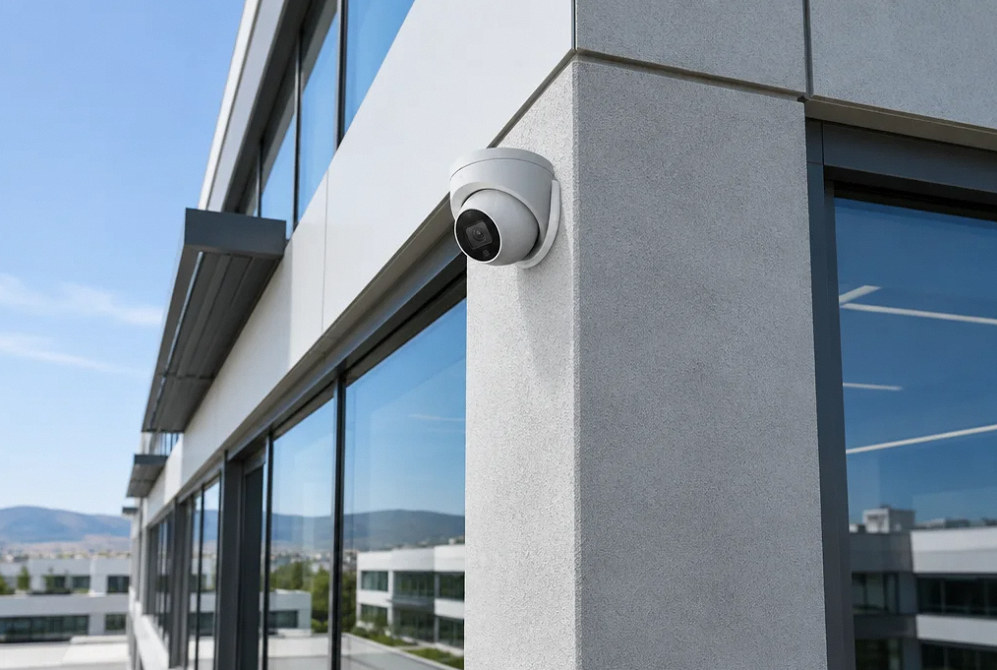
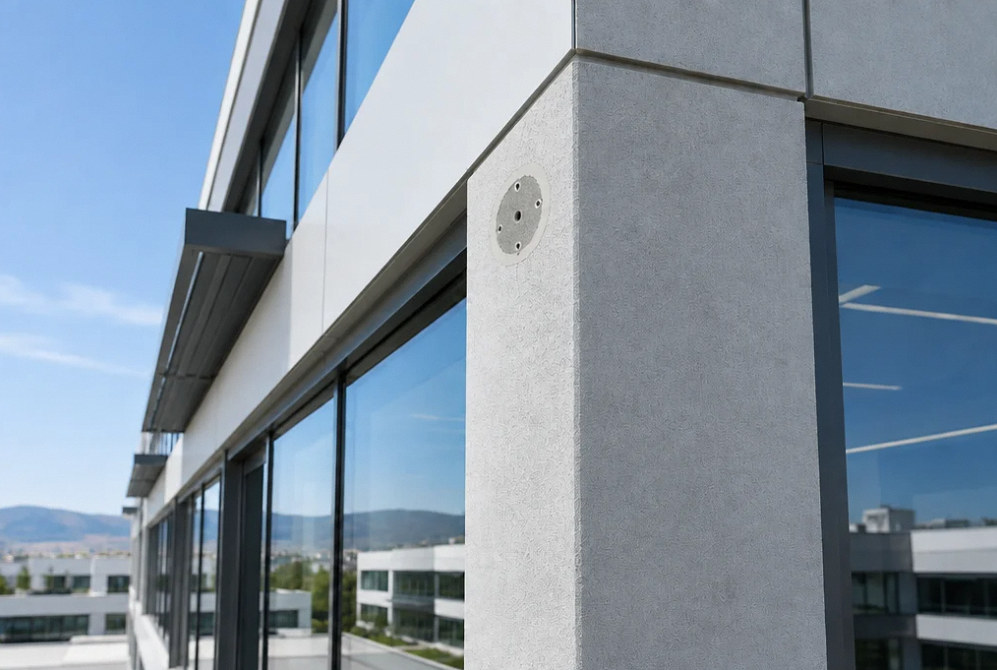
Drag the divider to compare before and after, or open a comparison for a closer look.
Drag to compare
Before You Choose
Keep viewing, recording and remote access separate.
Resolve these decisions before equipment is ordered and routes are installed.
| Decision | What to document |
|---|---|
| Live view | The selected scene can be viewed under the expected conditions. |
| Recorded playback | The event was saved and can be retrieved at the intended quality. |
| Retention | Storage supports the configured recording plan; the real result must be checked. |
| Remote access | Authorized users can connect through the agreed supported arrangement. |
Estimate Planning
What changes the project scope and cost?
Compare proposals using the same locations, equipment and operating requirements.
- Camera locations, mounting access and environmental requirements
- Cable routes, network switches and available power
- Recorder capacity, disks and recording configuration
- User setup, remote access and any software subscriptions
FAQ
CCTV & NVR Systems: questions before installation.
How many cameras do I need?
Start with a coverage plan. More cameras do not automatically remove blind spots or produce useful detail. Review the purpose and expected image at each location before selecting a count.
Can you promise 30 days of recordings from the disk size alone?
No. Estimate retention from recorded bitrate, recording schedule and usable storage, then verify actual consumption and the oldest playable footage. A 30-day retention setting does not guarantee enough storage for that period. Check the recorder’s deletion and overwrite rules, and state whether retention is calculated or observed over the full period.
Can existing cameras work with a new NVR?
Existing cameras may be reusable when the exact models, firmware and required functions are supported. Verify ONVIF profiles and registered conformance, then test video, recording, events, recovery and export. A live stream or generic ONVIF label does not prove complete compatibility.
Will recording continue when the internet is down?
A supported local NVR can continue recording without internet when camera power, the local network path, recorder and storage remain operational. Remote viewing may still fail. Verify the exact setup with a controlled internet-loss test and playback spanning the interruption; power loss needs a separate backup test.
Should cameras record audio as well?
Decide that separately from video. Audio raises additional consent and privacy questions. Confirm the property’s applicable requirements and policy before enabling it; audio is not assumed in a standard camera scope.
Related technology services
Your Next Step
Plan your cctv & nvr systems system.
Share the locations, existing equipment and the people who will use and manage the system. We can define the installation and handoff.
