
Schools & universities · Practical guide
When Classroom AV Support Becomes Event Production
Create a campus event intake and staffing model that protects teaching support while making event requirements explicit.
YKCA Journal · 6 min read · Updated October 3, 2026
Start here
Book the operating responsibility along with the room.
Make the hidden event tasks visible
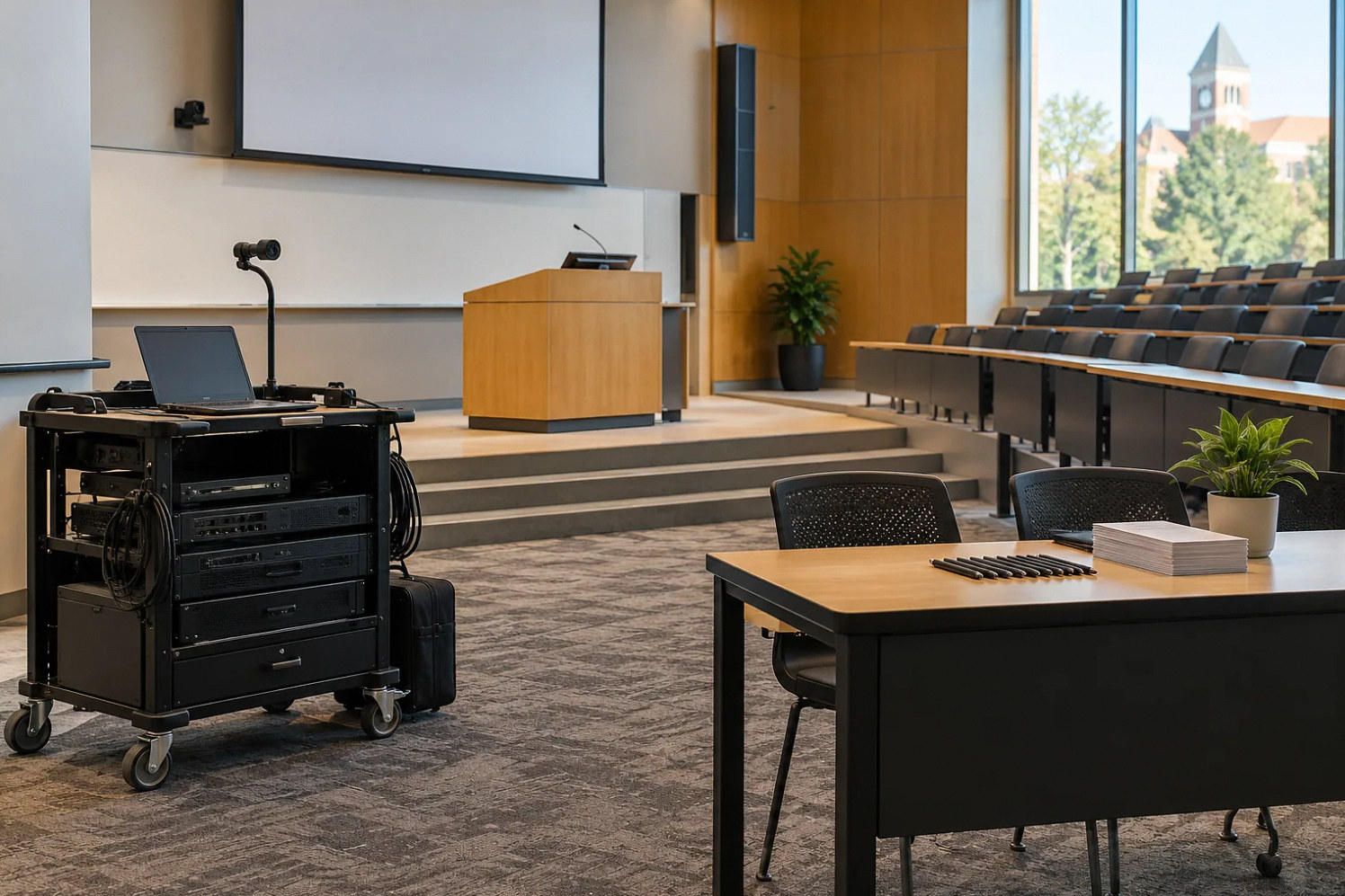
A classroom with speakers and a projector can host a simple presentation, but an event may add microphones, guest laptops, remote speakers, recording and timed transitions. Somebody must prepare, operate and clear those elements. List those tasks before deciding that the classroom support team can absorb the booking. Include transport and travel between buildings when the event is not in a standard room.
The solution should be based on your institution’s actual workload and event formats, not a blanket assumption that faculty or IT must handle everything.
Create three understandable event categories
A self-service event uses a verified room workflow that the organizer can operate. An assisted event receives setup and a defined preflight, with support available through an agreed channel. An operated event has a person assigned to manage transitions or multiple audiences throughout. Describe these categories in terms of activities rather than prestige or departmental influence.
Extron’s education examples distinguish instructional uses, and its interface guide supports consistent controls. Familiar rooms can make self-service more practical, but interface consistency does not remove the labor of live production. A moderator, microphone runner or recording operator is still a real role when the program requires one.
Reference: Extron: AV System Designs for Education · Extron: Graphical User Interface Design Guide
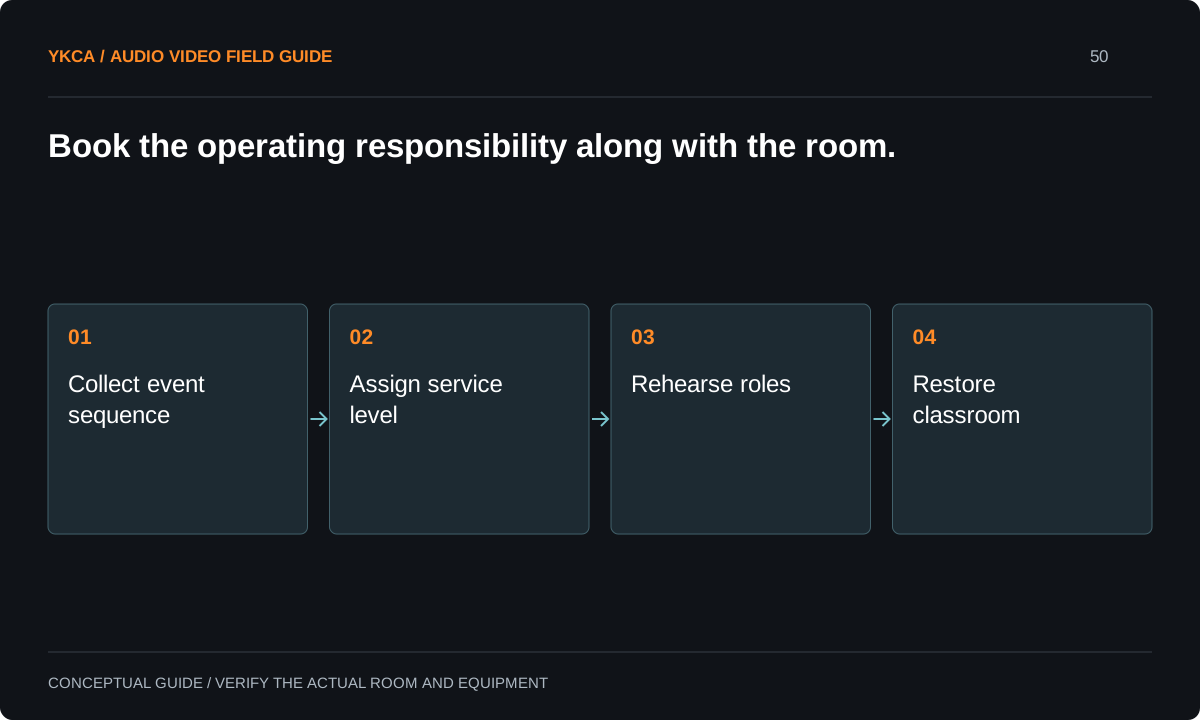
- Collect event sequence
- Assign service level
- Rehearse roles
- Restore classroom
Use an intake form that predicts the work
Ask for room, attendance, seating format, presenter count, source devices, microphones, remote participation, recording and schedule. Include rehearsal access and the time by which the room must return to teaching use. Ask who makes program decisions during the event and who has authority to accept a reduced capability if something fails.
Do not start with a long technical questionnaire that organizers cannot answer. Let them describe what happens: “three panelists take audience questions, then a remote speaker joins.” The AV team can translate that into equipment, staffing and preparation needs. Resolve unknowns before promising a service level or committing the same technician to overlapping locations.
Set an intake deadline for production changes and show the organizer which additions change the support category. Adding a remote keynote, recording consent workflow or live audience microphones after approval should trigger a revised operating plan, not an informal favor from whoever holds the room key. Record who may authorize staff time and who can reduce the program when support is unavailable. This is a campus service-allocation decision, separate from teaching someone how to use the room controls.
Rehearse the organizer’s self-service claim
For example, an organizer requests a self-service evening talk. A short rehearsal shows that they can select a laptop and use a handheld, but the program also includes a remote guest and recorded audience questions. The team either assigns the additional operating roles or simplifies the program to the verified self-service scope.
This is more constructive than discovering the gap at the event. Let the organizer complete the sequence while support observes. Record which tasks they can perform, where they need assistance and what the fallback is. A training attendance signature is not evidence that a complex live sequence can run without an operator.
Schedule restoration as part of the booking
Event equipment often changes microphone placement, input selection, furniture and recording destinations. Reserve time after the event to restore the classroom’s approved teaching state. Assign the person who checks the next morning’s essential functions. The teaching team should not inherit an unexplained alternate setup from the previous night’s panel.
For overlapping events, compare the required operator presence with actual staff availability. A support phone number cannot replace a person needed simultaneously at two consoles. Bring the conflict to the designated scheduling authority with concrete choices: change time, simplify format, add authorized support or select another room. Keep the decision documented.
When budgeting commercial audio visual installation for multipurpose campus rooms, distinguish equipment that reduces setup work from equipment that adds production options. A permanently available guest connection may simplify routine presentations. Additional recording, switching and remote-speaker functions can create new operating tasks even if their controls look simple. Ask the event team to rehearse the expanded format before promising self-service use. Record the staffing assumption in the room capability statement. This gives administrators a clearer investment choice: improve a common low-support workflow, provide a staffed production capability or deliberately offer both with different booking requirements and preparation windows.
Measure the service, then revise it
Track preparation, event attendance, breakdown and recovery work separately from normal classroom support. Use that record to identify recurring event types and whether they need a standard room package, organizer training or dedicated production staffing. Avoid presenting guessed time savings as measured results. The first objective is visibility into what the institution is asking the team to deliver.
Handoff should include the event categories, intake process, readiness checklist, escalation path and restoration requirement. Pilot the process with representative bookings before applying it broadly. Report what was tested and which formats still need review. A workable service model aligns the event promise with the people and time required to fulfill it.
Compare the next steps
A decision table for this problem
| Situation | Operating decision | Evidence to check |
|---|---|---|
| One presenter with slides | Consider verified self-service format | Organizer completes room rehearsal |
| Panel with audience questions | Assign microphone and moderation roles | Question handoff and transitions tested |
| Remote guest plus recording | Review assisted or operated scope | Both audiences and recording verified |
| Two simultaneous events | Compare actual staffing commitments | Scheduling authority resolves conflict |
| Event changes classroom setup | Reserve restoration and next-class test | Teaching baseline restored before release |
Use this in the room
Your working checklist
Common questions
Does a fully equipped room need an event operator?
It depends on the program. Equipment availability does not staff microphone handoffs, remote participants, recording or timed transitions. Classify the event by required actions.
Can faculty be trained for self-service?
Often, when the workflow is limited and consistent. Have the organizer demonstrate the actual sequence and provide an agreed escalation path rather than assuming training covers every event.
What should management review first?
The event tasks, staffing conflicts and time required to restore teaching support. Concrete workload evidence is more useful than a broad argument about whether events belong to IT.
Read the original guidance
Sources and discussion context
Research used primary documents and, where full text was unavailable, indexed excerpts from official sources. A citation does not mean the complete document was accessible. Product behavior depends on the actual model, configuration and documentation. Confirm the requirements for your venue before changing the installation.
Reader problems behind this guide
These Reddit discussions helped identify the practical question. They are individual experiences, not technical authority or a measure of how common the problem is. Examples and diagrams illustrate planning decisions; they are not records of completed YKCA projects or installation drawings.
- IT AV treated as a video production studio
A community-college AV team faced overlapping event setup and full-event attendance expectations while supporting classrooms.
Research access: search excerpt with post text; not independently opened.
Keep the whole system in view
