
AV systems · Lighting
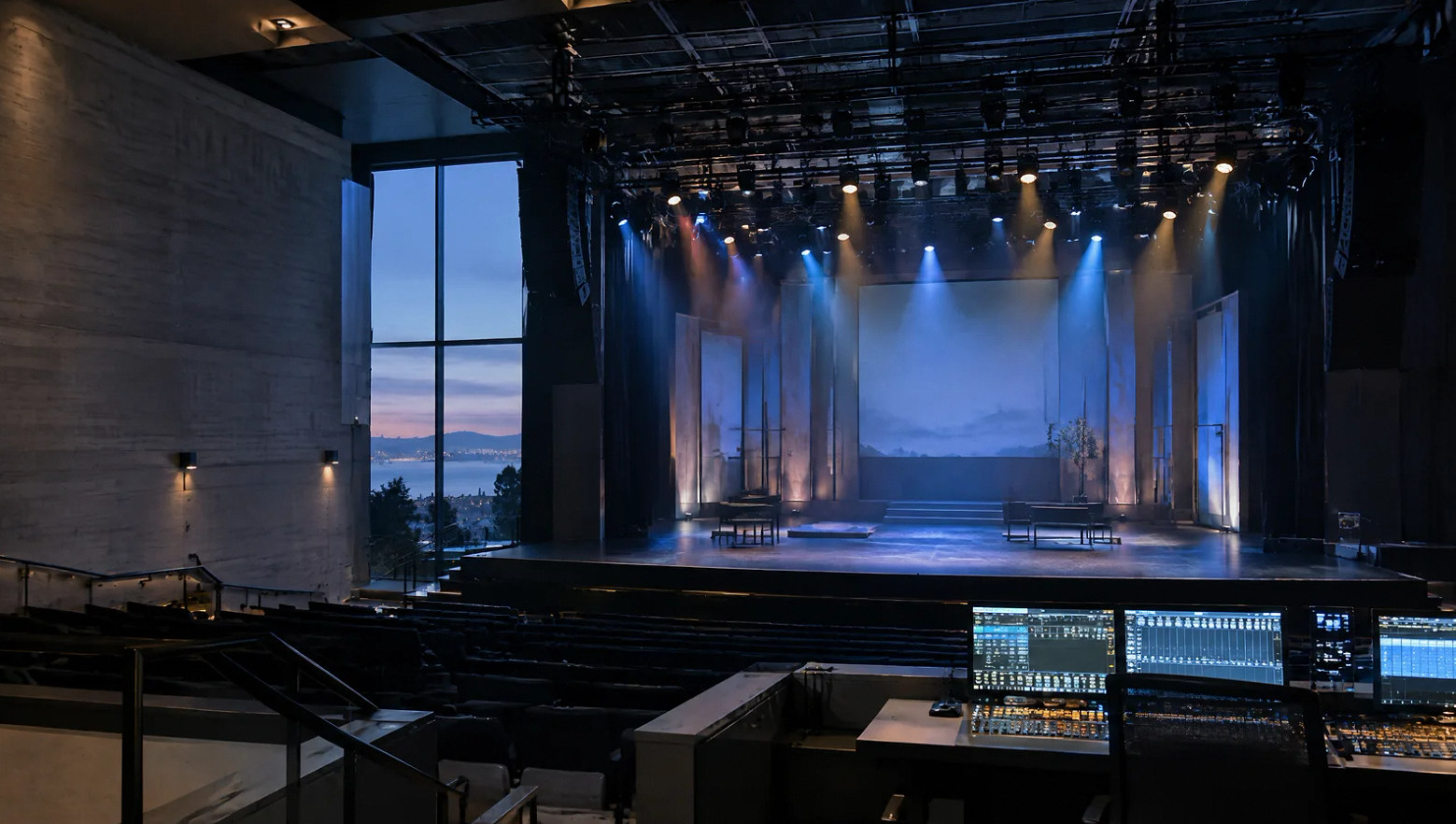
Stage lighting that supports the performance and the room.
Coordinate front light, color, architectural accents and control around the events your space needs to host.
Planning the system
Define the lighting positions before choosing effects.
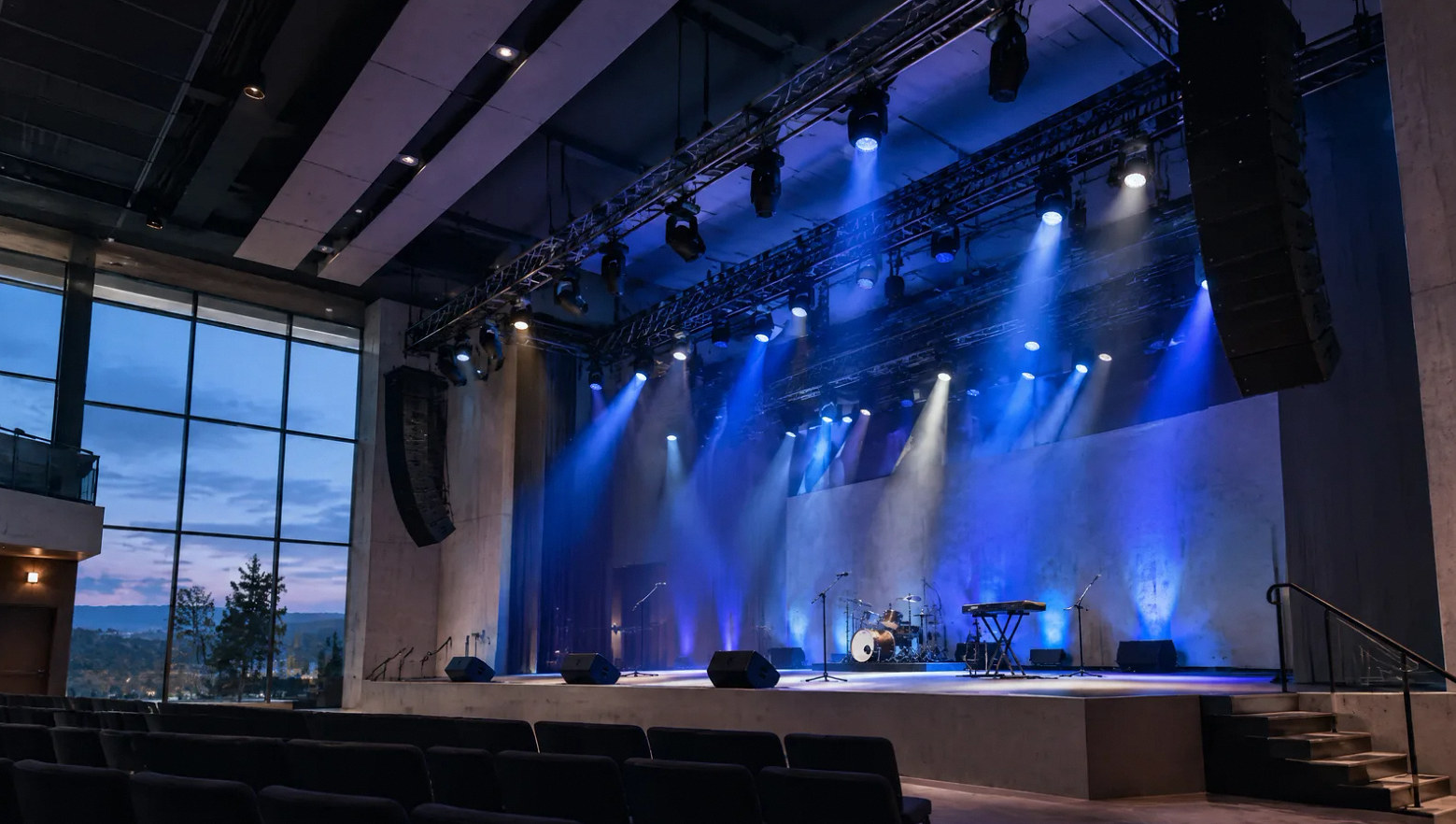
Stage lighting installation begins with the performance area and the audience view. Presenter lighting, music, dance and camera work can need different positions and control. Fixtures should serve those uses without blocking sightlines or creating avoidable glare.
Architectural lighting supports the room outside the show. Coordinate stage, house and work lighting so operators know which system controls each area and which functions remain separate.
Project concepts
See the possibilities for your space
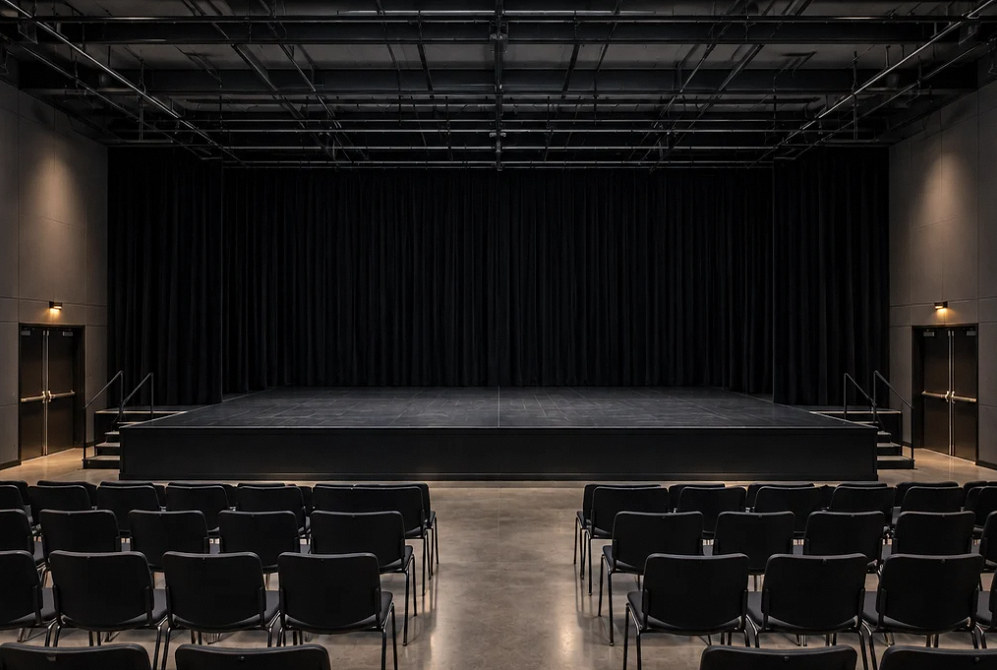
Drag the divider to compare before and after, or open a comparison for a closer look.
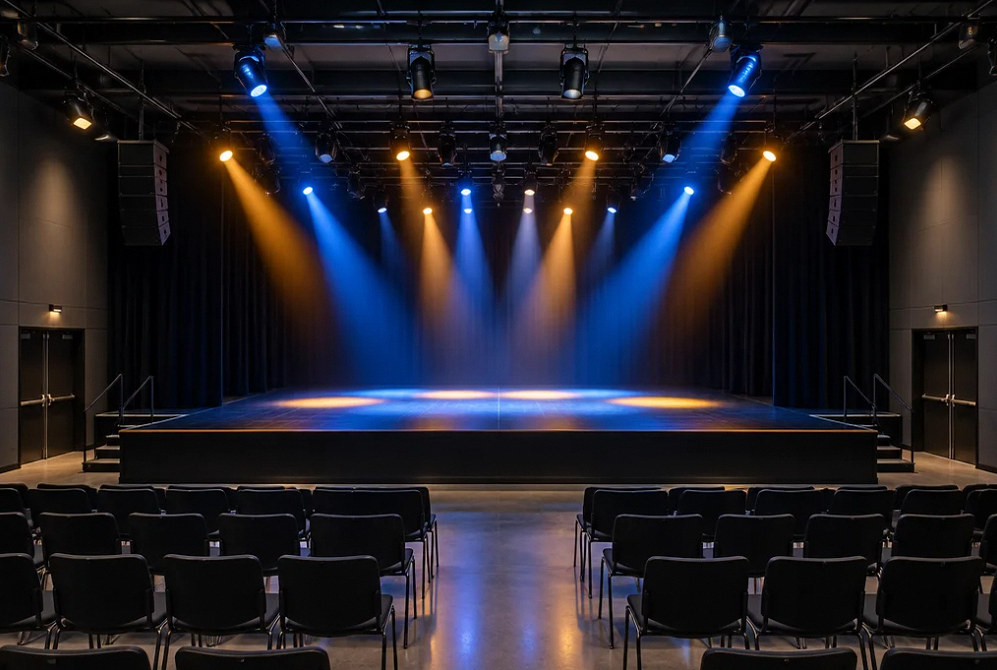
Drag to compare
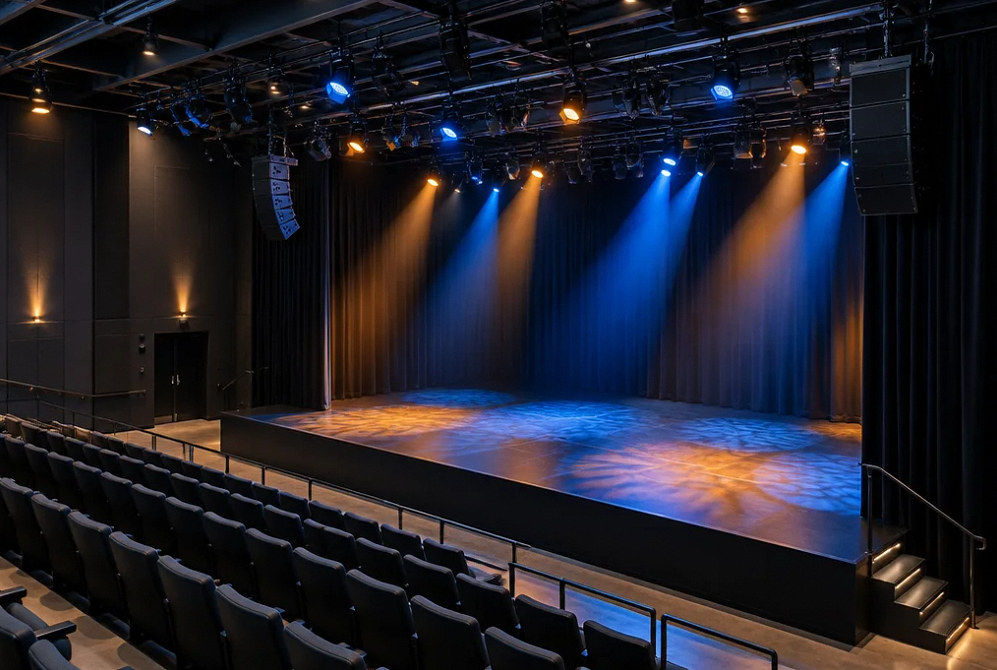
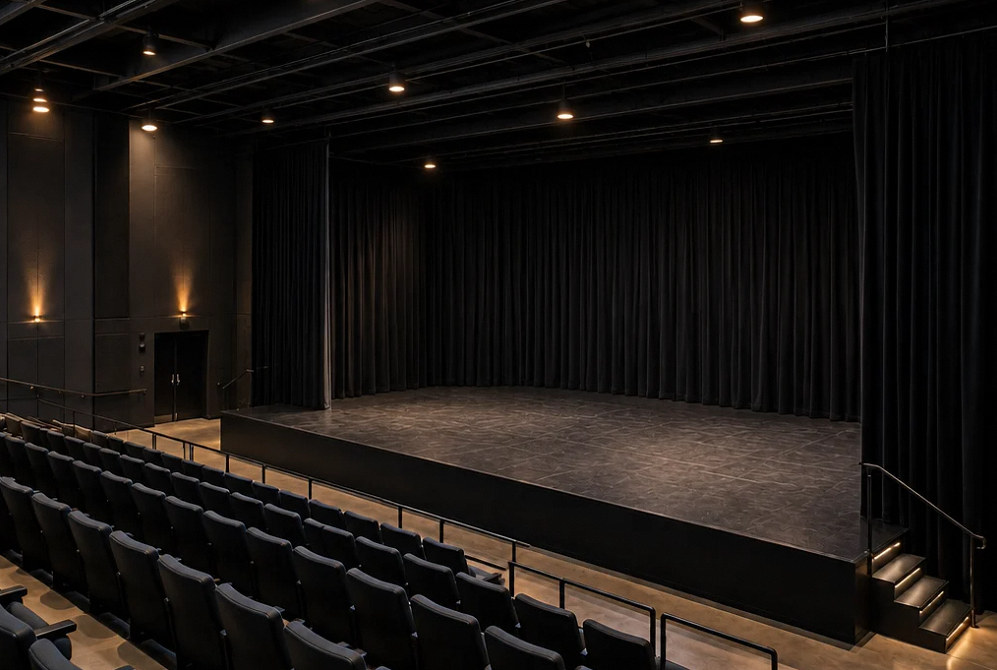
Drag to compare
Scope of work
Bring the lighting plot and infrastructure together.
Performance requirements
Identify presenter positions, movement, camera needs and recurring event types before defining lighting coverage.
Fixture and lens choices
Compare appropriate static and moving fixtures around beam coverage, color, noise, maintenance and operator needs.
Positions and mounting
Coordinate approved hanging locations, access and sightlines with the structural and rigging scope.
Power and data
Plan fixture power and lighting-control paths with the electrical design and the selected equipment's requirements.
Control and scenes
Define console or wall-control operation, useful presets and the boundaries between stage and architectural lighting.
Focus and programming
Include aiming, focus, cue preparation and operator practice in the completion scope.
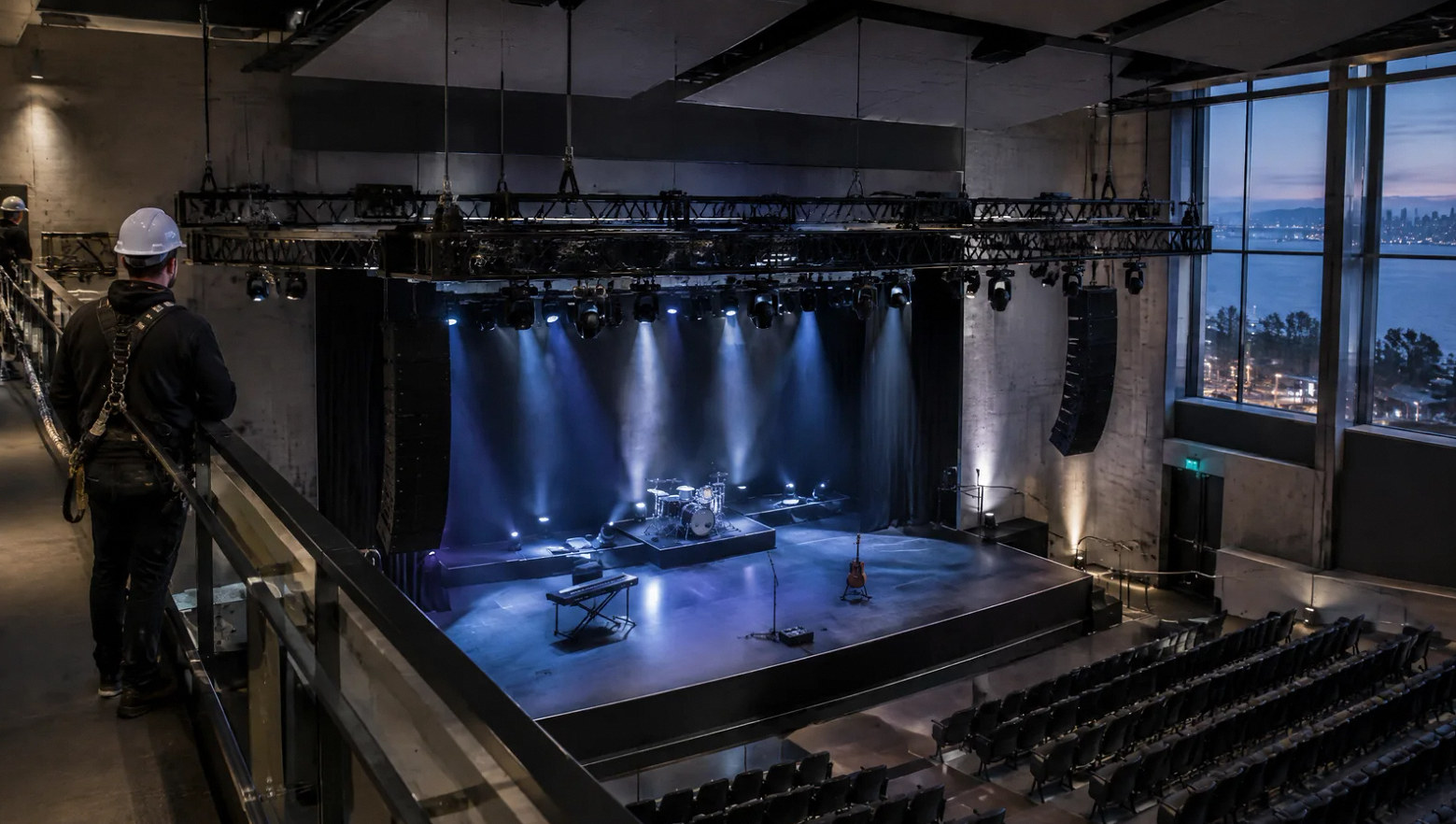
Make the lighting useful between productions.
A practical system includes clear everyday scenes as well as production control. Plan how staff prepare a lecture, rehearsal or meeting without modifying the show programming.
FAQ
Stage lighting questions before the fixture list.
Read the detailed guide: Bright Stage, Dark Faces: Fix the Lighting Position Problem First →
Read the detailed guide: One Interface for House and Stage Lights: Define Priorities First →
Read the detailed guide: Stage Lighting Looks Fine in Person but Flickers on Camera →
Read the detailed guide: Random DMX Flicker: Isolate the Control Path Before Replacing Fixtures →
Read the detailed guide: LED Fades That Jump or Pop On: What a Better Curve Can and Cannot Fix →
Plan your project
Tell us what happens on the stage.
Share the room layout, existing lighting positions, event types and the people who will operate the system.
Equipment references
Lighting equipment to explore.
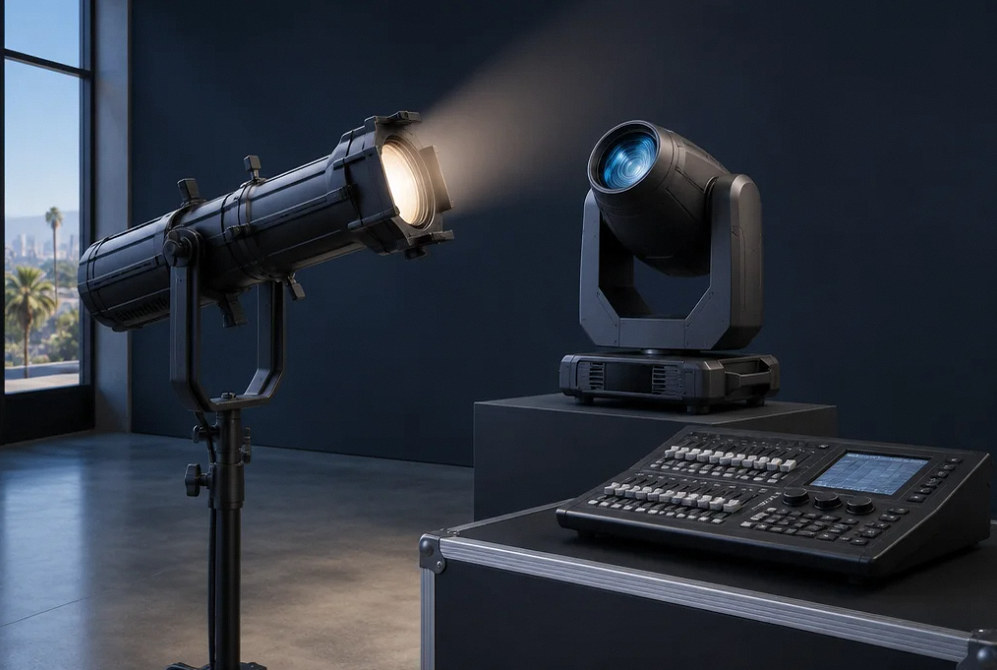
Manufacturer examples for project planning. Brand references do not indicate a dealer or certification relationship. Equipment compatibility and availability are confirmed during selection.
Contact Us
Request A Consultation
Local Services
We're in your city.
Choose your city and tell us what you need. We'll plan the project around your location.
Choose your city to include it with your project details.
Or call us to discuss your project:
(650) 550-0819Request received
Thank you. Your request has been received.
