
Ecosystem Integrations
Every device, one routine.
Matter, Thread, HomeKit, Google Home, Alexa, SmartThings, Home Assistant. Cross-vendor scenes that actually fire. Hub layout designed per protocol mix, voice unified across rooms, critical paths run locally so cloud outages do not lock you out.
What This Is
The layer that makes the gadgets useful.
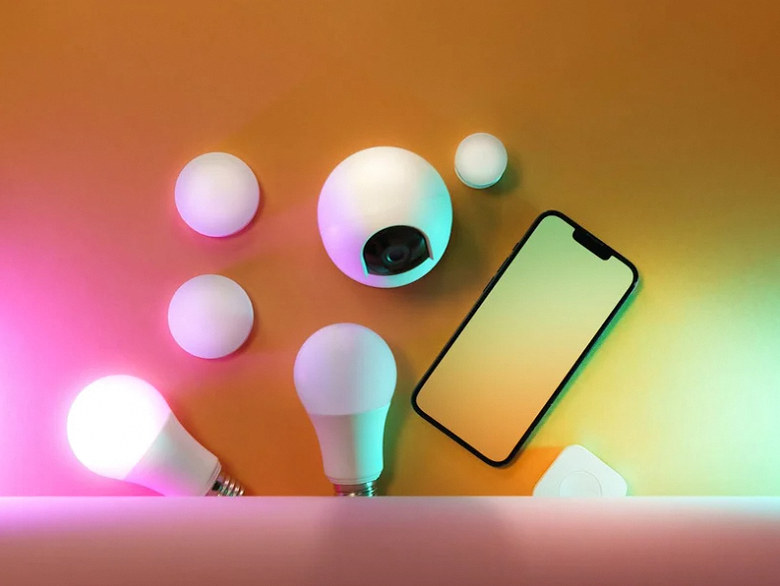
Buying smart devices is the easy part. Getting your Lutron lights, Schlage lock, Ring doorbell, Nest thermostat, and Sonos speakers to behave as one system — that is the integration layer most households quietly give up on. We do that integration as a deliverable, not an afterthought.
Matter (October 2022 release, now mature) made cross-vendor pairing real. Where the product line supports it we spec Matter-certified gear, so the system survives ecosystem switches (iPhone family adopts Android, etc.). For older gear we bridge through the right hub family — HomePod / HomeKit, Echo + Zigbee, SmartThings, or Home Assistant where local-only is the priority.
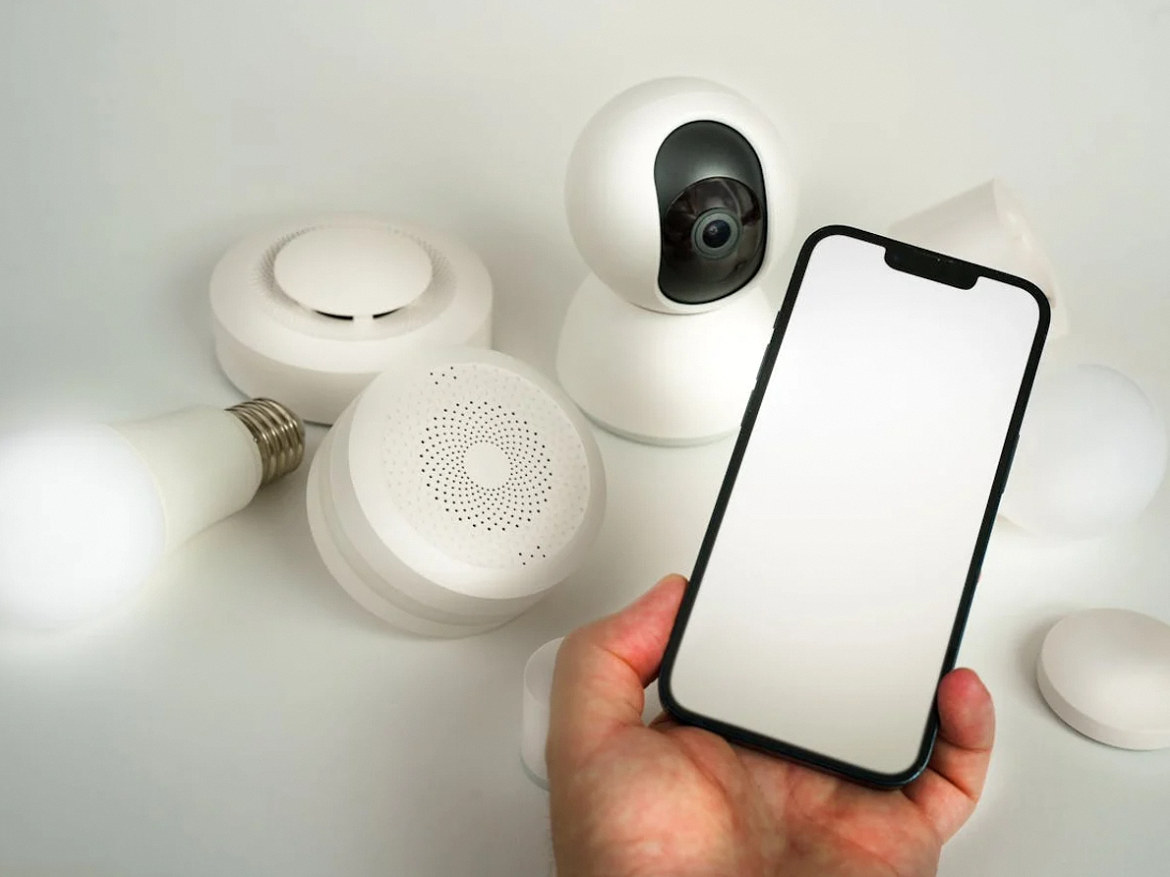
One control surface — every brand behind it.
Scope
What an ecosystem integration includes.
Hub topology, cross-vendor pairing, routines, voice unification, optional Home Assistant — single bid.
Hub Topology Design
Primary hub family choice + secondary if layered. Thread border router placement for Matter coverage. Zigbee / Z-Wave bridge as needed.
Cross-Vendor Pairing
Each device paired into the primary ecosystem. Matter-certified gear native; older gear via vendor app + Works-with bridge. Tested end to end.
Routines & Scenes
Welcome, Goodbye, Sleep, Vacation, Movie. Triggered by time, occupancy, geofence, voice, button. Tested with the homeowner before turnover.
Voice Unification
Alexa / Google / Siri / Bixby all controlling the same devices when supported. Single phrase ("Lights off") works on whichever assistant the family member used.
Home Assistant (Optional)
Self-hosted on Pi / Green / Yellow for households that need full local operation, advanced automations, or non-mainstream device support.
Documentation & 30-Day Check
Plain-language cheat sheet, naming convention list, troubleshooting flowchart. Follow-up visit at ~30 days to dial in the routines real use exposes.
Hub Families We Commission
Apple, Amazon, Google, Samsung, or fully local.
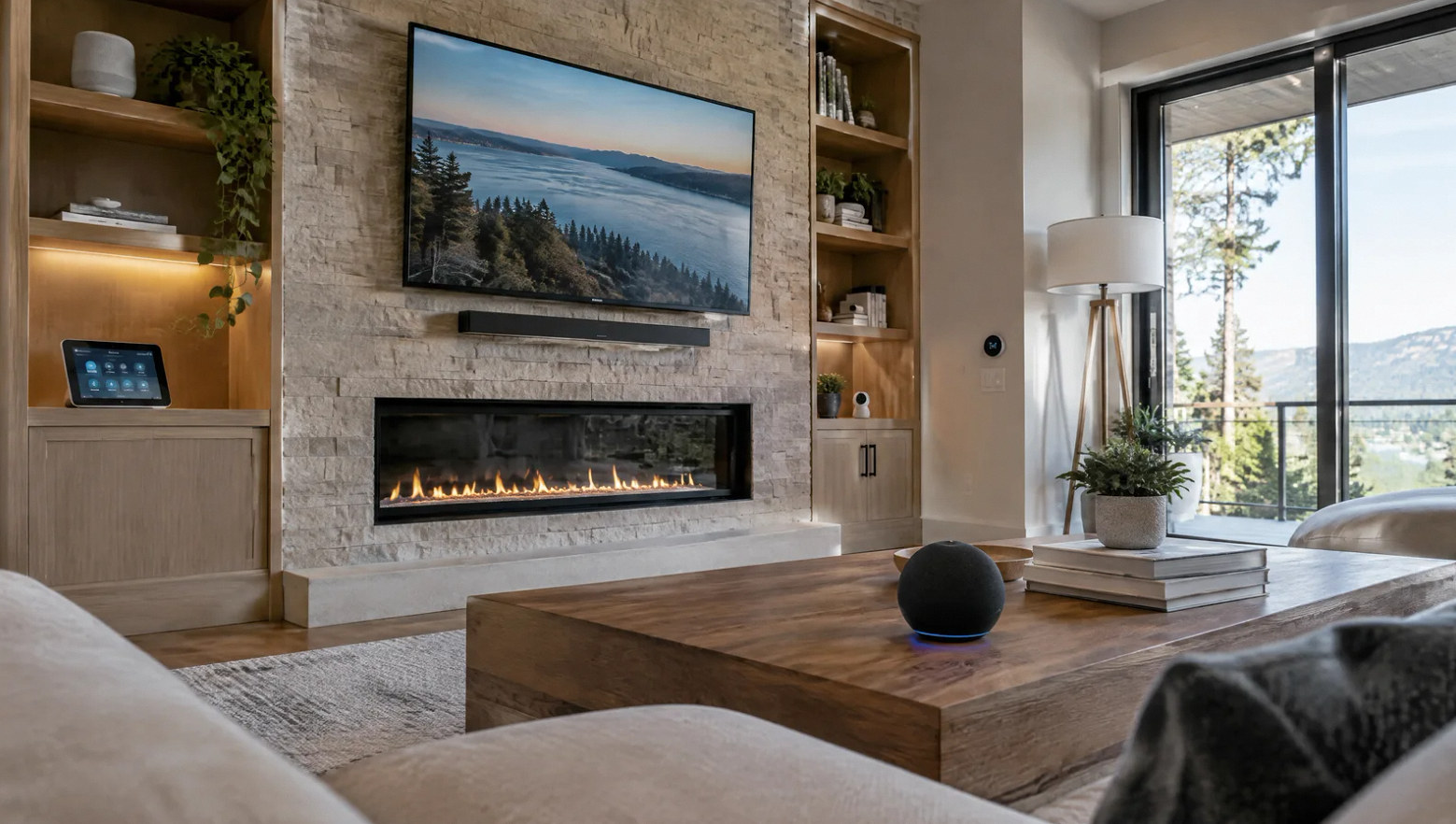
There is no universally "best" ecosystem — the right pick depends on phone platform in the household, privacy priorities, and which vendor your existing devices already favor. We deploy all five.
Apple HomePod (2nd generation) / HomePod mini
HomeKit hub + Thread border router
Amazon Echo (4th gen) / Echo Hub
Alexa + Zigbee + Matter controller
Google Nest Hub Max
Google Home + Matter controller + display
Samsung SmartThings Station
Matter + Zigbee + Z-Wave + Thread
Home Assistant Green / Yellow
Self-hosted local-first platform
Aqara M3 Hub
Zigbee gateway with Matter bridging
FAQ
Ecosystem questions, straight answers.
Ready to unify the system?
Walk us through what is already there.
On-site walk-through. Hub recommendation, routine map, fixed quote within 3 business days.
Frequently asked project questions
Work through the difficult decisions.
Explore the causes, choices and practical next steps behind common project questions.
Does Matter guarantee all device features work in every smart-home app?
Matter does not guarantee every feature in every app. Check the device type, relevant clusters, released firmware and controller support for the exact function. For example, Matter 1.3 introduced standard electrical power and energy reporting, but both the device implementation and the controller must support those readings. A supported native integration may still be needed.
Read the full guide: Matter Device Missing Features? Check the Supported Version, Clusters and Controller ↗Do I need a Thread border router for every Matter device?
No. Matter devices can use different network transports. A Thread device needs a suitable Thread route, while a Wi-Fi Matter device does not use a Thread border router for its normal connection.
Read the full guide: Thread Border Router or Matter Controller: Which Missing Piece Causes Setup to Fail? ↗Why does the same smart device appear twice?
The same device may arrive through a native integration and a bridge, or through Matter and a linked manufacturer service. A stale software record can also remain. Map the paths and routine references before removing the redundant representation.
Read the full guide: Duplicate Smart-Home Devices: Remove the Extra Integration Path, Not the Physical Device ↗Should I move every smart-home device to one local controller?
Inventory the current device integrations, bridges, accounts and routine references first. Home Assistant’s IoT class helps distinguish direct local communication from cloud-dependent paths, but review feature and setup exceptions. Change a limited scope with a supported return path and an assigned maintenance owner before removing shared accounts or bridges.
Read the full guide: Moving a Smart Home to Local Control: Inventory the Dependencies First ↗- Matter Device Missing Features? Check the Supported Version, Clusters and Controller
- Thread Border Router or Matter Controller: Which Missing Piece Causes Setup to Fail?
- Share a Matter Device With a Second Ecosystem Without Resetting the House
- Duplicate Smart-Home Devices: Remove the Extra Integration Path, Not the Physical Device
- Moving a Smart Home to Local Control: Inventory the Dependencies First
Contact Us
Request A Consultation
Local Services
We're in your city.
Choose your city and tell us what you need. We'll plan the project around your location.
Choose your city to include it with your project details.
Or call us to discuss your project:
(650) 550-0819Request received
Thank you. Your request has been received.
