
Houses of worship · Practical guide
A Stage Change Agreement for Guest Musicians and Church Volunteers
Prevent last-minute instruments, amplifiers and guest requests from breaking the church room mix and livestream.
YKCA Journal · 6 min read · Updated October 3, 2026
Start here
Approve input and stage changes before rehearsal starts.
Treat the stage plan as a shared commitment
A guest musician may hear a satisfying amplifier sound on stage while the online congregation hears little of that instrument. A volunteer may understand the routing problem but lack authority to stop a last-minute change. This is partly a production agreement problem. The worship leader and technical lead should approve the same stage plan and support the same process for revisions.
Keep the advance sheet short enough that visiting performers will actually complete it. Ask for instrument, output connection, microphone needs, monitoring preference, placement and arrival time. Include playback devices and spoken introductions. “We will bring our usual setup” does not tell the church whether the existing inputs and rehearsal schedule can support it.
Follow each instrument to every audience
An input list identifies the sources that enter the mixer and where they need to go. For each instrument, mark sanctuary, musician monitors, livestream and recording as applicable. A direct connection, microphone or other approved interface must match the equipment; the appropriate choice belongs with the technician and musician. Do not assume any output on an amplifier is safe or suitable for any mixer input.
The operational check is straightforward: make the instrument audible in each intended destination during rehearsal. Shure’s worship systems guide discusses different sound-system roles, while the console documentation defines routing for the installed model. Neither replaces a check of the actual instrument, connection and output settings being used that day.
Reference: Shure: audio systems guide for houses of worship · Allen & Heath: Qu Mixer Reference Guide, issue 10
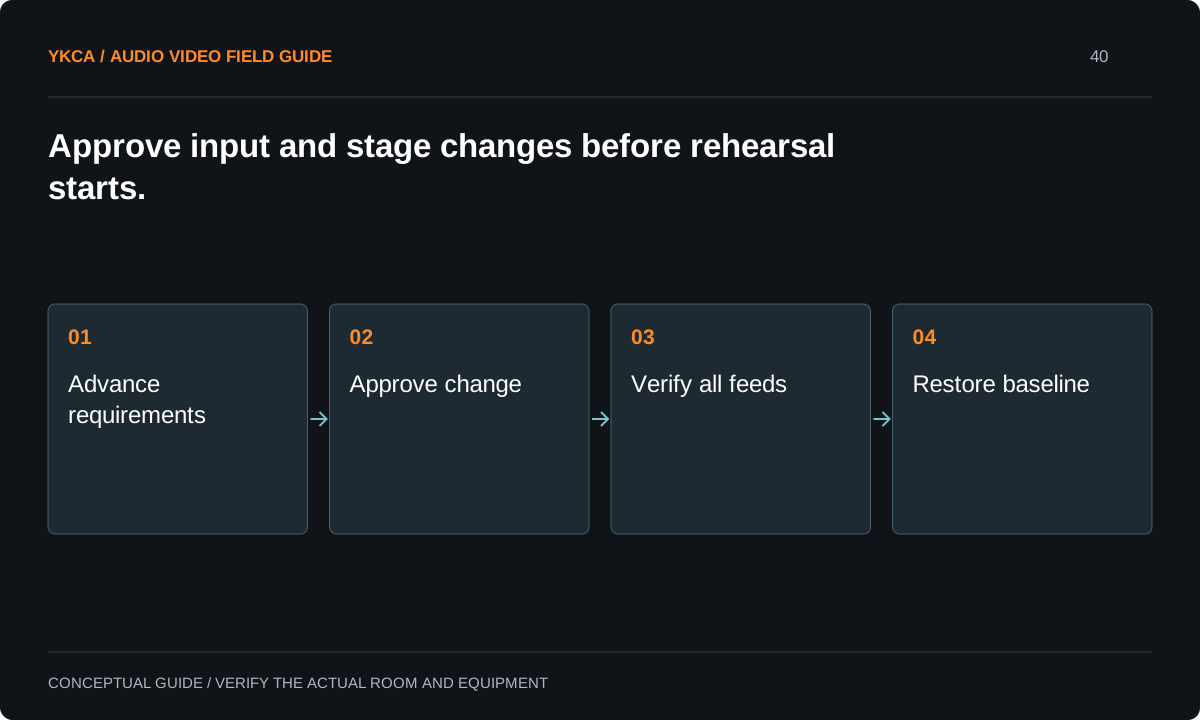
- Advance requirements
- Approve change
- Verify all feeds
- Restore baseline
Agree on stage level before balancing the room
If an instrument is already excessively loud in the seating area before its mixer channel is raised, the operator has limited ability to reduce it for the room. Explain that observation in musical terms: the ensemble needs room for speech and other performers. Agree on the stage arrangement and monitoring approach with the musicians instead of asking the volunteer to solve every conflict with equalization.
A change to personal monitoring also changes responsibilities. Decide who can adjust it, who verifies the result and what the performer should do if the monitor becomes uncomfortable or disappears. The rehearsal should include the strongest expected passage, not only a quiet tuning check that hides the real operating condition.
Use a change gate that fits a small church
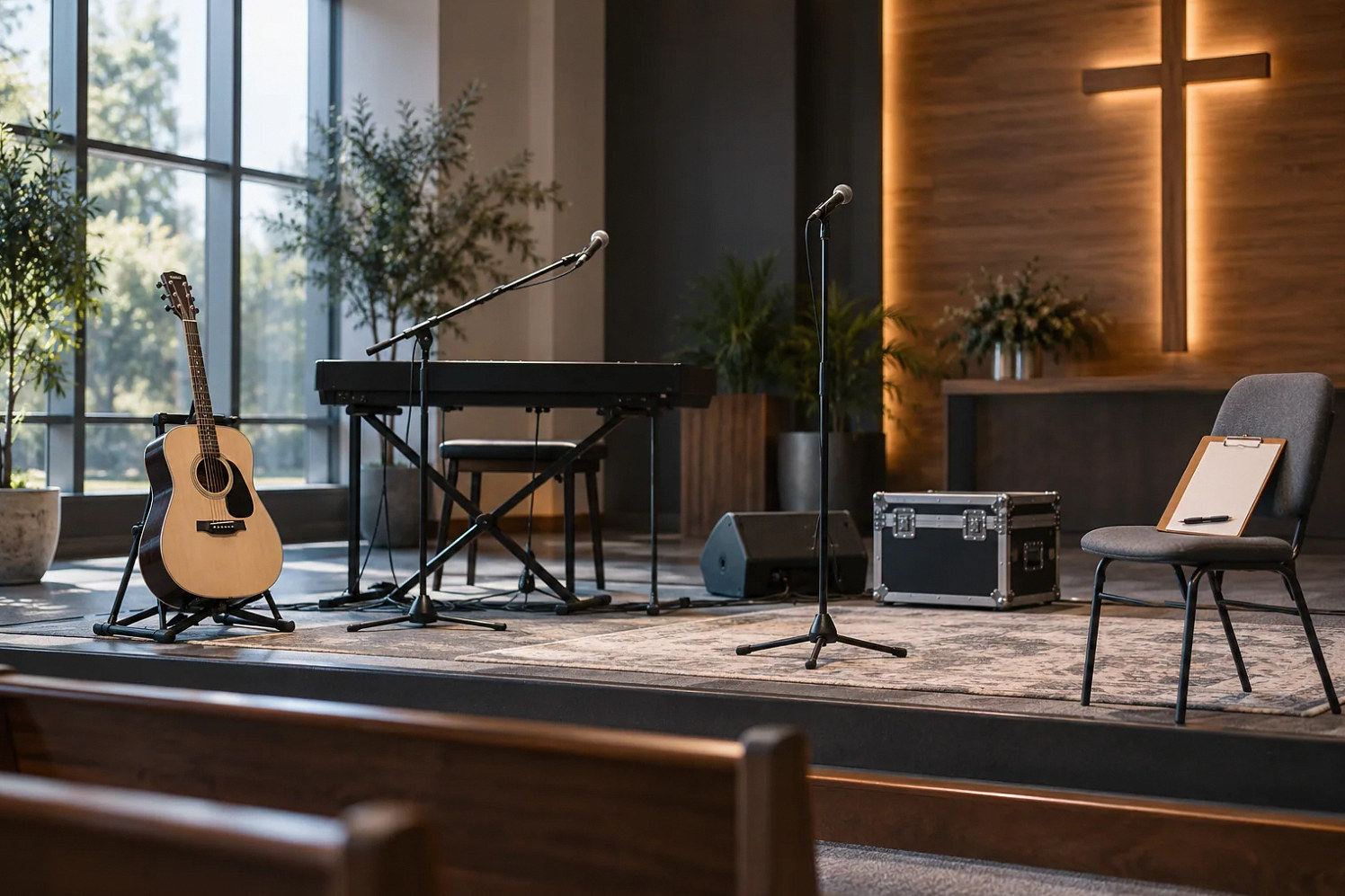
For example, a guest guitarist requests an amplifier instead of the previously agreed direct feed. The technical lead checks whether a suitable pickup path, stand, cable and input are available. The worship leader confirms rehearsal time. The team tests the new arrangement in the room and stream before retiring the original plan. If those checks cannot be completed, the original approved setup remains the fallback.
The gate is not a lengthy procurement process. It is a clear answer to three questions: who approves, what must be verified and when a decision becomes too late for this service. Apply it consistently to regular musicians as well as visitors.
Give volunteers a practical escalation path
A volunteer should not have to negotiate production policy while also mixing a service. Put the technical lead and worship leader’s responsibilities on the advance sheet. If a requested change consumes the last available input or bypasses a public feed, the operator explains the limitation and asks the designated leader for a decision. Record any accepted compromise.
Avoid blame-based incident reports. Describe the source, requested change, missing requirement and observable effect. For example, “the added instrument has no verified stream feed” is useful; “the musician ruined the mix” is not. This creates a record the church can use to improve its next booking and identify genuine equipment or staffing needs.
For the regular church sound system setup, label a small number of approved guest connection points and keep an input-list copy with the stage lead. The label should identify its purpose without encouraging visitors to alter the rack. Ask the technician to explain any connection that requires a specific interface or permission. If equipment is borrowed, identify who checks its condition and compatibility before rehearsal and who returns it afterward. Keep a photo or diagram of the approved physical arrangement if the church authorizes that documentation. A clear reference helps a substitute restore the stage without guessing from cable colors or relying on a previous musician's memory.
Close the event by restoring the service baseline
After a guest event, compare the stage patch with the regular service input list. Remove temporary connections through the agreed procedure, restore the approved configuration and verify the lectern, regular music inputs and stream. A saved scene alone cannot restore a moved cable or a changed instrument output. Leave enough time for that physical check.
Handoff should include the final input list, accepted changes, unresolved limitations and any borrowed equipment that must be returned. Keep the next service owner informed. The success condition is not merely that the guest event ended; it is that the church’s normal team can start its next service without discovering an undocumented alternate setup.
Compare the next steps
A decision table for this problem
| Situation | Operating decision | Evidence to check |
|---|---|---|
| Guest brings another amplifier | Review input and stage plan before use | Room and stream receive a tested signal |
| No spare mixer input remains | Reduce scope or provide approved expansion | Leader accepts a documented decision |
| Stage sound masks speech | Agree on stage level and monitoring | Full-strength rehearsal includes speaking |
| Request arrives after rehearsal | Use agreed change cutoff and fallback | Operator has an identified decision-maker |
| Guest event is finished | Restore regular physical patch and baseline | Next service’s essential inputs verified |
Use this in the room
Your working checklist
Common questions
Is an instrument audible in the room automatically in the stream?
No. Direct stage sound can reach the congregation without entering the mixer. The stream needs its own verified signal path for that source.
Who should approve a last-minute change?
The person responsible for the program and the person responsible for the technical system should agree. The volunteer at the console needs a clear decision, not conflicting instructions.
Can a saved scene restore the regular setup?
It may restore supported settings, but it cannot move microphones or reconnect cables. Compare the physical stage patch and test essential sources before the next service.
Read the original guidance
Sources and discussion context
Research used primary documents and, where full text was unavailable, indexed excerpts from official sources. A citation does not mean the complete document was accessible. Product behavior depends on the actual model, configuration and documentation. Confirm the requirements for your venue before changing the installation.
Reader problems behind this guide
These Reddit discussions helped identify the practical question. They are individual experiences, not technical authority or a measure of how common the problem is. Examples and diagrams illustrate planning decisions; they are not records of completed YKCA projects or installation drawings.
- My fellow church volunteers. I would like to Vent! I am tired of being ignored/invisible.
Unapproved amplifier changes bypassed the mixer and affected both room balance and livestream; guest needs arrived late.
Research access: search excerpt with post text; not independently opened.
Keep the whole system in view
