
Projects / Explore projects
Explore projects: turn photographs into questions for your own scope
Use the Projects library to distinguish documented before-and-after photos, planning guides and illustrative concepts.

THE KEY POINT
A useful project image helps you ask about scope; it does not establish your price, timeline or result.
Choose the right view of the library
The Projects page separates documented photographs from planning guides. Use its filters to focus on the kind of information you want, then follow a card to the relevant gallery or service explanation. The page brings examples and project questions together without turning every illustration into a completed-job claim.
Read the caption before drawing conclusions. Concept imagery communicates an idea; documented before-and-after photographs show a particular recorded setting. Neither format by itself tells you the full contract scope, concealed conditions or performance of the installation.
Use before-and-after views to ask better questions
Look for changes in layout, circulation, storage, equipment and finishes. Ask what likely had to be coordinated behind the visible result, but keep those observations as questions unless the accompanying text confirms them. A new cabinet arrangement may involve more than cabinet replacement, while a dramatic finish change may retain much of the existing layout.
The comparison control helps you inspect the relationship between two views. It is not a measurement tool. Perspective, lighting and camera position can affect how a space appears, so do not estimate dimensions or structural work from the slider alone.
Follow the planning guides for the underlying decisions
The library links to topics such as ADUs, remodeling, subpanels, tenant improvements, commercial lighting and AV or stage integration. Use those guides to identify what the project conversation needs: property use, utility connections, affected systems, equipment requirements and access.
Choose a small number of references and annotate what interests you in each. “More preparation space while keeping this window” is a useful goal. “Make ours identical” leaves too much unanswered when the room dimensions, structure, budget and permitting context differ.
Bring the references back to your property
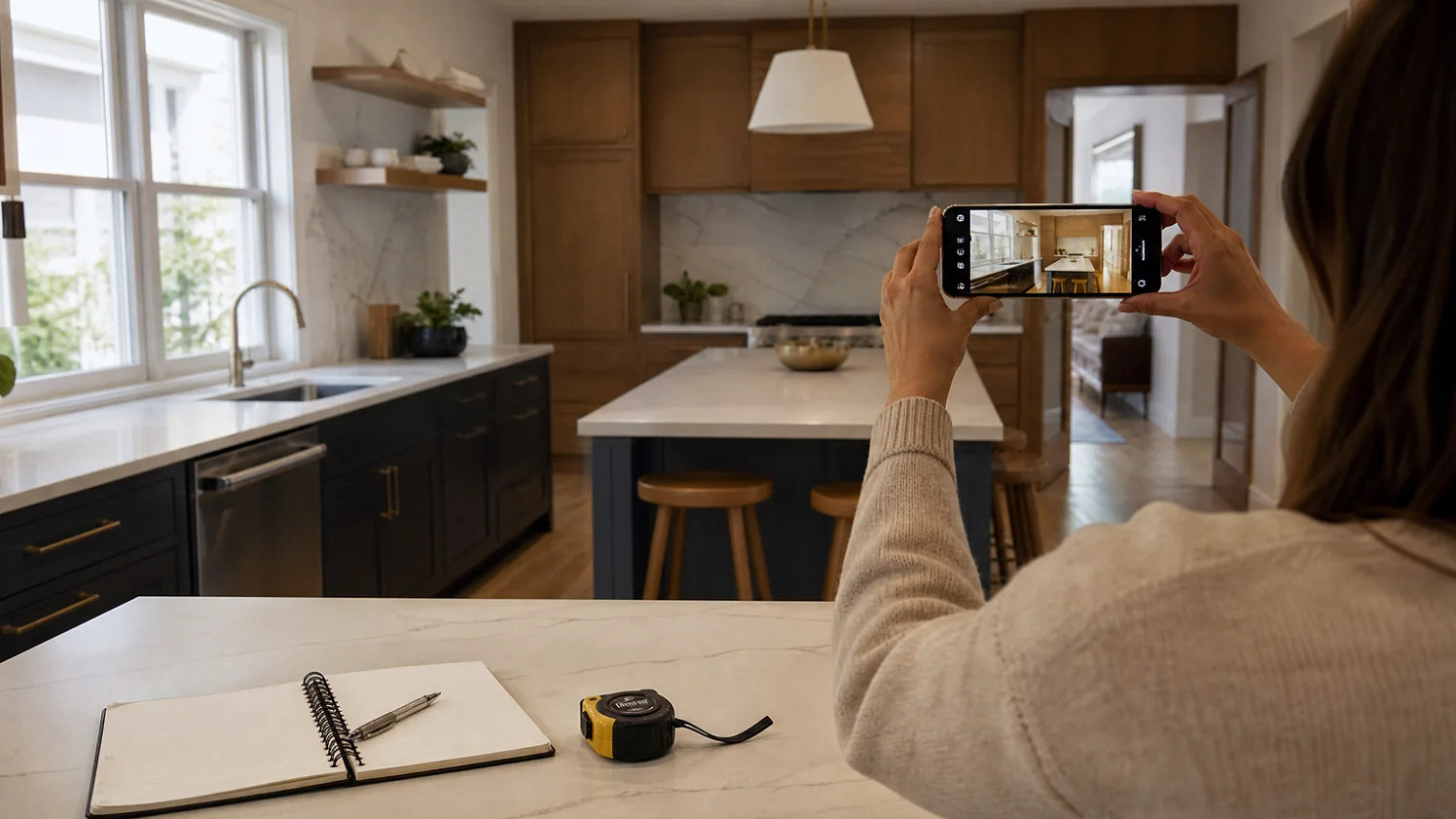
Pair each selected image with an existing-condition photo or sketch of your space. Mark what should stay and what you would consider changing. Tell the project team which features are essential and which are optional, then ask what information is needed to assess the alternatives.
Do not treat another project’s photograph as a price or schedule guarantee. The Projects page helps you express preferences and discover relevant service questions. The actual proposal still needs your site conditions, agreed scope, selections and responsibilities. That is how visual inspiration becomes a useful project brief rather than an assumed promise.
Keep the next steps clear
| Step | What to record | Why it helps |
|---|---|---|
| Read | Photo caption and context | Know what is shown |
| Compare | Before and after | Spot scope questions |
| Plan | Your property differences | Create a useful brief |
BEFORE THE NEXT STEP
Your checklist
A useful question
Are all images in the Projects library completed YKCA projects?
No. Read each caption. The library distinguishes documented photographs, illustrative concepts and planning guides. Use the images to explain preferences, then assess the scope for your own property.
PUT THE GUIDE TO WORK
Page & sources
This guide helps you prepare for a conversation with YKCA. Reviewed October 3, 2026. Check current project terms and official instructions when making a decision.
CONTINUE WITH THE NEXT DECISION
Related Company guides

Ready to use what you have learned?
Open Explore projects