
For partners / Property managers
Property managers: turn a repair report into an actionable work request
Use the property-manager page to connect the reported problem, authorization, occupant access and closeout records.
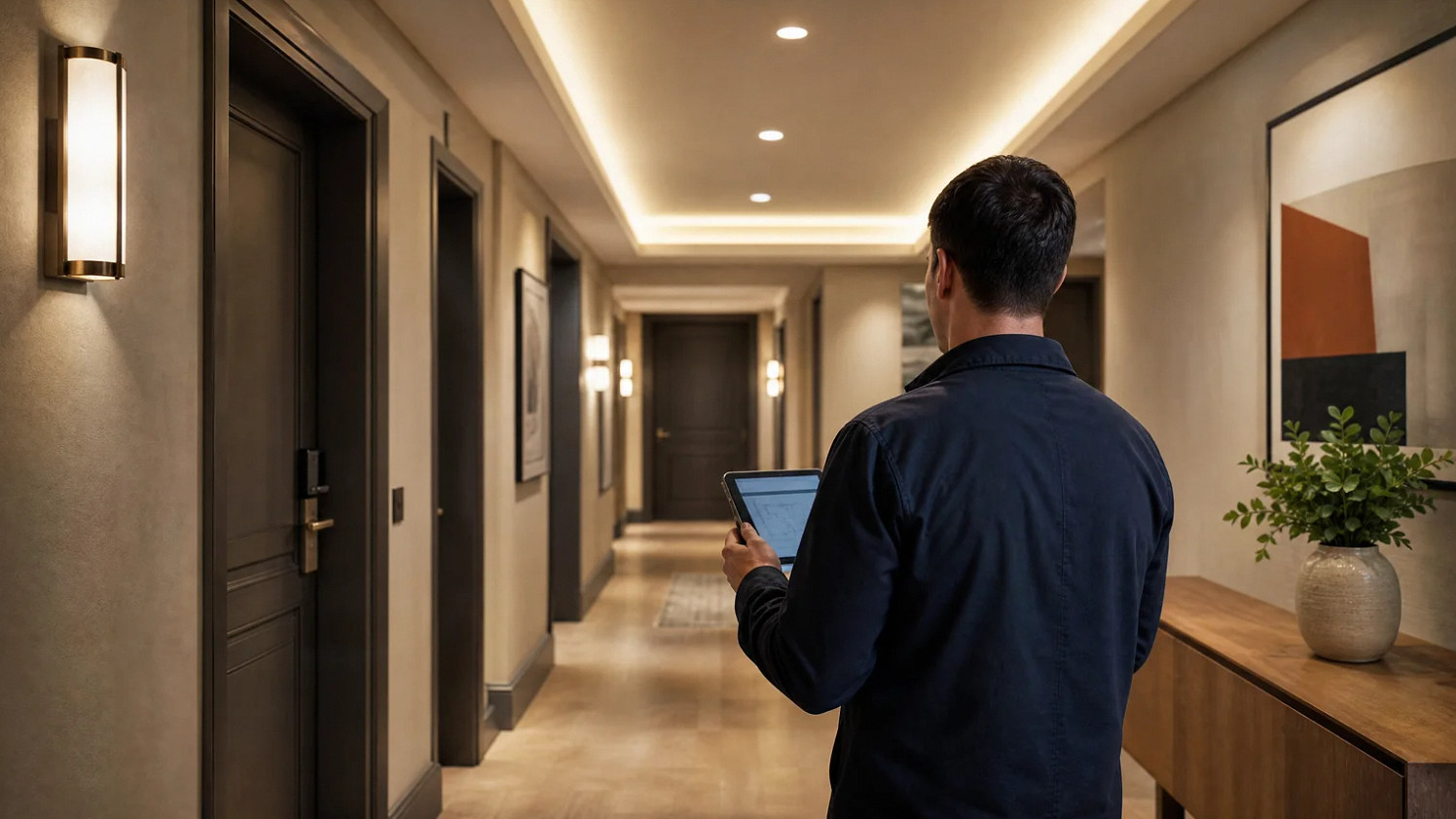
THE KEY POINT
The person reporting a problem, the person approving work and the person opening the door may be three different people.
Record the symptom before choosing the repair
Start with what was observed, where it happened and when it began. “The lights in the rear office flicker when equipment starts” is more useful than “replace the panel” when no assessment has established the cause. Include safe photos and the effect on the property’s normal use.
The Property Managers page separates project stages so you can prepare a maintenance inquiry, planned improvement or follow-up. Select the stage that matches the decision you need. If the problem is developing, update the same record instead of creating several disconnected descriptions.
Identify who can authorize the work
Name the property contact and the person who can approve investigation, a proposed repair or a change in scope. If your organization uses purchase orders or spending limits, explain that process before scheduling. A tenant’s description supplies useful evidence but does not necessarily establish the management company’s approval.
Distinguish an investigation request from authorization to perform every repair that might be found. Ask how findings will be presented and who should receive a proposal. This helps prevent a visit from ending with unanswered approval questions while the occupant expects the work to be finished.
Plan access and building operations
Explain occupied areas, operating hours, escorts, parking and known service interruptions. Arrange resident communication and any required access authorization through your normal management process. Avoid placing alarm codes, lockbox combinations or tenant personal information in a general project description.
For work affecting shared systems, identify the other units or operations that may be involved. A repair confined to one room can still require access elsewhere. Ask the project team to confirm those dependencies before communicating a firm work window to occupants.
Define a useful closeout record
Request a summary of observed conditions, authorized work, remaining issues and relevant photos or equipment information. Note whether an item is repaired, awaiting a part, awaiting approval or still under investigation. “Visited” and “resolved” are different statuses.
For recurring problems, keep dates and prior work together so the next visit starts with the history. The YKCA partner page helps prepare a property-specific discussion. It does not promise a standing maintenance contract, response time or emergency dispatch arrangement. Agree those expectations explicitly when they are needed.
Keep the next steps clear
| Step | What to record | Why it helps |
|---|---|---|
| Report | Symptom and location | Avoid an assumed diagnosis |
| Authorize | Decision-maker and scope | Keep approvals clear |
| Access | Occupant and work window | Make a visit workable |
BEFORE THE NEXT STEP
Your checklist
A useful question
What information helps a property-management repair move forward?
Provide the symptom, property and affected area, authorized decision-maker, access arrangement and operational constraints. Separate the request to investigate from approval for a repair.
PUT THE GUIDE TO WORK
Page & sources
This guide helps you prepare for a conversation with YKCA. Reviewed October 3, 2026. Check current project terms and official instructions when making a decision.
CONTINUE WITH THE NEXT DECISION
Related Company guides
Ready to use what you have learned?
Open Property managers